 ENEnglish
 LTLietuviškai
 DEDeutsch
 FRFrançais
 RUРусский
 ESEspañol
 PLPolski
 ITItaliano
 UKУкраїнська
 CSČeština
 PTPortuguês
 JA日本語
 LVLatviešu valoda
 ETEesti
 HUMagyar
 IDBahasa Indonesia
 TRTürkçe
 HIहिन्दी
 ELΕλληνικά
 ARالعربية
 THไทย
 VITiếng Việt
 RORomână
 MSBahasa Melayu
 BNবাংলা
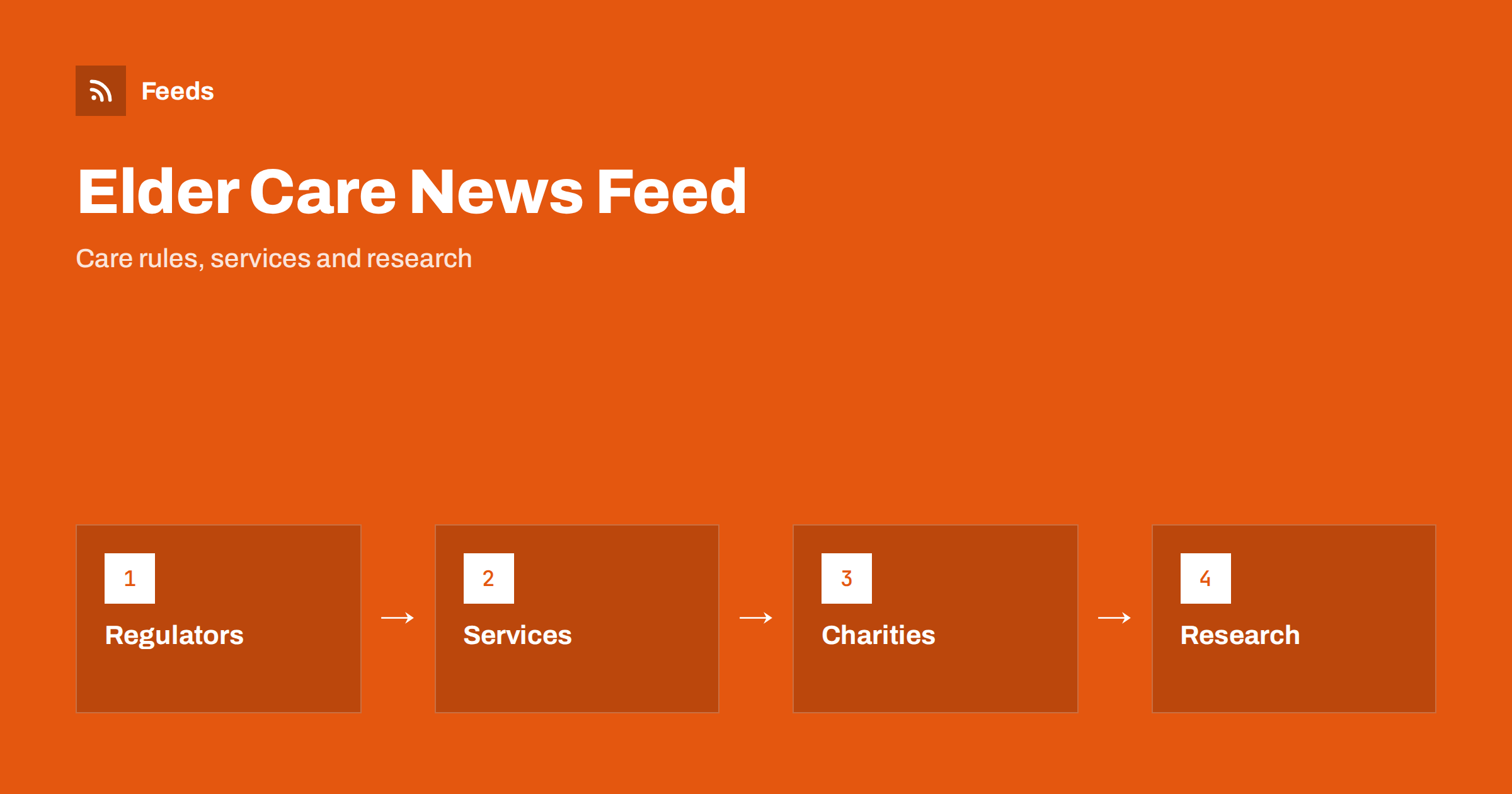
Short answer: News about ageing and elder care is spread across health services, care regulators, local councils, charities and universities. RSS brings these sources into one reader, so families and professionals can follow rule changes, local services and research without checking many websites. Begin with official sources, add a few trusted charities, filter by topic such as dementia, home care or benefits and remember that news is not personal medical or legal advice.
Who needs to follow this subject
Many groups have a reason to follow ageing and care news. Adult children who help their parents want to know about services, costs and rights. Care managers and nurses need to follow standards and inspection reports. Local charities need to learn about funding calls and changes in support. Journalists, researchers and planners follow trends in population, housing and health.
The common problem is time. Information is scattered, and it is easy to miss a change in a benefit or a new service in your area. A feed gives you a steady, readable stream. If you are new to the idea, what is an RSS feed explains it in a few minutes.
Pay attention to publication dates and the date of the last update. Care rules change, and a guide that was correct two years ago may now be wrong about costs or eligibility. When you read an item, check that it names the country or region it applies to, since rules differ widely. If the page does not say, treat it as general information and look for the local version before you act.
Official sources first
Begin with the bodies that set and check the rules. Health ministries and national health services publish guidance and statistics. Care regulators publish standards, inspection methods and sometimes the results of inspections. Local councils announce changes in home help, day centres and transport. Pension and benefit agencies explain changes in payments and eligibility.
These sources are the most reliable for facts and dates. Put them in their own folder and read it first. For the wider context of pension and insurance rules, follow insurance and pension rule changes with RSS describes useful sources.
Look at the tone of each charity as well. Some publish calm practical guides, others focus on campaigns. Both are valuable, but they serve different needs, so put campaign news in a separate folder and read it when you have time. When you need quick help, the practical guides are the ones that count.
Charities, associations and community groups
Charities and associations translate official news into practical advice. They explain how to apply for support, what questions to ask a care provider and how to plan for the future. Many publish easy-to-read guides and local event lists. Community groups, churches and volunteer organisations announce social activities, which help reduce isolation.
Use them as a second layer. When an official source announces a change, a charity often explains it a few days later in plain words. Follow volunteer and charity opportunities with RSS shows how to find opportunities to help, which can be useful for families and students.
Research and health information
Studies on healthy ageing, memory, mobility, nutrition and loneliness appear every week. Many are small or early, and a headline may promise more than the study shows. Follow university news and journals, and read the summary of the original paper when you can. How to follow academic journals and research with RSS alerts explains the setup.
For health guidance, prefer public health agencies and professional bodies. Follow clinical guidance updates with RSS describes how professionals track guidelines. If an article gives advice about medicines or treatment, remember that it cannot replace a conversation with a doctor or pharmacist.
Be careful not to filter too hard. A narrow filter may hide a useful item that uses an unexpected word, for example a notice about ‘supported living’ when you filtered only for ‘care home’. A good habit is to review the unfiltered list once a month and add any missing words. That way the filters improve with use, and you stay in control of what you see.
Filter by the topics you need
Keywords keep the reading manageable. A family may choose “home care”, “respite”, “dementia” and “care home fees”. A provider may choose “inspection”, “staffing”, “medication” and “funding”. A planner may choose “ageing population” and “housing for older people”.
Add the common alternatives as well, because language varies: “elderly”, “older adults”, “seniors” and “later life” may all be used for the same subject. Set up keyword alerts using RSS feed filters shows how, and reduce RSS alert noise helps when the filter is too wide.
Keep contact details in your notes: the phone number of the local social services office, the name of the nearest advice charity and the opening hours of the council. When a feed item mentions a change, you can act at once instead of searching. Over time this small habit turns the feed into a practical support system for the person you care for.
Local news matters most
Care is local. Opening hours of day centres, bus routes, a new meal service or a closed care home are things that appear on local pages, often without a feed. Follow your council, your local health service and local newspapers. Local news monitoring with RSS describes how to build a small set of local sources.
When a page has no feed, turn it into one with a page-to-feed tool, as in how to create an RSS feed for a website without RSS. Always read the preview, and check that the items link to the correct pages.
If you work for a care provider, set a rule that items about residents are never posted without written consent, and that any post about a death or an illness is written by a person, not by an automated tool. Public trust in care depends on dignity, and a single careless post can undo years of good work.
Reading with care and sharing with respect
Stories about ageing and illness are personal. Do not share photos or details about a person without permission, even if they are already public elsewhere. Use respectful, plain words, and avoid labels. Share the official guidance or a trusted charity page, not your own summary of medical details.
Be careful with scams. News about fraud aimed at older people is worth following, and scam and fraud warnings as RSS consumer alerts helps you build a feed for it. Share warnings with relatives, and agree on a simple rule: never act on a call or message that asks for money or codes without checking first.
If you care for a person, keep a short notes file with the services you use, their phone numbers and the dates of reviews or renewals. When the feed brings a change that touches one of them, add the date and the action. In a stressful week, having these details in one place is a relief, and the feed stops being just reading and becomes a tool that helps you plan.
A routine for families and teams
Choose a fixed time each week, such as Sunday afternoon. Read official news first, mark items with dates or costs, and put them in a family calendar or a shared note. Then read the local and charity news, and star items to share. Archive the rest.
Professional teams can divide topics: one person for regulation, one for local services and one for research. A short monthly meeting decides which changes need action. A shared folder of starred items becomes a library that new colleagues can use. Shared RSS reading lists for teams explains how to organise it.
How RSS Feed Creator helps
RSS Feed Creator turns council, health service and charity news pages into clean RSS feeds, even when the site has no feed of its own. It reads titles, images, summaries and dates, uses an existing feed when there is one, and shows a preview of the items before the feed is created. Keyword filters keep only the items that contain your words, and the paid add-on lets you merge up to 10 sources into one feed with duplicates removed automatically, which suits a feed of care news and local services. Feeds refresh every 3 hours on the free plan and every 30 minutes on paid plans. The free plan allows up to 20 items per feed, and the details are on the pricing page.
Related reading
- How Healthcare Teams Can Follow Clinical Guidance with RSS
- Local News Monitoring: Follow Your Town’s Sources with RSS
- How to Follow Insurance and Pension Rule Changes with RSS
The bottom line
A feed helps families and professionals follow ageing and elder care news in one calm place. Read official sources first, add charities and local news, filter by topic, treat news as information and not advice, and keep a simple weekly routine.
FAQ
Which sources should families start with?
Your local council, the national health service and a respected charity for the condition or topic that matters to you.
Can a feed replace advice from a doctor?
No. A feed tells you what is new. Medical and legal decisions need a qualified person.
How do I follow a local day centre without a feed?
Use a page-to-feed tool on its news page, check the preview and add the feed to your reader.
Which keywords work best?
Use both formal and everyday terms, such as home care, respite, dementia, older adults and care fees, and review them twice a year.
How can several relatives share the same feed?
Use a shared reader folder or send the feed link to a chat channel, so everyone sees the same items.


