 ENEnglish
 LTLietuviškai
 DEDeutsch
 FRFrançais
 RUРусский
 ESEspañol
 PLPolski
 ITItaliano
 UKУкраїнська
 CSČeština
 PTPortuguês
 JA日本語
JA日本語 LVLatviešu valoda
 ETEesti
 HUMagyar
 IDBahasa Indonesia
 TRTürkçe
 HIहिन्दी
 ELΕλληνικά
 ARالعربية
 THไทย
THไทย VITiếng Việt
 RORomână
 MSBahasa Melayu
 BNবাংলা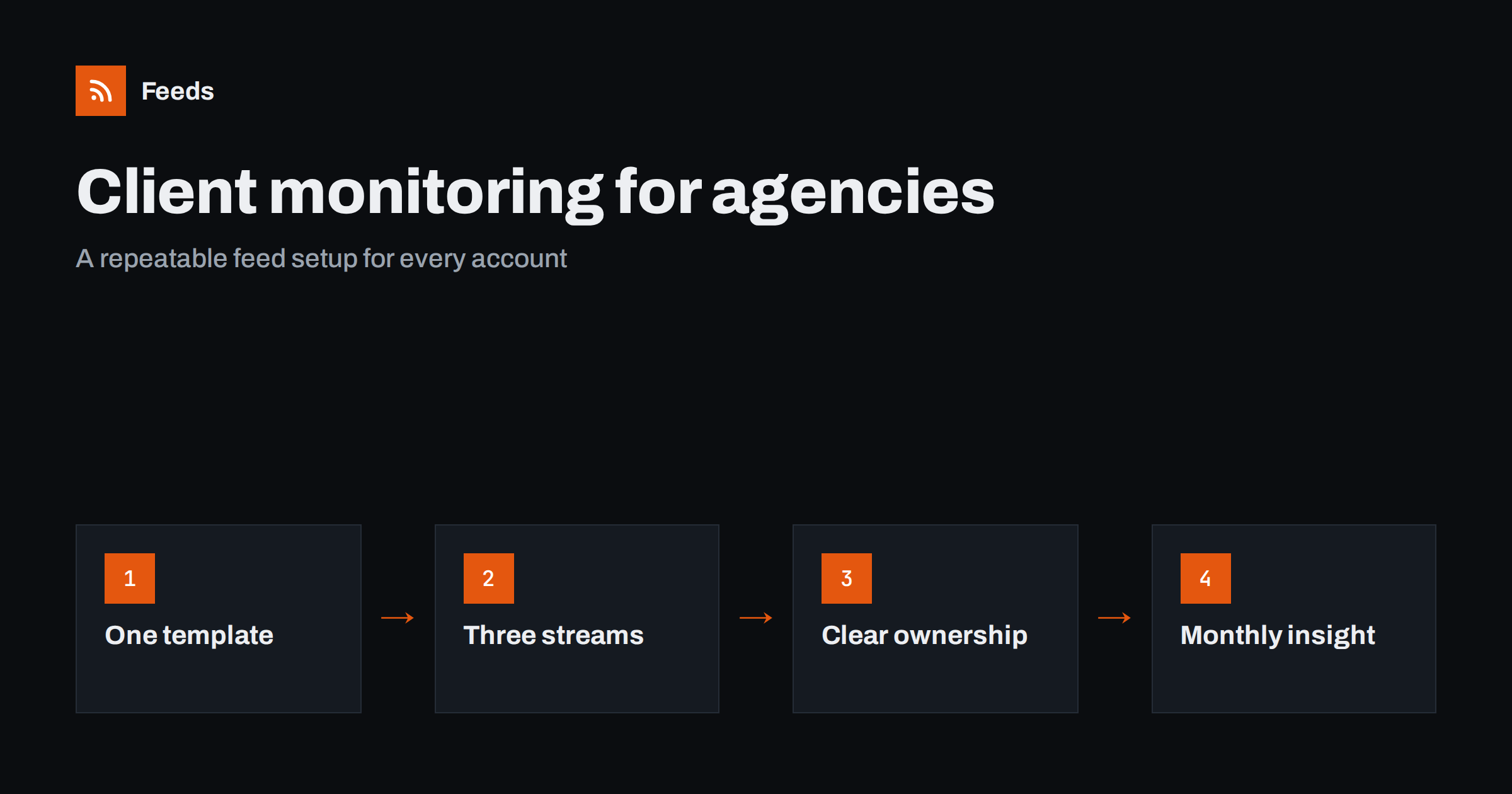
Short answer: Give every client the same monitoring template: one merged feed for the client’s own mentions and news, one for their competitors, and one for their industry. Build each from existing feeds where available and from generated feeds for sites without RSS, filter them with the client’s brand, product and topic words, and make the account lead responsible for reading them. Turn what you find into a short monthly insight note that shows the client you understand their market.
Clients rarely say it, but they expect their agency to know what is happening in their world: the competitor’s new campaign, the trade article that mentions them, the regulation that will change their messaging. Agencies that bring these things up first look proactive and indispensable. Agencies that hear about them from the client look out of touch. Doing this for many clients at once requires a system, and feeds are the simplest way to build one.
The alternative most agencies fall back on is a mix of search alerts, social media scrolling and occasional visits to competitors’ sites before a client meeting. It works while the agency is small and every account manager has time. As soon as the client list grows, coverage becomes uneven, and the clients who notice are usually the most valuable ones.
Why a standard template matters
When each account manager monitors clients in their own way, quality varies and knowledge leaves with people. A template fixes that.
- Consistency: every client gets the same baseline coverage.
- Speed: onboarding a new client means filling in a known structure, not designing monitoring from scratch.
- Handovers: when an account changes hands, the feeds, filters and notes move with it.
- Scalability: the same process works for five clients or fifty.
The three streams for each client
| Stream | Sources | Filters | Used for |
|---|---|---|---|
| Client | Client’s own blog, newsroom, careers page; trade and local press sections | Client brand, product and executive names on press sources | Reacting to coverage, amplifying news, knowing what the client announced |
| Competitors | Competitors’ blogs, newsrooms, changelogs, careers pages | Usually none, except for very active competitors | Positioning advice, campaign ideas, early warnings |
| Industry | Trade publications, associations, regulators, events pages | Topic words for the client’s niche | Content ideas, thought leadership, timing campaigns |
Three streams per client is manageable. More than that and nobody reads them; fewer and important signals mix together.
Some clients justify an extra stream, for example a regulated client that needs a dedicated regulatory feed, or a retailer that needs a local events feed for each store region. Treat these as documented exceptions to the template rather than as a reason to give every client a different structure.
Step 1: Onboard sources with the client
At the start of an engagement, ask the client three questions: which publications matter in your industry, who do you see as competitors, and which associations, regulators or events shape your market? Clients usually answer quickly, and the answers are often different from what an agency would guess.
Add your own research: search for the client’s category, look at where competitors get coverage, and check which trade sites rank for the client’s main topics. Record every source with the specific page to follow and whether it has a feed.
Step 2: Build feeds and merge them
For each source page, use the existing feed if there is one. Newsrooms, careers pages, association news and many trade publications’ sections often have no feed; generate those from their list pages and check the preview. Then merge sources into the three streams for the client.
Name feeds consistently, for example “Client A – Competitors”, so anyone in the agency can find them. Keep a shared sheet listing every client’s sources, feeds and filters. Include the date each source was added and the reason, so quarterly reviews can quickly decide what to keep.
Step 3: Filter carefully
- Client stream: filter press sources for the client’s brand, product and key people. Do not filter the client’s own pages.
- Competitor stream: usually unfiltered. If a large competitor publishes too much, filter for topics relevant to the client.
- Industry stream: filter broad sources with the client’s niche terms, and leave specialist sources unfiltered.
Review filters after the first two weeks with real results, and again whenever the client launches something new. A new product name that is not in the filters is the most common reason an agency misses coverage of its own client’s launch.
Step 4: Assign ownership and a rhythm
Monitoring without an owner fails quietly. The account lead, or a designated team member, owns each client’s streams.
- Daily: scan the client stream for mentions and news that need a quick reaction, such as sharing coverage or preparing a response.
- Weekly: review competitor and industry streams and flag items worth discussing.
- Monthly: write a short insight note for the client.
- Quarterly: review sources and filters with the client.
Step 5: Turn items into client value
The monthly insight note is where monitoring becomes visible to the client. Keep it short and specific:
- Three to five developments that matter, each with one sentence on why.
- What competitors did this month, and whether it calls for any response.
- Upcoming events, deadlines or regulatory changes to plan around.
- Two or three content or campaign ideas that follow from the above.
Clients rarely read long reports, but they value a page that shows their agency is paying attention. It also creates natural openings for new work: a campaign in response to a competitor move, content around a regulation, a presence at an upcoming event.
A worked example
A twelve-person digital agency serves eighteen clients across hospitality, software and professional services. It sets up the three-stream template for each client over two weeks, starting with the largest accounts. For a regional hotel group, the client stream follows the group’s own news page and the business sections of four regional news sites filtered for the group’s name and its hotels’ names. The competitor stream follows the news and offers pages of five competing hotels, most of which have no feeds and are generated from their list pages. The industry stream follows two hospitality trade publications, the regional tourism board’s news and events pages, and a hotel association.
The account manager scans the client stream every morning and the other two on Thursdays. In the first monthly note, she points out that two competitors have launched spa packages for the winter season, that the tourism board is running a campaign the hotel could join, and that a trade publication is inviting submissions for a feature on sustainable hotels. The client joins the campaign and asks the agency to prepare the submission, work that came directly from monitoring.
Across the agency, the shared sheet of sources and feeds means that when an account manager goes on leave, a colleague can pick up the daily scan the same morning without asking what to look at.
Common mistakes
- One giant agency feed. Mixing all clients together makes it impossible to read with any focus. Keep streams per client.
- Collecting without reporting. If the client never sees the value, monitoring becomes invisible overhead.
- Forgetting to update sources. Clients’ markets change; new competitors appear. Review sources quarterly.
- Ignoring broken feeds. Newsrooms and careers pages are redesigned often. A generated feed that stops finding items leaves a silent gap in coverage.
- Confidentiality slips. Keep each client’s monitoring separate and never share one client’s insights with another.
How Feeds helps
Feeds is built for this kind of work: agencies are one of the audiences it is made for, with one place for client feeds merged and filtered the way each client needs. It turns newsrooms, careers pages and other pages without RSS into feeds, uses existing feeds when they exist, and shows a preview before creating anything. You can merge sources and keep items with or without your words, with duplicates removed automatically. Feeds refresh on their own, and paid plans alert you if a feed stops finding items. Plan limits on feeds and sources are on the pricing page.
Related reading
- How to Track Competitor Blogs and News with RSS Feeds
- Media Monitoring with RSS: Track Brand Mentions in the News
- Content Automation for Agencies Managing Many Clients
The bottom line
Agencies win trust by knowing their clients’ markets. A standard template of three merged, filtered streams per client, clear ownership, a daily and weekly rhythm and a short monthly insight note turns scattered news into visible value. Feeds make the collection almost effortless, so the agency’s time goes into interpretation and advice.
FAQ
How can an agency monitor news for many clients?
Use the same template for every client: separate merged feeds for the client, its competitors and its industry. Assign an owner for each client and review the feeds on a fixed schedule.
What sources should be included for a client?
The client’s own news pages, trade and local press, competitors’ blogs, newsrooms and changelogs, and industry associations, regulators and events. Ask the client which sources they consider important.
Should competitor feeds be filtered?
Usually not, since almost everything a competitor publishes is relevant. Filter only very active competitors, using topics that matter to your client.
How do we show clients the value of monitoring?
Send a short monthly insight note with the most important developments, competitor moves, upcoming dates and a few ideas. It demonstrates attention and often leads to new work.
What if a client’s competitor has no RSS feed?
Create a feed from the competitor’s newsroom, blog or careers page with a page-to-feed tool. It finds the list of items on the page and updates automatically.


