 ENEnglish
 LTLietuviškai
 DEDeutsch
 FRFrançais
 RUРусский
 ESEspañol
 PLPolski
 ITItaliano
 UKУкраїнська
 CSČeština
 PTPortuguês
 JA日本語
JA日本語 LVLatviešu valoda
 ETEesti
 HUMagyar
 IDBahasa Indonesia
 TRTürkçe
 HIहिन्दी
 ELΕλληνικά
 ARالعربية
 THไทย
THไทย VITiếng Việt
 RORomână
 MSBahasa Melayu
 BNবাংলা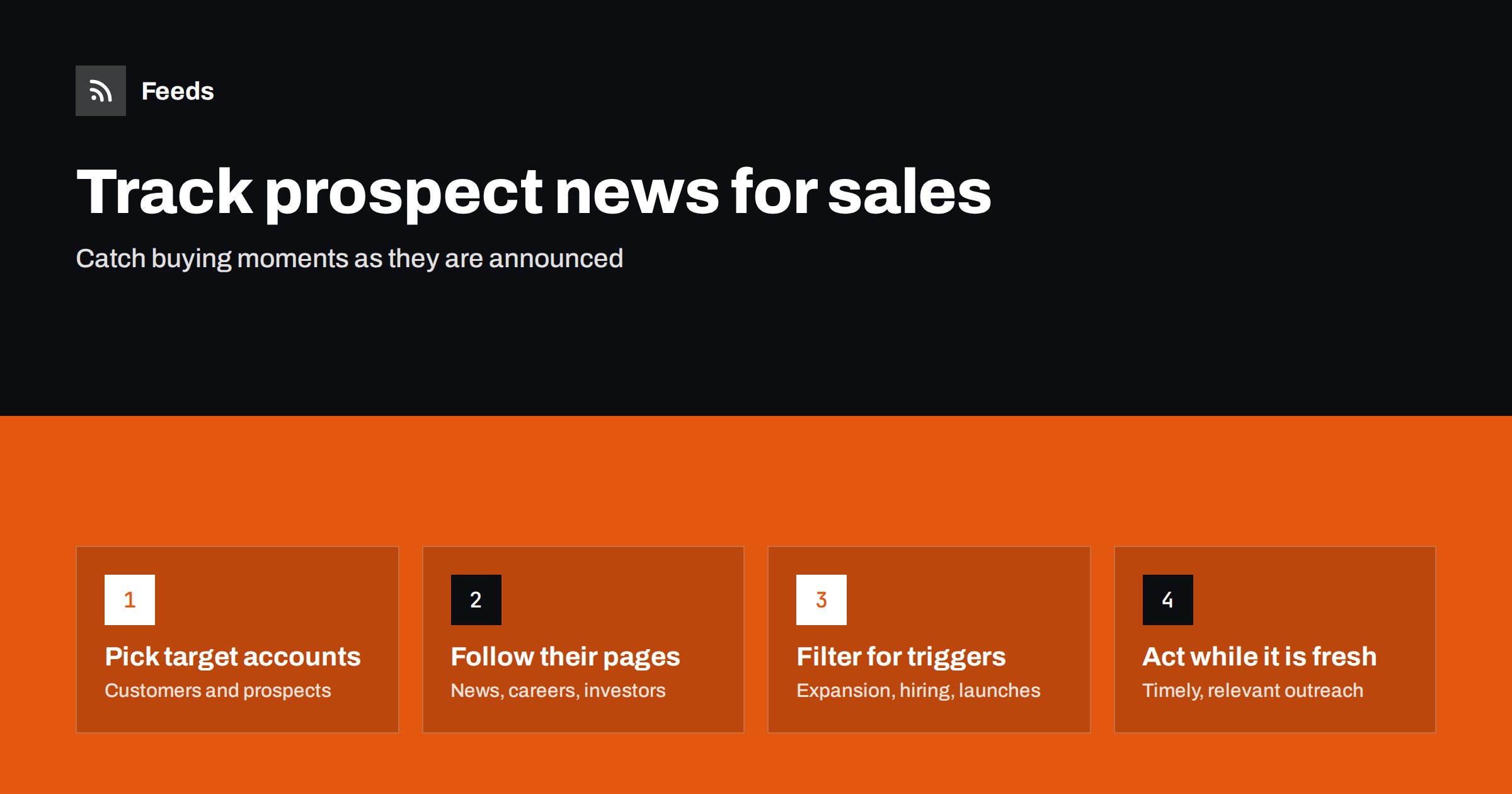
Short answer: For each important customer and prospect, follow the pages where the company announces change: its newsroom or blog, careers page and, for listed companies, investor relations news. Use existing feeds or generate them from those pages, merge them per sales rep or territory, and filter broad sources for trigger events such as expansion, funding, new leadership, acquisitions and launches. Reps then read one feed of account news and reach out while the news is fresh and relevant.
Salespeople know that timing matters. A company that has just opened a new office, hired a new head of marketing, raised money or launched a product is far more likely to be looking for suppliers than one in a quiet period. These trigger events are almost always announced publicly, on the company’s own website. The problem is that no rep can check fifty account websites every week. Feeds make it possible.
Commercial sales intelligence services also sell trigger alerts, and they can be useful for broad prospecting. For a rep’s own named accounts, though, the most reliable source is the company itself. Following those pages directly means you see the announcement when it is published, in the company’s own words, and you are not limited to whatever a third-party database happens to track.
Trigger events worth tracking
| Trigger | Where it appears | Why it matters |
|---|---|---|
| New leadership in your buyer’s function | Newsroom, blog, careers page (when the role is advertised) | New leaders often review suppliers and tools in their first months |
| Expansion to new locations or markets | Newsroom, local press, careers page | New sites need equipment, services and systems |
| Funding or strong results | Newsroom, investor relations page | Budget becomes available for growth projects |
| Product launches | Blog, changelog, newsroom | New products need marketing, support and infrastructure |
| Acquisitions and mergers | Newsroom, investor relations | Systems and suppliers are consolidated |
| Hiring clusters | Careers page | Growth in a team you sell to |
Choose the triggers that genuinely predict buying for your product. A recruitment agency cares most about hiring clusters; a facilities company cares about new locations; a software vendor cares about new leaders and launches.
Step 1: Build the account list
Start with accounts where timing would make a difference: open opportunities, high-value prospects, and existing customers with expansion potential. For most reps, twenty to fifty accounts is a manageable number. For each account, record:
- The company’s newsroom, press or blog page.
- Its careers page, especially filtered to relevant departments if possible.
- Its investor relations news page, if it is a listed company.
- Any relevant local or trade press sections where it is regularly covered.
This takes perhaps five minutes per account the first time, and it is worth doing together with the rep’s account planning. Many reps discover in the process that key accounts publish far more than they realized, such as regular updates on new sites, partnerships or leadership changes that never reach the national press.
Step 2: Get feeds for account pages
Company blogs often have feeds; newsrooms, careers pages and investor relations pages frequently do not. Investor relations pages hosted by specialist providers sometimes offer feeds or email alerts, so check before generating anything.
For pages without feeds, create feeds from the list pages with a page-to-feed tool and check the previews. For careers pages, confirm that each item is a job with its title; for newsrooms, that each item is a release with its headline.
Step 3: Merge by rep or territory
Each rep should read one feed containing all their accounts, not fifty separate feeds. Merge the account feeds per rep or per territory. If volume is high, split into two: one for company announcements and one for hiring, since they are read differently.
Company pages usually do not need filtering: anything a target account announces is worth a glance. Filter only broad sources, such as trade press sections, for the account names.
Step 4: Filter hiring feeds for signals
Careers pages of larger companies can list hundreds of roles. Filter them for roles that indicate a trigger for you:
- Leadership roles in the function you sell to, such as “head of”, “director” or “VP” combined with the department name.
- Roles that imply a project, such as “implementation”, “migration” or “new site”.
- Roles in new locations, using city or country names.
A new job posting for a head of e-commerce, for example, tells a software vendor that a decision-maker is about to arrive, and that the company is investing in the area. Timing outreach so that you are known before the new leader starts reviewing suppliers can make a real difference, provided the contact is relevant and respectful.
Step 5: Act on triggers while they are fresh
The value of a trigger fades quickly. A congratulations message a day after an announcement feels attentive; the same message two months later feels automated. Build a simple routine:
- Scan the account feed daily or every other day.
- For each relevant item, decide: reach out now, note for the next conversation, or ignore.
- When reaching out, reference the news specifically and connect it to a real reason to talk. Avoid generic templates.
- Log the trigger in the CRM account record, so colleagues and managers see it.
Not every trigger calls for outreach. Sometimes the right move is to note it and bring it up naturally at the next scheduled call, or to share it with a colleague who owns a different relationship at the same company. The discipline is to look at every item and make a conscious choice, rather than letting news pile up unread.
A worked example
A rep at a company selling warehouse automation covers forty accounts in logistics and retail. She lists each account’s newsroom and careers page, plus the investor news page for the eight listed companies. Eleven newsrooms have feeds; the rest, and nearly all careers pages, do not, so she generates feeds for them. She merges the newsrooms and investor pages into one “account news” feed without filters, and the careers pages into one “account hiring” feed filtered for “warehouse”, “distribution centre”, “logistics manager”, “operations director” and the names of regions where new sites are likely.
Within a few weeks, the hiring feed shows one account advertising several roles for a new distribution centre in a city where it had no presence, weeks before any press release. The rep contacts her existing contact there with a short note about similar projects, and the conversation turns into a site visit. A newsroom item about another account’s new operations director prompts a well-timed introduction a month after he starts. Neither lead came from a database or a purchased list; both came from public pages the rep simply followed.
The effort involved is small: about ten minutes each morning to scan two feeds, and a few minutes each month to add new prospects and remove closed accounts.
Common mistakes
- Following too many accounts. A feed with two hundred companies becomes noise. Focus on accounts where timing matters.
- Treating every item as a trigger. A company blog post about office culture is not a buying signal. Be selective.
- Clumsy outreach. Mentioning news in a way that feels like surveillance puts people off. Keep it natural and relevant.
- Not updating the list. Won and lost deals should leave the feed; new prospects should enter it.
- Silent feeds. Company websites are redesigned often. Check that each account feed still finds items, or use alerts for broken feeds.
How Feeds helps
Feeds turns account newsrooms, careers pages and investor news pages into RSS feeds, including pages that publish no feed of their own. It uses existing feeds when available, finds the list of items on other pages, and shows a preview before anything is created. You can merge a rep’s accounts into one feed and keep only items with the words that signal a trigger, with duplicates removed automatically. Feeds refresh on their own, and paid plans alert you if a feed stops finding items. Feeds only reads public pages; it does not enrich contacts or collect personal data. See the pricing page for plan limits.
Related reading
- How to Get RSS Feeds for Job Listings and Careers Pages
- How to Track Competitor Blogs and News with RSS Feeds
- How to Merge Multiple RSS Feeds into One Clean Feed
The bottom line
Buying moments are announced in public, mostly on the companies’ own websites. Follow the newsrooms, careers pages and investor pages of your key accounts through feeds, merge them per rep, filter hiring and press sources for real triggers, and reach out while the news is fresh. It replaces hours of manual research with a few minutes of reading, and makes outreach more relevant.
FAQ
What are sales trigger events?
They are changes at a company that make buying more likely, such as new leadership, expansion, funding, acquisitions, product launches or a wave of hiring in a relevant team.
How can I get alerts when a prospect publishes news?
Follow the prospect’s newsroom or blog feed, or create a feed from its news page if none exists. Merge all your accounts into one feed so you can scan their news in one place.
Can I track a company’s job postings with RSS?
Yes. If the careers page has no feed, a page-to-feed tool can turn its job list into one. Filter it for roles that indicate a buying signal for your product.
How many accounts should one rep monitor?
Usually twenty to fifty accounts where timing would make a difference. More than that tends to produce a feed that is too busy to read carefully.
How should I use a trigger in outreach?
Reference the news specifically and connect it to a genuine reason to talk, soon after it happens. Avoid generic templates and anything that feels like surveillance.


