 ENEnglish
 LTLietuviškai
 DEDeutsch
 FRFrançais
 RUРусский
 ESEspañol
 PLPolski
 ITItaliano
 UKУкраїнська
 CSČeština
 PTPortuguês
 JA日本語
JA日本語 LVLatviešu valoda
 ETEesti
 HUMagyar
 IDBahasa Indonesia
 TRTürkçe
 HIहिन्दी
 ELΕλληνικά
 ARالعربية
 THไทย
THไทย VITiếng Việt
 RORomână
 MSBahasa Melayu
 BNবাংলা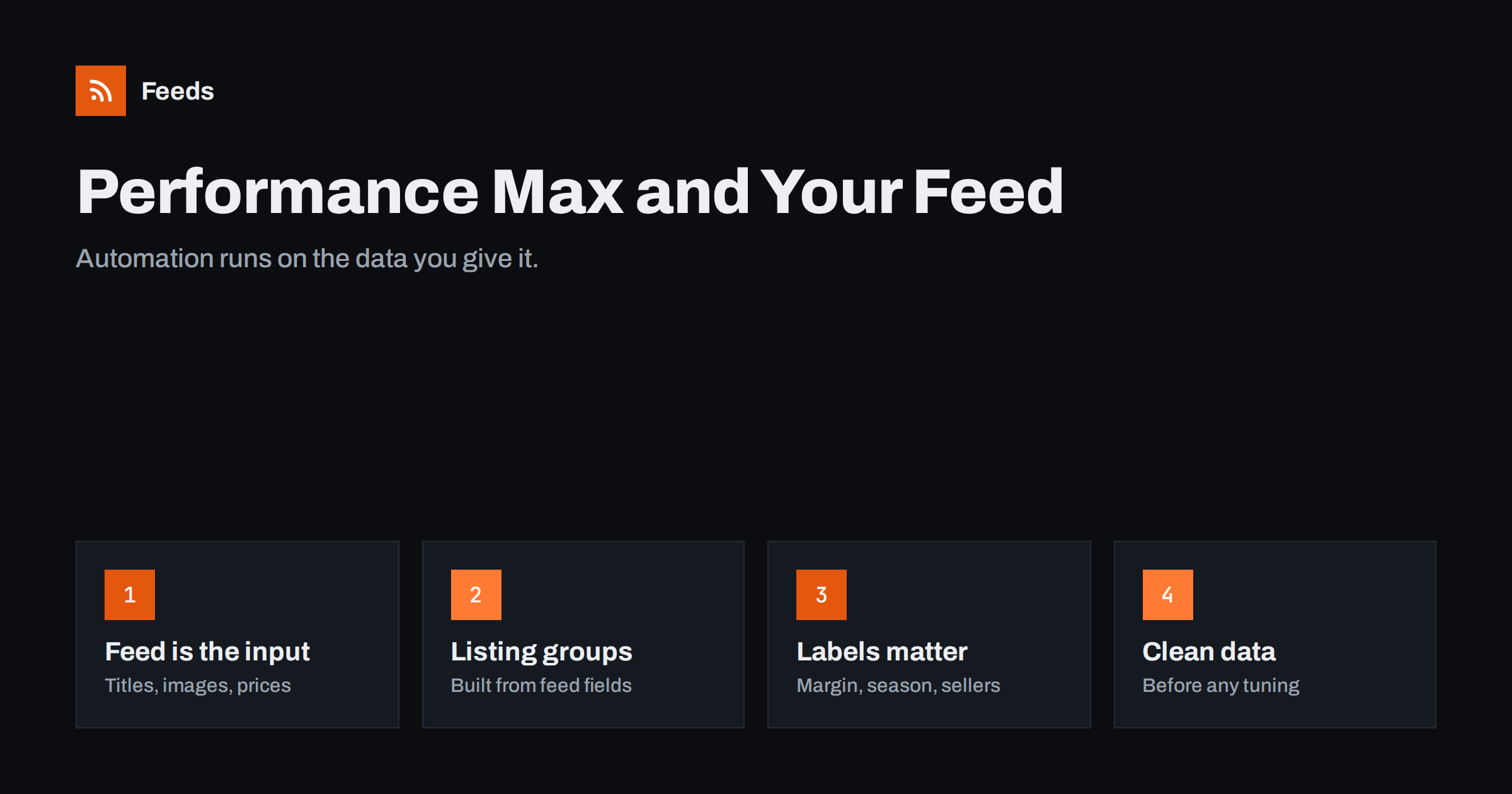
Short answer: Performance Max campaigns for online stores draw products from your Merchant Center feed and decide automatically where to show them across Google’s channels. Because bidding and placement are automated, the feed is one of the few inputs you control directly: titles and identifiers shape which searches products match, images and prices shape clicks, and product_type and custom labels shape how you split products into listing groups and campaigns. Clean, complete, current feed data is the foundation of any Performance Max setup.
How Performance Max uses the feed
Performance Max is Google’s campaign type that uses automation to show ads across Search, Shopping, YouTube, Display, Discover, Gmail and Maps from a single campaign. For retailers, it is connected to a Merchant Center account, and the products in the feed become the core of many of its ads: Shopping-style product listings, product carousels and dynamically assembled ads.
In older standard Shopping campaigns, advertisers controlled bids per product group directly. In Performance Max, Google’s systems decide bids and placements based on goals such as conversion value. What you still control is what goes in: budgets and targets, creative assets, audience signals, and above all the product data.
That shifts the emphasis. When you cannot adjust a bid on a product manually, the quality of that product’s data becomes one of the main levers for how it performs.
Automation also means that problems can spread quietly. If a group of products has stale prices, the campaign may keep spending on them without any warning in campaign settings. The signal appears in Merchant Center diagnostics, not in the campaign, which is why feed monitoring matters even more with automated campaign types.
Feed attributes that shape results
- Titles: the main signal for matching products to searches. Descriptive titles with product type and key attributes help products appear for relevant queries.
- Identifiers: GTIN and brand let Google recognize the exact product and use what it knows about it.
- Images: product listings and many dynamic formats rely on your images; clean, large images work better across placements.
- Price and sale price: shown in listings; competitive, accurate prices influence clicks.
- Availability: out-of-stock items are not shown, and stale availability wastes spend.
- google_product_category and product_type: help classification and give you structure for listing groups.
- Custom labels: let you split products by business logic, such as margin or best sellers.
None of these attributes are new, but in an automated campaign type their quality has a larger relative effect, because there are fewer manual controls to compensate.
Titles deserve particular attention because they affect every placement at once. A product called “The Explorer” in the feed gives the system very little to match against searches; “Explorer 30 L Waterproof Hiking Backpack, Green” gives it the product type, capacity, feature and color. Improving titles for the top hundred products is often the single most effective feed change for a Performance Max account.
Listing groups and campaign structure
Listing groups in Performance Max decide which products an asset group can show. You can include all products or subdivide by attributes such as category, brand, product type, item ID, condition, channel or custom label. Different asset groups or campaigns can then carry different creative, audiences, budgets or return targets.
Common structures for small and mid-sized stores:
| Structure | Split by | When it helps |
|---|---|---|
| Single campaign, all products | Nothing | Small catalogs, limited conversion data |
| Campaigns by margin band | custom label | Large margin differences between products |
| Best sellers vs the rest | custom label | A few products drive most revenue |
| Asset groups by category | product_type | Categories need different creative |
| Separate clearance campaign | custom label | Stock to move at lower targets |
Keep the number of splits small. Automated bidding needs conversion data, and splitting a small account into many campaigns leaves each with too little data to learn from.
When you change structure, expect a learning period. Moving products between campaigns resets some of what the system has learned, so plan structure changes deliberately and avoid frequent reshuffling.
If a category needs very different messaging, such as gifts versus replacement parts, separate asset groups make sense even in a small account.
Custom labels: your business logic in the feed
Performance Max optimizes toward the goal you give it, typically conversion value. It does not know your margins, your stock depth or which products you want to push this season, unless that information is in the feed or the conversion values. Custom labels are the simplest way to bring that knowledge in.
- A margin band label lets you run high-margin products with a lower return target and low-margin products with a higher one.
- A best seller label protects budget for proven products and gives new products their own space to gather data.
- A season label lets you shift budget between product groups as seasons change.
Assign labels with rules from store data or sales data, not by hand, so they stay accurate as products come and go.
Document the label scheme and share it with everyone who touches the account. When a colleague sees a campaign called “Margin high” and knows exactly which rule fills that label, decisions about budget and targets become much easier.
Feed hygiene before optimization
Before tuning targets, audiences or creative, make sure the feed is healthy. Automation amplifies whatever it is given: good data spreads to more placements, bad data spreads too.
- Fix disapprovals and mismatches in Merchant Center.
- Fill GTINs and brands for branded products.
- Improve titles for the products with the most impressions.
- Replace thumbnail or cluttered images.
- Make sure the feed refreshes often enough for your stock and price changes.
- Exclude products that should not be advertised.
Many advertisers who report disappointing Performance Max results find, on inspection, that a significant share of the catalog was disapproved, stale or poorly described. Those issues are not visible in campaign settings, only in the feed and Merchant Center.
Feed-only versus full-asset campaigns
Retailers can run Performance Max with only a product feed, or with a full set of creative assets: headlines, descriptions, images, logos and videos. With feed-only setups, most ads are product-based, and the feed carries nearly all of the weight. With full assets, Google can build a wider range of ads in more placements, but the product data remains central for any ad that shows specific products.
Many advertisers start feed-focused, because the feed already exists and product ads tend to drive the most direct sales, and then add creative assets once they understand which products and categories perform. Either way, weak product data limits results, because even a great video cannot fix a product that is disapproved or shows the wrong price.
If you add creative assets, keep them consistent with the feed. Headlines that promise “free delivery” when shipping settings say otherwise, or images of products that are no longer in the feed, create the same kind of mismatch that disapproves feed items, only less visibly.
Reading results at product level
Performance Max reports are less granular than classic Shopping campaigns in some respects, but product-level performance is available through reports on listing groups and products. Use them to find products with many impressions and few clicks (titles, images, prices), products with clicks and no conversions (landing pages, stock), and products with no impressions at all (eligibility, titles, identifiers).
Search terms insights, where available, also show which kinds of queries your products appear for. If products regularly appear for irrelevant searches, or never for the obvious ones, titles and descriptions are the first place to look.
Feed changes take time to show in automated campaigns. After improving titles or labels, give the campaign a few weeks before judging the effect, and avoid changing many things at once.
Conversion values deserve a note as well. If your conversion tracking reports revenue, Performance Max optimizes toward revenue, not profit. Custom labels with margin bands, combined with different targets per campaign, are a practical way to steer toward profitable sales without changing tracking.
How Feeds helps
Feeds builds the product feed that Merchant Center, and therefore Performance Max, uses: a Google product XML file generated from WooCommerce, Shopify or a CSV link, with id, title, link, image, price, availability and brand, refreshed automatically. Rules let you rewrite titles, adjust prices and skip out-of-stock products before the data reaches Google. See the pricing page for plans.
Related reading
- Custom Labels in Product Feeds: A Practical Guide
- Product Feed Title Optimization: Formulas That Work
- Product Feed Health Metrics: What to Monitor Every Week
The bottom line
In Performance Max, the product feed is one of the main inputs you still control. Descriptive titles, real identifiers, clean images, accurate prices and stock, and a clear product_type and label structure give the automation better material and give you better levers for listing groups and budgets. Fix feed hygiene first, then tune the campaign.
FAQ
Does Performance Max use my Merchant Center feed?
Yes. For retail campaigns, Performance Max draws products from the linked Merchant Center account, so feed quality directly affects its product ads.
Can I control which products Performance Max shows?
Yes, through listing groups, which include or exclude products by attributes such as product type, brand, item ID or custom label.
Are custom labels useful in Performance Max?
Very. They let you split products by margin, performance or season and set different budgets or targets for each group.
Why do some products get no impressions in Performance Max?
Common reasons are disapprovals, weak titles, missing identifiers, uncompetitive prices or simply limited budget spread across many products.
Should I split my catalog into many campaigns?
Usually not. Too many splits leave each campaign with little conversion data. Start with a few meaningful groups.


