 ENEnglish
 LTLietuviškai
 DEDeutsch
 FRFrançais
 RUРусский
 ESEspañol
 PLPolski
 ITItaliano
 UKУкраїнська
 CSČeština
 PTPortuguês
 JA日本語
JA日本語 LVLatviešu valoda
 ETEesti
 HUMagyar
 IDBahasa Indonesia
 TRTürkçe
 HIहिन्दी
 ELΕλληνικά
 ARالعربية
 THไทย
THไทย VITiếng Việt
 RORomână
 MSBahasa Melayu
 BNবাংলা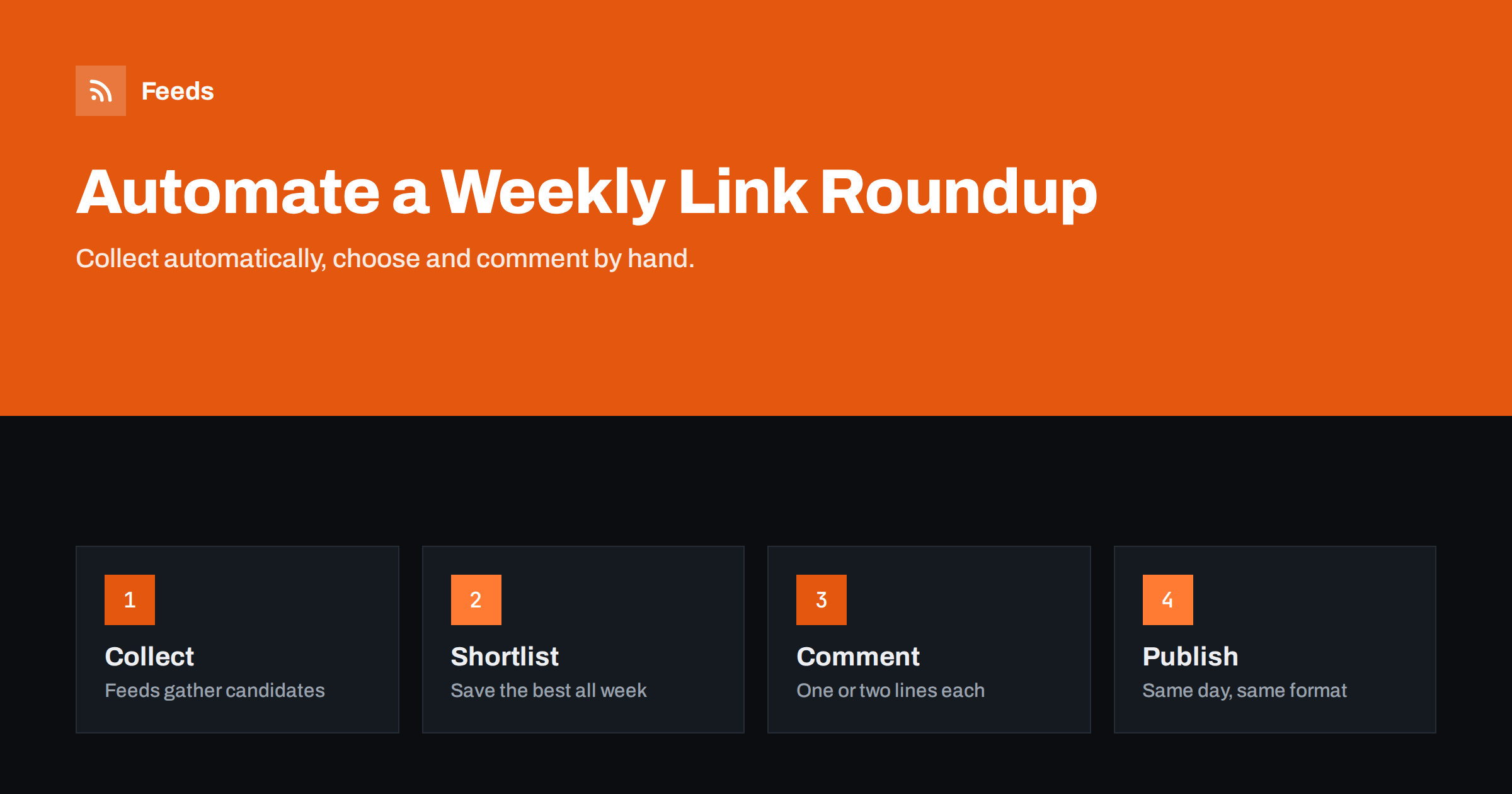
Short answer: A weekly link roundup is a blog post that lists the most useful articles in your niche with a short comment on each. You can automate most of the work: feeds collect candidate links from chosen sources all week, you save the best into a shortlist with one click, and a template turns the shortlist into a draft post with titles, sources and links. You then add one or two sentences of commentary per link, an introduction and publish. Keep the human selection and commentary; that is what makes a roundup worth reading and keeps it clear of copied-content problems.
Why roundups work
Roundups solve a real problem for readers: there is too much to read, and they trust someone knowledgeable to pick the few items that matter. For the publisher, a weekly roundup provides a regular, low-effort post that keeps the blog active, builds a habit among readers and creates goodwill with the sites you link to, many of which notice and appreciate the mention.
The format is also flexible. It works as a blog post, as the core of a newsletter, as a LinkedIn article or as a podcast segment. Once you have the weekly shortlist, you can reuse it in several places.
Roundups also build your own expertise. Reading widely every week, and forcing yourself to say in one sentence why something matters, sharpens your understanding of the field in a way that passive reading does not. Many writers find that their roundup notes later turn into full articles of their own.
The value of a roundup depends entirely on judgment. A list of every article from the week is noise; ten carefully chosen links with honest comments are a service.
The workflow at a glance
- Collect: feeds from your chosen sources flow into a reader or a list.
- Shortlist: during the week, you save promising items to a “roundup” list.
- Draft: an automation turns the shortlist into a draft post with headings, links and source names.
- Comment: you write a short comment for each item and an introduction.
- Publish: the post goes live on the same day each week and is shared through your usual channels.
Automation handles steps 1, 3 and part of 5. You own steps 2 and 4.
Step 1: collecting candidates
Choose twenty to fifty sources that consistently publish useful material for your audience: specialist blogs, trade publications, official announcements, research institutions and a few community sources. Put their feeds into a reader, grouped into folders by topic. For sources without feeds, create feeds from the pages that list their articles.
Filter broad sources by keywords so the reader does not fill with irrelevant items, and merge overlapping sources with duplicates removed. The goal is a stream you can skim in ten minutes a day, not a firehose.
Include a few sources outside your immediate niche. Some of the most appreciated roundup links are the unexpected ones: a research paper, a well-written post from an adjacent field or a practical tool that your readers would not have found on their own.
Step 2: building a shortlist
When an item looks roundup-worthy, save it with one action to a dedicated place: a starred folder in your reader, a read-later tool, a bookmark tag or a spreadsheet. Many of these tools publish their own feed of saved items, which becomes the input for the draft step.
When saving, add a quick note if something struck you, such as a surprising number or a disagreement with another source. These notes become the seeds of your comments and save time later. Aim to save more items than you will use, perhaps fifteen for a roundup of eight, so you can choose the strongest on publishing day.
Step 3: generating the draft
An automation platform can read the shortlist feed or spreadsheet at a set time, for example Thursday afternoon, and create a draft post in your CMS with:
- A standard title pattern, such as “Weekly roundup: [date]” or a numbered series.
- A heading or list item for each saved link, containing the article title linked to the original, the source name and your saved note.
- A standard introduction and closing block with placeholders you fill in.
Create the post as a draft, never as a published post. The draft is the starting point for your editorial work, not the finished product.
If building an automation feels like too much, a simpler alternative works almost as well: keep the shortlist in a document or spreadsheet with title, source, link and note columns, and copy it into your post template on publishing day. The time saved by full automation is only a few minutes a week; the real savings come from collecting and shortlisting during the week instead of searching on the day.
Step 4: commentary and editing
This is the heart of the roundup. For each link, write one to three sentences in your own words: what the article says, why it matters to your readers, and where you agree or disagree. Remove the weakest items until the list feels tight. Write a short introduction that ties the week together, for example a theme you noticed.
Keep quotes short and clearly attributed, and never paste large parts of the original articles. The roundup should send readers to the sources, not replace them. That is both fair to the authors and what distinguishes curation from copying.
What a good entry looks like
Compare two entries for the same article. A weak one: “Great article about email deliverability. Read it here.” A strong one: “A clear explanation of why authentication records matter for small senders, with a checklist at the end. Most useful if your newsletters land in spam; skip the first section if you already know the basics.” The strong entry tells readers what they will get, who it is for and how to use their time. It takes a minute longer to write and makes the whole roundup far more valuable.
Step 5: publishing and distribution
Publish on the same day each week so readers know when to expect it. Your blog feed then distributes the roundup like any other post: social posting tools share it, and your newsletter can include it or even be built around it. Consider notifying authors you featured, for example by mentioning them in the social post; many will share the roundup with their own audiences.
Keep an archive page that lists all past roundups. Over time it becomes a useful resource in its own right, and it shows new visitors that the series is regular and long-running.
Keeping the roundup healthy
- Consistency beats length. Eight good links every week are better than twenty links every few weeks.
- Diversity of sources. Avoid linking to the same two sites every week, and include primary sources.
- Your own content in moderation. One link to your own article is fine; a roundup dominated by self-promotion loses trust.
- Prune sources quarterly. Remove feeds that never produce roundup items and add new ones you discovered.
- Measure clicks on outgoing links and engagement with the post to learn what readers value most. If certain topics or source types consistently get the most clicks, give them a regular place in the format.
- Take breaks honestly. If you skip a week, say so in the next issue rather than publishing a thin roundup just to keep the streak.
How Feeds supports the collection step
The collection stage is where Feeds fits. It turns pages without RSS, such as association news pages or company blogs without feeds, into RSS feeds, merges several sources into one, keeps only items with your keywords or drops items with others, and removes duplicates automatically. Your reader then shows a focused stream of candidates instead of dozens of separate, noisy feeds. Feeds refresh on their own. See the pricing page for the number of feeds and merged sources per plan.
Related reading
- How to Automate Content Curation Without Losing Quality
- How to Build an Automated Daily News Digest from Feeds
- Autoblogging from RSS: SEO, Legal and Quality Risks
- Full Auto vs Approval Queue: Choosing a Content Workflow
The bottom line
A weekly link roundup is one of the most sustainable content formats: readers value it, sources appreciate it, and with automation it takes about half an hour a week. Let feeds collect candidates and an automation build the draft, but keep selection and commentary personal. That combination produces a post people look forward to, rather than an automated list nobody reads.
الأسئلة الشائعة
Is a link roundup considered duplicate content?
Not when it consists of your own selection and commentary with links to the originals. Problems arise only when roundups copy large parts of other articles.
How many links should a weekly roundup include?
Between five and ten is common. Fewer, better links with thoughtful comments usually work better than long lists.
Can the whole roundup be automated?
Collection and drafting can be, but selection and commentary should stay human. A fully automatic list of links adds little value for readers or search engines.
Which day should I publish a roundup?
Pick a fixed day that suits your audience, often late in the week, and stick to it so readers build a habit.
Should I tell authors they were featured?
It is a good idea. Mentioning them in your social post or sending a short note builds relationships, and many will share the roundup.
How long does a weekly roundup take?
Once the feeds and shortlist are set up, typically around half an hour a week: ten minutes of daily skimming spread over the week, plus twenty to thirty minutes for comments and editing on publishing day.


