ENEnglish
 LTLietuviškai
 DEDeutsch
 FRFrançais
 RUРусский
 ESEspañol
 PLPolski
 ITItaliano
 UKУкраїнська
 CSČeština
 PTPortuguês
 JA日本語
JA日本語 LVLatviešu valoda
 ETEesti
 HUMagyar
 IDBahasa Indonesia
 TRTürkçe
 HIहिन्दी
 ELΕλληνικά
 ARالعربية
 THไทย
THไทย VITiếng Việt
 RORomână
 MSBahasa Melayu
 BNবাংলা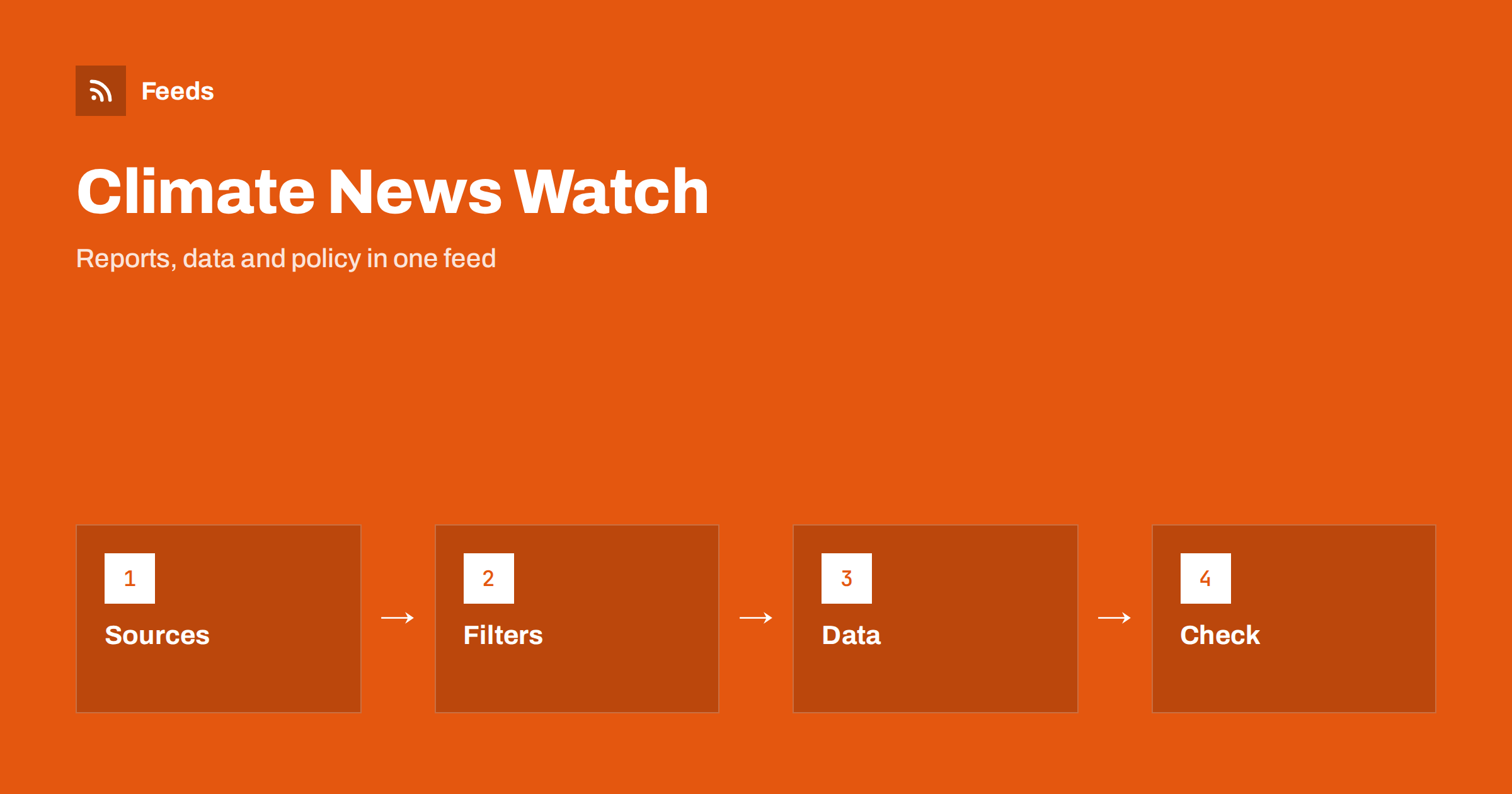
Short answer: Climate and environment news arrives from scientific institutes, public agencies, international bodies, journals, companies and the media, and the loudest items are rarely the most useful. RSS lets you build a calm, source-based reading list: merge a small number of reliable publishers, filter by topic, region and sector, and follow new reports and data releases as they appear. The feed does not decide what is true. It gives you the primary documents early, so that you can read the report itself instead of a headline that summarised it.
Why a feed beats the news cycle for this topic
Climate and environment coverage is driven by events and emotion. A single report may be turned into three contradictory headlines within an hour, while the quiet follow-up, a correction or a new dataset, receives little attention. If you work in the field, advise a company, teach, report or simply care, the risk is not a lack of information but a flood of repeated claims and opinion.
A source-based feed changes the default. Instead of seeing what an algorithm promotes, you decide which publishers matter and read what they publish, in order. You still need the news, but you see it next to the underlying document. The difference is the same one described in RSS vs following on social media: you choose the sources, so the reading list is stable and predictable.
Sources that publish the primary material
Build the list around organisations that produce data, reports and rules, then add a few specialised media outlets. Useful categories include:
- Public agencies and statistical offices that publish emissions, air and water quality, energy and land-use data. See alerts for new statistics and open data releases.
- Research institutes and universities that publish press releases, working papers and datasets.
- Scientific journals, many of which offer feeds for new issues or topics; see following academic journals and research with RSS alerts.
- International and regional bodies that issue assessments, standards and policy documents.
- Regulators and ministries for rules that affect businesses, covered in tracking government and regulator updates with RSS.
- Specialised media that report original findings and local environmental stories.
Prefer sources that cite their data. A smaller list of ten publishers is more useful than a hundred that repeat each other.
Handling pages that have no feed
Agencies and institutes often publish reports on plain pages, in lists that were never given a feed. A page-to-feed tool can read the repeating items, such as report titles, dates and links, and produce a feed. The principle is explained in how page-to-feed tools find the articles on a web page. For pages that list documents, getting alerts when a website publishes new reports or PDFs describes what to check.
Look at the preview carefully. Report pages often mix press releases, events, tenders and old archives. You want only the items that are actually reports or data releases. If the page offers filters by topic, follow the filtered view rather than the entire list. A well-chosen section of a site is often better than the homepage; see following just one section or category of a website.
Filter by topic, region and sector
The environment is a wide field, and most people care about a slice of it: air quality in their city, energy policy, biodiversity, packaging and waste rules, water, agriculture, reporting standards for companies. After merging sources, add keyword filters that describe that slice, including the names of places and industries you care about. Keep words in more than one form, such as “emissions”, “greenhouse gas” and “carbon”, because publishers use different vocabulary for the same subject. Methods are described in setting up keyword alerts with RSS feed filters.
Use two lists. A narrow list for items that could change your work or your decisions, sent to your phone or a team channel, and a wider list for a weekly look at the field. If the wider list becomes tiring, reduce noise in RSS alerts without missing anything offers practical steps.
Read reports, not just summaries
Even the best feed delivers a headline and a short summary. The skill is deciding when to read more. For a report, open the document and read the summary, the method and the limits. Check what is being compared: the period, the region, the baseline year and the unit. Many apparent contradictions between sources disappear when the baselines differ. Notice the difference between observed data, modelled projections and scenarios, which are not predictions but “if this, then that” calculations.
Be careful with single studies. One paper, however striking, is a data point, not the end of a question. Look for whether the result has been repeated, whether other institutes confirm it and what the authors themselves say about uncertainty. A calm tone in the source is usually a good sign.
Local environmental news and permits
Much of what affects daily life is local: a new industrial permit, a planned wind or solar project, a change to waste collection, a water quality notice, a protected area proposal. These items appear on council, agency and regional pages, often with a short consultation window. A feed that merges the local sources lets you notice a proposal while comments are still open, rather than after a decision.
The method is the same as for planning notices, described in tracking planning applications and building permits with RSS. Add place names to your filters, and check the official page for deadlines and how to respond. If you represent a community group or a business, a short note in your calendar for each consultation deadline prevents the most common failure: finding out one day too late.
Spot greenwashing and weak claims
If you follow companies as well as science, your feed will include corporate sustainability announcements. Read them with the same discipline. Look for specific, measurable commitments with dates, a clear baseline and independent verification, and treat vague phrases such as “eco-friendly”, “green” or “climate positive” as questions, not answers. Be wary of claims that rely only on offsets without describing reductions, or that compare with a convenient baseline.
Many regions have rules on environmental claims in advertising, and those rules change. If you publish claims yourself, check the current guidance of your regulator and avoid wording that you cannot support with documents. For your own site, a reputation early-warning feed shows when others write about your sustainability statements.
Turn reading into something usable
A feed is only useful if it feeds into work. Decide what you do with an important item: add it to a shared note, cite it in a briefing, forward it to a colleague or create a task. For regular summaries, an automatic daily news digest from feeds can combine the best items into a single message, and turning new RSS items into tasks assigns follow-ups.
Keep a simple log of the sources that gave you value. After three months, remove the ones you never opened and add any new publisher you noticed through citations. A good list improves slowly and rarely needs more than a quick monthly review.
How RSS Feed Creator helps
RSS Feed Creator turns the report list, news page or data release page of an agency, institute or international body into a clean RSS feed, even when the site has no feed of its own. It reads titles, images, summaries and dates, uses an existing feed when there is one, and shows a preview of the items before the feed is created. You can merge several sources into one feed (up to 10 on paid plans), keep only the items that contain your keywords and have duplicates removed automatically, which suits a themed watch on climate and environment topics. Feeds refresh every 3 hours on the free plan and every 30 minutes on paid plans, and paid plans send an alert when a page changes and a feed stops finding items. The free plan allows up to 20 items per feed, and the details are on the pricing page.
Related reading
- Weather and Natural Hazard Alerts with RSS for Businesses
- How to Follow Science, Space and Astronomy News with RSS
- Monitoring Hundreds of Sources with RSS Without Chaos
The bottom line
Following climate and environment news with RSS means choosing publishers that produce primary material, merging them, filtering by your topic, region and sector, and reading the underlying report before you rely on a headline. Treat claims, whether from science or from companies, with specific questions. A short, well-kept list gives you early, calm access to the field.
الأسئلة الشائعة
Which sources should I start with?
Public agencies and statistical offices, research institutes, scientific journals, international and regional bodies, regulators and a few specialised media outlets. Prefer sources that publish or cite their data.
What if a report page has no RSS feed?
Use a page-to-feed tool to read the repeating items, and check the preview so that it shows real reports and dates, not events, tenders or old archives.
How do I avoid being overwhelmed?
Keep a narrow, filtered list for important items and a wider list for a weekly look. Remove sources you never open and review the list once a month.
How do I judge a single striking study?
Treat it as one data point. Check the method, whether the result has been repeated, what the authors say about uncertainty and whether other institutes agree.
How can I spot greenwashing in company announcements?
Look for specific, dated and measurable commitments with a clear baseline and independent verification. Treat vague words like green or eco-friendly as questions, not evidence.