 ENEnglish
 LTLietuviškai
 DEDeutsch
 FRFrançais
 RUРусский
 ESEspañol
 PLPolski
 ITItaliano
 UKУкраїнська
 CSČeština
 PTPortuguês
 JA日本語
JA日本語 LVLatviešu valoda
 ETEesti
 HUMagyar
 IDBahasa Indonesia
 TRTürkçe
 HIहिन्दी
 ELΕλληνικά
 ARالعربية
 THไทย
THไทย VITiếng Việt
 RORomână
 MSBahasa Melayu
 BNবাংলা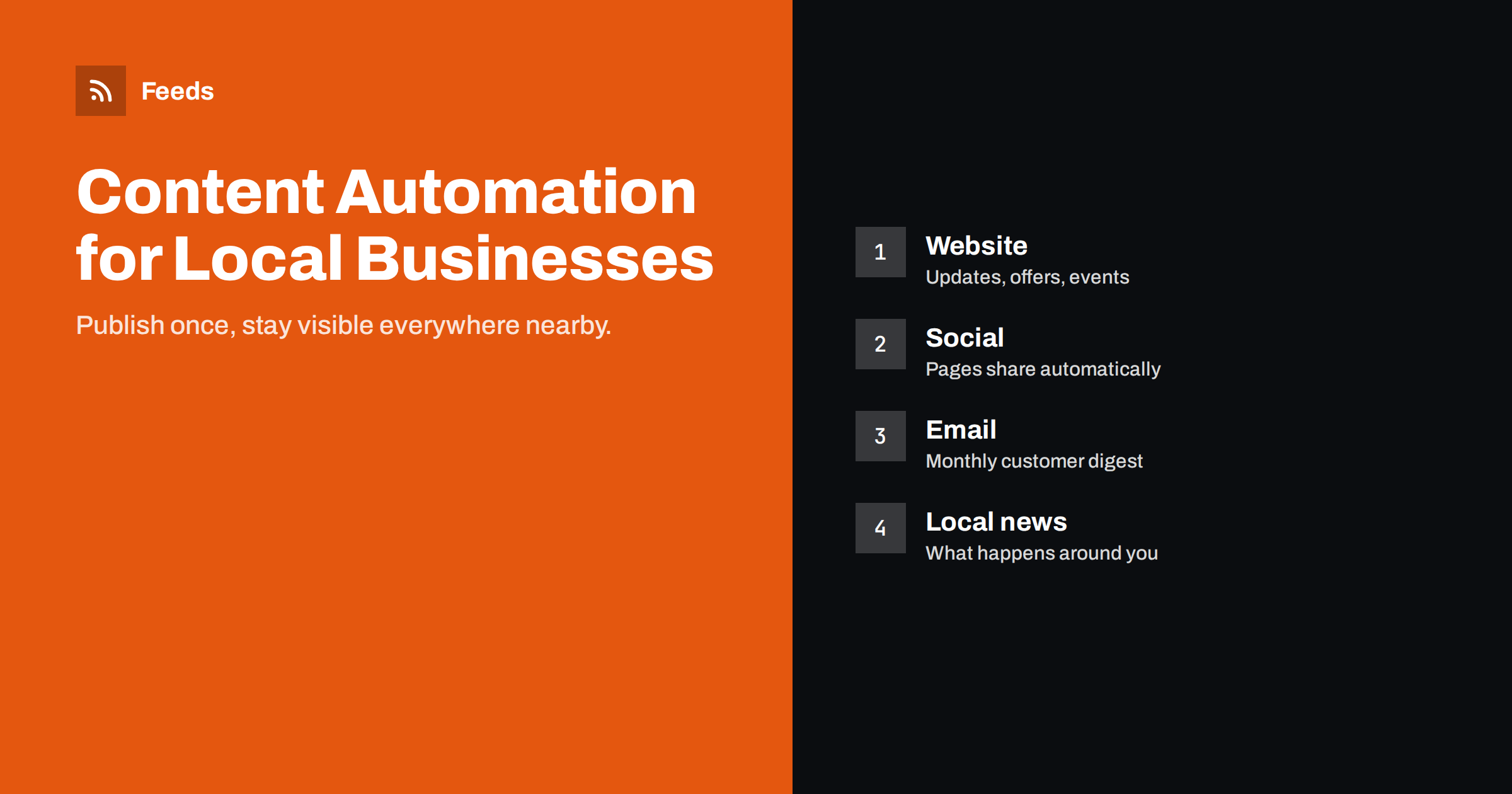
Short answer: A local business can automate most of its routine content with a simple plan: publish every update, offer and event on its own website first, let the site’s feed share them automatically to the Facebook page and other channels customers use, send a monthly email digest to customers who signed up, and follow local news and partner updates through a filtered feed. Keep customer replies, reviews and local conversations personal. The whole setup can run on about an hour of attention a week.
Why local businesses struggle with content
Restaurants, salons, repair shops, clinics, fitness studios, shops and trades all know they should post regularly. In practice, the owner is busy serving customers, and marketing happens in spare minutes, if at all. The Facebook page gets an update at Christmas; the website still shows last summer’s opening hours; the email list collected at the counter is never used.
Customers notice. People checking a local business online often look at when it last posted, whether the hours are current and whether there are recent photos or news. An inactive presence can make a thriving business look closed.
Automation does not write your updates, but it removes the repetitive steps between writing one update and having it appear everywhere. That makes regular communication realistic for a business with no marketing staff.
Step 1: make the website the hub
Everything starts with a news or updates section on your website, even a very simple one. Use it for:
- New products, services or menu items.
- Seasonal offers and promotions.
- Events, workshops, tastings or open days.
- Changes in opening hours, holidays and closures.
- Short stories about the team, suppliers or customers (with permission).
- Helpful tips related to your trade, such as caring for a product or preparing for an appointment.
Publishing on your own site first has lasting benefits. The content belongs to you, search engines can find it, and every social post links back to your site, where customers find your address, hours and booking options. Most website systems create an RSS feed for the news section automatically.
When you think there is nothing to say
Many owners feel their business has no news. In practice, customers are interested in more than you might expect. A bakery can post the weekend’s special bread, a garage can explain what to check before winter, a hairdresser can show a new colour technique, a hardware shop can list what arrived this week for spring gardening. Questions customers ask at the counter are excellent topics: if three people asked this month, many more wondered. Keep a note on your phone and turn one question into a short update each week.
Updates do not need to be long. A few sentences and a good photo, published on the website, are enough to create a post on every channel.
Step 2: share automatically where customers are
Connect the website feed to a social posting tool and choose the channels your customers actually use. For most local businesses that means a Facebook page and often Instagram; for some, a messaging channel or a local community platform.
- Facebook: automatic posting of every update works well. Link previews show your image and title.
- Instagram: needs a good photo for every post, so consider drafts that you review, or post only the most visual updates.
- Messaging channels: useful for regulars who want offers and event reminders.
Set the tool to post only new items, add a short template such as “New at the shop:” in your own voice, and limit posting to daytime hours.
Add simple tracking parameters to the links, such as utm_source=facebook, so your website statistics show how many visitors come from each channel. After a few months you will know which channels bring customers to your booking page or shop, and which you could drop.
Step 3: a monthly email to customers
Email is the most direct channel to people who already know you. Collect email addresses with clear consent, at the counter, through bookings or with a sign-up form on your website, and send a monthly digest built from your website updates using an email platform’s RSS campaign.
Add a two-line personal note at the top each month. The automated part lists what is new; the personal part makes it feel like a letter from the business rather than a system message. Include your opening hours, address and a booking link in the footer, since many readers will use the email as a quick reference.
Keep the frequency modest. A monthly email that customers look forward to is worth more than a weekly one they learn to ignore. If you have an important offer between digests, send a separate short email by hand.
Step 4: keep business listings current
Business profiles on maps and directories are often the first thing a local customer sees. Unlike social pages, most of these do not update from your website feed, so they need a short manual routine: update hours before holidays, add new photos occasionally and post updates where the platform supports it. Put a monthly reminder in your calendar. Consistent information across your website and listings also helps customers trust what they see.
Step 5: follow what happens locally
Local businesses benefit from knowing what is happening around them: road works, events that bring crowds, new competitors, council decisions, tourism campaigns and partner announcements. Much of this is published on local government and community websites, often without RSS.
Other businesses nearby are a source too. A neighbouring café announcing live music, a sports club hosting a tournament or a market moving to a new square can all affect your customers’ plans, and they are natural reasons to cooperate or to adjust your own offers.
Collect these sources into one filtered feed and read it weekly, or send it to a private channel. When a big local event is announced, you can plan an offer; when road works are scheduled, you can warn customers in advance. Sharing relevant local news on your own page, with a comment, also positions the business as part of the community.
What should stay personal
- Replies to reviews and messages. Customers expect a person, and future customers read how you respond. A short, friendly reply to positive reviews and a calm, helpful reply to negative ones says a lot about how you treat people.
- Complaints and sensitive situations. Handle them individually and privately where possible.
- Community conversations in local groups, where automated posts are often unwelcome. Most local groups have rules against promotional posts; take part as a neighbour, not as an advertiser.
- Special announcements, such as an anniversary or a new owner, which deserve a hand-written post with photos and a personal story. These are the posts customers remember and share with friends.
A one-hour weekly routine
- Write one or two updates on the website: an offer, an event, a tip or a new product. Automation shares them.
- Read the local news feed and note anything relevant, such as events that could bring extra customers or disruptions you should warn them about.
- Reply to messages and reviews on your social pages and listings.
- Once a month: add the personal note to the email digest and check business listings and opening hours.
How Feeds helps a local business
Feeds is useful at two points in this plan. For following local news, it turns pages without RSS, such as a municipality’s announcements or a business association’s news page, into feeds, merges them, keeps only items with words like your street, district or trade, and removes duplicates. For shops, it can also create product feeds for Google Merchant Center and Meta catalogs from WooCommerce, Shopify or a CSV link, so products can appear in shopping placements with current prices and stock. The free plan covers one website; see pricing for more.
Related reading
- What Is Content Automation? A Practical Guide for Small Teams
- How to Auto-Publish an RSS Feed to a Facebook Page
- Local News Monitoring: Follow Your Town’s Sources with RSS
- Content Automation Checklist: 30 Checks Before You Go Live
The bottom line
For local businesses, content automation is about staying visibly active with very little time. Publish updates once on your website, let the feed share them to your social pages and a monthly email, keep listings current with a short manual routine, follow local news through a filtered feed and keep conversations personal. An hour a week, used this way, keeps your business present wherever nearby customers look.
الأسئلة الشائعة
Do local businesses really need a website news section?
It is the easiest foundation for automation. Updates published there can be shared automatically to social pages and email, and they stay on a site you own and search engines can find.
Which social network should a local business automate first?
Usually the Facebook page, because automatic posting from a website feed works well there and many local customers check it. Add other channels based on where your customers are.
Can map and directory listings be updated automatically from my website?
Mostly not directly. Keep them current with a short monthly routine, especially opening hours before holidays.
How often should a local business post?
One or two meaningful updates a week is plenty for most. Consistency matters more than volume.
How can I follow local news without spending much time?
Combine local sources into one filtered feed and read it once a week. Pages without RSS can have feeds created from them.
What should a local business write about?
New products and services, offers, events, changes in opening hours and answers to questions customers often ask. Short updates with a good photo are enough.


