ENEnglish
 LTLietuviškai
 DEDeutsch
 FRFrançais
 RUРусский
 ESEspañol
 PLPolski
 ITItaliano
 UKУкраїнська
 CSČeština
 PTPortuguês
 JA日本語
JA日本語 LVLatviešu valoda
 ETEesti
 HUMagyar
 IDBahasa Indonesia
 TRTürkçe
 HIहिन्दी
 ELΕλληνικά
 ARالعربية
 THไทย
THไทย VITiếng Việt
 RORomână
 MSBahasa Melayu
 BNবাংলা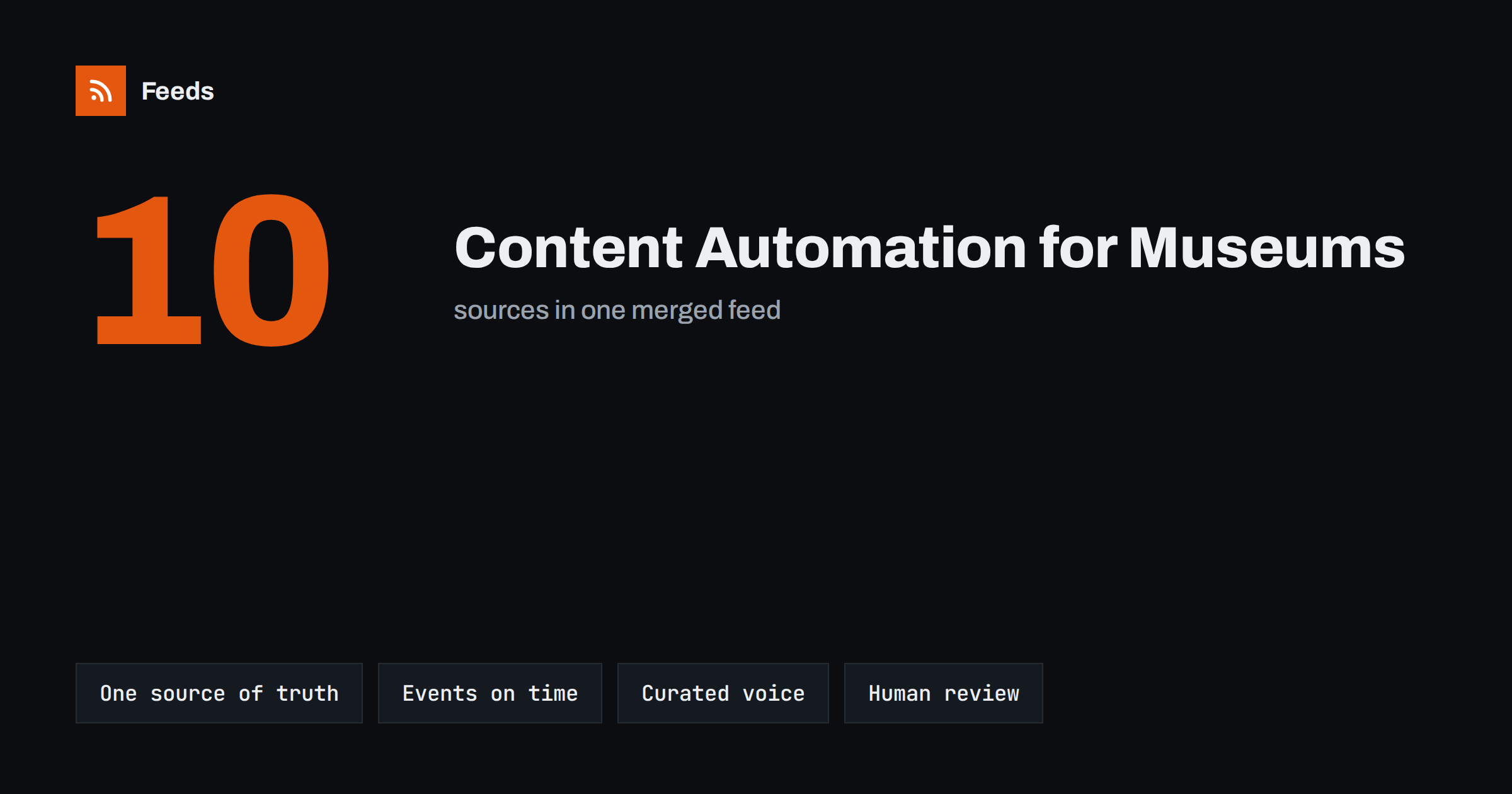
Short answer: Museums, galleries and cultural venues get the most from content automation when their own website is the single source of truth. Publish exhibitions, events, collection stories and news on the site, let feeds carry each new item to social networks, newsletters and partner sites, and keep people in charge of the voice, the timing of sensitive topics and the conversation with visitors. Automate distribution and reminders, not curation.
Why cultural organisations struggle with content
Cultural venues produce a lot of content. A medium-sized museum may have several exhibitions a year, a weekly programme of talks, tours and workshops, family activities in the holidays, collection highlights, research news, job openings and press releases. A theatre or concert hall has a constantly changing schedule. Most of this content already exists somewhere, usually on the website or in the ticketing system.
The problem is that every item also needs to reach social networks, the newsletter, partner listings and sometimes tourism portals, and those channels are often handled by one or two people who also run press, design and visitor communication. Copying each event to five places by hand takes hours and still leaves gaps: the Tuesday talk is posted late, the new acquisition never makes it to social media, and the newsletter repeats what was posted a week ago.
Content automation does not replace the communications team. It removes the copying, so that the team can spend its time on what audiences actually value: good photos, good stories and real replies.
Start with the website as the source of truth
Automation works best when every piece of content starts in one place. For most cultural organisations that place is their own website. When an exhibition page, an event listing or a collection story is published there, it should be the version every other channel uses.
This has practical benefits beyond automation:
- Visitors always find the full, correct information on the site, with dates, prices and accessibility details.
- Changes, such as a cancelled talk or a new opening time, only need to be made once.
- Social posts and newsletters link to the site, which builds its traffic and search visibility.
- Archives stay in your hands, not only inside a social platform.
Many museum and venue websites already have RSS feeds for news or events. Others have listing pages without a feed. Either way, the listing can become a feed that downstream tools read.
What cultural venues can safely automate
Not everything should be automated, but a large part of routine distribution can be:
| Content | Automate | Keep manual |
|---|---|---|
| New exhibitions | Announcement post when the page goes live | Opening-night coverage, artist interviews |
| Events, talks and tours | Post when listed, reminder before the date | Live updates, last-minute changes |
| Collection highlights | Share new stories from the collection blog | Choosing which objects to feature |
| News and press releases | Distribution to social and newsletter | Statements on sensitive issues |
| Jobs and calls for artists | Post each new opening | Replies to applicants |
| Partner and network news | Curated feed of partner items | Deciding which partners to include |
Event promotion is often the quickest win, because the same listing needs an announcement and a reminder in several places. The general approach is described in how to promote upcoming events automatically from a calendar, and turning a calendar into a feed in the first place is covered in how to turn event calendars into RSS feeds.
Keeping a curated voice in automated posts
Audiences of museums and galleries expect a thoughtful tone. A post that reads “New event: Talk. Click here” undermines the care that went into the programme. The answer is not to avoid automation, but to give it good material.
- Write good titles and summaries on the website. The automated post uses them, so a strong title and a two-sentence summary on the page become a strong post everywhere.
- Use templates per content type. An exhibition post, a family workshop and a job opening each need a different structure and different hashtags. See writing post templates for automated social media feeds.
- Choose strong images. Make sure each page has a featured image that works when cropped, and that image rights allow social use. Rights for collection images and artworks can be restricted, so check them before the image becomes a shared thumbnail.
- Add credits. Include artist, photographer or lender credits in the page summary when they are required, so they travel with the post.
Automation also makes it easier to post in more than one language, which matters for venues with international visitors. Language-specific feeds and templates are discussed in automating multilingual content distribution with feeds.
Sensitive topics need human review
Cultural organisations regularly deal with subjects that need care: exhibitions about war, colonial history, illness or loss; restitution and provenance questions; statements after public events. A cheerful automated post at the wrong moment can cause real harm to an institution’s reputation.
Two practical safeguards help:
- Use an approval step for selected categories. Routine items such as family workshops can go out automatically, while posts from a “statements” or “exhibitions” category wait for a person to approve them. The trade-offs are explained in full auto vs approval queue.
- Know how to pause everything quickly. When something serious happens locally or nationally, the team should be able to stop all scheduled and automated posts in minutes and restart them later.
Keyword filters add another layer. A feed that excludes items with certain words, or only passes items from chosen sections, keeps unexpected content out of automated channels.
Bringing in partner and network content
Many cultural organisations share news from partners: a festival network, a regional tourism board, a university, a group of galleries in the same district. Curated sharing of partner items builds goodwill and fills quiet weeks with relevant content.
Feeds make this manageable. Instead of checking ten partner websites, you combine their news or event pages into one feed, filter it by keywords such as your city or your art form, and review that single list. Items worth sharing go into your social schedule or a “news from our network” section of the newsletter. Always credit and link the partner; the goal is to point people to their work, not to republish it as your own.
Measuring what automation brings
Automation should save time and bring visitors, and both can be measured in simple ways:
- compare the hours spent on copying posts before and after;
- add UTM parameters to automated links so you can see which channels bring visitors to event and ticket pages, as described in how to track traffic from automated posts with UTM tags;
- watch how many events are now announced on time compared with before;
- check engagement per content type, so you know which templates need work.
Small venues should not expect dramatic numbers. The usual gain is reliability: every exhibition and event is announced, consistently, without the team having to remember it.
How RSS Feed Creator fits in
Many cultural websites list events and news on pages without an RSS feed, or spread them over several sections and sites. RSS Feed Creator turns a public page into a clean feed with titles, images, summaries and dates, and uses the site’s existing feed when there is one. On pages without a feed, it also follows further pages and the sitemap to collect older items, up to the plan’s item limit. Paid plans can merge up to 10 sources into one feed, and keyword filters keep only the items you want. The resulting feed works in any RSS reader, newsletter tool or posting service. Plans are on the pricing page.
Related reading
- Content automation for nonprofits and community groups
- Content automation for schools, colleges and universities
- How to turn an RSS feed into an automatic email newsletter
- How to reshare evergreen content automatically without spamming
The bottom line
Museums, galleries and venues already create the content their audiences want; the hard part is getting it everywhere on time. Make the website the source of truth, let feeds carry new exhibitions, events and stories to social networks and newsletters, and use templates and good images to keep the voice curated. Keep people in charge of sensitive topics and replies, and be ready to pause automation when the moment calls for it.
الأسئلة الشائعة
Can a museum automate social media without sounding generic?
Yes, if the automation uses good source material. Strong titles, short summaries and well-chosen images on the website, combined with templates for each content type, produce posts that sound like the institution rather than a bot.
What should a cultural venue never fully automate?
Statements on sensitive issues, responses to visitors and coverage of difficult exhibitions should always be reviewed by a person. Routine items such as workshops, tours and job openings are safer to post automatically.
Our events are in a ticketing system, not on the website. Can we still automate?
Often yes. Many ticketing systems publish a public listing page or calendar, and that page can be turned into a feed. If the listing is only inside a login, it is better to publish the events on your own website first.
How do we handle image rights in automated posts?
Check that the featured image on each page may be used on social networks, and include required credits in the page summary so they appear with the post. Collection and artwork images can have different rights from your own photography.
Is automation worth it for a small gallery?
For a small gallery the main benefit is consistency rather than volume. Even a few exhibitions and events a month take time to copy to several channels, and automation makes sure each one is announced on time.