ENEnglish
 LTLietuviškai
 DEDeutsch
 FRFrançais
 RUРусский
 ESEspañol
 PLPolski
 ITItaliano
 UKУкраїнська
 CSČeština
 PTPortuguês
 JA日本語
 LVLatviešu valoda
 ETEesti
 HUMagyar
 IDBahasa Indonesia
 TRTürkçe
 HIहिन्दी
 ELΕλληνικά
 ARالعربية
 THไทย
 VITiếng Việt
 RORomână
 MSBahasa Melayu
 BNবাংলা
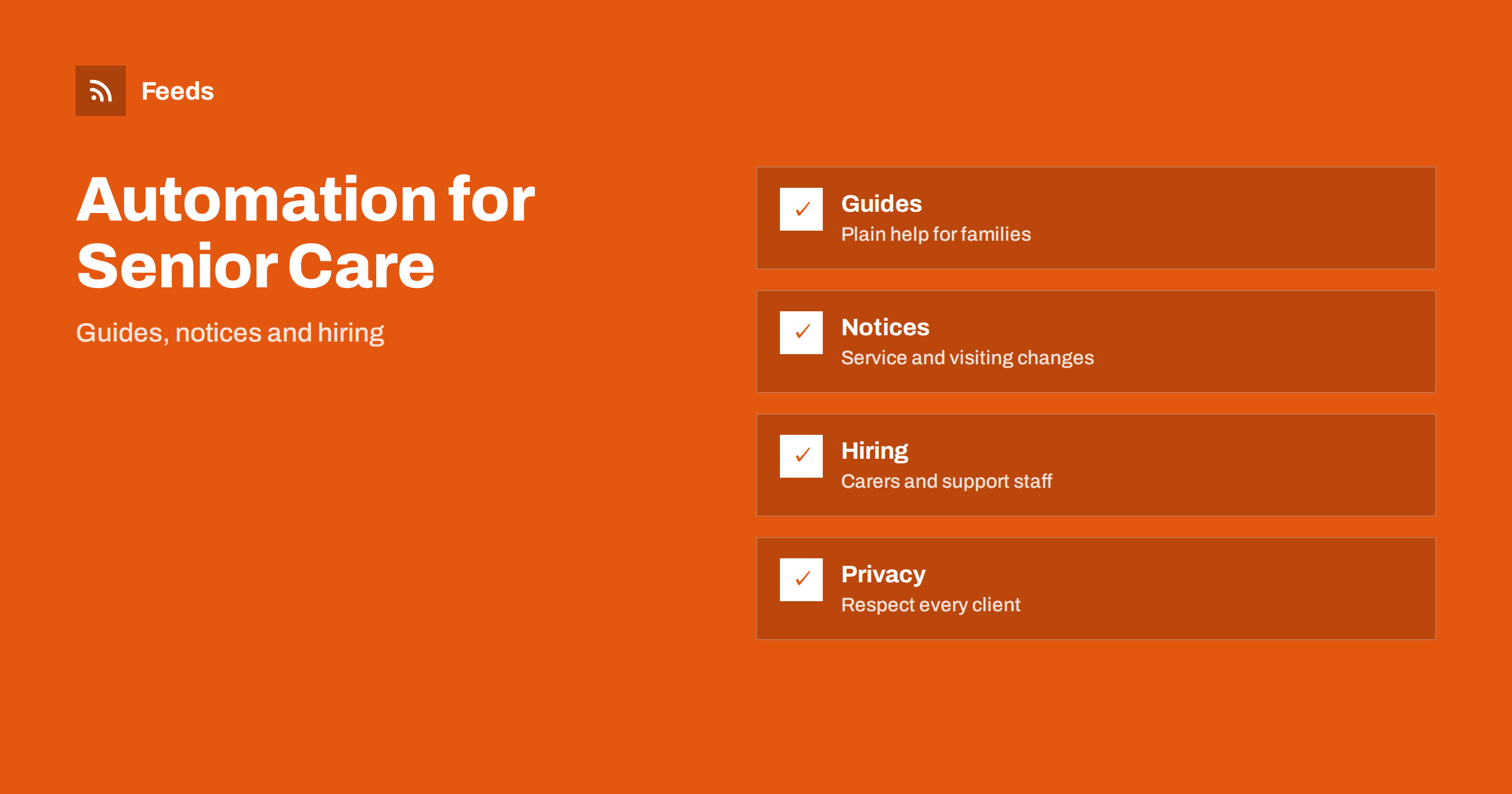
Short answer: Senior care and home health providers talk to two groups: older people and their families, who need clear guidance and trust, and carers and nurses, who are hard to recruit. Both can be served by a steady stream of prepared posts, guides and hiring messages. Automate the routine parts, never post anything that identifies a client without written consent, write service disruptions and sensitive messages by hand and keep a person responsible for approval.
What a care provider needs to publish
Families rarely begin by looking for a company. They start with a worry: a parent who is forgetting things, a hospital discharge, a fall or a spouse who is exhausted. They search for plain answers. What kinds of support exist? What does a home visit include? How do we arrange care, and what happens in an emergency? A provider who answers these questions clearly earns trust long before the first phone call.
The same business also needs to recruit. Carers, nurses, drivers and coordinators are in short supply, and a regular flow of posts about the work, the training and the team helps applicants see what the job is like. If you are new to the idea, what is content automation explains the basics in plain words.
Guides that help families decide
The most valuable content is a set of guides in simple language: how to recognise when more help is needed, what to ask a provider, how to prepare a home, how to talk about care with a parent and what to expect on the first visit. Each guide can live on your website and be shared again at calm intervals as short posts or newsletter items.
Write for people who are tired and worried, not for specialists. Avoid jargon, say what the service does and does not include and give a clear next step such as a phone number or a form. Medical advice belongs to professionals, so keep guides general and refer readers to a doctor or a nurse for individual questions. Reshare evergreen content automatically without spamming shows how to space guides out.
Privacy and consent come first
Care is private. Names, faces, addresses, health conditions and daily routines of clients must never appear in a post without clear written consent, and even then it is worth asking whether the post is necessary. Stories and photos from visits and activities are tempting, but a photo of a resident in the background can break trust and the law in many places.
Build the rule into the process: no photo or story is scheduled until the approver has seen the consent. Use general images, staff photos taken with permission and illustrations when you are not sure. Keep access to your social accounts limited, as explained in securing content automation: accounts, tokens and access, so that only trusted people can post.
Content you should not automate
Some messages must come from a person at the right moment. Service disruptions, staff shortages, changes to visiting rules, outbreaks of illness, incidents and bereavements are examples. A cheerful scheduled post on the day of a serious event looks careless, and a poorly worded message to families can cause real distress.
Keep a simple way to stop the queue, described in when to pause automated posting: a crisis and holiday plan. Decide who can pause it and how the team is told. Questions and complaints should always be answered by a person, quickly and kindly, and never by a canned reply.
Service notices, hours and contact points
Families need one reliable place for practical information: how to reach the office, who to call out of hours, how holiday cover works and how to give feedback. Put this on a page of your website and let posts and emails point to it. If a number or an address changes, update the page first.
Seasonal notices help too, such as reminders about heat, cold, flu vaccination and holiday schedules. Check each one against official public health guidance before it is released. For official updates you can follow, how healthcare teams can follow clinical guidance with RSS shows how to collect them, and you should read the original notice before you share anything with families.
Think about the formats that suit this audience. Many older people and their families read by email, by telephone or on a simple website rather than on social platforms, so a short monthly email with a guide, a notice and a staff story often reaches more people than a daily post. Large print, clear contrast and short paragraphs make pages easier to read, and a printed leaflet that repeats the main guide still works well for families who prefer paper. Plan each topic once and decide which channels carry it, rather than posting everything everywhere.
Team news, training and hiring
Recruitment is a major use of social posts. Share job openings with clear information on location, shifts, training and how to apply, and show the team doing the work, with permission. Employee stories, training days, awards and long-service anniversaries show that the provider values its staff, which is one of the strongest signals for applicants.
Keep an approval step for every claim about pay, qualifications and conditions, since they must match contracts and local rules. Share job openings automatically on social media explains how to publish openings without manual work, and RSS feeds for job listings and careers pages helps if you also want to watch other employers.
Community, partners and local news
Care providers work with hospitals, doctors, pharmacies, community groups and local authorities. Sharing their useful news, such as clinic hours, local events for older people and public support schemes, helps families and strengthens relationships. Follow the pages of partners and authorities in a feed, and share only what you have read and checked.
Local rules and benefits change, and families often ask about them. Tracking government and regulator updates with RSS shows how to follow official pages, and local news monitoring helps you watch your town. Do not give legal or financial advice in posts. Link to the official source and encourage readers to ask the right authority.
Plan for questions that arrive after every post. Families may reply with personal situations, ask for advice or complain in public. Prepare short, kind answers that move the conversation to a phone call or a private message, never discuss a client in public comments and name a person who checks replies every day. A short written policy for the team, with examples of what to do and what to avoid, prevents mistakes and makes it easy to train new staff.
Measuring what matters
Count what helps the business and the families: enquiries by phone and form, visits to the guides, applications for jobs and the number of families who say they found you through a guide. Likes and views alone tell little. A short monthly review shows which posts bring useful contact and which do not, and measure whether content automation is worth it offers a simple method.
Review the tone as well. Read recent posts and ask whether you would be comfortable if the family of a client read each one. Respect for older people shows in the choice of words, in the pictures and in what you decide not to post.
Do not forget accessibility and language. Many families speak more than one language, and some of your clients may prefer information in another one. Offer short translated guides for the largest groups you serve, use plain wording that translates well and ask a native speaker to read the text before it is published. Alt text for images and captions for videos also help readers with impaired sight or hearing, which matters in a service for older people.
How RSS Feed Creator helps
RSS Feed Creator turns the public news, notice or guidance pages of health authorities, local councils, partner organizations and community groups into clean RSS feeds, even when those sites have no feed of their own. It reads titles, images, summaries and dates, uses an existing feed when there is one, and shows a preview of the items before the feed is created. You can merge several sources into one feed (up to 10 with the PostRSS add-on), keep only the items that contain your keywords and have duplicates removed automatically, which suits a feed of local health notices and community news. Feeds refresh every 3 hours on the free plan and every 30 minutes on paid plans, and the PostRSS add-on sends an alert when a page changes and a feed stops finding items. The free plan allows up to 20 items per feed, and the details are on the pricing page.
Related reading
- Content Automation for Dental and Medical Clinics
- Content Automation for Pharmacies and Health Shops
- How Healthcare Teams Can Follow Clinical Guidance with RSS
The bottom line
Senior care and home health providers can automate the steady parts of communication: guides for families, practical notices, team news and hiring posts. Put privacy and consent first, write disruptions and sensitive messages by hand, check health information against official sources and keep an approval step in front of the queue. Good automation leaves more time for the people who need care.
الأسئلة الشائعة
Can I post photos of clients or residents?
Only with clear written consent, and only when the post is really needed. When you are unsure, use general images or staff photos taken with permission.
Which posts are safe to schedule?
Evergreen guides, hiring posts, team news and seasonal reminders, once someone has checked the facts and wording.
What should never be automated?
Service disruptions, incidents, outbreaks, visiting changes and any message to families about a sensitive event.
Can posts give medical advice?
Keep them general and refer readers to a doctor or nurse. Do not give individual advice in a public post.
How do I follow local health notices?
A page-to-feed tool can build a feed from an authority news page. Check the preview and read the original before you share.