ENEnglish
 LTLietuviškai
 DEDeutsch
 FRFrançais
 RUРусский
 ESEspañol
 PLPolski
 ITItaliano
 UKУкраїнська
 CSČeština
 PTPortuguês
 JA日本語
JA日本語 LVLatviešu valoda
 ETEesti
 HUMagyar
 IDBahasa Indonesia
 TRTürkçe
 HIहिन्दी
 ELΕλληνικά
 ARالعربية
 THไทย
THไทย VITiếng Việt
 RORomână
 MSBahasa Melayu
 BNবাংলা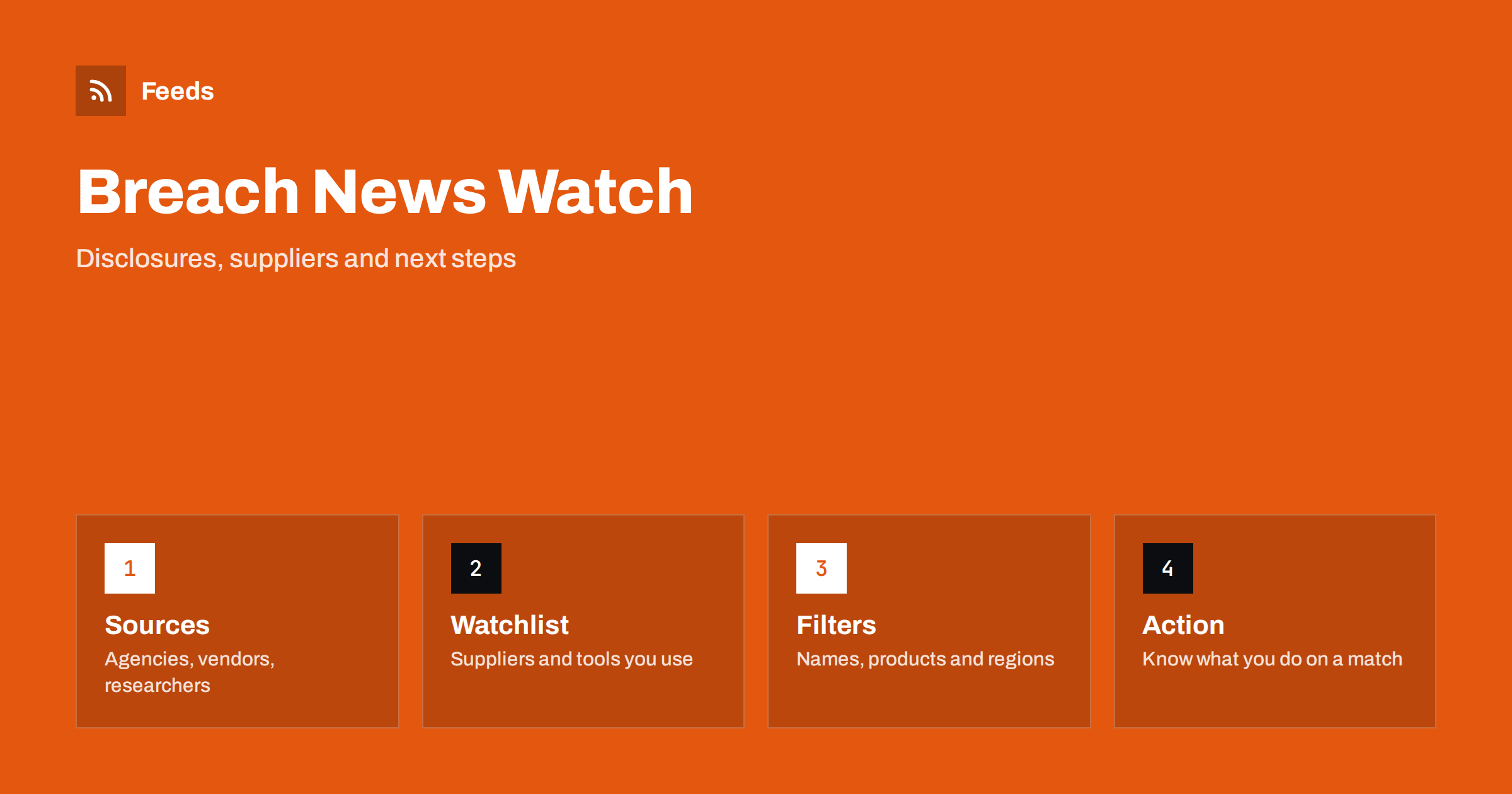
Short answer: Breach and data leak news is scattered across vendor notices, regulator pages, security researchers, trade media and company statements, and the first report is often incomplete. RSS lets you collect a small set of reliable sources into one reader and filter them by the names of your suppliers, tools and regions, so that a relevant disclosure reaches you quickly. A feed only tells you that something was published. What you do next, such as changing credentials, checking logs and informing the people affected, must be decided in advance and carried out by people.
Why you need a watchlist, not a general news habit
Most breach headlines do not concern you. A few do, because a supplier, a software tool or a platform you rely on is involved, or because data about your customers, staff or accounts may be exposed. The challenge is to notice those few quickly without reading everything. General news sites and social media bring volume and drama, and the important detail, such as which product versions or which dates are affected, is often buried in a vendor’s own notice.
A watchlist turns the problem around. You list the suppliers, platforms and tools that matter to your business, and you follow the pages where they and independent bodies publish security notices. Then you filter for the names on the list. The same idea is used for supplier risk in monitoring suppliers and partners for early risk signals, and for the technical stack in monitoring security advisories for your website stack.
Sources that publish first and publish facts
Start with the origin of the information, and add commentary later. Useful sources include:
- Vendor security pages and status pages. Most cloud and software providers publish incident notices and security bulletins, often with a feed. See monitoring SaaS status pages and outages with RSS.
- National security agencies and emergency response teams that publish alerts and guidance in plain language.
- Data protection authorities and regulators that publish decisions, notices and guidance. The approach is described in tracking government and regulator updates with RSS.
- Independent security researchers and specialised outlets that report technical details and verify claims.
- Breach notification pages of companies in your supply chain, which sometimes appear only on a “newsroom” or “legal” page.
Keep the list short. Ten sources that you trust and understand are better than fifty that mostly repeat each other. Avoid forums and anonymous posts as primary sources, and treat claims made by attackers themselves with scepticism.
Pages without feeds
Many incident notices sit on plain pages, in a list that was never given a feed: a “security” section, a “trust centre”, a regulator’s page of decisions. A page-to-feed tool can read the repeating items and build a feed with titles, dates and links. How it works is explained in how page-to-feed tools find the articles on a web page.
Check that the feed shows real notices, not navigation links or cookie banners. For pages that change in place instead of adding items, a notice may be edited without a new entry. In that case, page change monitoring vs RSS feeds helps you choose the right tool. For important suppliers, it can be worth monitoring the security page for changes as well as following a feed.
Filters: names, products and regions
Merge the sources into one list and apply filters built from your own inventory. Include the names of vendors and platforms you use, the product names, the technologies in your stack and the regions where your customers live. Add general words for events that affect many organisations, such as “breach”, “leak”, “exposed”, “ransomware”, “credentials” and “vulnerability”, but combine them with your names so that you do not see everything.
Keep two lists. A narrow list with strict filters goes to a chat channel or your phone for the items that need action. A wider list is for a weekly look at the landscape, with trends, new attack patterns and guidance. Methods for building filters are in setting up keyword alerts with RSS feed filters, and ways to keep the alert list useful are covered in reducing noise in RSS alerts.
Reading a disclosure carefully
Early reports are incomplete and sometimes wrong. When you read a notice, look for the facts that decide whether it concerns you: what happened, when it started and ended, which systems and which data types were involved, which products or versions are affected, and what the organisation recommends. Distinguish between confirmed facts and statements such as “we are investigating”. Note whether the notice has been updated, and read the update rather than the first version.
Be careful with numbers of affected people and with attributions. Figures are often revised, and naming an attacker without proof is a common mistake. If the notice is vague about whether your data is affected, contact the supplier through the official channel listed on their site and not through a link in an email that you did not expect.
Decide the response before you need it
The point of early notice is time, and time is wasted if nobody knows what to do. Write a short response plan for a supplier incident: who reads the alert, who contacts the supplier, who checks what data the supplier holds, who decides whether to change passwords, rotate keys or pause an integration, and who tells customers or staff if required. Keep the plan to one page and store it where the team can find it.
Account security basics matter as much as news: strong unique passwords, multi-factor authentication and limited access for tools and integrations, as described in securing content automation: accounts, tokens and access. If your business may have to notify authorities or customers after a breach, the deadlines depend on your country and sector, so check with a qualified adviser in advance, not during an incident.
Small businesses and personal accounts
You do not need a security team to use this. A small business can build a watchlist in an afternoon: write down the tools that hold customer data, such as the website platform, the email service, the payment provider, the booking system and the accounting tool, and add their security or status pages to the feed. Do the same for the accounts you personally rely on, such as your domain registrar and cloud storage.
Check the list twice a year. Tools come and go, and an old system that you stopped using may still hold data and may still be breached. When you stop using a service, delete the account and the data where possible, so that a future leak at that company does not involve you.
Avoid panic and avoid becoming a source of spam
Security news invites exaggeration. Do not forward unverified claims to customers or staff, and do not publish a statement about a supplier incident until you have confirmed the facts. If you share what you learn, link to the official notice and explain in plain words what people should do, such as changing a password or watching for suspicious messages.
Do not download or open leaked data to check whether you are in it, and do not use unofficial “leak checkers” that ask for your credentials. Use the official tools of the affected organisation or recognised public services, and treat any message that urges you to act immediately with suspicion.
How RSS Feed Creator helps
RSS Feed Creator turns the security page, newsroom or notice list of a vendor, agency or regulator into a clean RSS feed, even when the site has no feed of its own. It reads titles, images, summaries and dates, uses an existing feed when there is one, and shows a preview of the items before the feed is created. You can merge several sources into one feed (up to 10 on paid plans), keep only the items that contain your keywords and have duplicates removed automatically, which suits a themed watch on the suppliers and tools you depend on. Feeds refresh every 3 hours on the free plan and every 30 minutes on paid plans, and paid plans send an alert when a page changes and a feed stops finding items. The free plan allows up to 20 items per feed, and the details are on the pricing page.
Related reading
- How to Build a Reputation Early-Warning Feed for Your Brand
- How to Get RSS Alerts as Push Notifications on Your Phone
- How to Get RSS Feed Updates in Microsoft Teams Channels
The bottom line
Following breach and leak news with RSS means building a watchlist of your suppliers and tools, following the sources that publish notices first, filtering for your own names and reading each disclosure for facts rather than drama. The feed gives you time; a short, rehearsed response plan and good account security decide how well you use it.
الأسئلة الشائعة
Which sources should I follow for breach news?
Vendor security and status pages, national security agencies, data protection regulators, independent researchers and specialised outlets. Keep the list short and prefer sources that publish facts first.
What if a vendor’s security page has no RSS feed?
Use a page-to-feed tool to build a feed from the list of notices, or monitor the page for changes. Check the preview to confirm that it shows real notices with dates.
How do I filter for the news that concerns me?
Combine your own names, such as suppliers, tools and regions, with event words like breach, leak, exposed and credentials. Keep a narrow list for action and a wider one for weekly reading.
What should I do when a supplier I use is affected?
Follow your written plan: read the official notice, contact the supplier through the official channel, check what data they hold and change credentials or pause integrations if advised.
Should I check leaked data myself?
No. Do not open leaked data or use unofficial checkers that ask for credentials. Use official tools from the affected organisation or recognised public services.