ENEnglish
 LTLietuviškai
 DEDeutsch
 FRFrançais
 RUРусский
 ESEspañol
 PLPolski
 ITItaliano
 UKУкраїнська
 CSČeština
 PTPortuguês
 JA日本語
JA日本語 LVLatviešu valoda
 ETEesti
 HUMagyar
 IDBahasa Indonesia
 TRTürkçe
 HIहिन्दी
 ELΕλληνικά
 ARالعربية
 THไทย
THไทย VITiếng Việt
 RORomână
 MSBahasa Melayu
 BNবাংলা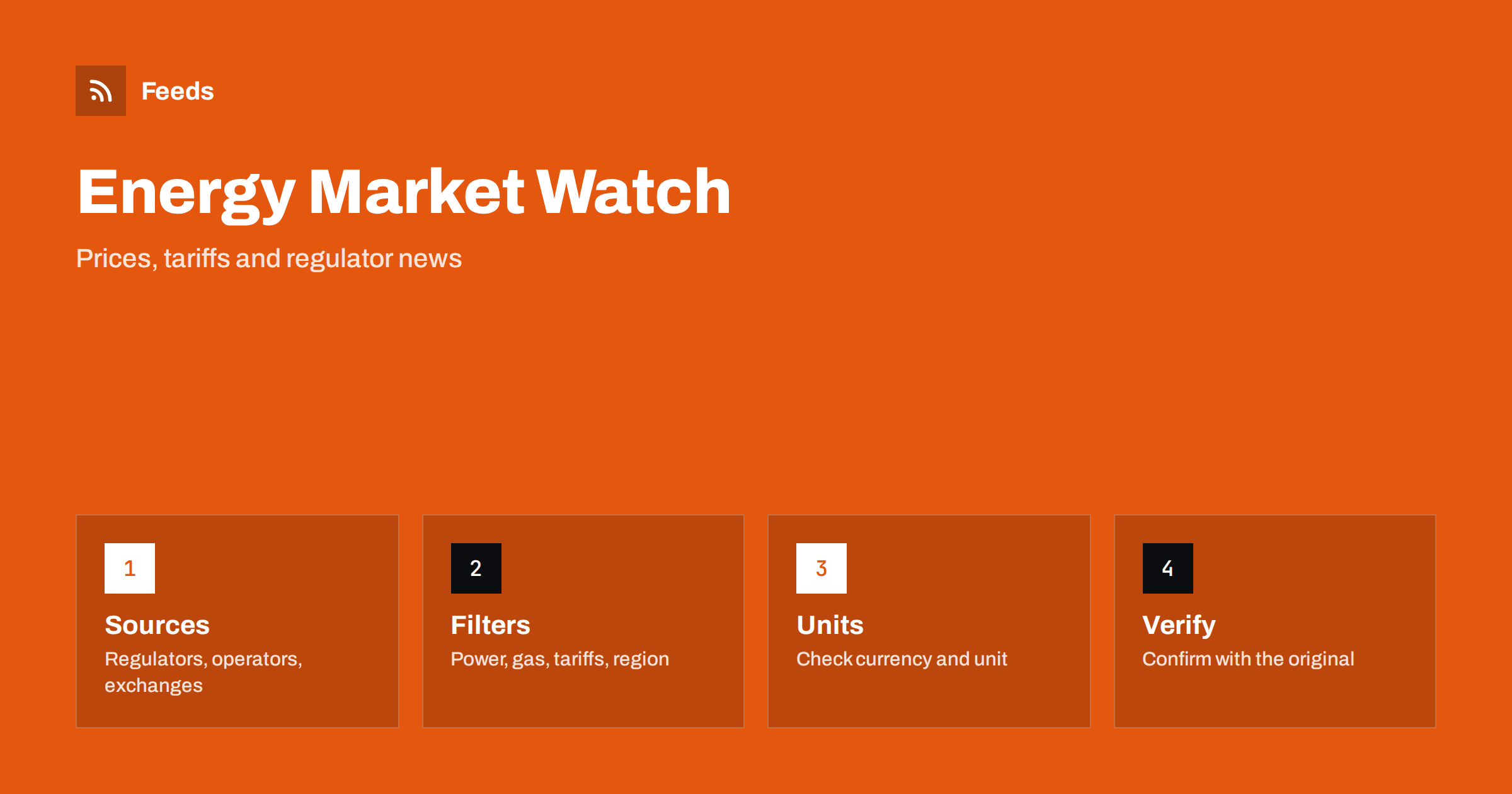
Short answer: Energy news is spread over regulators, grid operators, power exchanges, suppliers, industry associations and trade media. RSS lets you collect the sources that matter for your country and decisions into one reader, filter them by topic such as wholesale prices, tariffs, network charges or subsidies, and see new items as they appear. A feed does not forecast prices or recommend a contract. Treat it as a way to notice changes quickly, then check the original publication, the units and the date before you act.
Why energy news is hard to follow
Energy information comes from many kinds of organisations, each with its own rhythm. Regulators publish decisions on tariffs, network charges and licence conditions. Grid operators publish capacity, demand and system notices. Power and gas exchanges publish prices and volumes. Ministries announce subsidies and rules, and suppliers announce their own tariffs. Trade media comment on all of it, often with different emphasis.
For a business that buys large amounts of electricity, an installer who sells solar panels or heat pumps, an energy adviser or a household that wants to understand a bill, missing an announcement can be costly. A changed network charge, a new subsidy deadline or a regulatory consultation may affect plans months ahead. The method for turning many sources into a single reading list is described in monitoring hundreds of sources with RSS without chaos.
Choose sources by what you need to decide
Start by writing down your decisions. A company deciding on a contract needs wholesale price reports and supplier notices. An installer needs subsidy rules, grid connection rules and consumer tariffs. An energy manager needs network charges, taxes and regulatory changes. A household may only need the regulator’s consumer notices and the national price announcements. Each decision should rely on two or three reliable sources.
Official sources include the energy regulator, the ministry, the national grid operator, the statistical office and the exchange that publishes prices. Trade sources include industry associations and specialised magazines, and for technology topics, research groups. Prefer sources that publish original data over sites that rewrite them, and follow only the markets that affect you. The approach for official bodies is covered in how to track government and regulator updates with RSS.
Turn pages into feeds
Some regulators and operators provide RSS feeds, but many do not, and those that exist often include every press release. If a feed is missing or too broad, create one from the exact page that lists what you want, such as the news page for tariff decisions, the list of market reports or the page for a subsidy programme. Check the preview to confirm that it shows real items with titles and dates rather than menu links.
Use stable pages on the organisation’s own domain and record where each feed comes from so that it can be replaced if the site changes. For regular statistical releases, such as monthly price or consumption data, combine the feed with a calendar of release dates and the alerts described in how to get alerts for new statistics and open data releases.
Merge and filter by topic, fuel and region
When you follow several sources, merge them into one list and filter by words that match your interest: “electricity”, “gas”, “wholesale”, “tariff”, “network charge”, “capacity”, “subsidy”, “heat pump” or “solar”. Add your region or country names, and exclude topics that never concern you, such as items about fuels you do not buy. Review the filter after a few weeks, because official titles are often formal and use technical terms that you should add to your list.
Create two groups. One is for urgent items, such as price decisions, system warnings and deadline changes. The other is for background reading, such as reports and analysis. Read the first daily and the second weekly. The mechanics are explained in merging multiple RSS feeds into one clean feed, RSS keyword alerts and how to reduce RSS alert noise.
Read price news with care for units and time
Energy prices are easy to misread. A price per megawatt-hour is not the same as a price per kilowatt-hour; a day-ahead price is not an annual contract price; a price with network charges and taxes is not a wholesale price; a price in one currency or country may not apply to another. Before you compare two numbers, check the unit, currency, period, market and whether taxes and charges are included.
Also check the time. Many markets publish prices for each hour or half hour and use local time, and daylight saving changes can shift hours. Feed readers show times according to their own settings; see RSS pubDate and time zones. For decisions that depend on exact timing, use the timestamp on the original page and not the time the item reached your reader.
Regulatory decisions, consultations and subsidies
Regulators run consultations before they change rules, and the window to respond is short. If a change would affect your business, a feed that shows the consultation on the day it opens gives you time to prepare an answer or at least understand the consequences. Note the closing date, the document number and the contact for questions, and put the deadline in your calendar.
Subsidies and support programmes for efficiency, solar, storage or heat pumps have budgets, eligibility rules and deadlines that can change. Read the official programme text, not only a news summary, and record the effective dates. Where a rule affects what you advise customers, update your own pages and scripts only after you have checked the final text. Installers who share this information with customers can read about the topic in content automation for solar and energy installers.
Keep a simple record
A small table makes the feed useful over time. Columns might include date, source, topic, key figure with unit, effect on you and a link to the original. Copy items into a spreadsheet; the method is described in importing feeds into Google Sheets. After a few months you can see how announcements related to the price movements you experienced, and you will have a reliable source for reports to management or customers.
Teams benefit from a shared record. Everyone then quotes the same figures and dates, and a colleague who returns from holiday can catch up in minutes. Use a chat channel or a short weekly summary if you prefer; see how to send RSS feed updates to a Slack channel.
Limits and cautions
A feed is a delivery tool. It does not predict prices, evaluate a tariff for your site or advise on a contract. Energy contracts depend on your consumption profile, your supplier’s terms and local rules, and a qualified adviser or your supplier can help you compare options. Do not make a binding decision based on a single headline.
Be careful with unofficial pages that copy official data, with old articles that resurface and with documents that have been revised after publication. Official bodies sometimes correct figures, so note the date and version you used. Do not repeat a price or a rule in customer communication without checking it against the original on the same day.
How RSS Feed Creator helps
RSS Feed Creator turns the news page, reports page or notices page of an energy regulator, grid operator or industry association into a clean RSS feed, even when the site has no feed of its own. It reads titles, images, summaries and dates, uses an existing feed when there is one, and shows a preview of the items before the feed is created. You can merge several sources into one feed (up to 10 on paid plans), keep only the items that contain your keywords and have duplicates removed automatically, which suits a themed watch on tariffs and energy policy. Feeds refresh every 3 hours on the free plan and every 30 minutes on paid plans, and paid plans send an alert when a page changes and a feed stops finding items. The free plan allows up to 20 items per feed, and the details are on the pricing page.
Related reading
- How to Follow Industry Associations and Standards Bodies with RSS
- How to Monitor Suppliers and Partners for Early Risk Signals
- Home Appliance Product Feeds: Energy Labels and Specs
The bottom line
Following energy market news with RSS means choosing sources by the decisions you make, turning their pages into feeds, merging and filtering by fuel, topic and region, and reading prices with attention to units, currency and time. Keep deadlines in a calendar, record key figures with their source and verify anything important against the original. The feed saves time and helps you notice changes early; the choice of contract or investment stays with you and your adviser.
الأسئلة الشائعة
Which sources are best for electricity price news?
The energy regulator, the grid operator, the power exchange and the statistical office for official data, plus one or two trade publications. Prefer sources that publish original figures.
What if my regulator has no RSS feed?
A page-to-feed tool can read the list of news items or decisions on the page and build a feed from it. Check the preview to confirm that real items with titles and dates are listed.
Which keywords should I filter on?
Electricity, gas, wholesale, tariff, network charge, capacity, subsidy and your technology or region. Start broad, then remove words that bring only noise.
Why do two sources show different prices?
They may use different units, periods, markets or currencies, or include different taxes and charges. Check each definition before comparing numbers.
Can a feed tell me which energy contract to choose?
No. It only delivers information. Your best contract depends on your consumption and the supplier’s terms, and a qualified adviser or the supplier can help you compare options.