 ENEnglish
 LTLietuviškai
 DEDeutsch
 FRFrançais
 RUРусский
 ESEspañol
 PLPolski
 ITItaliano
 UKУкраїнська
 CSČeština
 PTPortuguês
 JA日本語
JA日本語 LVLatviešu valoda
 ETEesti
 HUMagyar
 IDBahasa Indonesia
 TRTürkçe
 HIहिन्दी
 ELΕλληνικά
 ARالعربية
 THไทย
THไทย VITiếng Việt
 RORomână
 MSBahasa Melayu
 BNবাংলা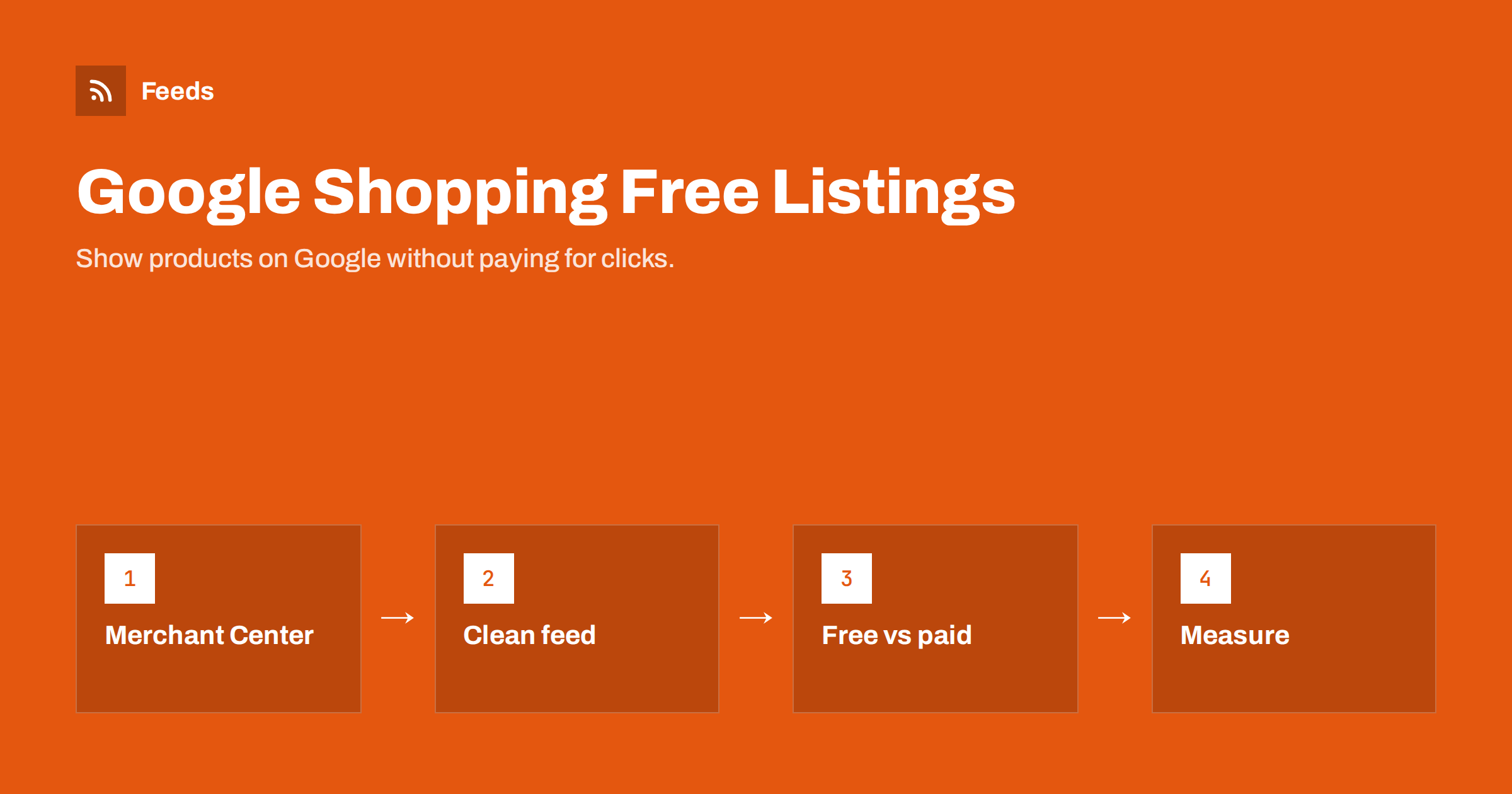
Short answer: Free listings let approved products appear on Google surfaces such as the Shopping tab, Google Images and Search without paying for clicks. To appear, a store needs a Merchant Center account with a verified website, shipping and return settings, and a product feed with accurate data; products then become eligible once they pass review. Free listings use the same feed as Shopping ads, but ads offer more placements and control, so many stores start free and add ads later.
What free listings are and where they appear
For many years, the product results in Google Shopping were almost entirely paid. Since 2020, Google has shown unpaid product listings as well, and they now appear in several places: the Shopping tab, product panels and grids in Search results in many countries, Google Images, and other surfaces where Google shows products. The exact placements vary by country and change as Google redesigns its results, but the principle is stable: if your product data is in Merchant Center and approved, your products can be shown for relevant searches without a click cost.
For small stores, that changes the economics of getting started. You can test how your products perform on Google, learn which ones attract interest, and fix your data, all before spending anything on ads. It is not a replacement for advertising in competitive categories, but it is a real channel on its own.
Free listings are sometimes described as “organic Shopping”. That is a useful mental model: as with organic search, you cannot buy position, and relevance and data quality decide what shows.
What you need to appear
The requirements for free listings are essentially those of Merchant Center itself. There is no separate application beyond enabling the program:
- A Merchant Center account with your business name, address and contact details.
- A verified and claimed website, so Google knows you control the domain your products link to.
- Shipping and return settings for the countries where you sell, matching what the website says.
- Product data, submitted with a feed or through a platform integration, with the required attributes: id, title, description, link, image, price, availability, and identifiers where they exist.
- A website that meets Google’s requirements: working checkout, clear prices, contact information and policies, and no misleading claims.
- Products that comply with shopping policies. Some product types are restricted or not allowed.
Once the account and products are approved and free listings are enabled for the target countries, eligible products can start appearing, usually within days.
How Google chooses which free listings to show
Google does not publish a formula for ranking free listings, but the inputs it has are clear: the relevance of your product data to the search, the quality of that data, and signals about the offer and the store. In practice, a few things are consistently associated with better visibility:
- Relevant, descriptive titles that contain the words people search for.
- Correct identifiers, so Google can match your product to searches for that specific product.
- Clear, high-quality images without overlays.
- Competitive, accurate prices and availability, matching the landing page.
- Complete shipping and return information, which Google can show as annotations like free delivery or free returns.
There are no guarantees. Two stores with similar data may see different results, and visibility changes with seasons, competition and Google’s own experiments. What you control is the quality of the data.
Shipping and returns deserve special mention. Google can show annotations such as free delivery, fast delivery or free returns next to a listing. Shoppers notice these, and they are only possible when your shipping and return settings are complete and accurate. For a small store, filling in delivery times carefully is one of the cheapest ways to make listings more attractive.
Free listings vs Shopping ads
| Aspect | Free listings | Shopping ads |
|---|---|---|
| Cost | No click cost | Pay per click (or per conversion goal) |
| Data source | Merchant Center product data | The same Merchant Center product data |
| Placements | Selected unpaid surfaces | Prominent paid placements across Search, Shopping, YouTube and more |
| Control | None over position or budget | Bids, budgets, targeting, product selection |
| Best for | Starting out, testing, extra reach | Scaling sales in competitive categories |
Because both use the same data, the work you do for free listings is never wasted. When you add ads later, the feed, the settings and the lessons about which products attract clicks all carry over.
A sensible path for many small stores is to run on free listings for a month or two, collect data on impressions, clicks and sales by product, and then start a small paid campaign focused on the products that already show promise. That way the first ad budget goes to products with evidence behind them rather than guesses.
Setting up free listings step by step
- Create the Merchant Center account and fill in the business information accurately.
- Verify and claim your website. Use the verification method that fits your site, such as an HTML tag or an existing Search Console property.
- Configure shipping and returns for each target country.
- Add your products through a hosted feed with a daily scheduled fetch, or through your platform’s integration.
- Make sure free listings are enabled for the relevant countries in the program settings.
- Review diagnostics and fix disapprovals, starting with account-level issues and the largest patterns.
Add tracking parameters to your product links, or use the link template attribute, so you can recognize free listing traffic in your analytics. Without them, clicks from free listings are often mixed in with organic search traffic.
Measuring free listing performance
Merchant Center shows performance reports for free listings, including impressions and clicks by product. Combine them with your analytics data to see which products turn clicks into sales. A few questions help you use the data:
- Which products get impressions but few clicks? Their titles, images or prices may be less attractive than competitors’.
- Which products get no impressions at all? They may have weak titles, missing identifiers or limited eligibility.
- Which products convert well? They are good candidates for your first paid campaign.
Look at trends over several weeks rather than daily numbers. Free listing traffic can be uneven, especially for small catalogs.
Remember that free listing clicks behave a little differently from paid clicks. Shoppers may be earlier in their research, comparing many stores. A lower conversion rate than your paid traffic is normal and does not mean the channel is not worth it, since the clicks cost nothing.
Common reasons products do not show
- The account is not fully set up: website not verified, shipping missing or an account-level issue pending.
- Products are disapproved or limited because of data, image, mismatch or policy issues.
- Free listings are not enabled for the country, or the feed targets a different country.
- Titles do not match searches, so products are rarely considered relevant.
- The category is very competitive, and paid results take most of the attention.
- Data is stale, causing repeated mismatches and reduced visibility.
Start with the diagnostics page: it answers the first three questions directly. The last three require improving the data and being patient.
Keeping free listings healthy
Free listings reward stores that keep their data current. A product that shows the wrong price or is sold out creates a poor experience, and Google treats persistent inaccuracies seriously. Refresh the feed at least daily, and more often if prices and stock change quickly. Consider enabling automatic item updates as a safety net for small timing gaps. Review diagnostics weekly, and recheck a sample of products after changes to your website, theme or pricing.
It is also worth revisiting titles and images for your top products every few months. Small improvements to the products that already get impressions usually matter more than adding many new products with weak data.
How Feeds helps
Feeds creates the product feed that Merchant Center needs for free listings, straight from a WooCommerce or Shopify store or from a CSV link. It publishes a Google product XML file with id, title, link, image, price, availability and brand, refreshes it automatically, and lets you skip out-of-stock products, rewrite titles and adjust prices. There is a free plan to start with; see the pricing page for limits.
Related reading
- How to Set Up a Google Merchant Center Product Feed
- Product Feed Title Optimization: Formulas That Work
- Merchant Center Disapproved Products: Causes and Fixes
The bottom line
Free listings give every store a way to show products on Google without paying for clicks. The entry ticket is a properly set up Merchant Center account and an accurate product feed. Visibility follows data quality: relevant titles, real identifiers, clean images and correct prices and stock. Start free, learn from the data, and add ads when you know which products deserve the budget.
الأسئلة الشائعة
Are Google Shopping free listings really free?
Yes. There is no charge for clicks on free listings. You only need a Merchant Center account and approved product data.
Do I need Google Ads for free listings?
No. Free listings work without a Google Ads account. Linking Ads is only needed for paid campaigns.
How long until my products appear in free listings?
Typically a few days after the account and products are approved, although new accounts can take longer to pass review.
Can free listings and Shopping ads show at the same time?
Yes. They use the same product data and can appear on the same results page in different placements.
How do I track sales from free listings?
Use Merchant Center’s performance reports and add tracking parameters to product links so analytics can separate free listing traffic from other sources.


