 ENEnglish
 LTLietuviškai
 DEDeutsch
 FRFrançais
 RUРусский
 ESEspañol
 PLPolski
 ITItaliano
 UKУкраїнська
 CSČeština
 PTPortuguês
 JA日本語
JA日本語 LVLatviešu valoda
 ETEesti
 HUMagyar
 IDBahasa Indonesia
 TRTürkçe
 HIहिन्दी
 ELΕλληνικά
 ARالعربية
 THไทย
THไทย VITiếng Việt
 RORomână
 MSBahasa Melayu
 BNবাংলা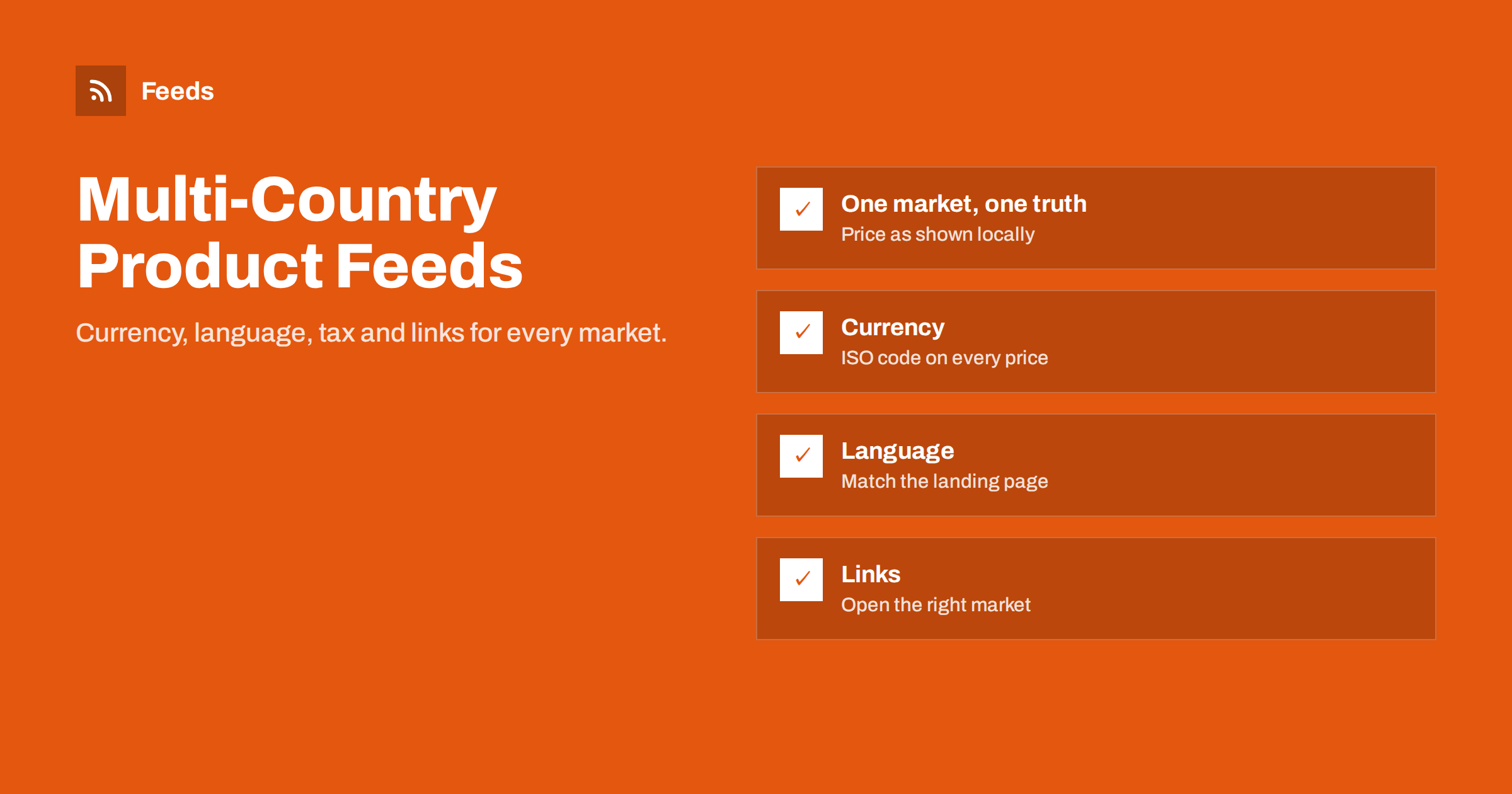
Short answer: Each country you target needs product data that matches what a shopper in that country sees: prices in the local currency with the correct tax treatment, titles and descriptions in the landing page’s language, shipping settings for that country, and links that open the matching market version of the page. One feed can serve several countries only when language, currency and prices are identical, for example within the euro area with the same language and prices. Otherwise, use a feed or a localized source per market.
The rule behind every multi-country setup
Shopping platforms check your product data against the landing page as a shopper in the target country would see it. If a German shopper sees a price in euros including German VAT, the feed for Germany must contain the same price in euros. If a Swiss shopper sees Swiss francs, the feed for Switzerland must contain francs. There is no conversion step on the platform side that fixes a mismatch for you in a way you can rely on.
This one rule explains almost every decision in a multi-country setup. The feed does not describe your products in the abstract; it describes the offer that a specific shopper in a specific country receives. Once you think about it that way, the questions become concrete: what price, in which currency and language, with which shipping cost, does a visitor from each country see?
Stores that follow this rule rarely have problems expanding. Stores that try to reuse one feed everywhere, with converted prices or untranslated titles, tend to run into waves of mismatches and disapprovals as soon as they add the second country.
Currency: send what the page shows
Every price in a feed needs an ISO 4217 currency code, such as EUR, GBP, USD, SEK or PLN. The code must match the currency displayed on the landing page for that country. A few scenarios are common:
- One currency, several countries. A store in the euro area selling to several euro countries at the same prices can often use the same prices for all of them.
- Local currencies with fixed prices. The store sets prices per currency, for example 29 EUR and 25 GBP. The feed for each country uses that country’s price.
- Automatic conversion on the site. The site converts prices on the fly. The feed must use the same exchange rates and rounding, or it will mismatch whenever rates move.
Google also offers currency conversion for some countries, letting you show a product in a country using your home currency, with a converted price displayed to shoppers. It is useful when your checkout only supports one currency, but the landing page must make clear which currency is charged. Where you can offer local prices on the site, local prices in the feed are clearer for shoppers.
Tax: included or excluded depends on the country
Most countries require consumer prices to include VAT or GST, and the feed must include it as well. The United States is the notable exception: prices are shown without sales tax, and tax is configured in Merchant Center rather than included in the price. Canada has its own tax settings. Some countries have different VAT rates, which means the same net price produces different gross prices in different markets.
If your store uses one-stop-shop VAT in the EU and charges each country’s VAT rate, the gross price may differ between, say, Germany and France even though the net price is the same. The feed for each country must reflect that country’s gross price. Stores that keep the gross price constant across countries, absorbing the VAT difference, can use the same price everywhere, which is simpler for feeds.
Language: match the landing page
The feed’s language is declared when you set up the data source for a country. Titles and descriptions must be in that language, and the landing page must be too. A French-language feed pointing to English pages will be flagged, and so will an English feed for a country where the page is in the local language only.
- Translate titles and descriptions in the store, not only in the feed, so that pages and feed agree.
- Pay attention to country-specific vocabulary, such as “trainers” in the UK versus “sneakers” in the US.
- For countries with several official languages, such as Switzerland or Belgium, you can target the same country with feeds in different languages, each pointing to pages in that language.
- Keep product IDs identical across languages, so performance and product sets remain consistent.
Machine translation can be a starting point for product titles, but review it before it goes into feeds. Sizes, materials and technical terms are easy to mistranslate, and a wrong word in a title can both hurt matching and mislead shoppers. For large catalogs, reviewing the top-selling products first gives most of the benefit for a fraction of the effort.
Links and market-specific URLs
The link in each country’s feed must open the page version that shows that country’s currency and language. If your site decides the currency by visitor location, the crawler may see a different version than you expect. Market-specific URLs solve this: a subdirectory such as /de/ or /fr/, a subdomain, or a country domain, or a URL parameter that fixes the market.
Avoid automatic redirects based on IP address that send crawlers to a different market than the link intends. If you use geolocation to suggest a market, offer it as a banner rather than a forced redirect, and make sure the linked URL alone determines what the crawler sees.
Shipping and returns per country
Shipping costs and delivery times differ by destination, and platforms require shipping information for each target country. In Merchant Center, set up shipping services per country with rates and delivery times that match your checkout. Return policies can also differ, especially where local consumer law sets minimum return periods.
It is easy to add a country to a feed and forget shipping. The result is either disapproved items or listings that show no delivery information, which makes them less attractive than competitors. Add shipping first, then the feed.
Assortment is the last piece. Not every product can be shipped everywhere: batteries, liquids, oversized items and some regulated products have destination restrictions. If a product cannot be delivered to a country, it should not appear in that country’s feed. Handle this with a rule based on a product field, such as a shipping class or tag, instead of relying on shoppers to find out at checkout.
One feed or several: how to decide
| Situation | Recommended setup |
|---|---|
| Same language, same currency, same prices | One feed, targeted to several countries |
| Same language, different currencies | One feed per currency |
| Different languages | One feed per language, or localized overrides |
| Different VAT-inclusive prices per country | One feed per country |
| Different assortments per country | One feed per country, or exclusions per country |
In Merchant Center, one data source can target several countries when they share language and prices. Meta supports country and language feeds that override fields in a base catalog. In both cases, product IDs stay the same across markets, and only the market-specific fields change.
Rolling out a new market safely
- Confirm the website is fully localized for the market: language, currency, prices, shipping and policies.
- Configure shipping and returns for the new country in each platform.
- Create the market’s feed or localized source and check ten products against the live pages.
- Submit and wait for review before starting paid campaigns.
- Monitor diagnostics for the new country separately for the first few weeks.
Also keep an eye on reporting. Performance should be reviewed per country, not only in total, because a strong home market can hide a new market that struggles with mismatches or weak translations.
Starting with one new market at a time keeps problems small and easy to trace. Launching five countries at once multiplies every mapping mistake by five.
How Feeds helps
Feeds creates product feeds from WooCommerce, Shopify or a CSV link and detects the currency automatically, so each feed carries the currency the store actually uses. You can create separate feeds from each market version of a store, and use rules to rewrite titles, adjust prices and skip out-of-stock products. The Google product XML output is read by Merchant Center and Meta. See the plans for how many feeds each includes.
Related reading
- How to Fix Price Mismatch Errors in Google Merchant Center
- Shopify Product Feed for Google Merchant Center Explained
- How to Add a Product Feed to a Meta Catalog, Step by Step
The bottom line
A multi-country feed setup follows one rule: for each country, send exactly what a local shopper sees. That means local currency with the right tax treatment, the landing page’s language, shipping for that country and links that open the right market version. Share one feed across countries only when all of those are identical, and add markets one at a time.
الأسئلة الشائعة
Can I use one product feed for several countries?
Yes, if the language, currency and prices are the same for those countries. Otherwise you need separate feeds or localized overrides per market.
Do I need to show prices in the local currency?
Ideally yes. Google supports currency conversion in some cases, but the landing page must make the charged currency clear, and local prices are clearer for shoppers.
Should feed prices include VAT?
In most countries yes, because consumer prices must include VAT. In the United States, prices exclude sales tax, which is set in Merchant Center.
Should product IDs differ between countries?
No. Keep the same IDs across countries and languages. Only market-specific fields such as price, currency, title and link should change.
What happens if my site redirects visitors by location?
Crawlers may land on a different market than the link intends, causing mismatches. Use market-specific URLs and avoid forced IP-based redirects.


