 ENEnglish
 LTLietuviškai
 DEDeutsch
 FRFrançais
 RUРусский
 ESEspañol
 PLPolski
 ITItaliano
 UKУкраїнська
 CSČeština
 PTPortuguês
 JA日本語
JA日本語 LVLatviešu valoda
 ETEesti
 HUMagyar
 IDBahasa Indonesia
 TRTürkçe
 HIहिन्दी
 ELΕλληνικά
 ARالعربية
 THไทย
THไทย VITiếng Việt
 RORomână
 MSBahasa Melayu
 BNবাংলা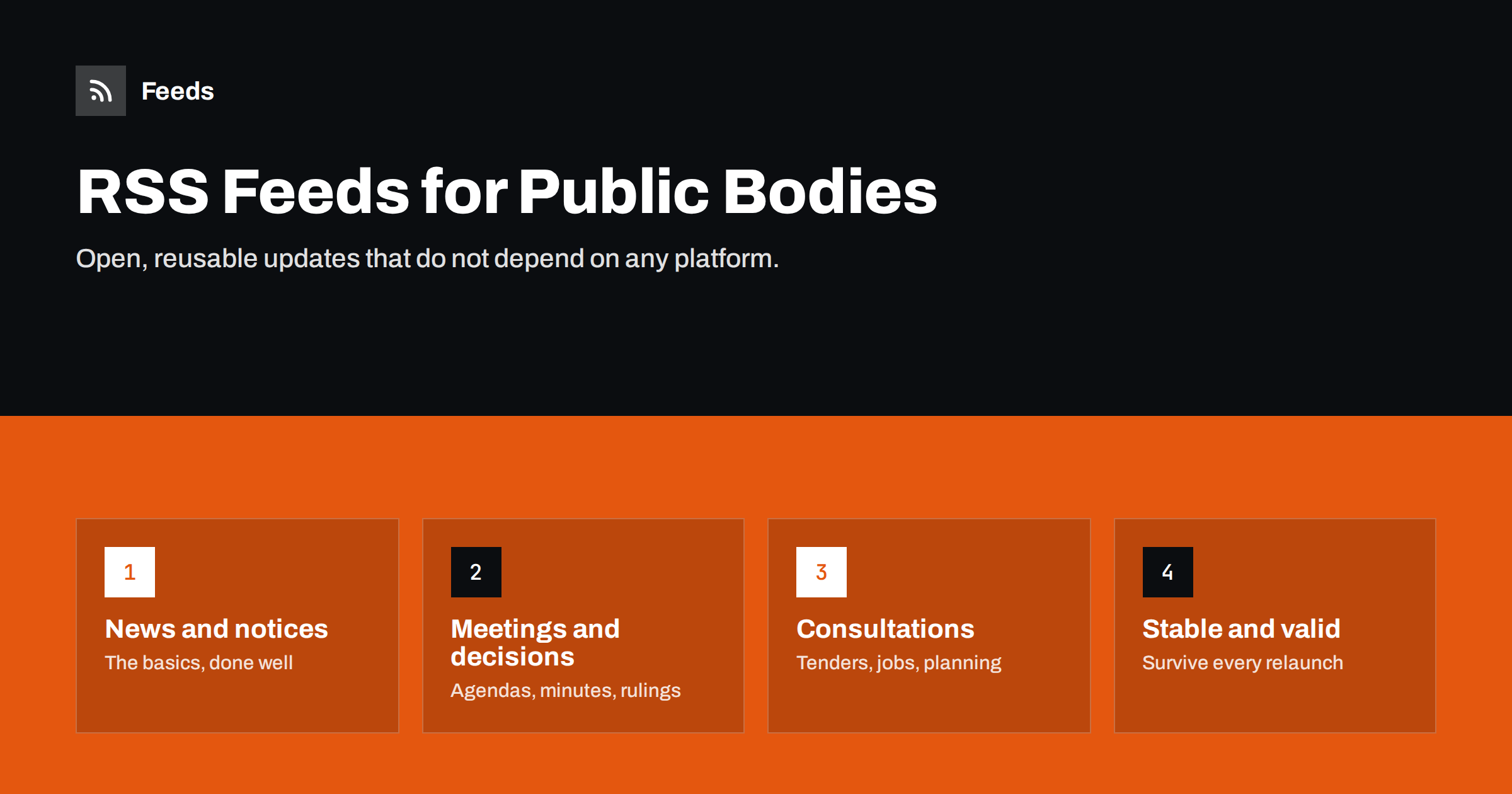
Short answer: public bodies should publish RSS feeds for every stream of information that residents, journalists and businesses follow: news and press releases, meeting agendas and minutes, decisions, public consultations, tenders, job vacancies, planning notices and service disruptions. Offer separate feeds per stream, list them on one feeds page, use valid RSS or Atom with correct dates, stable identifiers and clear titles, and make sure the feeds survive every website relaunch. Feeds are open, free to follow and do not depend on any social media platform.
Why feeds matter for the public sector
Municipalities, agencies, regulators and other public bodies have a duty to inform. Most of them publish information on their website and, increasingly, on social media. Social platforms are useful for reach, but they have limits: not everyone has an account, algorithms decide who sees a post, and a platform can change its rules or disappear. RSS offers something different:
- Open access. Anyone can follow a feed without an account and without sharing personal data.
- Complete delivery. A subscriber receives every item in order, not a selection chosen by an algorithm.
- Reuse. Journalists, local news sites, businesses, civic groups and other public bodies can integrate feeds into their own tools, newsletters and websites.
- Longevity. RSS has been a stable standard for more than two decades, which suits organisations that plan for the long term.
Many people who follow public bodies are professionals: journalists on a local beat, consultants tracking tenders, lawyers following decisions, businesses watching regulation. For them, feeds are often the most efficient way to stay informed, as shown in guides such as tracking government and regulator updates with RSS.
Which feeds to publish
Start from the questions people ask: “When is the next council meeting and what is on the agenda?”, “Are there new tenders in my field?”, “Is my street affected by roadworks?”. Each common question points to a feed:
| Feed | Main audience | Typical frequency |
|---|---|---|
| News and press releases | Residents, journalists | Several per week |
| Meeting agendas and minutes | Journalists, civic groups, residents | Around each meeting |
| Decisions, bylaws and regulations | Businesses, lawyers, residents | Irregular |
| Public consultations | Residents, organisations | Irregular |
| Tenders and procurement notices | Businesses, consultants | Weekly or more |
| Job vacancies | Job seekers | Weekly |
| Planning and permit notices | Neighbours, developers | Weekly or more |
| Service disruptions and emergencies | Residents | Irregular, time-critical |
Also consider an “everything” feed that combines news and notices for people who want a single subscription. Larger bodies may add feeds per department, district or topic, as long as each one has a clear purpose.
Technical basics that make feeds reliable
A feed that is technically sloppy creates confusion: items appear twice, dates are wrong or links break. The essentials are:
- A standard format. RSS 2.0 and Atom are both fine; pick one and use it consistently. The differences are explained in RSS vs Atom.
- Valid XML that passes a feed validator, with correct character encoding for local languages.
- Stable, unique identifiers for each item. If identifiers change when an item is edited, readers show it as new; see why readers show old posts as new.
- Correct publication dates with time zones, so items sort properly.
- Descriptive titles. “Notice 2026/114” tells nobody anything; “Road closure on Main Street, 3–5 November” does.
- A useful summary with the key facts, and a link to the full page or document.
- Permanent links. Items should link to pages that stay online, not temporary URLs.
A broader list of checks for publishers is in RSS feed best practices: a 24-point checklist.
Documents, PDFs and attachments
Much public information is published as documents: agendas, minutes, reports, decisions. A common mistake is a feed item whose title is a file name and whose link goes straight to a PDF. Better practice:
- Create an HTML page for each item that describes the document in plain language and links to the file.
- Use that page as the feed item’s link, with the document’s subject as the title.
- Include the file type and size on the page, so people on mobile connections know what to expect.
- Where the document is accessible HTML already, link to it directly.
This also helps people who monitor document publications, a common need described in getting alerts when a website publishes new reports or PDFs.
Make feeds easy to find and use
Feeds are only useful if people know about them. Recommended steps:
- A feeds page listing every feed with a short description and the URL, linked from the footer and from the “news” and “contact” sections.
- Autodiscovery tags in the head of the relevant pages, so readers find the feed when someone pastes the page address.
- A plain-language explanation of what RSS is and how to use it, for residents who have never used a feed reader.
- Accessible design of the feeds page, following the same accessibility standards as the rest of the website.
- Mention feeds to journalists in press contact information and to businesses in procurement pages.
If your body also runs an open data portal, list feeds there as well. Feeds are, in effect, a real-time open data service for announcements.
Keep feeds working through website relaunches
Public websites are redesigned every few years, often by a new supplier, and feeds are among the first things to break. Old feed URLs return errors, and subscribers who relied on them silently stop receiving updates. To prevent this:
- Include the list of feeds and their URLs in the requirements for any new website or CMS.
- Keep feed URLs unchanged, or set up permanent redirects from old URLs to the new ones.
- Preserve item identifiers where possible, so subscribers do not receive a flood of old items as new.
- Test every feed in a reader before and after the switch.
- Assign an owner in the communications or digital team who is responsible for feeds.
When feeds disappear, people build their own from your pages instead, as explained in why so many websites no longer offer RSS feeds. It is better for everyone if the official feed stays reliable.
A realistic rollout for a small team
Many public bodies have small communications teams and limited technical support. Feeds do not require a big project; a phased approach works well:
- Audit what exists. Most content management systems already produce some feeds, often for news. Find them, test them and note what is missing.
- Fix the basics of existing feeds: titles, dates, summaries and links. This usually takes configuration rather than development.
- Add the two or three most requested streams, typically meeting documents, tenders and vacancies. Ask journalists and local businesses which ones they would use.
- Publish the feeds page and announce it once through your usual channels.
- Add further streams gradually, such as consultations, planning notices and disruptions, as the CMS allows.
When procuring a new CMS or website, include RSS for each content type in the requirements from the start. It costs little at that stage and much more to add later. Also ask suppliers how feeds behave for scheduled publications, embargoed press releases and withdrawn items, because those cases matter more for public bodies than for most other publishers.
Beyond RSS: combine with other channels
RSS works best as the foundation that other channels build on. The same feed can drive an email newsletter, posts on the organisation’s social profiles, updates on screens in public buildings and widgets on partner websites. Publishing once and distributing from the feed keeps information consistent across channels and reduces manual work for small communications teams. For time-critical emergencies, feeds complement, but do not replace, official warning systems and direct alerts.
How Feeds can help
If a public body’s website has sections without RSS, such as a notices page or a vacancies list, Feeds can create a clean feed from the public page by finding the list of items and reading titles, summaries, images and dates, while existing feeds are used where they already exist. Several sources can be merged into one feed, for example all notices from several departments, and filtered by keywords, with duplicates removed automatically. That makes it a practical bridge for residents and organisations, and for public bodies until native feeds are in place. Create a feed from a public page to see what is found.
Related reading
- How to Monitor Public Tenders and Procurement Notices with RSS
- Local News Monitoring: Follow Your Town’s Sources with RSS
- RSS Autodiscovery: Help Readers and Apps Find Your Feed
The bottom line
RSS feeds are a simple, open way for public bodies to keep people informed. Publish separate feeds for news, meetings, decisions, consultations, tenders, jobs, planning and disruptions; follow the technical basics; describe documents in plain language; promote feeds on one clear page; and protect them during every website relaunch. The effort is small, and the audience of journalists, businesses and engaged residents is loyal.
الأسئلة الشائعة
Why should a municipality publish RSS feeds?
Feeds let anyone follow updates without an account, deliver every item in order, and allow journalists, businesses and other organisations to reuse the information in their own tools.
Which feeds are most useful for a public body?
News and press releases, meeting agendas and minutes, decisions, consultations, tenders, job vacancies, planning notices and service disruptions. Each answers a common question from residents or businesses.
Should feed items link directly to PDF files?
Preferably not. Link to an HTML page that describes the document in plain language and links to the file, and use the document’s subject as the item title.
How do we avoid breaking feeds during a website relaunch?
List all feeds in the project requirements, keep URLs unchanged or redirect them permanently, preserve item identifiers and test every feed before and after the switch.
Is RSS enough for emergency information?
No. Feeds are a useful additional channel for disruptions and emergencies, but they should complement official warning systems and direct alerts, not replace them.


