ENEnglish
 LTLietuviškai
 DEDeutsch
 FRFrançais
 RUРусский
 ESEspañol
 PLPolski
 ITItaliano
 UKУкраїнська
 CSČeština
 PTPortuguês
 JA日本語
 LVLatviešu valoda
 ETEesti
 HUMagyar
 IDBahasa Indonesia
 TRTürkçe
 HIहिन्दी
 ELΕλληνικά
 ARالعربية
 THไทย
 VITiếng Việt
 RORomână
 MSBahasa Melayu
 BNবাংলা
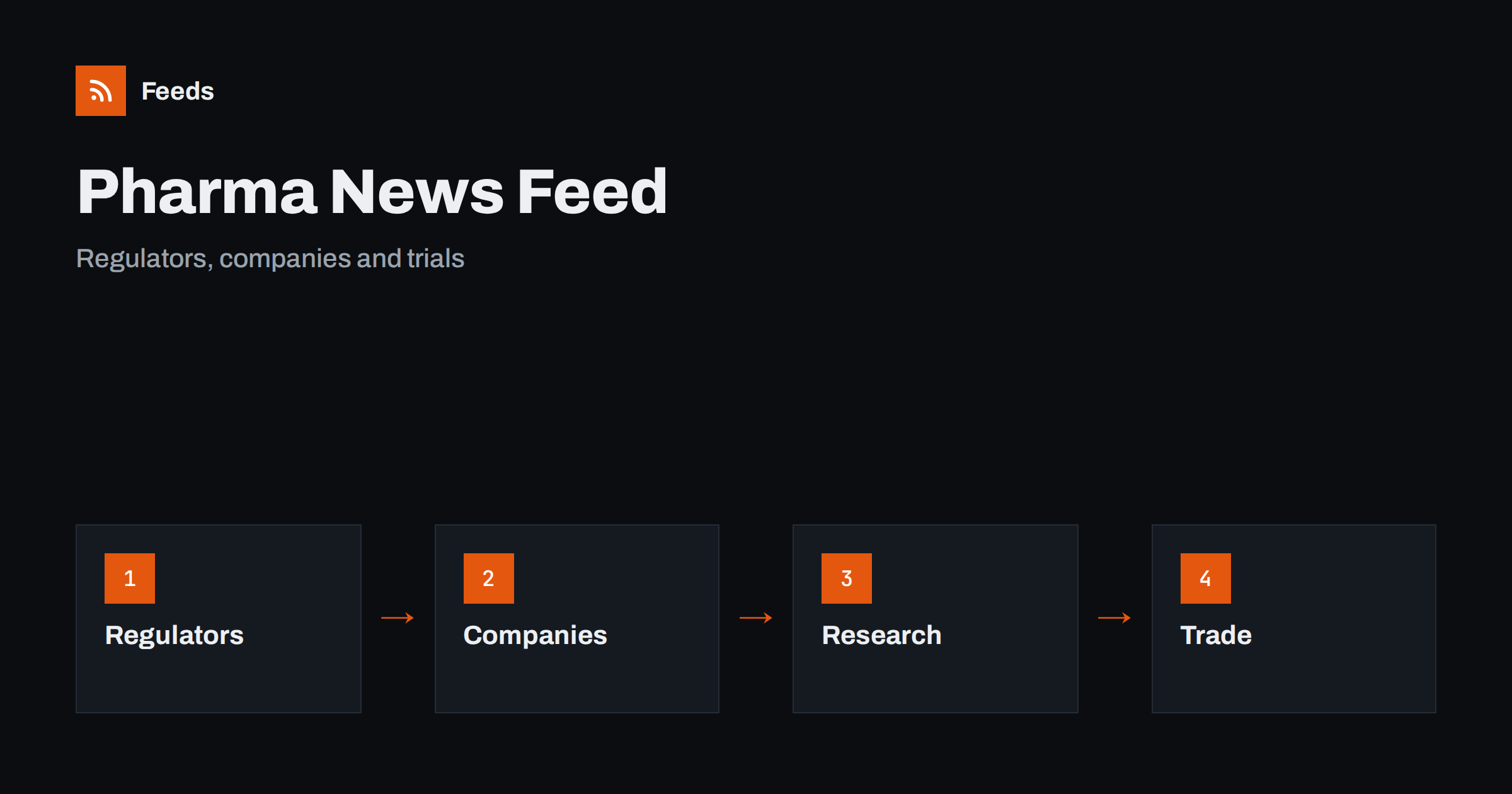
Short answer: Pharma and biotech news comes from regulators, company newsrooms, investor pages, trial registries, scientific journals, patient groups and a busy trade press. RSS lets you collect the sources that matter for your work in one reader, filter them by company, condition or topic and read them in the order they appear. Use regulators and companies for primary facts, treat early results and press coverage with care, and never use a news feed as a source of medical advice.
Why this news is hard to follow
The sector produces a steady stream of announcements: approvals and rejections, safety communications, trial starts and results, partnerships, financing rounds, manufacturing news and policy changes. They come from authorities, companies, universities and journals, in different formats and languages, and the same story is repeated by dozens of outlets with different headlines. Some of the most important notices appear only on an official page.
People who follow the field include analysts, investors, regulatory and quality staff, researchers, medical communicators, students and journalists. Each needs a narrow slice and a clear view of the source. If you are new to the idea, what is an RSS feed explains the basics in plain words.
Start with regulators and official notices
Medicines regulators publish decisions, safety communications, guidance and consultations. Many also publish lists of new approvals, withdrawals and shortages. These pages are the closest thing to a primary source in the sector, and they are the right place to confirm anything that a company or a news article reports about an approval or a safety issue.
Choose the regulators for the markets you work in and start with their news and safety pages. Read the original document for the exact wording, the date and the scope, and note when a decision applies in a particular region only. The habit of going back to the original is described in fact-checking with RSS: follow primary sources, not screenshots, and it is vital in a field where small differences in wording matter.
Follow company newsrooms and investor pages
Companies publish press releases, pipeline updates and financial reports. Listed companies also publish regulatory filings and results calendars on their investor pages. These items are the primary source for what a company chooses to say, and they include dates and often a statement about forward-looking information that is worth reading.
Follow the newsrooms of the companies on your list rather than every company in the sector. For financial announcements, track investor relations announcements with RSS explains how to collect them. Keep in mind that a press release is written to present news in the best light, so look for the underlying document, such as a label, a paper or a registry entry, before you form a view.
Trials, journals and research
Clinical trial registries and scientific journals are where results appear. Registries show the design, the status and the changes to a trial, and journals publish peer-reviewed results. A feed from a registry search or from a journal lets you see new entries on a condition or a drug class without checking every week.
Be careful with early or small studies, with press summaries and with conference abstracts, which may change before publication. Read the original paper or registry entry and note the type of study, the number of participants and the main limits. Follow academic journals and research with RSS alerts explains the setup, and how healthcare teams can follow clinical guidance with RSS covers guidance for practice.
Add trade press and patient organisations
Trade publications explain what a decision means for a company, a market or a patient group, and they report on deals and policy. Add a few respected titles and specialist blogs for your area, such as oncology, rare diseases, generics, devices or contract manufacturing. Patient organisations and professional societies add the view of people affected and of clinicians.
Keep a balance. If commentary outweighs primary sources in your reader, you will read opinions about facts you have not seen. A useful rule is to keep at least as many primary sources as commentary sources. Following industry associations and standards bodies with RSS shows how to add trade groups and standards bodies to the list.
Manufacturing and supply are part of the story too. Inspection results, quality notices, recalls, shortages and facility news can affect availability long before a company comments on it. Regulators and associations publish shortage lists and supply notices, and following them helps pharmacies, hospitals and suppliers plan. Company announcements about new plants, capacity and partnerships with contract manufacturers add context. Treat each of these as a lead to check against the official notice, because details such as the product, the batch and the region decide whether an item affects you.
Rules, pricing and policy
Health policy shapes the sector: reimbursement decisions, pricing rules, import and export rules, data protection and clinical trial regulation. These items come from ministries, payers and health technology bodies and often have long consultation periods. Follow the official pages directly, record the date a rule applies and ask a qualified adviser when it changes your obligations.
The same approach works for broader regulation. Tracking government and regulator updates with RSS explains how to set up the sources, and tracking product recalls and safety notices with RSS shows how to keep safety items in a folder you read every day. Keep policy items apart from company news so that they are not buried.
Find feeds, even when a site has none
Many regulators and companies offer an RSS link, but many hide it or do not publish one. Look for a feed icon in the news section, check the page source for an autodiscovery link or try the usual feed paths. Find the RSS feed of any website: 7 reliable methods lists the options in order.
When a site has no feed, a page-to-feed tool can read the list of notices and build a feed from it, as described in how to create an RSS feed for a website without RSS. Always check the preview. It should show real items with titles, dates and links, not menu entries, cookie banners or advertisements.
Filters, reading habits and limits
Keyword filters keep the list narrow. Include company names, drug classes, conditions and regulatory terms, and exclude topics that bring noise. Spelling matters: drug names appear as brand names and generic names, and companies change names after mergers. Test the filters on ten recent items and review them every month. Set up keyword alerts using RSS feed filters explains the method.
Read with care. A feed is a tool for finding news, not for making medical decisions. Patients and caregivers should talk to a doctor or pharmacist, and professionals should rely on official labels and guidelines. Do not share a rumour or an early result as fact, and note the date and the source when you pass an item on. A routine like RSS triage: a fast daily routine for reading less keeps the habit short.
Think about how a team shares the list. A regulatory affairs colleague may care about guidance and approvals, a medical communicator about journals and congress news, and a finance colleague about company filings and deals. Build one set of sources with separate folders for each role, add a short note on why each source is on the list and agree who reviews the list every month. When a source changes its website and the feed stops, the team learns about it from an alert instead of discovering it when news has already been missed.
Keep a simple record of the items you rely on. A note with the date, the source and the link for each decision or statement you use in a report lets anyone check where it came from, and it saves time when a question comes later. In a sector where wording and dates matter, that record is worth more than the speed gained by skipping it.
How RSS Feed Creator helps
RSS Feed Creator turns the news, notice or press pages of regulators, companies, societies and associations into clean RSS feeds, even when the site has no feed of its own. It reads titles, images, summaries and dates, uses an existing feed when there is one, and shows a preview of the items before the feed is created. You can merge several sources into one feed (up to 10 with the PostRSS add-on), keep only the items that contain your keywords and have duplicates removed automatically, which suits a reading list for one condition or one market. Feeds refresh every 3 hours on the free plan and every 30 minutes on paid plans, and the PostRSS add-on sends an alert when a page changes and a feed stops finding items. The free plan allows up to 20 items per feed, and the details are on the pricing page.
Related reading
- How Healthcare Teams Can Follow Clinical Guidance with RSS
- How to Follow Academic Journals and Research with RSS Alerts
- How to Track Product Recalls and Safety Notices with RSS
The bottom line
RSS gives you an ordered view of a complex sector. Start with regulators and official notices, add company newsrooms, registries and journals, use trade press for context and keep policy and safety items in their own folders. Treat early results with care, open the original before you share anything and never use a feed as a source of medical advice.
الأسئلة الشائعة
Which sources should I follow first?
Begin with the regulators for your markets and the newsrooms of the companies you follow. Add journals, registries and trade press later.
Can a feed tell me whether a drug is approved?
It can alert you to a decision, but confirm it on the regulator’s page and read the exact scope and date.
What if a regulator site has no RSS feed?
A page-to-feed tool can read its list of notices and build a feed. Check the preview to confirm that it shows real items with dates.
How do I avoid hype in company news?
Look for the underlying document, such as a label, a paper or a registry entry, before you form a view on a press release.
Is this suitable for medical decisions?
No. A feed is a news tool. Patients should talk to a doctor or pharmacist, and professionals should use official labels and guidelines.