 ENEnglish
 LTLietuviškai
 DEDeutsch
 FRFrançais
 RUРусский
 ESEspañol
 PLPolski
 ITItaliano
 UKУкраїнська
 CSČeština
 PTPortuguês
 JA日本語
JA日本語 LVLatviešu valoda
 ETEesti
 HUMagyar
 IDBahasa Indonesia
 TRTürkçe
 HIहिन्दी
 ELΕλληνικά
 ARالعربية
 THไทย
THไทย VITiếng Việt
 RORomână
 MSBahasa Melayu
 BNবাংলা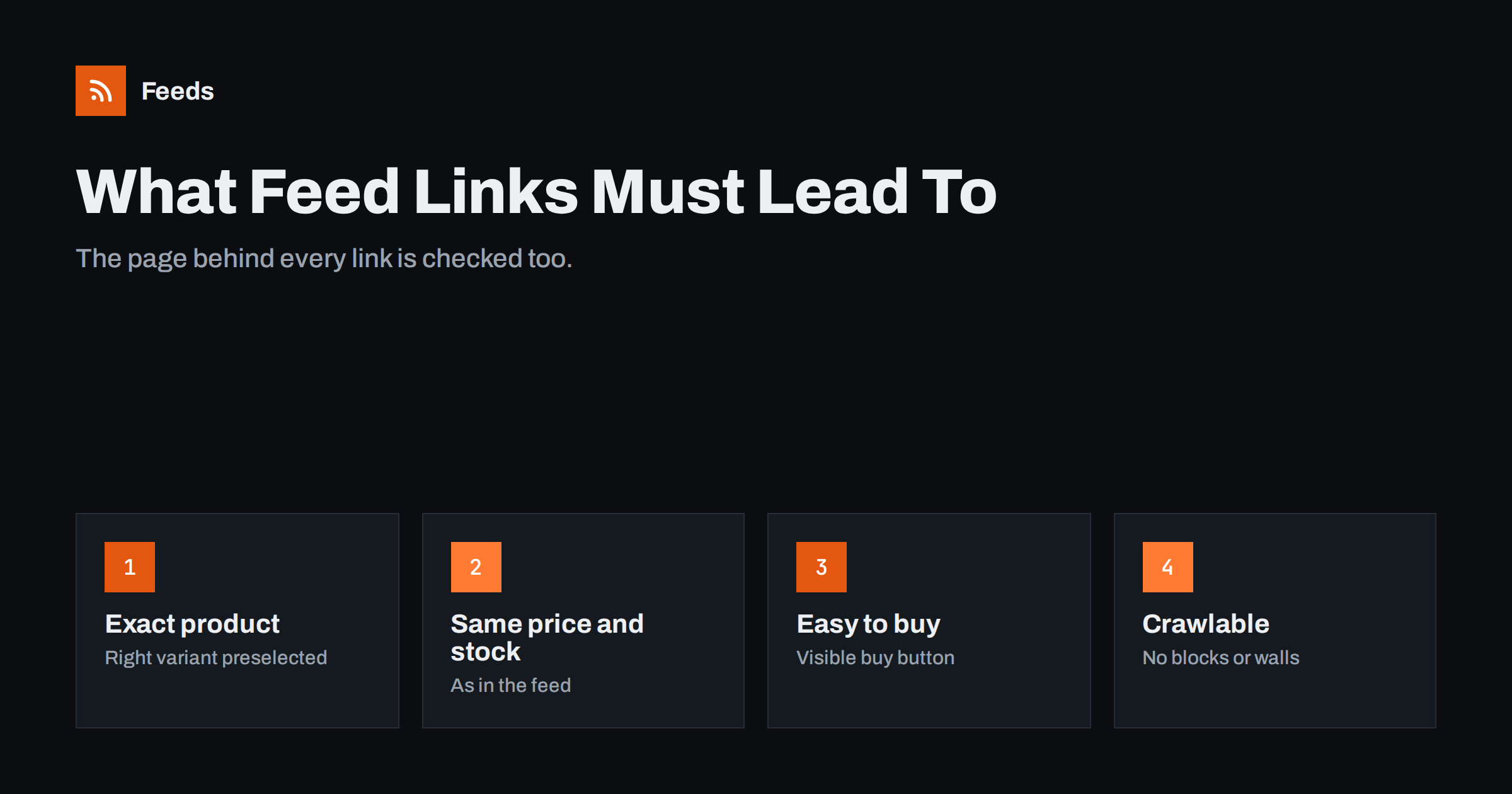
Short answer: Every link in a product feed must lead to a working page on your verified domain that shows the exact product and variant from the feed, with the same price, currency and availability, and a clear way to buy it. The page must load without login, errors or interstitials, be reachable for platform crawlers, and match the feed’s language and country. Redirects to the homepage, category pages or a different variant cause disapprovals and wasted clicks.
Why the landing page is part of the feed
A product feed is a promise, and the landing page is where the shopper checks it. Platforms know this, so they review landing pages as carefully as the feed itself. Google crawls the linked page for each product, compares price and availability, checks that the page works and belongs to your verified domain, and looks at the whole website for trust signals. Meta checks links and reacts to shopper feedback about misleading pages.
From a shopper’s point of view, the landing page decides whether the click becomes a purchase. A shopper who clicked on a blue jacket for 89 EUR and lands on a black jacket for 99 EUR, or on a category page with forty jackets, is likely to leave. That lost sale is also a paid click in advertising campaigns.
This makes the link attribute one of the most important fields in the feed, even though it looks like a simple URL.
It also helps to think of the landing page as the second half of your listing. The feed gets the shopper’s attention with an image, title and price; the page must confirm all three instantly and then answer the remaining questions: delivery time, returns, sizes, materials. Pages that answer those questions near the buy button convert better, whatever the channel.
The exact product, the exact variant
The link must open the page for the specific item in the feed. For simple products that is the product URL. For variants, it must be a URL that preselects the variant: the right color, size or configuration, so that the price, image and availability shown on arrival match the feed item.
- Shopify supports variant URLs with a variant parameter.
- WooCommerce variations can be preselected with attribute parameters in the URL.
- Custom platforms often support similar parameters or separate URLs per variant.
Test a few variant links in a private browser window. If the page loads with the default variant, the platform sees the default price and stock, which may not match the feed item. This single issue causes a large share of variant mismatches.
Bundles and configurable products need extra thought. If a product is sold with options that change the price, such as engraving or a larger size, the link should open the configuration that matches the feed price. If that is not possible, the feed price should be the price of the default configuration that the page shows on arrival.
Price, currency and availability on the page
The landing page must show the same price as the feed, in the same currency, including tax where required, visible near the product without extra clicks. Availability should be clear: in stock, out of stock, preorder or backorder, consistent with the feed.
Be careful with elements that change the price after load: currency switchers that pick a currency by location, pop-ups with discounts, and scripts that update prices once the page has loaded. The crawler may see a different state than you expect. Structured data on the page should carry the same price and availability, so crawlers can read them reliably.
Sold-out states deserve the same clarity. If a variant is out of stock, the page should say so plainly near the price, and the buy button should be disabled or replaced by a notification option. A page that shows “Add to cart” for an item that cannot be ordered confuses both crawlers and shoppers, and it usually leads to availability mismatches.
A clear way to buy
The page must let shoppers buy the product, or at least add it to the cart, directly. Pages that require a quote request, a phone call or a login before showing prices are generally not suitable for Shopping listings. The buy button should be visible and working for the preselected variant.
Checkout must also work for visitors from the target country, with the shipping costs and payment options you configured. Reviewers can follow the checkout flow, and a checkout that fails for certain countries or payment methods raises account-level concerns.
Cookie consent banners are allowed and expected in many countries, but they should not hide the product entirely or block the page until a choice is made. A banner at the bottom of the screen is fine; a full-screen wall before any content loads is risky for both crawlers and conversions.
For stores that sell only to business customers, the requirement to show prices without login is often a blocker. In that case Shopping listings may simply not be the right channel, or a public retail price is needed.
Technical requirements
| Requirement | Why it matters | Common failure |
|---|---|---|
| HTTPS on the verified domain | Security and ownership checks | Links to a staging host or another domain |
| Returns a normal page (status 200) | Crawlers must reach the content | 404 for deleted products, redirects to homepage |
| No login or interstitial | Shoppers and crawlers must see the product | Age gates, forced newsletter pop-ups, country selectors |
| Crawlable | Platforms must be able to fetch the page | robots.txt blocks, firewall challenges |
| Reasonably fast | Slow pages time out for crawlers and lose shoppers | Heavy scripts, slow hosting |
| Mobile-friendly | Most Shopping clicks are on phones | Buy button hidden below large elements |
Tracking parameters are fine, as long as the page works with them and does not redirect to a different product or strip the variant selection. Google also supports separate attributes for ad tracking URLs, which keeps the main link clean.
Page speed deserves attention beyond the crawler. Shoppers arriving from Shopping results on mobile connections leave quickly if the page takes several seconds to show the product. Compressing images, limiting third-party scripts and using caching help both conversion and crawling.
Language, country and trust signals
The page language must match the feed language for that country, and prices must be in the currency shown to shoppers there. If your site has several language or country versions, each feed should link to the matching version. Avoid forced redirects based on IP address, which can send crawlers to a different version than the link intends.
The wider website matters too. Account reviews look for contact details, clear shipping and return policies, secure checkout and honest product claims. A perfect product page on a website without contact information or return policy can still lead to account-level problems. Make sure these pages exist and are linked from every product page, for example in the footer.
Also avoid claims on the page that you cannot support, such as “best price guaranteed” without terms, fake countdown timers or invented stock scarcity. These patterns are common triggers for misrepresentation reviews and erode shopper trust even when no platform acts on them.
Discontinued products and changed URLs
When a product is discontinued, remove it from the feed before, or at the same time as, removing its page. A link to a deleted page produces errors until the next fetch. When product URLs change, for example after a platform migration or a slug change, the feed must use the new URLs. Redirects from old URLs are good practice for search, but feed links should point directly to the final URL rather than through redirects.
After a migration, check a sample of feed links, and watch the diagnostics for landing page errors in the following days.
A simple monthly habit helps: open ten random links from the feed on a phone, over a mobile connection, and look at them as a shopper would. Most landing page problems are visible within seconds.
How Feeds helps
Feeds takes the product link for each item from your WooCommerce or Shopify store, or from the link column of a CSV file, and includes it in a Google product XML feed with id, title, image, price, availability and brand. Because the feed is built from store data and refreshes automatically, URL and stock changes flow through to Merchant Center and Meta. See the pricing page for plans.
Related reading
- Product Variants in Feeds: How item_group_id Works
- How to Fix Price Mismatch Errors in Google Merchant Center
- Merchant Center Disapproved Products: Causes and Fixes
The bottom line
A feed link must open a working page on your verified domain for the exact product and variant, showing the same price, currency and availability as the feed, with a visible way to buy. Keep pages crawlable, fast and free of walls, match language and country, and make sure the wider website shows clear contact details and policies.
الأسئلة الشائعة
Can a feed link point to a category page?
No. Each item must link to the page for that specific product, and for variants, to the page with that variant preselected.
Are tracking parameters allowed in product links?
Yes, as long as the page still loads the correct product and variant with them. Google also offers separate attributes for ad tracking.
What happens if a product page returns an error?
The item is typically disapproved until the page works again. Remove discontinued products from the feed instead of linking to deleted pages.
Do pop-ups on product pages cause problems?
Interstitials that block the product, such as forced sign-ups or country selectors, can prevent crawlers and shoppers from seeing it. Keep the product accessible on load.
Why does the landing page language matter?
The page must match the feed’s language for the target country. A mismatch can cause disapprovals and confuse shoppers.


