 ENEnglish
 LTLietuviškai
 DEDeutsch
 FRFrançais
 RUРусский
 ESEspañol
 PLPolski
 ITItaliano
 UKУкраїнська
 CSČeština
 PTPortuguês
 JA日本語
JA日本語 LVLatviešu valoda
 ETEesti
 HUMagyar
 IDBahasa Indonesia
 TRTürkçe
 HIहिन्दी
 ELΕλληνικά
 ARالعربية
 THไทย
THไทย VITiếng Việt
 RORomână
 MSBahasa Melayu
 BNবাংলা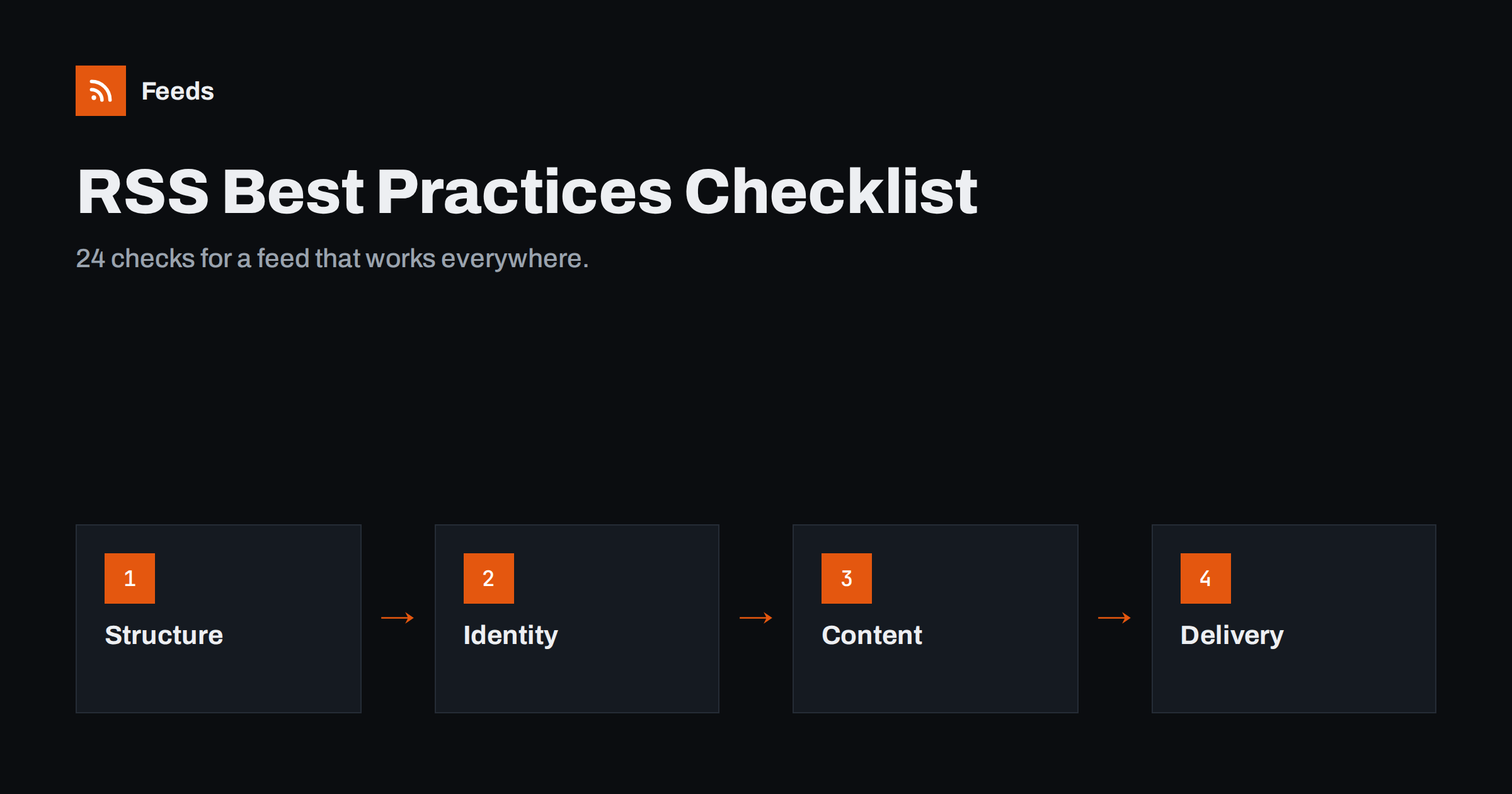
Short answer: A good publisher feed is valid and UTF-8 encoded, gives every item a permanent guid and a correct date with time zone, carries a useful summary and ideally full text, includes a large image with an absolute HTTPS URL, is advertised with autodiscovery on every page, and is served with the right content type, caching headers and no bot challenges. The 24 checks below cover structure, identity, content, media, discovery and delivery; run through them after launch and after every major site change.
Feeds tend to be set up once and then forgotten. Meanwhile themes change, plugins are added, hosting moves and security services are switched on, and each change can quietly degrade the feed that readers, newsletters, social tools and partners depend on. A checklist is the cheapest protection. The one below is written for publishers of blogs, news sites, company newsrooms and content hubs, and it is grouped so you can check one area at a time. Most points take less than a minute to verify.
Structure and validity (checks 1 to 4)
- The feed validates without errors in the W3C Feed Validation Service or an equivalent validator. Warnings are reviewed and understood.
- Encoding is UTF-8 in the XML declaration, the HTTP header and the actual bytes, so quotes and accented letters display correctly.
- Nothing precedes the XML declaration: no blank lines, byte order marks or PHP notices.
- The channel is complete: a recognisable title, the site link, a one-sentence description, a language code and an
atom:link rel="self"with the canonical feed URL.
These are the foundations. A feed that fails here may work in forgiving readers and fail silently in strict ones, such as podcast directories, partner import scripts and some automation tools. Fix structure before anything else, because many other problems disappear once the XML is clean.
Identity and dates (checks 5 to 8)
- Every item has a guid, and it is unique within the feed.
- Guids are permanent. They do not change when you edit a title, change a slug, switch themes or migrate hosts. If the guid is not a working URL, it carries
isPermaLink="false". - Dates are correct and complete: RFC 822 for RSS or RFC 3339 for Atom, with a time zone, reflecting the real publication time.
- Future-dated and draft items never appear, and refreshed articles do not get new dates unless you intend readers to see them again.
Identity problems are the source of the two complaints readers make most often: duplicates and missing items. They rarely show up in validators, so review them deliberately after any migration.
Content and text (checks 9 to 12)
Readers decide in a second whether to open an item, and automated tools copy your text into emails and social posts without human review. What you put in each item is therefore what appears in all of those places.
- Titles are specific and complete, without site names or clickbait padding that looks odd in a reader list.
- Every item has a real excerpt, ideally hand-written, of one to three sentences. No empty descriptions and no “Read more…” alone.
- Full text is available if you choose it, in
content:encodedor Atomcontent, with clean HTML: no scripts, no forms, no layout-only markup. - Each item ends with an attribution line and an absolute link to the original, which helps readers and protects you against scraped copies.
Images and media (checks 13 to 16)
- Each item has a featured image in a Media RSS tag, an enclosure, or at the top of the content, preferably more than one of these.
- Images are large enough, around 1200 pixels wide or more, and in widely supported formats such as JPEG or PNG.
- All image and link URLs are absolute HTTPS URLs, never relative paths and never lazy-loading placeholders.
- You have the rights to distribute the images wherever the feed goes, including partner sites if you syndicate full text.
Images are what make items stand out in readers, email digests and social posts generated from your feed. They are also the most common reason automated posts look broken, so these four checks pay off quickly.
Discovery and choice (checks 17 to 20)
A feed nobody can find serves only the tools you configured yourself. Discovery is what lets new readers, newsletter platforms and partner systems connect without asking you for a URL.
- Every page has an autodiscovery tag in the head, pointing to the main feed with the correct type and a descriptive title.
- The main feed is listed first, comment feeds last or not at all, and only one format per feed is advertised.
- Topic or category feeds are available for audiences that want only part of your content, and topic pages advertise their own feeds.
- A visible link or subscribe page explains your feeds in plain language, next to your newsletter option.
Delivery and reliability (checks 21 to 24)
This is the layer site owners check least, because their own browser rarely shows its problems. Readers and tools, however, meet it on every single fetch, many times a day.
- The feed returns 200 at one stable HTTPS URL, with at most one redirect from older addresses, and permanent 301 redirects from any retired feed URLs.
- Conditional requests work: ETag and Last-Modified are sent, and a repeat request returns 304 when nothing changed. Compression is enabled for feed content types.
- Caching is short and purged on publish, so a new post appears in the feed within minutes.
- No bot challenges or blocks apply to feed URLs, and the feed is reachable from outside your network, as a validator or hosted reader sees it.
How to run the checklist efficiently
You do not need special tools. A browser, a validator and a feed reader cover almost everything:
| Tool | Checks it covers |
|---|---|
| Feed validator | 1 to 4, 7, parts of 5 and 15 |
| Raw feed in the browser (view source) | 3, 5, 6, 9 to 13, 15 |
| Page source of an article and a category page | 17 to 19 |
| HTTP header checker or command line | 2, 21 to 24 |
| Two feed readers, one hosted and one app | 8, 10, 13, 14, overall appearance |
If several people maintain the site, assign one owner for the feed, even if the checks themselves are quick. Shared responsibility for small technical details usually means nobody checks them. Keep a copy of the checklist with dates and results. Repeat it after theme changes, plugin changes, hosting or CDN changes, domain migrations and major platform updates, and at least once a year even if nothing seems to have changed.
Common reasons a feed drifts out of shape
Feeds rarely break on the day they are set up. They drift. Knowing the usual triggers helps you schedule the checklist at the right moments:
- Theme redesigns that change how images, excerpts or dates are output.
- New plugins for SEO, caching, security or page building that alter feed output or headers.
- Hosting and CDN moves that change compression, caching or bot protection.
- Domain or HTTPS changes that alter links, guids or redirects.
- Editorial habits, such as skipping excerpts or pasting text from documents with hidden characters.
Add “check the feed” to the definition of done for each of these events, and the checklist becomes a routine rather than a rescue operation.
When sources you depend on fail the checklist
Publishers also consume feeds: partner news, industry sources, suppliers’ announcements. Many of those fail half of these checks, and some sites publish no feed at all. Our tool, Feeds, turns a public page’s list of items into a clean RSS feed with titles, links, images, summaries and dates, uses a site’s existing feed when it works, and merges several sources into one feed with duplicates removed and keyword filters. You see a preview before anything is created. Details are on the pricing page.
Related reading
- How to Validate an RSS Feed and Fix the Most Common Errors
- How to Serve an RSS Feed Correctly: Headers, Caching and CDNs
- RSS Autodiscovery: Help Readers and Apps Find Your Feed
- How to Add Featured Images to Your WordPress RSS Feed
The bottom line
A feed that works everywhere comes down to six areas: valid structure, permanent identities and correct dates, useful text, good images with absolute URLs, clear discovery, and reliable delivery. The 24 checks above take well under an hour the first time and a few minutes after each change. Run them regularly, and every reader, newsletter, social tool and partner that depends on your feed will get your content exactly as you intended.
الأسئلة الشائعة
What makes a good RSS feed?
A good feed validates, uses UTF-8, gives every item a permanent guid and a correct date, includes a useful summary and an image with absolute URLs, is advertised on every page and is served reliably with the right headers.
How often should I check my RSS feed?
After any change to the theme, plugins, hosting, CDN or domain, and at least once a year otherwise. Subscribing to your own feed in a reader also helps you notice problems quickly.
Which feed problems are most common?
Changing guids that cause duplicates, missing or wrong dates, relative image and link URLs, stale caches, and bot protection that blocks feed readers are the problems publishers run into most often.
Do I need full text in my feed?
Not necessarily. Full text serves readers best, but a good hand-written excerpt with an image is enough for many publishers, especially those relying on site visits.
Is one feed enough for my site?
For small sites, yes. Larger sites benefit from topic or category feeds so each audience receives only what it wants, while the main feed remains available for everything.


