 ENEnglish
 LTLietuviškai
 DEDeutsch
 FRFrançais
 RUРусский
 ESEspañol
 PLPolski
 ITItaliano
 UKУкраїнська
 CSČeština
 PTPortuguês
 JA日本語
JA日本語 LVLatviešu valoda
 ETEesti
 HUMagyar
 IDBahasa Indonesia
 TRTürkçe
 HIहिन्दी
 ELΕλληνικά
 ARالعربية
 THไทย
THไทย VITiếng Việt
 RORomână
 MSBahasa Melayu
 BNবাংলা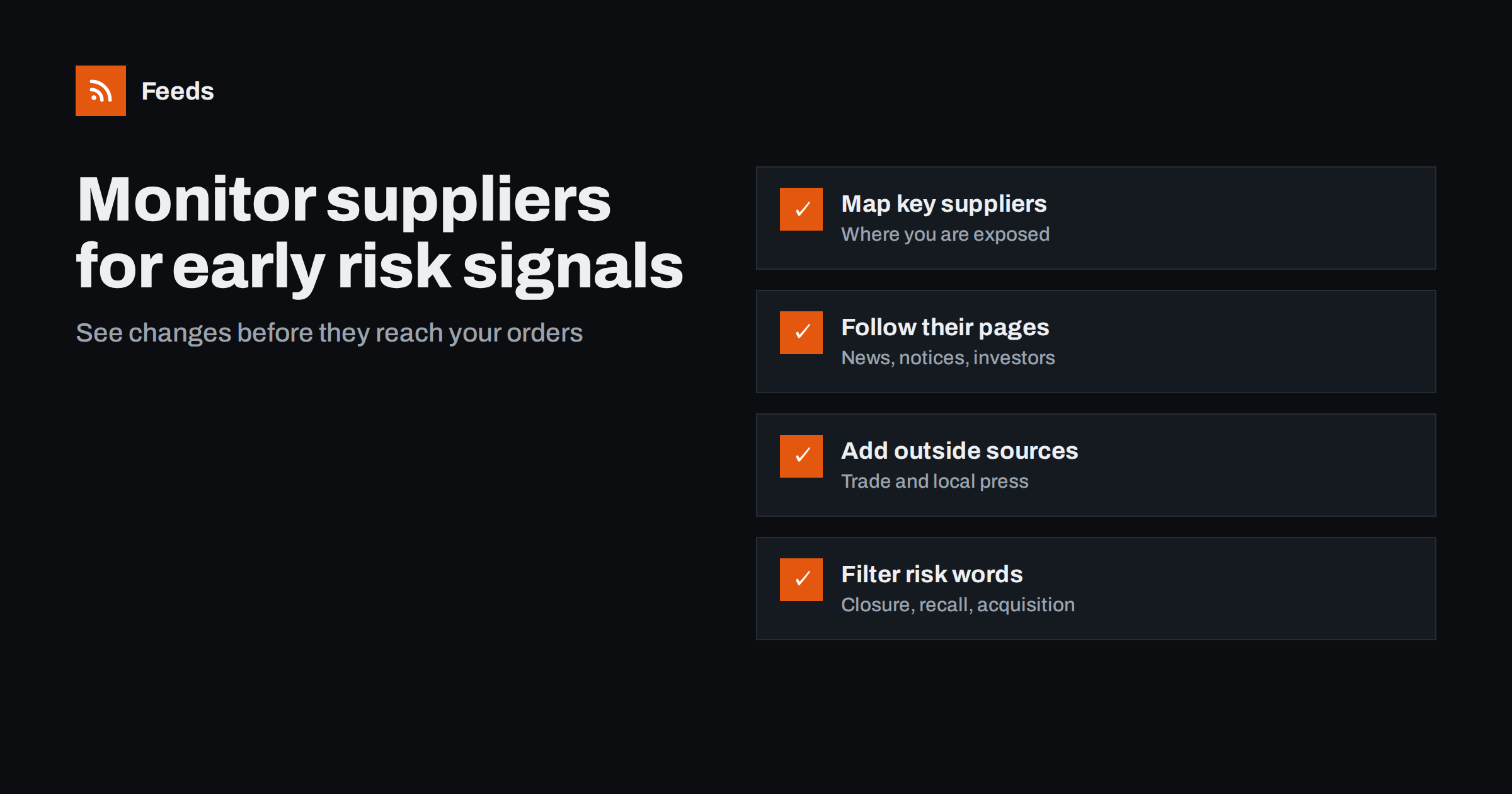
Short answer: Identify the suppliers and partners whose problems would hurt you most, then follow their own news, announcement and customer notice pages as RSS feeds, together with trade and local press filtered for their names. Add filters for risk words such as closure, recall, acquisition, price increase, discontinued and insolvency, and route matches to the person who manages each relationship. Review the stream weekly and act early, when you still have options.
Most businesses watch their customers and competitors far more closely than their suppliers. Yet a supplier’s decisions can affect you directly: a discontinued component, a price increase, a factory closure, a change of ownership, a product recall or financial difficulty. These events are usually announced somewhere public before they reach your purchase orders, often on the supplier’s own website, in trade press or in local news near their sites. A small monitoring setup turns those public signals into early warnings.
Large companies buy supply chain risk services that track thousands of suppliers across many data sources. Smaller businesses rarely need that. What they need is to hear about the handful of events that would really hurt them, from the handful of suppliers that matter most. A feed-based approach does exactly that, at almost no cost, and it keeps the purchasing or operations manager in control of what is watched and why.
Which signals matter
| Signal | Where it appears | Why it matters |
|---|---|---|
| Product discontinuation | Customer notices, product news, distributor pages | You may need to find alternatives or place last-time orders |
| Price changes | Customer notices, news, trade press | Budget and margin impact |
| Site closures or relocations | Newsroom, local press | Lead times and supply continuity |
| Mergers and acquisitions | Newsroom, investor relations, business press | Changed terms, product lines or priorities |
| Recalls and safety notices | Supplier notices, regulators’ recall pages | Your own product and liability exposure |
| Financial difficulty | Business press, official insolvency notices where public | Risk of sudden supply interruption |
| Leadership changes | Newsroom | Possible strategy shifts |
Step 1: Decide which suppliers to watch
You do not need to monitor every vendor. Focus on those where a problem would cause real harm:
- Single-source suppliers with no easy alternative.
- Suppliers of critical components or services.
- Your largest suppliers by spend.
- Key partners, such as distributors, resellers or technology partners, whose changes affect your customers.
For most small and mid-sized businesses, ten to thirty suppliers and partners is a practical number. Note who owns each relationship internally.
Also write down, for each supplier, what a problem would mean in practice: how many weeks of stock you hold, how long it would take to qualify an alternative, and which of your products or services depend on it. This one-line exposure note makes it much easier to judge later whether a signal in the feed needs action today or just attention.
Step 2: Follow the suppliers’ own pages
For each supplier, look for the pages where it announces changes:
- The newsroom or press release page.
- Customer or product notices, such as discontinuation or change notifications, often in a support or partner section.
- Investor relations news, if the supplier is a listed company.
- The blog, if it is used for product and company news.
Use existing feeds where available. Customer notice pages and newsrooms of industrial suppliers rarely have feeds, so create feeds from their list pages with a page-to-feed tool and check the preview. Pages behind a customer login cannot be followed this way; for those, rely on the supplier’s email notifications and make sure they reach the right person.
Step 3: Add outside sources
Suppliers do not always announce bad news themselves. Outside sources fill the gap:
- Trade publications covering the supplier’s industry, filtered for supplier names.
- Local news near the supplier’s main sites, filtered for its name, since plant closures and layoffs often appear there first.
- Regulators’ recall or safety notice pages for your product categories.
- Official gazettes or insolvency notice pages in countries where these are published online and publicly accessible.
Merge these into one “supplier risk” feed alongside the suppliers’ own pages.
Distributors and industry associations are worth adding too. Distributors often publish product change and allocation notices for many manufacturers on one page, and associations report on sector-wide issues such as raw material shortages, strikes or new regulations that affect whole groups of suppliers at once. One such page can cover risks that no single supplier’s newsroom would mention.
Step 4: Filter for risk
A supplier’s own feed can be read in full, since it is usually low-volume. Outside sources need filtering for supplier names, and optionally for risk words:
- closure, closing, relocation, layoffs
- acquisition, acquired, merger, takeover
- recall, safety notice, withdrawn
- discontinued, end of life, last time buy
- price increase, surcharge
- insolvency, administration, restructuring
A useful structure is two feeds: one with everything from and about your suppliers, reviewed weekly, and one filtered for risk words, delivered faster to relationship owners.
Supplier names need care in filters. Use the full legal or trading name, include the names of important subsidiaries or brands, and add former names after a rebrand or acquisition. For suppliers with generic names, combine the name with an industry word or the name of the town where their main site is, so that local news about an unrelated company with a similar name does not flood the feed.
Step 5: Respond early
Early warning is only valuable if it leads to action while options remain. When a signal appears:
- Confirm it with the supplier directly; news reports can be incomplete, and suppliers usually appreciate being asked rather than hearing about decisions made on rumours.
- Assess your exposure: stock levels, open orders, contract terms, alternatives.
- Decide on steps: safety stock, dual sourcing, last-time orders, contract review or simply closer contact.
- Record the signal and decision in your supplier file.
Share significant signals beyond purchasing. Sales may need to warn customers about longer lead times, finance may need to adjust forecasts, and product teams may need to plan design changes. A short note with the source link and the proposed response keeps everyone informed without a meeting.
Common mistakes
- Watching only big suppliers. Small single-source suppliers often carry the most risk.
- Relying only on supplier announcements. Difficult news often appears first in local or trade press.
- Filtering supplier names too loosely. Common-word company names produce noise; use full names or add context words.
- No owner. A risk feed that nobody reads protects nobody. Assign each supplier to a relationship owner.
- Overreacting. A rumour is not a crisis. Confirm before acting.
- Never revisiting the list. Suppliers change as your products change. Review the monitored list at least once a year, or whenever a new critical supplier is added.
A worked example
A company assembling electronic devices identifies eighteen critical suppliers, six of them single-source. Their newsrooms and product change notice pages mostly have no feeds, so the purchasing manager generates feeds from them. She adds two trade publications filtered for supplier names, the local news sites near four key factories, and a regulator’s recall page for electronic components. The merged feed is reviewed every Monday, and a second feed filtered for risk words goes to her phone.
A few months later, a component supplier posts an end-of-life notice for a part used in the company’s best-selling product. Because the notice appears in the feed the day it is published, the company places a last-time order within the supplier’s window and starts qualifying an alternative part, avoiding a production stop. The same feed later shows a local news report about planned layoffs at another supplier’s plant; a phone call confirms the plant will stay open but with longer lead times, and the company adjusts its ordering schedule accordingly.
How Feeds helps
Feeds turns supplier newsrooms, public notice pages and local news sections into RSS feeds, including pages that publish no feed, using existing feeds where they exist and showing a preview before anything is created. You can merge supplier sources into one feed and keep items with your words, such as supplier names or risk terms, with duplicates removed automatically. Feeds refresh on their own, and paid plans alert you if a feed stops finding items. Plans are on the pricing page.
Related reading
- How to Track Customer and Prospect News with RSS for Sales
- Local News Monitoring: Follow Your Town’s Sources with RSS
- How to Reduce Noise in RSS Alerts Without Missing Anything
The bottom line
Supplier problems are usually visible in public before they hit your orders. Choose the suppliers where you are most exposed, follow their own pages and outside sources through feeds, filter for risk signals, and assign owners who confirm and act early. It is a small effort compared with the cost of a surprise.
الأسئلة الشائعة
How can I monitor my suppliers for problems?
Follow their newsrooms and customer notice pages as feeds, add trade and local press filtered for their names, and filter for risk words like closure, recall and acquisition.
Which suppliers should I monitor?
Focus on single-source suppliers, critical components or services, your largest suppliers by spend, and partners whose changes affect your customers.
What if a supplier’s notices are behind a customer login?
Feeds cannot follow private pages. Use the supplier’s email notifications and make sure they go to the relationship owner, not a general inbox.
Can I detect supplier financial trouble early?
Sometimes. Business and local press, and official notices where they are public, can signal difficulty. Treat such signals as prompts to talk to the supplier, not as conclusions.
How often should supplier feeds be reviewed?
Weekly for the full stream, with a filtered risk feed delivered faster to the people who manage each relationship.


