 ENEnglish
 LTLietuviškai
 DEDeutsch
 FRFrançais
 RUРусский
 ESEspañol
 PLPolski
 ITItaliano
 UKУкраїнська
 CSČeština
 PTPortuguês
 JA日本語
JA日本語 LVLatviešu valoda
 ETEesti
 HUMagyar
 IDBahasa Indonesia
 TRTürkçe
 HIहिन्दी
 ELΕλληνικά
 ARالعربية
 THไทย
THไทย VITiếng Việt
 RORomână
 MSBahasa Melayu
 BNবাংলা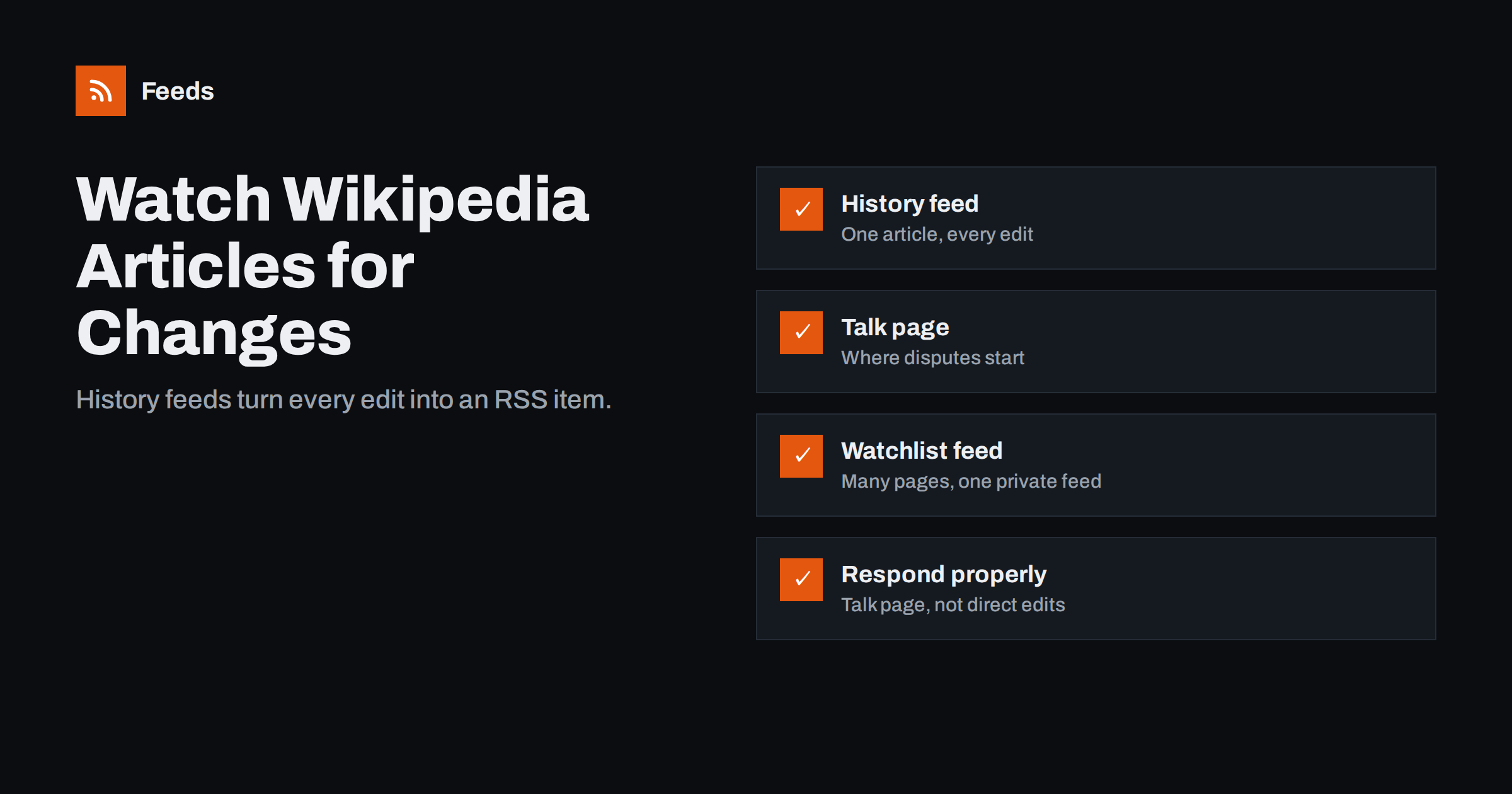
Short answer: Every Wikipedia article has a revision history, and that history is available as an RSS or Atom feed. Add action=history&feed=atom to the article’s address and subscribe to the result in any RSS reader, and each new edit arrives as an item with the editor, the edit summary and a link to the change. For many pages, use a watchlist feed or merge several history feeds into one, and follow the article’s talk page too, because that is where disputes usually start.
Why monitor Wikipedia pages at all
Wikipedia articles often rank highly in search results for company names, products, public figures and topics, and their content is widely reused by other sites and tools. A change to an article can therefore reach many people quickly. Organisations, communications teams, researchers and editors have good reasons to know when a page changes:
- Reputation: an inaccurate or hostile edit to the article about your company or founder can sit unnoticed for weeks.
- Accuracy: outdated facts, such as a former CEO or an old headquarters address, are easier to correct with a source when you notice early.
- Competitive and market research: articles about competitors, industries and technologies change when new information becomes public.
- Research and teaching: academics follow articles in their field to see how knowledge is presented and debated.
Wikipedia monitoring fits naturally into a broader system. If you are building one, our guide to a reputation early-warning feed for your brand shows how to combine sources like this into one stream.
The history feed: one article, every edit
The simplest option needs no account at all. Wikipedia, like other sites running MediaWiki, publishes the revision history of every page as a feed.
- Open the article and note its exact title as it appears in the address, with underscores instead of spaces.
- Build the address:
https://en.wikipedia.org/w/index.php?title=Article_title&action=history&feed=atom. Replaceenwith the language edition you need. Usefeed=rssif your tool prefers RSS. - Open it in a browser to check that it loads, then add it to your RSS reader or monitoring tool.
Each item typically shows who made the edit (a username or an IP address), the time, the edit summary the editor wrote, and a link to a comparison of the before and after versions. Many readers also show the change itself inside the item, which lets you judge an edit without leaving the reader.
Language editions are separate wikis with separate articles. If your company matters in several markets, subscribe to the history of each language version. Our guide on monitoring foreign-language websites with RSS has tips for following sources you cannot read fluently.
Do not forget the talk page
Each article has a talk page, where editors discuss changes, sources and disputes. Proposed rewrites, questions about notability and complaints about neutrality usually appear there before they reach the article. Its history has a feed too: use the same pattern with the title Talk:Article_title.
For sensitive pages, the talk page feed is often more useful than the article feed. It gives you time to understand a discussion and, where appropriate, to contribute reliable sources before a change is made.
Watching many pages: watchlist feeds and merging
If you care about a dozen or more pages, separate feeds become tiresome. There are two good approaches.
| Approach | كيف يعمل | Best for |
|---|---|---|
| Watchlist feed | Add pages to your Wikipedia watchlist, then use the private watchlist feed with your personal token | Individuals with an account watching many pages |
| Merged history feeds | Combine the history feeds of chosen pages into one feed | Teams and shared monitoring without personal accounts |
| Separate feeds in a folder | Subscribe to each history feed and group them in the reader | A small number of pages |
The watchlist feed is available through the MediaWiki API. You generate a watchlist token in your account preferences and use it in a feed address that includes your username. Treat that token like a password: anyone who has it can read your watchlist. If a token leaks, reset it in preferences.
Merged feeds work without an account and are easy to share with colleagues. See how to merge multiple RSS feeds into one clean feed for the general method.
Other Wikipedia feeds worth knowing
- User contributions: a feed of every edit by one account, useful when a particular editor repeatedly changes pages you care about.
- New pages: the list of newly created articles has a feed, which can be filtered by keyword to spot new articles about your field or company.
- Related changes: changes to pages linked from a given page, handy for following a whole topic cluster.
- Other wikis: most sites built on MediaWiki, including many company and fan wikis, offer the same history feeds.
These feeds can be busy. Use keyword filters or a separate folder so they do not drown out more important alerts. Our advice on reducing noise in RSS alerts applies directly.
How to read edits quickly
Most edits are harmless: typo fixes, formatting, links, bots tidying references. A quick triage routine keeps monitoring from becoming a chore.
- Scan the edit summary. Words like “typo”, “ref”, “format” or “cleanup” usually mean routine work.
- Check the size and type. Large removals, new sections or changes to the lead paragraph deserve a closer look.
- Open the diff for anything substantive. The comparison shows exactly what was added or removed.
- Watch for patterns. Repeated edits by the same new account or the same IP range may indicate an edit war or promotional editing, by anyone.
- Record significant changes. A short note with the date and link helps if you later need to explain a correction request.
A simple routine for teams
For a company or agency, Wikipedia monitoring works best as a small, shared routine rather than one person’s private habit. A setup that many teams can run with little effort looks like this:
- Pick the pages deliberately. Typically the company article, articles about key products, founders or executives with their own pages, and the talk pages of all of them. Add competitors or industry articles only if someone will actually read them.
- Put the feed where the team already looks. A shared RSS reader folder, an email digest or a team chat channel all work. A daily digest is usually enough for Wikipedia, because edits rarely need a response within minutes.
- Name an owner. One person decides whether an edit needs attention, and knows the conflict-of-interest rules before acting.
- Review the list twice a year. New products get articles, old ones are merged or deleted, and executives change.
Agencies that run this for several clients can keep one merged feed per client and route each to the right account team. The same approach works for other public reference pages, such as industry directories or wikis in your field, which often have feeds of their own.
Keep expectations realistic. Monitoring shows you what changed and when; it does not tell you whether a change is fair or accurate. That judgment, and the patience to follow the site’s processes, still has to come from a person.
How to respond when something is wrong
Noticing an error is only half the job; how you respond matters. Wikipedia has clear rules for people and organisations with a conflict of interest. In general, you should not edit an article about your own company, products or employer directly. Instead, explain the problem on the article’s talk page, disclose your connection, and propose a specific correction supported by reliable, independent sources. Wikipedia’s conflict of interest guideline explains the expected process.
Obvious vandalism, such as offensive text, is usually reverted quickly by volunteers. For persistent problems, use the dispute resolution routes the site describes rather than repeatedly reverting changes yourself. Monitoring gives you time; patience and good sources get corrections accepted.
Where a feed tool helps
Wikipedia already publishes feeds, so the job is combining and filtering them. Feeds can merge several history feeds into one, keep only items that contain (or exclude) your keywords, and remove duplicates, so a team can follow the pages about a company, its products and its competitors in a single feed. It also creates feeds from web pages that have no RSS, which lets you add news pages and other sources to the same stream. Plans and limits are on the pricing page.
Related reading
- Media Monitoring with RSS: Track Brand Mentions in the News
- Page Change Monitoring vs RSS Feeds: Which Do You Need?
- Beyond Google Alerts: Building Source-Based Alerts with RSS
The bottom line
Wikipedia makes monitoring easy: every article and talk page has a history feed you can follow in an RSS reader. Subscribe to the pages that matter, merge them or use a watchlist feed when there are many, triage edits by summary and size, and respond through the talk page with reliable sources rather than editing pages about yourself.
الأسئلة الشائعة
Can I get notified when a Wikipedia page is edited?
Yes. Each page’s revision history is available as an RSS or Atom feed. Subscribe to it in an RSS reader, or add the page to your watchlist and use your account’s email or watchlist feed options.
What is the RSS feed URL for a Wikipedia article’s history?
Use the article’s index.php address with the page title, followed by action=history and feed=atom or feed=rss. The same pattern works for talk pages and for other MediaWiki wikis.
Do I need a Wikipedia account to monitor pages?
No. History feeds are public and work without an account. An account is only needed for the watchlist and its private feed.
Can I edit the Wikipedia article about my own company?
Wikipedia strongly discourages direct edits by people with a conflict of interest. Propose changes on the talk page, disclose your connection and support the request with reliable independent sources.
How can I monitor several Wikipedia articles in one place?
Use a watchlist feed if you have an account, or merge the history feeds of the pages you care about into one feed and add it to a reader or team channel.


