 ENEnglish
 LTLietuviškai
 DEDeutsch
 FRFrançais
 RUРусский
 ESEspañol
 PLPolski
 ITItaliano
 UKУкраїнська
 CSČeština
 PTPortuguês
 JA日本語
JA日本語 LVLatviešu valoda
 ETEesti
 HUMagyar
 IDBahasa Indonesia
 TRTürkçe
 HIहिन्दी
 ELΕλληνικά
 ARالعربية
 THไทย
THไทย VITiếng Việt
 RORomână
 MSBahasa Melayu
 BNবাংলা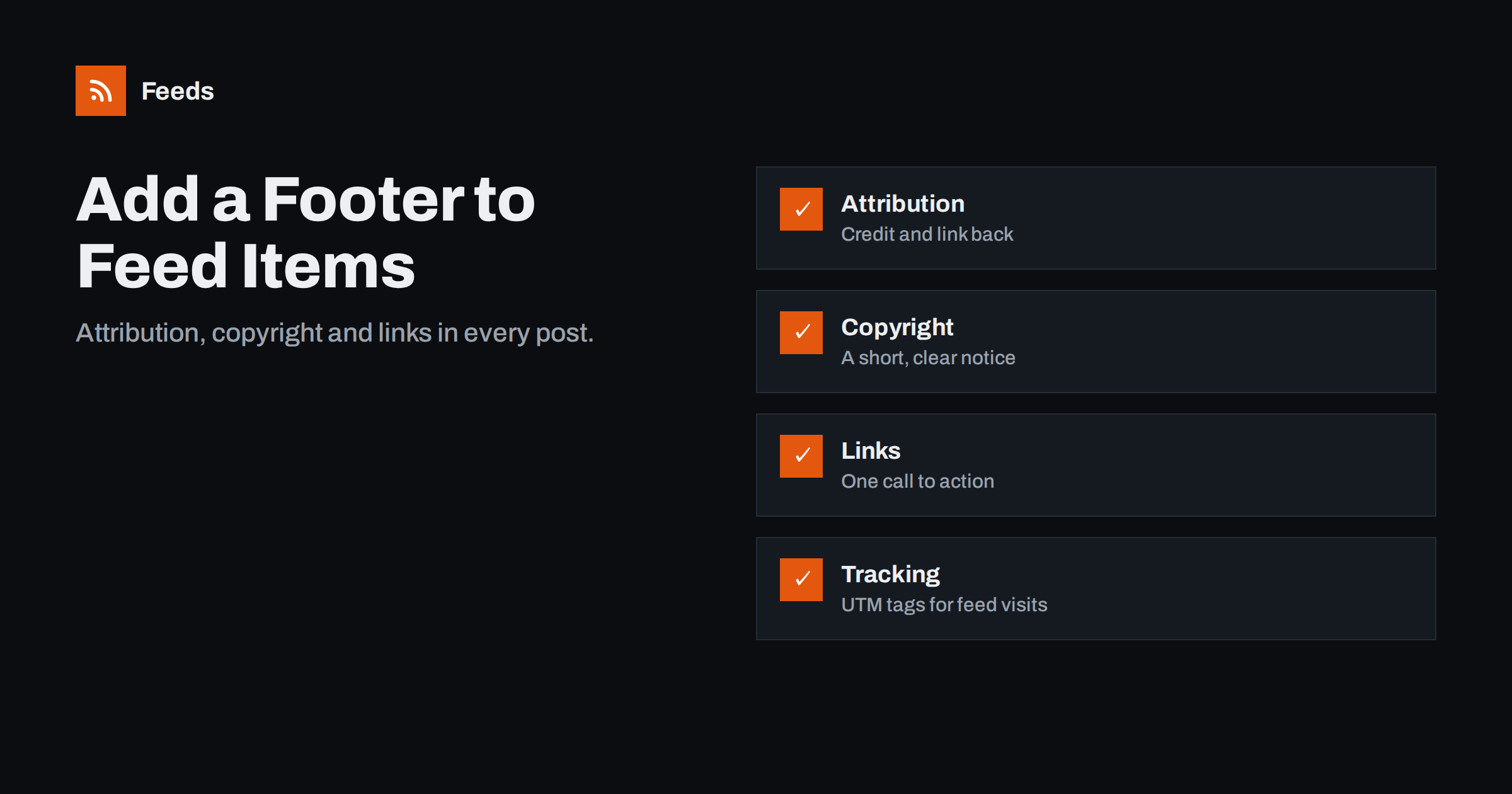
Short answer: To add text after every item in your WordPress feed, such as “This post first appeared on [site]” with a link, a copyright line or a call to action, use the feed footer setting in an SEO plugin or a short snippet on the the_content_feed and the_excerpt_rss filters. The addition appears only in feeds, not on your website. Keep it short, use absolute URLs, and consider adding UTM parameters so visits from feed readers show up in analytics.
Most site owners spend hours on their website’s footer and none on their feed’s, even though the feed may be read in more places. Your feed travels further than your website. Readers see it in apps, newsletter tools turn it into emails, social tools post it, partners display it, and scrapers copy it. Each of those copies loses your website’s header, footer and branding. A small footer inside each feed item brings some of that back: it credits you, links to the original, and can point readers to something useful. It is a five-minute change with lasting benefits.
What to put in a feed footer
A good footer is one or two short lines. Choose from:
- Attribution with a link back: “The post [Title] first appeared on [Site name].” This is the most valuable element, because it follows every copy of the item.
- A copyright notice: “© 2026 Company name. All rights reserved.” Short and factual.
- One call to action: a link to your newsletter, a free trial, or a related guide. One, not five.
- A comments link, if discussion happens on your site.
Write the footer as you would write for a reader who has just finished your article: helpful, brief and specific. “Get our weekly summary of new guides” works better than “Subscribe now!!!”, and readers of full-text feeds are often exactly the loyal audience who might act on a calm, relevant suggestion. Avoid long disclaimers, multiple banners, images and scripts. Readers display the footer under every item, and anything heavy quickly becomes noise.
Why attribution matters so much
Scrapers that republish full-text feeds rarely remove the content of the item. A link back to the original in the item itself therefore travels with the scraped copy. That has three effects:
- Readers of the copy can find the original author.
- Search engines see a link from the copy to the original, which helps them identify the source.
- You can find copies of your content by searching for your attribution sentence.
None of this replaces legal protection or a takedown process, but it shifts the default in your favour at no cost. Legitimate partners and aggregators benefit too: the attribution line makes the source clear even if their template does not show it prominently.
Option 1: use your SEO plugin
Several popular WordPress SEO plugins have an RSS section in their settings with two fields: content to add before each post and content to add after each post. They usually support placeholders such as the post link, post title, site link and site name. Steps:
- Open your SEO plugin’s settings and look for “RSS” or “Feeds”.
- Enter a line such as: The post %%POSTLINK%% appeared first on %%BLOGLINK%%. (Placeholder names differ between plugins; use the ones listed in the settings screen.)
- Save, purge caches and check the raw feed.
Placeholders keep the text accurate automatically: the post link and title change for each item, so you write the line once and never touch it again. If you rename the site, the site name placeholder updates too. This is the easiest option and survives theme changes. Some plugins add a default attribution line automatically, so check whether one already exists before adding your own.
Option 2: add it with code
If you do not use such a plugin, a small snippet in a site-specific plugin does the same:
function feed_footer( $content ) {
    if ( ! is_feed() ) return $content;
    $footer = sprintf(
        '<p>The post <a href="%1$s">%2$s</a> first appeared on <a href="%3$s">%4$s</a>.</p>',
        esc_url( get_permalink() ),
        esc_html( get_the_title() ),
        esc_url( home_url( '/' ) ),
        esc_html( get_bloginfo( 'name' ) )
    );
    return $content . $footer;
}
add_filter( 'the_content_feed', 'feed_footer' );
add_filter( 'the_excerpt_rss', 'feed_footer' );
You can adapt the sentence, add a copyright line or a second paragraph with a call to action, but keep the structure simple: plain paragraphs and links are displayed correctly by virtually every reader, email tool and partner template. Using both filters covers full-text feeds and excerpt feeds. Everything is escaped, and the function returns early outside feeds, so your website is unaffected.
Adding UTM parameters to feed links
To measure visits from feed readers, add campaign parameters to the links in your feed. Two places matter:
- The item link, which readers open when someone clicks the title.
- Links in the footer, such as the attribution link or call to action.
Some SEO and analytics plugins can add parameters such as utm_source=rss&utm_medium=feed automatically. If you add them yourself, use the the_permalink_rss filter for item links, and keep canonical tags on your pages pointing to clean URLs so search engines ignore the tagged versions. Be aware that some automation tools reuse the item link in social posts; give those tools their own parameters where possible, or you will count social visits as feed visits.
Different footers for different feeds
Once the footer is in code, you can vary it by context. A few useful variations:
- By category. Product update posts might end with a link to the changelog, while blog articles link to the newsletter. Check the post’s category inside the filter function and choose the text accordingly.
- By feed. A partner feed might carry a stricter attribution line and no call to action, while the public feed invites readers to subscribe.
- By language. On multilingual sites, the footer should be in the language of the post, not always in the site’s default language.
- By post type. Podcast episodes might link to the episode page and transcript rather than a newsletter.
Keep the variations few and documented. Every variation is one more thing to check after changes, and readers benefit most from a consistent, predictable footer. If you find yourself writing many conditions, a simple rule such as “attribution always, call to action only on blog posts” is usually enough.
Before-content additions
You can also add content at the top of each item, for example a featured image, a short note (“Listen to the audio version”) or a series name. Use this sparingly. The start of an item is what readers and tools show as a preview, and many use the first sentence as a summary. A banner or notice at the top can replace your carefully written opening in every preview and email. Generally, images at the top help; text at the top hurts.
Comparing the options
| Approach | Effort | Flexibility | Notes |
|---|---|---|---|
| SEO plugin RSS settings | Very low | Placeholders only | Survives theme changes |
| Custom snippet | Low | Full control, conditions per category | Put in a small plugin, not the theme |
| Feed-management plugin | Low | Often adds images and other features | One more plugin to maintain |
Testing and common pitfalls
- Check the raw feed after saving; caches often hide changes.
- Avoid duplicates: a plugin and your snippet may both add attribution.
- Use absolute URLs in the footer; relative links break in readers.
- Keep HTML simple: a paragraph and links. Some readers strip styles and classes.
- Remember old items: readers do not re-fetch old items, so only new posts show the footer in most apps.
- Validate the feed, especially if your footer includes special characters such as the copyright sign or ampersands.
If you reuse feeds from several sources, attribution matters on the receiving side too. Our tool, Feeds, keeps each item’s link to the original page when it merges several feeds into one, removes duplicates and can filter by keywords, so the combined feed still points readers to the original publishers. See the plans.
Related reading
- Full Text or Summary? Choosing What Your RSS Feed Shows
- Content Syndication With RSS: A Practical Guide for Publishers
- How to Measure RSS Feed Subscribers and Readership
The bottom line
A one- or two-line footer in every feed item credits you wherever your content travels, links readers back to the original, and can carry a single call to action and tracking parameters. Add it with your SEO plugin’s RSS settings or a small snippet on the feed content filters, keep it short and absolute-linked, and check the raw feed after saving.
الأسئلة الشائعة
How do I add text to the end of every WordPress feed item?
Use the RSS settings in an SEO plugin, which usually offer “content after each post”, or add a filter on the_content_feed and the_excerpt_rss that appends your text only when is_feed() is true.
Will the feed footer appear on my website?
No. Both the plugin settings and the snippet apply only to feeds. Visitors to your website see your posts as usual, with your normal theme footer and layout.
Does an attribution line protect against content scraping?
It does not stop scraping, but it makes scraped copies credit and link to you, helps search engines identify the original, and makes copies easier to find.
Should I add UTM parameters to feed links?
It is useful for measuring visits from feed readers. Keep canonical tags clean on your pages and give automation tools their own parameters so traffic is attributed correctly.
Why don’t I see the footer in my reader?
Readers usually keep items they already downloaded, so only new posts show the change. Also purge page and CDN caches so the updated feed is served.


