 ENEnglish
 LTLietuviškai
 DEDeutsch
 FRFrançais
 RUРусский
 ESEspañol
 PLPolski
 ITItaliano
 UKУкраїнська
 CSČeština
 PTPortuguês
 JA日本語
JA日本語 LVLatviešu valoda
 ETEesti
 HUMagyar
 IDBahasa Indonesia
 TRTürkçe
 HIहिन्दी
 ELΕλληνικά
 ARالعربية
 THไทย
THไทย VITiếng Việt
 RORomână
 MSBahasa Melayu
 BNবাংলা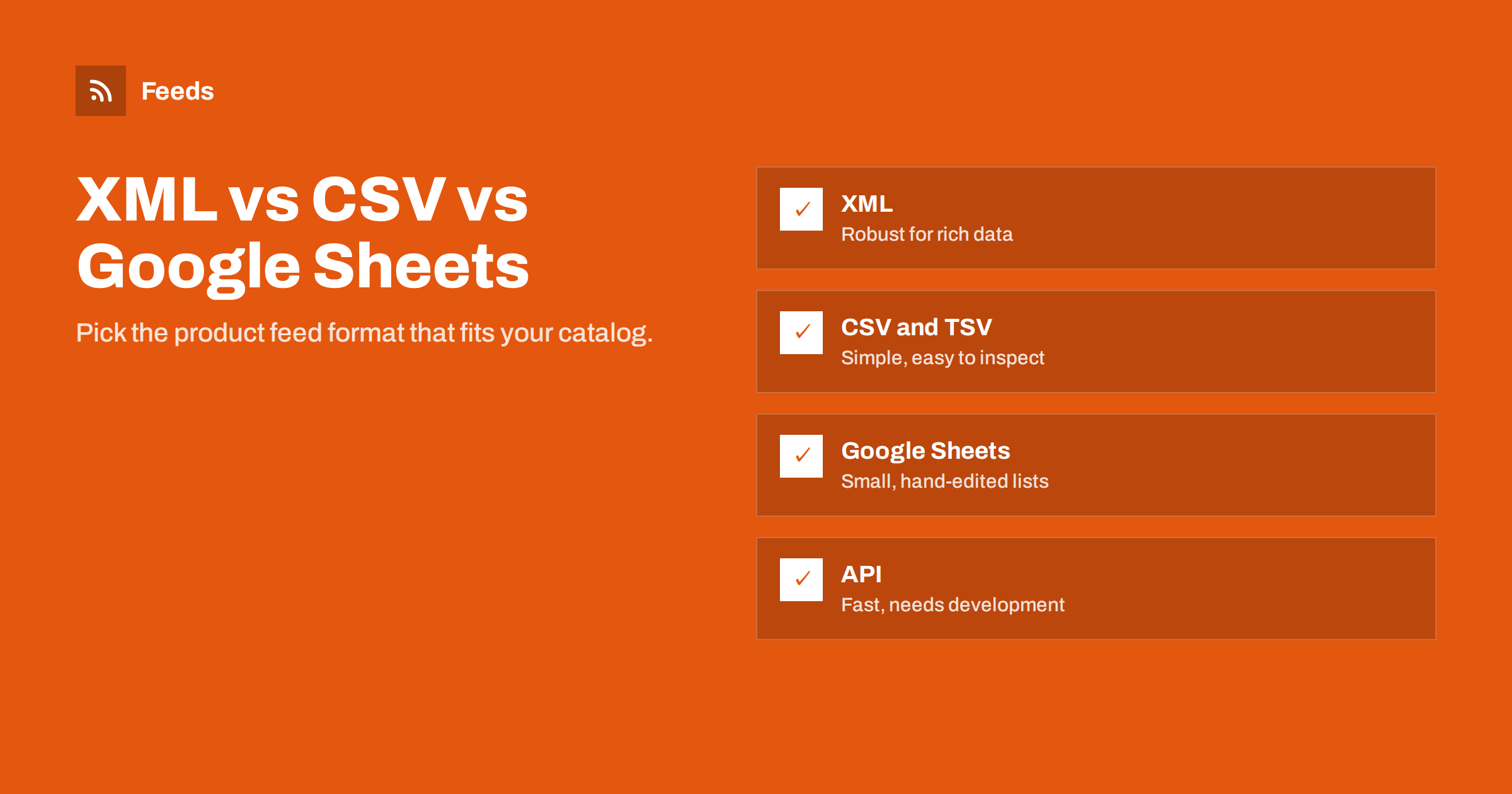
Short answer: For most stores, an XML feed hosted at a stable URL is the most reliable product feed format: it handles long descriptions, special characters and repeated fields cleanly, and both Google and Meta read it. CSV or TSV is simpler to create and inspect and suits exports from other systems. Google Sheets works for small catalogs edited by hand. An API connection is best for very large or fast-changing catalogs but requires development work.
Why the format choice matters
The content of a product feed is the same whatever the format: IDs, titles, prices, links, images, availability. The format decides how robustly that content survives the trip from your store to the platform. A poorly chosen format does not show its weakness on day one. It shows it months later, when a product description with a stray quote mark breaks a CSV row, or when someone edits a shared spreadsheet and accidentally sorts only one column.
The format also determines how updates happen. Some formats are designed to be fetched on a schedule from a URL, others to be edited by people, and others to be pushed by software. Matching the format to how your data changes is the real decision.
XML: the robust default
Google’s product XML format is an RSS 2.0 (or Atom) feed with product attributes added in a dedicated namespace, written with a g: prefix, such as g:price and g:availability. Each product is an item element with its attributes as child elements.
- Special characters are handled by the format. Ampersands, quotes, commas and line breaks in descriptions do not break the structure, as long as the generator escapes them properly.
- Repeated attributes are natural. Several additional images or several shipping rules are simply several elements.
- Widely supported. Google Merchant Center and Meta both read this format, and many comparison sites and tools accept it.
- Machine-generated. XML is rarely edited by hand, which reduces accidental damage.
The drawback is readability. Opening a large XML file to check one product is less convenient than filtering a spreadsheet, and a single malformed character can make the entire file invalid if the generator does not escape correctly. Good tools handle this; hand-built XML often does not.
CSV and TSV: simple and transparent
Delimited text files are tables: a header row with attribute names and one row per product. CSV separates fields with commas (or semicolons in some locales), TSV with tabs.
- Easy to create. Almost every store, ERP and inventory system can export CSV.
- Easy to inspect. You can open it in a spreadsheet, filter and sort.
- Fragile with text. Commas, quotes and line breaks in descriptions need correct quoting; one mistake shifts columns.
- Awkward for repeated values. Several images or shipping rules must be packed into one field with separators.
TSV avoids most quoting problems, because tabs rarely appear inside product text. If you export from a system and have a choice, TSV is often the safer of the two.
Google Sheets and APIs: the two edge cases
Two other options sit at opposite ends of the scale. One is optimized for people editing by hand, the other for software sending changes continuously. Neither is the typical choice for a small or mid-sized store, but both have their place.
Google Sheets: convenient for small catalogs
Merchant Center can read products from a Google Sheet, and Meta can too. The sheet acts like a CSV that lives online and updates when someone edits it. For a store with a few dozen products that change rarely, this can be enough: easy editing, collaboration and version history built in.
The limits appear quickly. Manual editing does not keep up with stock and price changes, formulas and formatting can corrupt values, and a large sheet becomes slow and error-prone. Sheets also invite the dangerous habit of maintaining product data in two places: the store and the spreadsheet.
API connections: fast and powerful
Both Google and Meta offer APIs for submitting product data directly. Instead of a platform fetching a file, your system sends changes as they happen. This is the best approach for large catalogs where prices and stock change constantly, or for platforms that already provide a maintained integration.
The cost is complexity. APIs need authentication, error handling, quota management and ongoing maintenance when the API changes. For a small or mid-sized store, a well-refreshed file feed usually delivers most of the benefit with a fraction of the effort.
Side-by-side comparison
| Criterion | XML | CSV / TSV | Google Sheets | API |
|---|---|---|---|---|
| Setup effort | Low with a tool | Low | Very low | High |
| Robust with rich text | High | Medium (TSV better) | Medium | High |
| Repeated attributes | Natural | Packed into one field | Packed into one field | Natural |
| Human editing | Poor | Good | Very good | None |
| Update speed | Per fetch schedule | Per fetch schedule | On a schedule after edits | Near real time |
| Best for | Most stores | Exports from other systems | Tiny catalogs | Large, fast-changing catalogs |
How to decide
- Is your product data in a store platform? Use an XML feed generated from it and hosted at a stable URL.
- Is the data in another system that exports files? Export CSV or TSV to a stable URL, and consider converting it to XML before it reaches the channels.
- Do you have fewer than a few dozen products and no store system? A Google Sheet can work as a start.
- Do prices and stock change many times per hour across a large catalog? Consider an API integration, possibly alongside a file feed as a fallback.
It also helps to think about who will maintain the feed a year from now. A format that only one developer understands, or a spreadsheet that only one marketer knows how to update, becomes a risk when that person is busy or leaves. The best format is often the one that runs without anyone touching it: generated from the store, published at a URL, fetched on a schedule.
Whatever you choose, prefer scheduled fetches from a URL over manual uploads. The single biggest source of feed problems is data that someone forgot to update.
Mixing formats: primary and supplemental feeds
You do not have to pick one format for everything. Merchant Center lets you combine a primary feed with supplemental sources that add or override specific attributes, matched by ID. A common setup is an XML primary feed generated from the store, plus a small Google Sheet with custom labels maintained by the marketing team. The store remains the source of truth for products, prices and stock, while marketers control labels without touching the store. Meta offers similar supplementary feeds for catalogs.
Keep supplemental sources narrow: a few columns, matched by the same IDs as the primary feed. If a supplemental sheet grows to include prices or titles for hundreds of products, it has become a second product database, which is exactly what you wanted to avoid.
Technical details: size, encoding and validation
Whichever format you choose, a few technical details decide whether the platform reads every product or silently skips some. They are easy to overlook because a feed that loads in a browser can still fail in a platform parser.
Compression and file size
Large catalogs produce large files. Both XML and CSV compress very well, and platforms generally accept compressed files such as gzip or zip. Compression speeds up downloads and reduces the chance of a timeout during a fetch. Check the current size limits in each platform’s documentation; if your file approaches them, split the catalog into several feeds, for example by category or country.
Encoding and validation
All formats should be UTF-8 encoded so that accented letters and symbols survive. XML must be well-formed: every element closed, special characters escaped. CSV must have the same number of columns in every row. Before switching a live source to a new format, submit a test feed and compare the processing report with the old one. A drop in item count is the first sign that something in the new format is not being read.
How Feeds helps
Feeds publishes product feeds in the Google product XML format, which Merchant Center and Meta both read, from WooCommerce and Shopify stores or from a CSV link for any other system. That means you can keep CSV as a simple export from your own software and still deliver a robust XML feed to the channels, with rules for stock, titles and prices. Plans are on the pricing page.
Related reading
- CSV Product Feeds: How to Build One That Platforms Accept
- RSS vs Atom: Which Feed Format Should Your Site Publish?
- What Is a Product Feed? A Plain-English Guide for Stores
The bottom line
XML is the robust default for product feeds, CSV and TSV are the practical bridge from other systems, Google Sheets fits only small hand-edited catalogs, and APIs suit large, fast-moving catalogs with development resources. Choose based on where your data lives and how often it changes, and always prefer scheduled fetches from a stable URL.
الأسئلة الشائعة
Which product feed format does Google recommend?
Google accepts XML, delimited text files, Google Sheets and API submissions. For most stores, a scheduled XML or text file fetched from a URL is the simplest reliable option.
Is Google’s product XML the same as RSS?
It is based on RSS 2.0 or Atom, with product attributes added in a special namespace. A normal blog RSS feed is not a product feed.
Does Meta accept the same XML file as Google?
Yes. Meta catalogs accept XML feeds in RSS or Atom format and recognize Google’s attribute names, so one file can often serve both.
When is Google Sheets a good choice?
For small catalogs that change rarely and are edited by hand, or as a supplemental feed for labels. It does not scale well for full product data.
Should I compress my product feed?
For large feeds, yes. Compressed files download faster and are less likely to time out, and the major platforms accept common compression formats.


