 ENEnglish
 LTLietuviškai
 DEDeutsch
 FRFrançais
 RUРусский
 ESEspañol
 PLPolski
 ITItaliano
 UKУкраїнська
 CSČeština
 PTPortuguês
 JA日本語
JA日本語 LVLatviešu valoda
 ETEesti
 HUMagyar
 IDBahasa Indonesia
 TRTürkçe
 HIहिन्दी
 ELΕλληνικά
 ARالعربية
 THไทย
THไทย VITiếng Việt
 RORomână
 MSBahasa Melayu
 BNবাংলা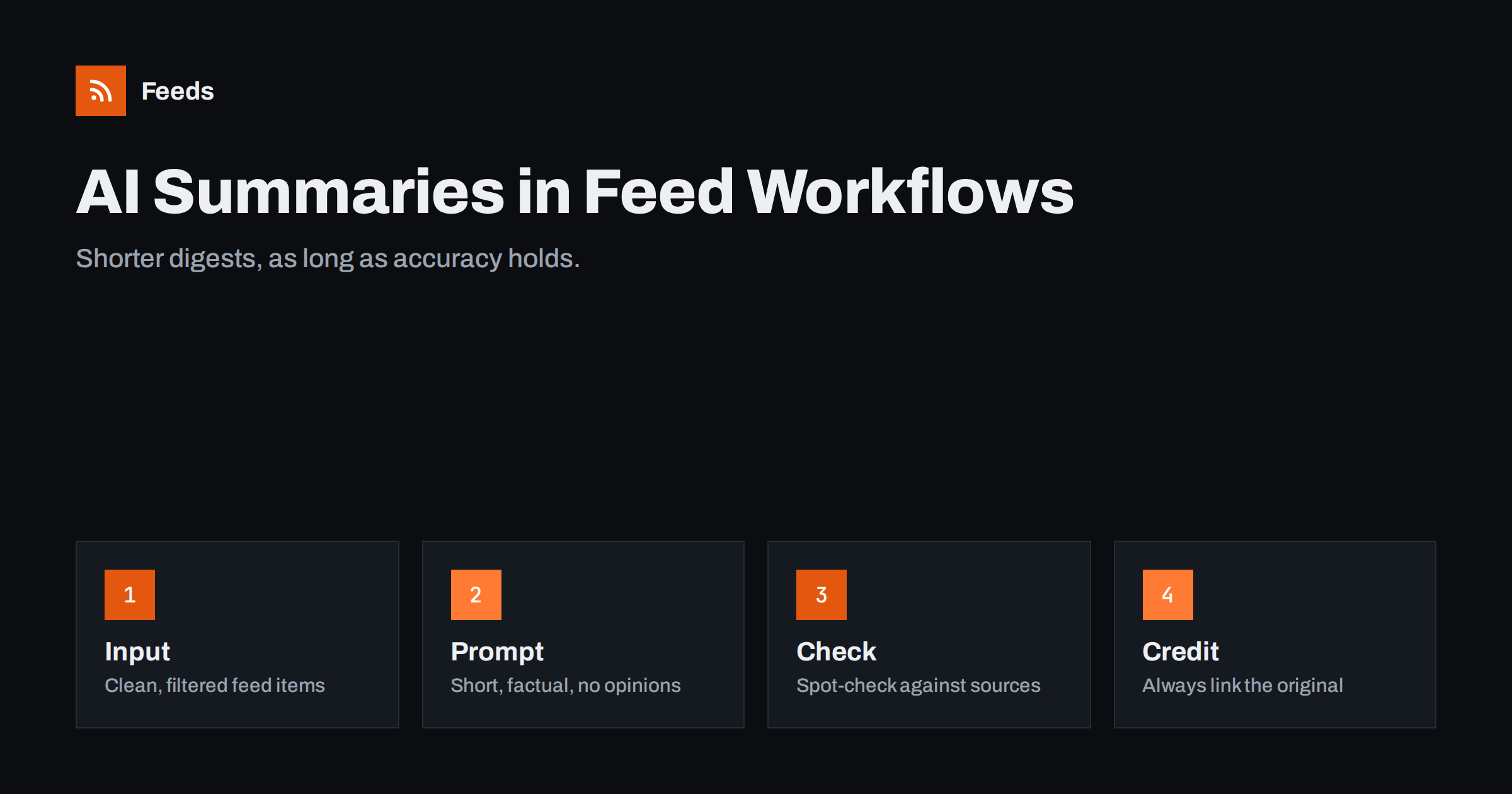
Short answer: AI summaries can make feed-based digests and alerts much faster to read by condensing each item into one or two sentences. They work best for internal briefings and research, where readers can click through to the source, and they need guardrails: summarise only the text actually in the item, keep summaries short and factual, label them as automated, link every summary to the original and spot-check accuracy regularly. For public posts under your brand, keep a human review step.
What AI summaries add to a feed workflow
A feed gives you titles and, usually, a short description written by the publisher. Those descriptions vary wildly: some are useful summaries, some are the first paragraph cut off mid-sentence, some are marketing slogans, some are empty. When a team reads a digest of thirty items from ten sources, that inconsistency makes skimming slow.
A language model can rewrite each item into a consistent, neutral one- or two-sentence summary. For a daily briefing, that turns a wall of mixed-quality snippets into something a busy person can scan in two minutes. Other uses include:
- Translating and summarising sources in other languages for an international team.
- Classifying items by topic, so a digest can be grouped into sections automatically.
- Extracting key facts, such as the company, the amount or the deadline in a tender notice.
- Drafting social post text that a person then edits and approves.
Where AI summaries go wrong
Language models are good at fluent text and less reliable at exact facts. In summarisation, typical failures are:
- Adding details that are not in the source, such as a number, a date or a cause that sounds plausible but was never stated.
- Losing qualifications, so “may be delayed” becomes “is delayed”, or “a study suggests” becomes “research proves”.
- Summarising the wrong thing, for example a cookie banner, navigation text or a related-articles block, when the input was scraped carelessly.
- Misreading sarcasm, opinion or quotes as statements of fact from the publisher.
- Working from too little text. If the feed only contains a headline, the model can only guess.
These failures are hard to spot precisely because the summaries read well. A fluent sentence with a wrong figure is more dangerous than a clumsy one, since readers have no reason to doubt it.
None of this means summaries are useless. It means the workflow must be designed so errors are rare, visible and cheap.
Designing the input: garbage in, garbage out
Most summary problems start with the input. Before adding a model, make sure each item carries clean, relevant text.
- Use the item’s own description or content, not a full-page scrape that includes menus and footers.
- Filter first, summarise second. Only send items that passed your keyword and duplicate filters. This keeps costs down and avoids summarising noise.
- Set a minimum length. If an item has fewer than a sentence or two of text, skip the summary and show the title only.
- Keep the source name and link attached to every item throughout the workflow.
Writing instructions that reduce errors
The instruction given to the model has a big effect on reliability. Effective instructions for summaries tend to be:
- Short and specific: “Summarise the following article excerpt in at most two sentences for a business reader.”
- Grounded: “Use only information contained in the text. If the text does not state something, do not include it.”
- Neutral: “Do not add opinions, recommendations or predictions.”
- Explicit about uncertainty: “Keep words such as ‘may’, ‘plans to’ or ‘according to’ when the source uses them.”
- Formatted: ask for plain text of a fixed maximum length, which makes downstream formatting predictable.
Resist the temptation to ask for “engaging” or “catchy” summaries. Style instructions push the model towards embellishment, which is exactly what you want to avoid in a factual briefing.
Test the instruction on twenty real items from your sources before relying on it, and compare each summary with its source. You will quickly see which kinds of items cause problems.
Where to place summaries in the workflow
A typical feed workflow with summaries looks like this:
- Collect items from sources through feeds.
- Merge, remove duplicates and filter by keywords.
- For each remaining item with enough text, request a summary.
- Assemble the digest: source, title linked to the original, summary.
- Deliver it to email, chat or a reader.
Most automation platforms offer steps for calling language model services, and self-hosted tools can call them through HTTP requests. Consider the data you send: public news items are low risk, but internal or client material may be covered by confidentiality obligations. Check the service’s data handling terms before sending anything that is not public.
Internal versus public use
| Use | Risk | Recommended approach |
|---|---|---|
| Internal daily briefing | Low: readers can click through | Automatic, labelled as automated, spot-checked |
| Research notes for analysts | Low to moderate | Automatic, with source link on every line |
| Client newsletter | Moderate: your name on it | Draft automatically, human edits before sending |
| Public social posts | Higher: public and permanent | Human review for every post |
| Republishing summaries as articles | High: accuracy, copyright and SEO | Avoid |
Checking quality over time
A summary workflow that looked fine in the first week can drift. Sources change their feed formats, new sources are added, and the language model service may update its models. A light, regular quality routine catches problems before readers lose trust.
- Weekly spot-check. Pick five random summaries from the past week and compare each with its source. Note any added details, missing qualifications or wrong emphasis.
- Keep a small error log. A shared document with the item, the summary and what was wrong. Patterns appear quickly: a particular source, a type of article, a certain length.
- Fix the cause, not the symptom. If one source produces poor summaries because its feed text is thin, skip summaries for that source. If a type of article is misread, add a line to the instruction.
- Invite feedback. Add a line to the digest asking readers to reply when a summary is wrong. Readers who click through to sources notice discrepancies.
- Re-test after changes. Whenever you change the instruction, the model or the sources, run the same set of test items again and compare.
This takes perhaps twenty minutes a week and is the difference between a digest people rely on and one they learn to double-check every time, which would defeat its purpose.
It is also worth watching costs. Summarisation services usually charge by the amount of text processed, so a workflow that summarises hundreds of unfiltered items a day can become expensive. Filtering before summarising, skipping very short items and capping digest length keep the cost proportional to the value.
Attribution and honesty
A summary is a derivative of someone else’s work. Always credit the source by name and link to the original, and keep summaries short so they point readers to the article rather than replacing it. Label automated summaries, for example “Summaries generated automatically; see the source for details”, so readers know how much to rely on them. This matters for trust and, in some contexts, for transparency rules around automated content.
Better inputs with Feeds
Summaries are only as good as the items fed into them, and most quality problems described above begin with messy or irrelevant input rather than with the model itself.
Feeds creates RSS feeds from pages that list articles, extracting titles, images, summaries and dates, and reading JSON-LD article data where sites provide it, so the text passed on is the article’s own description rather than page clutter. It merges sources, keeps or drops items by keyword and removes duplicates automatically, which means fewer, cleaner items reach the summarisation step and costs stay lower. Feeds does not generate summaries itself; it supplies the clean feed your workflow summarises. See the pricing page for plans.
Related reading
- How to Build an Automated Daily News Digest from Feeds
- How to Automate Content Curation Without Losing Quality
- Full Auto vs Approval Queue: Choosing a Content Workflow
- Autoblogging from RSS: SEO, Legal and Quality Risks
The bottom line
AI summaries can turn noisy feed items into briefings people actually read, but only with guardrails. Feed the model clean, filtered text, instruct it to stay strictly within the source, keep summaries short, link and credit every source, label the output as automated and spot-check regularly. Use summaries freely for internal reading; keep a human in the loop for anything published under your name.
FAQ
Are AI-generated summaries accurate enough for business use?
They are often accurate for straightforward news items, but they can add or distort details. Use them where readers can check the source, and spot-check regularly.
Can I publish AI summaries of other sites’ articles on my website?
It is risky. Summaries are derived from others’ work and may contain errors, and pages of automated summaries rarely offer enough value for search engines. Link-based curation with your own commentary is safer.
How do I stop the model from inventing details?
Give it clean text only, instruct it to use only information in the text, keep summaries short and skip items that contain too little text to summarise.
Should automated summaries be labelled?
Yes. A short note that summaries are generated automatically helps readers judge them and builds trust.
Is it safe to send internal documents to a summarisation service?
Check the service’s data handling terms and your confidentiality obligations first. Public news items are low risk; internal or client material may not be allowed.
Do AI summaries replace human curation?
No. Summaries make items faster to scan, but choosing what matters to your audience and adding context remain human strengths. The best workflows use summaries to support that judgment, not to replace it.


