ENEnglish
 LTLietuviškai
 DEDeutsch
 FRFrançais
 RUРусский
 ESEspañol
 PLPolski
 ITItaliano
 UKУкраїнська
 CSČeština
 PTPortuguês
 JA日本語
JA日本語 LVLatviešu valoda
 ETEesti
 HUMagyar
 IDBahasa Indonesia
 TRTürkçe
 HIहिन्दी
 ELΕλληνικά
 ARالعربية
 THไทย
THไทย VITiếng Việt
 RORomână
 MSBahasa Melayu
 BNবাংলা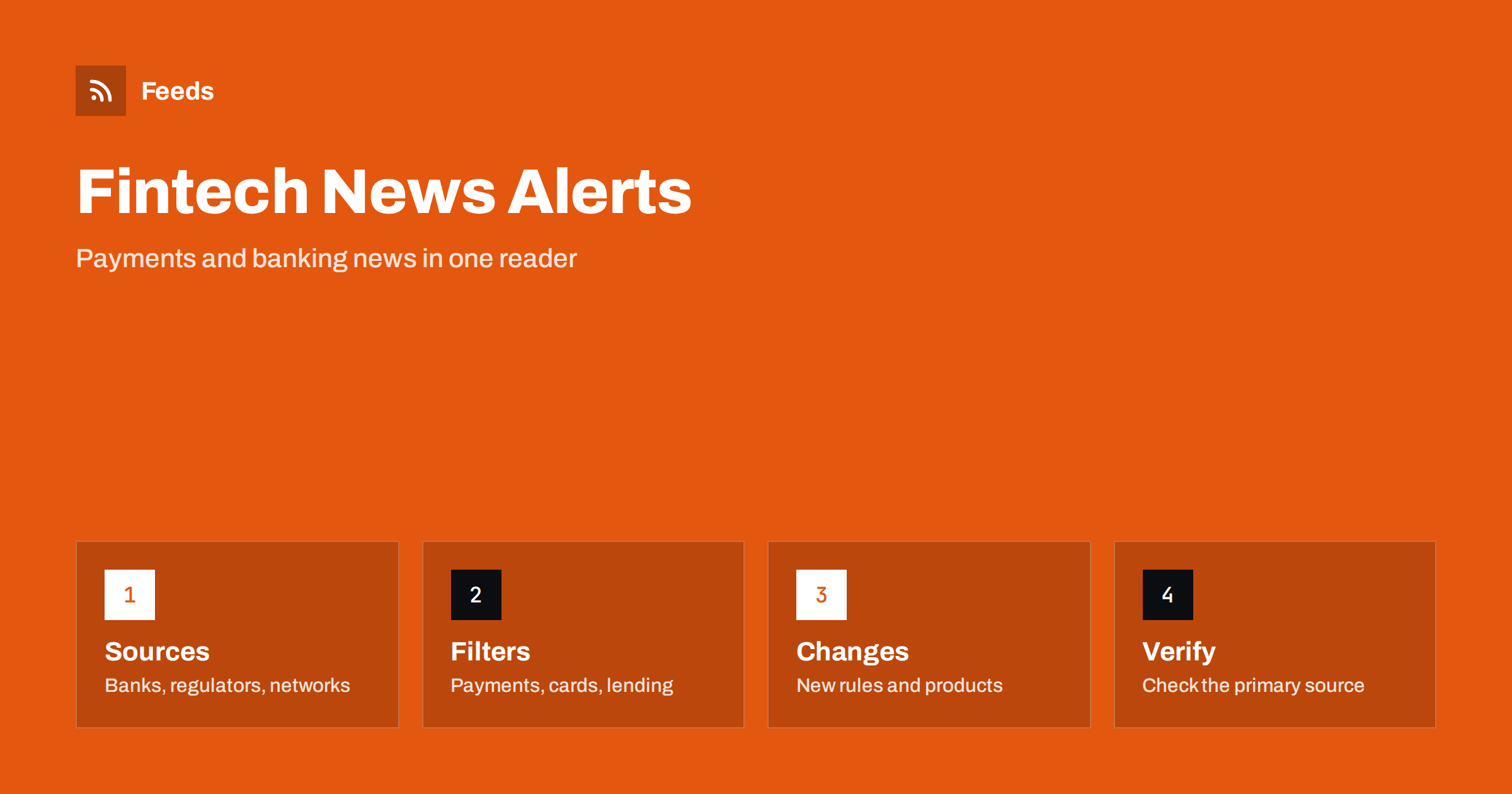
Short answer: Payment networks, banks, payment processors, regulators and trade publications announce new products, fee changes, technical updates and rule changes on their own pages. RSS lets you collect those pages in one reader, keep only the topics that affect you and read a new announcement soon after it appears. A feed is a good way to follow the industry without opening a dozen sites. It is not financial or legal advice, and important decisions should be checked against the official source and a qualified advisor.
Why this news is hard to follow
Fintech and banking news comes from many directions. A payment network updates its rules, a processor changes its fees, a bank launches a feature, a regulator publishes guidance and a startup announces funding. Trade media cover each of them, often with a headline that is bigger than the news. For a merchant, an accountant or a product manager, the useful items are a small share of the total.
That is why a central, filtered reading list helps. It lets you follow a few primary sources, read the announcements that matter and skip the rest. The same habit is described in fact-checking with RSS, and it fits this topic well, because wording and dates in financial announcements are exact and should be read in the original.
Decide which part of the industry matters to you
Fintech is wide, so start by choosing your corner. An online shop cares about payment methods, fees, chargebacks and checkout changes. A freelancer may follow invoicing tools and bank account news. A developer may watch API changes, security notices and open banking standards. An investor or analyst may follow product launches and licensing news.
Write down the topics, the countries and the providers you use. That list becomes your filter, and it keeps the reading list short. Following the providers you actually rely on, plus one or two industry sources, covers most needs. If you also follow broader financial topics, central bank and interest rate decisions with RSS shows a similar workflow.
Find the official sources and feeds
Look at the newsroom, blog, developer changelog and status page of each provider. Many publish RSS or Atom feeds, sometimes separately for product news, developer updates and service status. Regulators and industry associations publish press releases and consultation papers, and trade publications usually offer feeds for their news sections.
If a page has no feed, you can build one from the list of announcements on it. Choose the page that lists items in date order, not a home page with a changing layout. The methods are explained in how to find the RSS feed of any website and following software changelogs and release notes with RSS, which is useful for developer documentation. Use official domains, and be careful with sites that copy announcements with delay.
Filter by topic, provider and region
Merge the sources into one reading list and add keyword filters. Provider names, product names and words such as “fee”, “pricing”, “deprecation”, “outage”, “licence”, “regulation” and “chargeback” keep the relevant items. Be careful with broad words: “bank” or “payment” appears in almost every item, so combine such words with a provider name or a country.
Review the filter after two weeks. If you missed an item, look at how the source wrote it. Some use a product code name instead of the public name, and others publish changes only in a long document. Widen the filter first, and add exclusions later, for example for event promotions or funding stories you do not need. The mechanics are explained in merging multiple RSS feeds into one clean feed and RSS keyword alerts.
Developers and technical teams should add one more habit: read the changelog and the deprecation notices of every payment API they use. A deprecation usually comes with a long notice period, but the date is easy to forget, and a missed deadline can break a checkout. Put each deadline in a calendar the day you read it, assign an owner and link the notice, so that nobody has to search for it months later.
Read announcements carefully
Start with the effective date. Fee changes, rule updates and API deprecations usually apply from a future date, sometimes only to certain regions or account types. Then look at the scope: which products, which merchants, which currencies. Note any action required from you, such as updating an integration, accepting new terms or changing a checkout setting, and the deadline for it.
Keep the facts apart from your interpretation. If a notice is unclear for your situation, ask the provider’s support, and keep their answer with the notice. Be careful with promotional wording: a “new feature” announcement may apply only to some markets or plans, and the details sit in the fine print.
Small businesses can keep this light. A single weekly list that covers your payment provider, your bank and one industry source is often enough. Read it on the same day each week, note any fee or rule change in a shared document and ask your provider when something is unclear. The point is to avoid surprises on your statement or at checkout, not to become an expert in every part of the industry.
Connect news to decisions
News is useful when it reaches the person who can act on it. Send the narrow, filtered feed to a shared channel or a weekly digest, and agree who reviews it. Teams can use a Slack channel or Microsoft Teams, and a phone alert is justified only for urgent items such as an outage or a security warning.
Keep a simple log with the date, the provider, a one-line summary and the link. After a few months it shows how often fees change, which providers announce changes early and which topics deserve closer attention. It also helps when you review costs or explain a decision to a colleague, and it can feed a spreadsheet through importing feeds into Google Sheets.
Watch for scams and unofficial news
Financial topics attract scams and rumours. Fake announcements, copied branding and urgent messages that ask you to log in or send money are common. A feed from an official domain is safer than links in messages, but you should still check the web address before you act on any notice. For technical warnings that affect your payment stack, monitoring security advisories for your website stack shows how to track official alerts.
Treat unofficial claims about product launches, partnerships or rule changes as rumours until you see the primary source. When you share news with colleagues or customers, link to the official page instead of copying the text, so that everyone sees the latest version.
Limits and cautions
A feed shows what a source has published and how often your feed refreshes. It does not know that a policy changed an hour ago, and some changes appear only in an account dashboard or an email to customers. Provider status pages are better for current outages, and your own account notices cover changes that apply only to you.
Fintech rules also differ by country, and regulators may publish drafts that never become law. Read dates and status words such as “proposal”, “consultation” and “in force” carefully. A feed is a starting point for the conversation, and your accountant, lawyer or compliance officer finishes it.
How RSS Feed Creator helps
RSS Feed Creator turns the newsroom, changelog or announcements page of a bank, payment provider or regulator into a clean RSS feed, even when the site has no feed of its own. It reads titles, images, summaries and dates, uses an existing feed when there is one, and shows a preview of the items before the feed is created. You can merge several sources into one feed (up to 10 with the PostRSS add-on), keep only the items that contain your keywords and have duplicates removed automatically, which suits a feed for your own providers and topics. Feeds refresh every 3 hours on the free plan and every 30 minutes on paid plans, and the PostRSS add-on sends an alert when a page changes and a feed stops finding items. The free plan allows up to 20 items per feed, and the details are on the pricing page.
Related reading
- How to Follow Central Bank and Interest Rate Decisions with RSS
- How to Track Investor Relations Announcements with RSS
- How to Track Terms of Service and Policy Changes with RSS
The bottom line
Following fintech, payments and banking news with RSS means choosing your corner of the industry, collecting official announcements in one reader, filtering by provider and topic and reading dates and scope carefully. Use the feed to learn early and to prepare, and confirm important changes with the provider or a qualified advisor. A small, well-filtered list is more useful than a large one.
FAQ
Which sources should I follow first?
Start with the newsroom or changelog of the payment providers and banks you use, add the regulator or association in your market and one trade publication for context.
What if a provider has no RSS feed?
A page-to-feed tool can read the list of announcements and build a feed from it. Check the preview to confirm that it shows real announcements with titles and dates.
Can a feed tell me about an outage right now?
Not reliably. A feed shows publications with a delay set by its refresh interval. For live problems, use the provider’s status page or alerts, and use the feed for planned changes.
How do I avoid noise?
Filter by provider and topic, exclude event and funding stories you do not need and send only the narrow feed to your phone. Review the filter after two weeks.
Is this financial advice?
No. A feed only shows what was published. Check the official source and ask a qualified advisor before making financial or legal decisions.