 ENEnglish
 LTLietuviškai
 DEDeutsch
 FRFrançais
 RUРусский
 ESEspañol
 PLPolski
 ITItaliano
 UKУкраїнська
 CSČeština
 PTPortuguês
 JA日本語
JA日本語 LVLatviešu valoda
 ETEesti
 HUMagyar
 IDBahasa Indonesia
 TRTürkçe
 HIहिन्दी
 ELΕλληνικά
 ARالعربية
 THไทย
THไทย VITiếng Việt
 RORomână
 MSBahasa Melayu
 BNবাংলা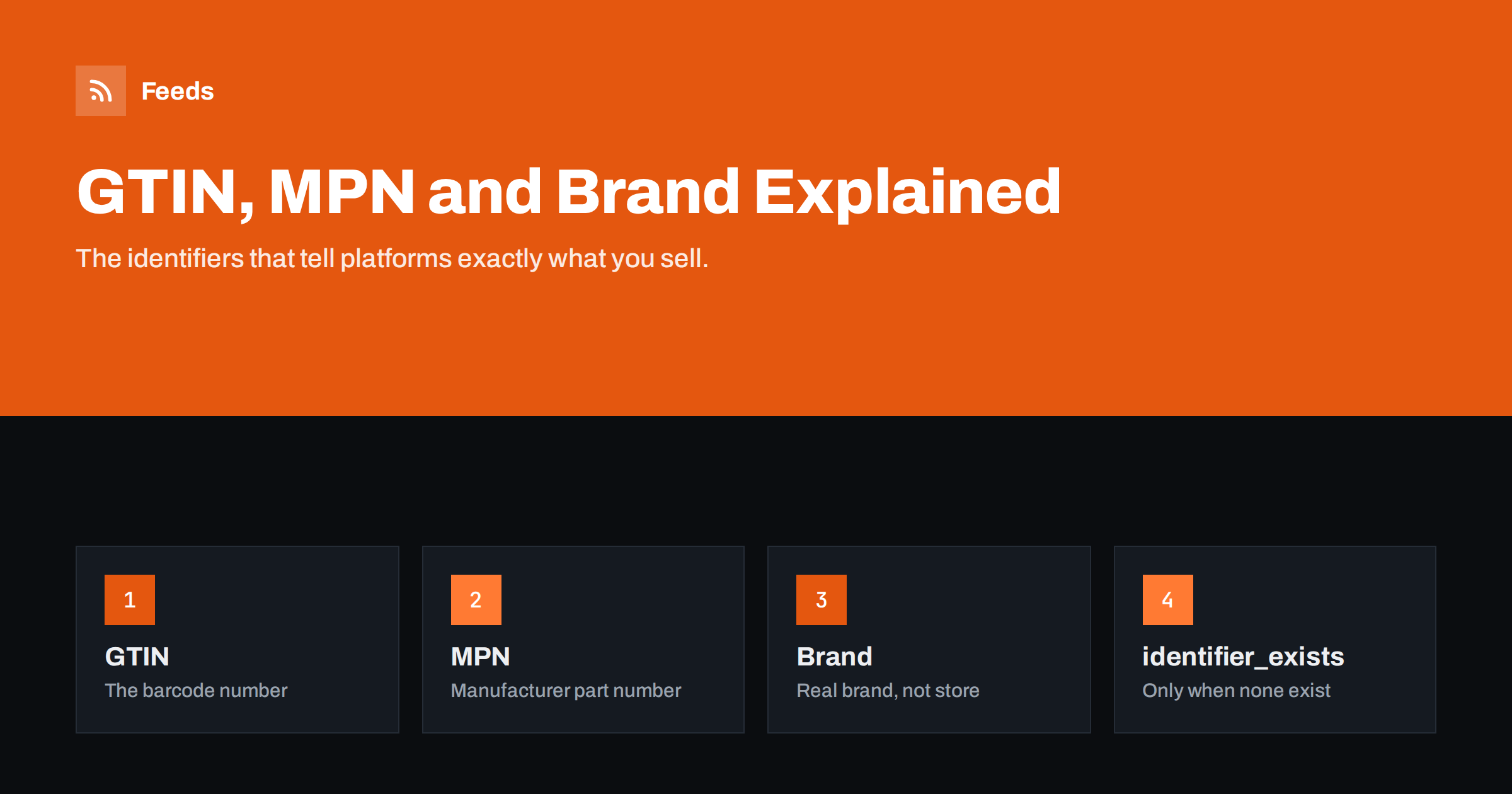
Short answer: A GTIN is the global trade item number behind a product’s barcode (UPC, EAN, JAN or ISBN), an MPN is the manufacturer’s own part number, and brand is the name of the company that makes or brands the product. Google expects a GTIN for every product that has one, plus brand for most new products; MPN helps when there is no GTIN. Only when a product truly has no GTIN and no MPN, such as custom or handmade goods, should you set identifier_exists to no.
Why identifiers matter
Thousands of stores may sell the same pair of headphones. Titles vary, images vary, descriptions vary. The identifier is the one thing that stays the same everywhere. When your feed includes the correct GTIN, Google and other platforms know exactly which product you sell. That lets them match your offer to searches for that product, group it with other offers of the same product, and show extra information such as product ratings and specifications.
Without identifiers, the platform has to guess from text, and it guesses less reliably. For resold branded products, missing identifiers often mean fewer impressions and limited eligibility for some features. Incorrect identifiers are worse: a GTIN that belongs to another product can lead to disapprovals or your product being matched with the wrong one.
The three identifiers explained
GTIN: the barcode number
GTIN is an umbrella term for several barcode standards maintained by GS1, the organization that issues barcode numbers worldwide:
- UPC (GTIN-12): common in North America, 12 digits.
- EAN (GTIN-13): common in Europe and many other regions, 13 digits.
- JAN: the Japanese equivalent of EAN, 8 or 13 digits.
- ISBN: for books, 10 or 13 digits; the 13-digit form is a GTIN.
- ITF-14 (GTIN-14): used for multipacks and trade units.
Every GTIN ends with a check digit calculated from the other digits, so platforms can tell when a number has been mistyped or invented. You find the GTIN printed under the barcode on the packaging, in supplier data sheets, or in the product data your distributor provides. You can learn more about how these numbers are issued on the GS1 GTIN page.
MPN: the manufacturer part number
An MPN is the code the manufacturer uses for the product, often visible on the product, the packaging or the manufacturer’s website. It is usually alphanumeric, such as “WH-1000XM4” or “A2141”. MPNs are only unique within a brand, which is why they are sent together with the brand.
In Google’s specification, MPN is required for products that have no manufacturer-assigned GTIN. Even when a GTIN exists, sending the MPN is harmless and can help matching. Do not put your own internal SKU into the MPN field unless you are the manufacturer and it is the number printed on the product.
Brand: the real brand, not the store name
The brand attribute should contain the brand of the product as a shopper would recognize it. For resold products, that is the manufacturer’s brand. For your own products, it is your brand name, which may be the same as your store name. What you should not do is put your store name as the brand on products made by other companies; that is inaccurate and can cause issues.
Brand is required for all new products with a clearly associated brand, except in categories such as movies, books and music recordings. For generic, unbranded goods, leave brand empty rather than inventing one, and handle identifiers as described below.
When each identifier is required
| Product situation | gtin | mpn | brand | identifier_exists |
|---|---|---|---|---|
| Branded product with a barcode | Required | Optional | Required | Omit |
| Branded product, no barcode, has part number | Not applicable | Required | Required | Omit |
| Your own brand, you assigned GTINs | Send them | Optional | Your brand | Omit |
| Your own brand, no GTINs or MPNs | Not applicable | Not applicable | Your brand | no |
| Handmade, custom, vintage, one-off | Not applicable | Not applicable | If applicable | no |
The pattern is simple: send the identifiers that exist, never invent the ones that do not, and use identifier_exists only when none exist at all.
Private label and your own products
If you design and sell your own products, you are the brand owner. You are not required to buy GTINs to advertise on Google, but having them has advantages, particularly if you also sell through marketplaces or retailers that require barcodes. GTINs for your own products must come from GS1 or its local member organization. Numbers bought from unofficial resellers are sometimes already assigned to other companies, which can cause mismatches and rejections.
If you decide not to use GTINs, send your brand name, and if your products have part numbers printed on them, send those as MPN. Otherwise set identifier_exists to no.
Common identifier mistakes
- Invented or placeholder GTINs such as all zeros, sequences or numbers copied from another product. The check digit often catches these; when it does not, the mismatch with the real product does.
- Leading zeros lost because a spreadsheet treated the GTIN as a number. Store GTINs as text.
- Using identifier_exists = no to silence warnings for branded products that have barcodes. The warning goes away, but the products perform worse and can be flagged later.
- Same GTIN on all variants. Each size and color normally has its own barcode.
- Store name as brand on third-party products.
- Internal SKUs in the GTIN field. SKUs are for your systems; GTINs are global numbers.
Where to store identifiers in your store
Identifiers belong in the product data, at variant level, so that every channel can use them. WooCommerce has a dedicated field for GTIN, UPC, EAN or ISBN in recent versions, and many stores also use attributes or custom fields. Shopify has a barcode field on each variant and a vendor field that usually serves as the brand. Custom platforms and ERPs typically have EAN or barcode fields already, because warehouses need them.
The most efficient way to fill missing identifiers is a one-time import from supplier data, matched by the supplier’s product code. After that, make identifiers part of the process for adding new products, so the gap does not reappear.
Finding missing identifiers at scale
- Export products with brand, GTIN and MPN columns and filter for empty values.
- Group the gaps by brand or supplier; one supplier data file often fills hundreds of rows.
- Validate the GTINs you add with a check digit calculator before importing.
- Review Merchant Center diagnostics for “missing identifiers” and “invalid GTIN” to confirm progress.
Bundles, multipacks and refurbished items
A few product types need special handling because the identifier on the item does not describe what you are actually selling:
- Multipacks you create yourself, such as six bottles of a shampoo sold together, should carry the GTIN of the single item and set the multipack attribute to the number of items. If the manufacturer sells an official multipack with its own barcode, use that GTIN instead.
- Bundles, where a main product is sold with accessories, such as a camera with a bag and memory card, should carry the GTIN of the main product and set is_bundle to yes.
- Refurbished and used items keep the original product’s GTIN, with condition set to refurbished or used, so they match the product but are clearly labeled.
Getting these right avoids a common source of confusion: a shopper clicking on what looks like a single item at a surprisingly high price, or a bundle priced like a single product.
Identifiers beyond Google
The same identifiers serve other channels. Meta catalogs accept gtin, mpn and brand with the same meaning, and brand is one of the fields Meta asks for on every item. Marketplaces are often stricter than Google, requiring a valid GTIN for most categories and matching your listing to an existing product page based on it. Comparison sites use GTINs to group offers from different stores. Investing in clean identifiers once therefore pays off in every channel you add later, and it is one of the few feed improvements that never goes out of date.
How Feeds helps
Feeds builds a Google product XML feed from WooCommerce, Shopify or a CSV link and includes brand for each item, together with id, title, link, image, price and availability. Because the feed is generated from your store data, identifiers you fix in the store flow into Merchant Center and Meta on the next refresh. You can also rewrite titles, adjust prices and skip out-of-stock items with rules. Start on the Feeds home page.
Related reading
- Google Product Feed Attributes: Required and Recommended
- CSV Product Feeds: How to Build One That Platforms Accept
- Shopify Product Feed for Google Merchant Center Explained
The bottom line
Identifiers tell platforms exactly what you sell. Send the real GTIN whenever the product has a barcode, add brand for branded products and MPN when there is no GTIN, and store all of them at variant level in your store. Use identifier_exists = no only for products that truly have no identifiers, and never invent numbers.
FAQ
Is GTIN the same as EAN or UPC?
EAN and UPC are types of GTIN. GTIN is the general term for these barcode numbers, which differ mainly in length and region.
Do I have to buy GTINs for my own products?
Not for Google Shopping. You can advertise your own products with brand and identifier_exists set to no. You need GTINs if other retailers or marketplaces require barcodes.
What happens if I send a wrong GTIN?
Google may flag it as invalid or match your product with a different item. Invalid GTINs can lead to disapprovals, so it is better to omit a GTIN than to send a wrong one.
Can I use my SKU as the MPN?
Only if you are the manufacturer and the SKU is the part number used on the product. Otherwise the MPN should be the manufacturer’s number.
When should identifier_exists be set to no?
Only when the product has no GTIN and no MPN, such as handmade, custom, vintage or unbranded goods. Do not use it to hide missing data.


