 ENEnglish
 LTLietuviškai
 DEDeutsch
 FRFrançais
 RUРусский
 ESEspañol
 PLPolski
 ITItaliano
 UKУкраїнська
 CSČeština
 PTPortuguês
 JA日本語
JA日本語 LVLatviešu valoda
 ETEesti
 HUMagyar
 IDBahasa Indonesia
 TRTürkçe
 HIहिन्दी
 ELΕλληνικά
 ARالعربية
 THไทย
THไทย VITiếng Việt
 RORomână
 MSBahasa Melayu
 BNবাংলা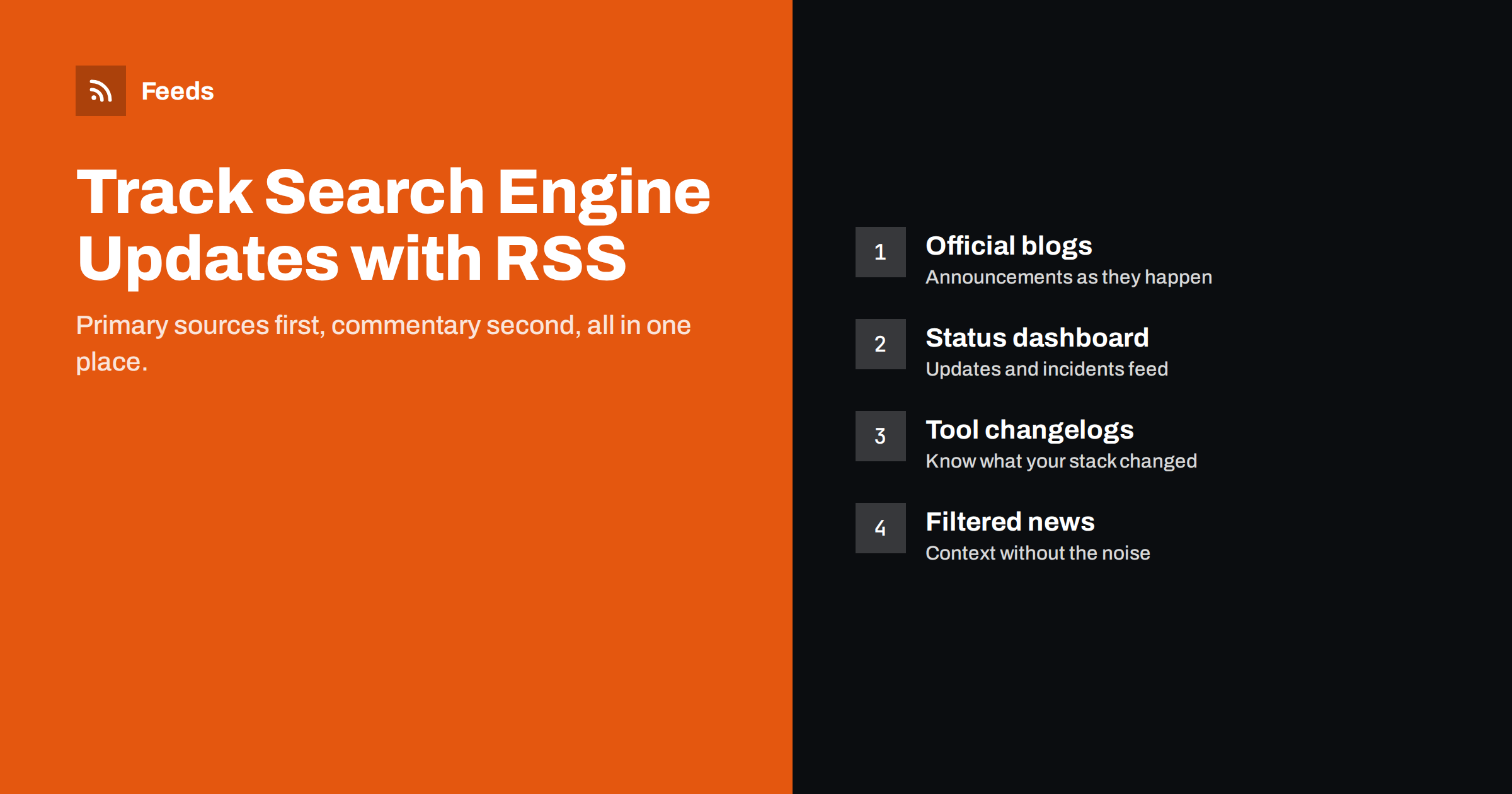
Short answer: SEO teams can track search engine updates reliably by following primary sources in an RSS reader or team channel: the official search blogs, the Google Search Status Dashboard feed, documentation change logs, and the changelogs of the SEO tools and plugins they use. Add a filtered stream of industry news for context, and create feeds for any official page that has no RSS. Primary sources first, commentary second, and everything in one place.
Why SEO teams need a monitoring system
Search engines change constantly. Some changes are announced ranking updates, some are new documentation or deprecated features, some are incidents that affect crawling or indexing for a few hours, and many are changes in the tools that SEO teams depend on. Missing one can mean hours spent investigating a traffic drop that has a public explanation, or advising a client based on guidance that changed last month.
Most SEO professionals follow updates through social media and newsletters. That works, but it is noisy, delayed and incomplete: an algorithm’s timeline decides what you see, and important documentation changes rarely go viral. A small RSS setup built on primary sources is faster to read and much harder to miss things with.
The primary sources worth following
Start with the sources that publish changes first, before anyone comments on them:
- Google Search Central blog. Announcements about ranking systems, new features, policy changes and best practices. It publishes an RSS feed.
- Google Search Status Dashboard. The status dashboard lists ranking updates and incidents affecting crawling, indexing and serving, with start and end times. It offers an Atom feed, which makes it one of the most valuable subscriptions for any SEO team.
- Google Search documentation updates. The documentation updates page records changes to the official documentation, including small clarifications that never get a blog post.
- Bing Webmaster blog. Changes to Bing’s crawling, indexing, tools and features, relevant for every site with international or desktop traffic.
- Official video channels. Search teams publish explainers and office hours on video. Every YouTube channel has a feed; see how to get an RSS feed for any YouTube channel.
- Schema and structured data changes. Release notes of the structured data vocabulary and search engines’ structured data documentation matter to anyone relying on rich results.
If a page you care about has no feed, for example a help centre’s “what’s new” page, a feed can be created from the page itself. The general method is in creating an RSS feed for a website without RSS.
Tools, plugins and platforms
Many “Google changed something” moments are really “our tool changed something”. Follow the changelogs of the software between you and the search engine:
- Your CMS and its SEO plugin, whose updates can change titles, canonicals, sitemaps or structured data output.
- Crawlers and site audit tools, whose new checks can suddenly add hundreds of “issues” to reports.
- Rank trackers and keyword tools, whose data or location changes can look like ranking movements.
- Analytics and tag management platforms, whose changes affect how organic traffic is counted.
- Hosting, CDN and security providers, whose bot protection settings can block crawlers.
Most of these publish release notes as feeds or lists; the guide to following software changelogs with RSS covers where to find them.
Industry news and commentary
Primary sources tell you what changed; industry news tells you what people are seeing. Established SEO news sites report on unconfirmed ranking volatility, test results and changes spotted in search results before they are documented. Add a few of them, but treat them as a separate stream:
- Keep news sites out of your “official” stream so that announcements are never buried under commentary.
- Filter news feeds by keywords, because most news sites also cover paid search, social media and general marketing.
- Prefer sources that link to primary evidence. Commentary without sources is best read later, not as an alert.
The same feeds are also a steady supply of topic ideas for your own content, as described in finding blog topic ideas by monitoring industry feeds.
Filtering: which words matter
With keyword filters, a news stream becomes an alert stream. The approach is explained in keyword alerts using RSS feed filters; for search engine monitoring these word groups are a good start:
| Alert type | Keep items containing |
|---|---|
| Ranking updates | core update, spam update, ranking, algorithm, volatility |
| Indexing and crawling | indexing, crawl, Googlebot, Bingbot, sitemap, robots |
| Features and deprecations | deprecat, retire, sunset, no longer, new feature, rich result |
| Structured data | structured data, schema, markup, merchant listing, review snippet |
| Tools | Search Console, Webmaster Tools, report, API |
Word stems such as “deprecat” catch deprecate, deprecated and deprecation in one go, if your filter matches parts of words. Review the filters after a month: add words that appeared in items you nearly missed, and exclude words that bring recurring noise.
Where to read: personal reader or team channel
How you deliver the feeds depends on the team:
- Solo consultants usually do best with an RSS reader, one folder per stream: official, tools, news. Check official items daily and news weekly.
- In-house teams often route the official stream into a team chat channel, so that everyone sees ranking updates and incidents at the same time. The setup for sending RSS feed updates to a Slack channel takes a few minutes.
- এজেন্সি benefit from a daily digest that account managers can read in two minutes and pass on to clients when relevant. See building an automated daily news digest from feeds.
Whatever the delivery, agree on who acts on what. A ranking update alert should lead to someone annotating analytics and checking key pages, not just to a thumbs-up emoji.
Turning alerts into action
Monitoring is only useful if it changes what you do. A simple routine works for most teams:
- Annotate. When a ranking update or incident is announced, add an annotation with its start date to your analytics and reporting dashboards.
- Wait for completion. Updates roll out over days or weeks. Judge impact after the rollout ends, comparing equal periods.
- Check documentation changes. When guidance changes, check whether any of your sites or recommendations rely on the old version.
- Record tool changes. When a crawler or plugin update changes numbers, note it so nobody mistakes it for a site problem.
- Share context. Tell clients or stakeholders about relevant changes before they ask, with facts from primary sources rather than speculation.
Mistakes that make monitoring useless
- Following fifty news sites. Most SEO news is repeated across outlets. Three or four good sources plus the official feeds cover almost everything, and a smaller stream actually gets read.
- Mixing official and unofficial items. When confirmed updates sit between speculation posts, people stop trusting the stream. Keep them apart.
- Reacting to volatility reports. Tracking tools often report ranking turbulence that is never confirmed. Note it, watch your own data, and wait for evidence before changing anything.
- Ignoring your own stack. Many sudden changes in reports come from a plugin update or a new crawler check, not from the search engine. Tool changelogs belong in the setup.
- Never pruning. Sources change focus, move or stop publishing. Review the list twice a year and remove anything you have not opened in months.
- Relying on one person. If only one team member reads the feeds, holidays create blind spots. Route the official stream to a shared channel.
How Feeds helps
Feeds brings the sources that matter into one clean stream. It uses a site’s existing feed when there is one and turns pages without RSS, such as help centre “what’s new” pages or tool release notes, into feeds. Several sources can be merged into one feed, duplicates are removed automatically, and keyword filters keep only items with (or without) your words. The result works in any RSS reader or tool, and feeds refresh by themselves. You can try it on the free plan.
Related reading
- How to track competitor blogs and news with RSS feeds
- How to reduce noise in RSS alerts without missing anything
- How to organize your RSS reader so it never overwhelms you
The bottom line
Search engine changes are announced in predictable places, and RSS collects them better than any social timeline. Follow the official blogs, the status dashboard feed and documentation updates, add the changelogs of your own tools, and keep filtered industry news in a separate stream. Deliver the official stream where your team works, annotate every confirmed update and always check the primary source before drawing conclusions.
FAQ
How can I get notified about Google algorithm updates?
Subscribe to the Google Search Status Dashboard feed and the Google Search Central blog feed in an RSS reader or team channel. Confirmed ranking updates are listed on the dashboard with their start and end dates.
Does the Google Search Status Dashboard have an RSS feed?
Yes, it offers an Atom feed that works in any RSS reader. It covers ranking updates as well as incidents that affect crawling, indexing and serving.
How do I track changes to Google’s search documentation?
Follow the documentation updates page in Google Search Central, which records changes to the official documentation. If you prefer a feed for any documentation page that lacks one, a page-to-feed tool can create it.
Should I follow SEO news sites or only official sources?
Both, but separately. Official sources tell you what changed, and news sites report what practitioners are observing. Keep official items as alerts and read filtered news as context.
What should I do when a ranking update is announced?
Annotate your analytics with the start date, wait for the rollout to finish, then compare equal periods before and after. Check the official guidance for the update before making changes.


