ENEnglish
 LTLietuviškai
 DEDeutsch
 FRFrançais
 RUРусский
 ESEspañol
 PLPolski
 ITItaliano
 UKУкраїнська
 CSČeština
 PTPortuguês
 JA日本語
 LVLatviešu valoda
 ETEesti
 HUMagyar
 IDBahasa Indonesia
 TRTürkçe
 HIहिन्दी
 ELΕλληνικά
 ARالعربية
 THไทย
 VITiếng Việt
 RORomână
 MSBahasa Melayu
 BNবাংলা
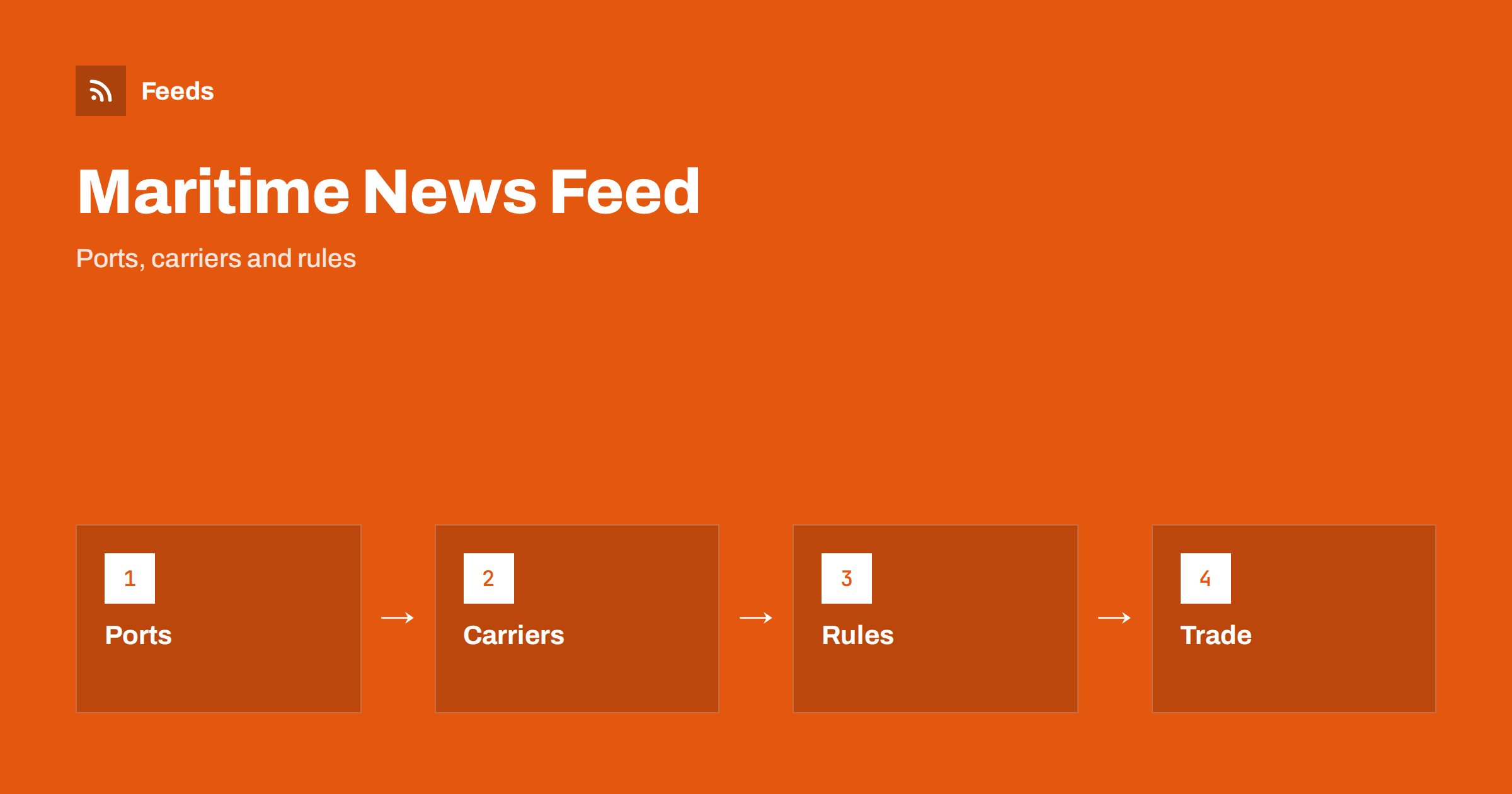
Short answer: Shipping and maritime news is spread across port authorities, terminals, shipping lines, maritime regulators, classification societies, insurers and a busy trade press. RSS lets you collect the sources that matter for your routes and cargo in one reader, filter them by port, trade lane or topic and read them in the order they appear. Use official notices for facts, trade press for context, and check the original source before you act on anything that affects cost, timing or compliance.
Why shipping news is hard to follow
Maritime news is a mix of operations, rules and markets. A congestion warning at a port, a rule change on emissions, a new service launched by a shipping line, a strike at a terminal and a rise in freight rates are all relevant to someone, and they appear on completely different websites. Many of those sites publish in several languages, and some publish notices as PDF files that never reach a search engine quickly.
The people who need this news are varied: freight forwarders, importers and exporters, ship agents, crew managers, marine insurers, students and journalists. Each of them needs a narrow slice, and each loses time when the slice is buried in everything else. If you are new to the idea, what is an RSS feed explains the basics in plain words.
Start with ports, terminals and authorities
For operational facts, go to the organisations that run the system. Port authorities and terminal operators publish notices about berth availability, works, restrictions, tariffs and changes in procedures. Maritime authorities publish rules, safety bulletins and port state control information. Customs and border bodies publish procedures that affect cargo. These pages are the closest thing to a primary source in the sector.
Choose the ports and authorities that match your trade lanes first and add others later. A list of eight to twelve sources is enough to start. The habit of going back to the original is described in fact-checking with RSS: follow primary sources, not screenshots, and it matters here because rumours about delays and rates spread quickly.
Follow carriers, operators and service changes
Shipping lines and operators announce new services, schedule changes, blank sailings, surcharges and rule updates for customers. Many of them have a news or customer advisory page, and these pages often change before any trade publication reports them. If you depend on a few carriers, following their advisory pages saves you from learning about changes from a customer.
Keep advisories in a separate folder from general news, since they usually require action. For ecommerce sellers who rely on parcel carriers more than ocean lines, how online stores can track carrier and shipping disruptions covers the same idea for last-mile delivery.
Add trade press and associations for context
Trade publications explain what a rule or a market move means in practice: how a new emissions measure changes costs, why a canal restriction affects schedules or how a merger changes capacity on a lane. Add a few respected titles and a couple of specialist blogs for your cargo type, such as containers, bulk, tankers, cruise or offshore.
Associations and standards bodies are valuable too, because they publish guidance and positions that members use. Following industry associations and standards bodies with RSS shows how to add them. Try to keep the number of commentary sources lower than the number of primary sources, so that you read facts first and opinions second.
Markets, rates and supply chain signals
Freight rates, fuel prices and commodity flows affect budgets. Some sources publish indices and weekly market reports, and a feed alerts you when a new report appears so that you do not have to check every Monday. Be careful when you compare numbers from different publishers, because they use different bases, routes and dates.
Shipping connects to wider supply chain news, such as commodity shortages and trade rules. Commodity prices and supply chain news: follow them with RSS and tracking government and regulator updates with RSS go deeper into those areas. Put them in separate folders so that you can read them on a different rhythm from daily port notices.
Find feeds, even when a site has none
Many port and maritime sites offer an RSS link, but many do not, and some only offer a list of PDF notices. Look for a feed icon in the news section, check the page source for an autodiscovery link or try the usual feed paths. Find the RSS feed of any website: 7 reliable methods lists the options in order.
If there is no feed, a page-to-feed tool can read the list of notices on the page and build a feed from it, as explained in how to create an RSS feed for a website without RSS. For pages that publish documents, get alerts when a website publishes new reports or PDFs is useful. Check the preview to make sure that it shows real items with titles, dates and links.
Filter by port, lane, cargo and topic
A good maritime feed is narrow. A forwarder who handles one trade lane does not need every cruise announcement, and a cruise specialist does not need bulk market reports. Keyword filters help: include port names, vessel types, trade lanes and topic words, and exclude words that bring noise. Review the lists every month.
Names need care in this field. Ports have local and international spellings, carriers use full and short names and routes are written in many ways. Test your filters on ten recent items before you rely on them. Set up keyword alerts using RSS feed filters explains the method, and reduce noise in RSS alerts without missing anything helps when the list grows.
A routine that fits a working day
Check the advisory folder once or twice a day if your cargo is moving, and read general news two or three times a week. When you open an item, ask three questions: does it affect a shipment I have, is it confirmed by an official source and what do I need to do and by when? Mark the rest as read. A routine such as RSS triage: a fast daily routine for reading less keeps the habit short.
Share what you learn. A team can keep one shared list of sources and a short weekly note on what changed, as suggested in shared RSS reading lists for teams. Once a month, remove feeds that stopped publishing, add the sources you keep opening by hand and update the filters. Keep a note of the date and source for every rule you pass on to a customer, so that you can show where it came from.
Crew, safety and the human side of shipping deserve a place too. Seafarer welfare organisations, training providers and manning agencies publish job openings, certification changes and guidance, and a separate folder for them keeps the operational folders clean. Accident investigation bodies and safety organisations publish lessons learned from incidents, which are valuable for training even when they do not affect a particular shipment. Read them as learning material and keep the tone factual when you share them with colleagues.
Environmental rules are another area that keeps changing. Emissions measures, fuel standards and port incentives affect costs and planning, and they often come with consultation periods and phase-in dates. Note the date from which each rule applies, read the official text for scope and ask your adviser when a rule affects a contract. A feed gives you early warning, and the original document gives you the facts.
How RSS Feed Creator helps
RSS Feed Creator turns the notice, news or advisory pages of ports, carriers, authorities and associations into clean RSS feeds, even when the site has no feed of its own. It reads titles, images, summaries and dates, uses an existing feed when there is one, and shows a preview of the items before the feed is created. You can merge several sources into one feed (up to 10 with the PostRSS add-on), keep only the items that contain your keywords and have duplicates removed automatically, which suits a reading list for one trade lane or topic. Feeds refresh every 3 hours on the free plan and every 30 minutes on paid plans, and the PostRSS add-on sends an alert when a page changes and a feed stops finding items. The free plan allows up to 20 items per feed, and the details are on the pricing page.
Related reading
- How Online Stores Can Track Carrier and Shipping Disruptions
- Commodity Prices and Supply Chain News: Follow Them with RSS
- How to Track Government and Regulator Updates with RSS
The bottom line
RSS gives shipping professionals a calm, ordered view of a noisy sector. Start with ports, terminals and authorities, add carrier advisories and a few trade sources for context, filter by lane, cargo and topic and keep advisories apart from general news. Always check the original notice before you act on an item, and review your list every month.
FAQ
Which sources should I follow first?
Start with the ports and authorities on your trade lanes and the carriers you use. Add trade publications later for context.
What if a port website has no RSS feed?
A page-to-feed tool can read the list of notices on its news page and build a feed. Check the preview to confirm that it shows real items with dates.
Can I follow PDF notices?
Yes, if the page lists them as items with titles and dates. The feed shows the new entries and links to the files.
How do I avoid too many items?
Filter by ports, lanes and cargo, and keep advisories in a separate folder from general news.
Should I trust a feed for rule changes?
Use it as an early signal, then read the official text for scope and dates before you pass anything on to a customer.