ENEnglish
 LTLietuviškai
 DEDeutsch
 FRFrançais
 RUРусский
 ESEspañol
 PLPolski
 ITItaliano
 UKУкраїнська
 CSČeština
 PTPortuguês
 JA日本語
 LVLatviešu valoda
 ETEesti
 HUMagyar
 IDBahasa Indonesia
 TRTürkçe
 HIहिन्दी
 ELΕλληνικά
 ARالعربية
 THไทย
 VITiếng Việt
 RORomână
 MSBahasa Melayu
 BNবাংলা
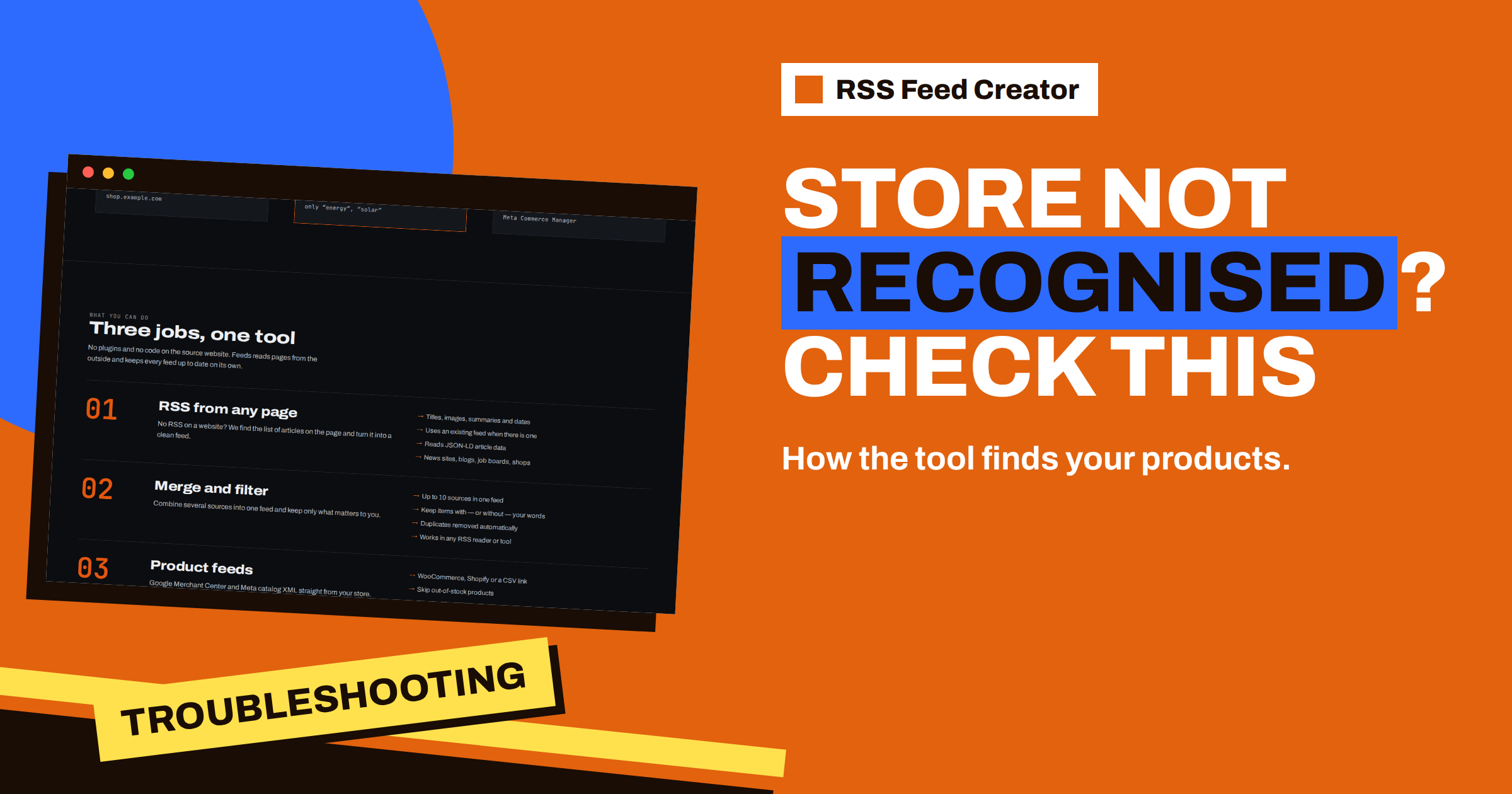
Short answer: When you choose “My store”, RSS Feed Creator takes only the domain of the address you give, and looks for products in a fixed order: a CSV file if the address ends in .csv, then the public WooCommerce product data of the store, then the public Shopify product list. If none of them answers, you see “We could not read products from this store”. You can test the two store addresses yourself in a browser in under a minute, and if neither works, a CSV link is the way in.
What “My store” really does
On the home page you choose between “A web page” and “My store”. The first reads a page that lists articles. The second builds a product feed for Google Merchant Center and Meta catalogs. For a store the tool does not look at the layout of your pages at all. It does not try to find product cards in the HTML. Instead it asks the store for its product data through public addresses that WooCommerce and Shopify both provide, and turns the answer into a clean feed.
This has a practical consequence that many people miss. The tool uses the domain only. If you paste yoursite.com/category/shoes, the path is ignored and the products of the whole store are read. If you want only one category, the store-type feed is not the right tool; a CSV file that contains just those products is. For a CSV link, on the other hand, the complete address is used, because it points to one specific file.
It also means that the preview for a store is much more reliable than the preview for a page. The data comes in a structured form, with price, stock status, picture and description already separated, so nothing has to be guessed. That is why store feeds are the strongest part of the tool, and why a failure usually has a simple cause. The overall flow is described in connect WooCommerce, Shopify or a CSV to RSS Feed Creator.
The order of the checks
| Step | What the tool tries | If it works |
|---|---|---|
| 1 | Does the address end in .csv, with or without a query string after it? | The file is downloaded and read as a product list |
| 2 | Does the store answer at /wp-json/wc/store/v1/products? | It is treated as WooCommerce |
| 3 | Does the store answer at /products.json? | It is treated as Shopify, and the shop currency is read from the store |
| 4 | None of the above | The message “We could not read products from this store. We support WooCommerce, Shopify and CSV files.” |
The checks run in this order and stop at the first success. A store that answers on the WooCommerce address is never asked for the Shopify one. A store that answers on neither is reported as unreadable. After a successful check, the preview page names the source in its heading, for example “Product feed preview · woocommerce”, so you can confirm what was found.
Test your store in a browser
You do not have to guess why the tool did not recognise your store. Both addresses are public, and you can open them yourself.
- For WooCommerce, open yourstore.com/wp-json/wc/store/v1/products in a browser. You should see a long block of structured text that lists products with names, prices and picture addresses.
- For Shopify, open yourstore.com/products.json. You should see structured text that begins with the word “products” and lists items with titles, variants and images.
If one of them shows your products, the tool can read the store, and the problem is something else, such as a typo in the address or a temporary error. If both show an error page, an empty page, a login request or a “page not found” message, the tool has nothing to read, and you will see the unreadable-store message. Some stores restrict these addresses, either by a setting, by a security layer or by a password on the whole shop, and the tool, which reads the web like any visitor, cannot see what a visitor cannot see.
Common reasons and their fixes
The store runs on another platform
The tool supports WooCommerce, Shopify and CSV files. Stores on other systems do not offer either address. Most platforms can export a product list as a spreadsheet, and a CSV file with the right columns works well. The columns are listed in CSV link to product feed: the columns RSS Feed Creator reads. The file must be reachable at a public address that ends in .csv.
The shop lives on another address
Many businesses have a company site on one address and the shop on a subdomain, for example shop.example.com. The tool reads the domain you give it. If you paste the company site, the answer comes from the company site, which has no products. Use the address of the shop itself.
The store is closed to visitors
A store in preparation, behind a password page or in maintenance mode does not show its data. Open the shop in a private browser window. If you see a password form, the tool sees the same form. Make the store public, or use a CSV link until you launch.
The store address is typed wrongly
This is the most common reason of all. A missing letter, an old domain after a move or a www that does not exist is enough. The message “Enter a public web address” or “We could not read this address” is shown for those cases, and it is worth opening the address in a browser before looking for deeper causes.
What you get when it works
Once the platform is found, the tool reads the same facts from both systems and maps them into one feed format. For WooCommerce it reads the name, the link, the short description or the full description if there is no short one, the first picture and up to nine more, the code (the SKU, or the store’s own number if there is none), the regular price and the sale price, the currency, the stock status, the first brand and the first category. For Shopify it reads each variant as its own row, with the variant name added to the title, the compare-at price becoming the normal price and the selling price becoming the sale price, the vendor as the brand, the product type as the category and the barcode as the product code.
Products without a price or without a picture are left out of the finished feed, because Google rejects them, and your rules, such as skipping out-of-stock products, are applied on top. If the preview shows more products than the finished feed, that is the reason. The causes are laid out in missing products in your feed? Why items are left out. The details of Shopify rows are in Shopify product feeds in RSS Feed Creator: variants explained, and the WooCommerce side is in WooCommerce product feeds with RSS Feed Creator, step by step.
Try it for free first
You do not have to pay to find out whether your store is readable. The preview is free, shows up to 30 products and creates nothing. The free plan then lets you create a feed with up to 50 products, so you can look at the result in Merchant Center or in your Meta catalog before deciding on more. The numbers for each plan are on the pricing page.
A good first test is to open the preview with your own store address, check that the first products match what you see in the shop, and look at the prices and currencies. If they match, create the feed. If the store is not recognised, run the two browser checks above and decide between making the store public and using a CSV link.
One more habit saves time. Keep the browser checks in mind when someone else, such as a web agency or a developer, manages the shop. A change to security settings, a new plugin or a switch of theme can close the product data without anyone noticing, and the first sign is often that a feed stops finding products. If a feed that worked suddenly reports a problem, run the same two checks again before you suspect anything else, and ask whoever manages the shop what changed. The management page of the feed shows the line that starts with “Last update” and tells you what the tool saw on its latest attempt, and the previous version of the feed stays in place until a good update arrives.
Related reading
- RSS Feed Creator Preview: Check Every Item Before You Create
- Inside an RSS Feed Creator Product Feed: Field by Field
- Product Rules in RSS Feed Creator: Stock, Titles and Prices
The bottom line
RSS Feed Creator finds products through public product data, not through your page layout, and it checks CSV, WooCommerce and Shopify in that order. Open the two store addresses in a browser to see what the tool sees. If both are closed, or the store runs on another system, a CSV link gets you the same feed.
FAQ
Which platforms does “My store” support?
WooCommerce, Shopify and CSV files. Other platforms can export a product list as a CSV file, which works the same way.
Can I make a feed for one category only?
The store type reads the whole store, because only the domain is used. For a single category, make a CSV file that contains just those products.
Why is my store not recognised when it works in a browser?
The shop pages are not the same as the product data addresses. Open yourstore.com/wp-json/wc/store/v1/products or yourstore.com/products.json. If both fail, the tool cannot read the store.
Does the preview create a feed?
No. The preview only shows what was found. A feed is created when you press the create button.
Do I need to install anything on my store?
No. The tool reads public product data from the outside, so there is no plugin and no code to add.