ENEnglish
 LTLietuviškai
 DEDeutsch
 FRFrançais
 RUРусский
 ESEspañol
 PLPolski
 ITItaliano
 UKУкраїнська
 CSČeština
 PTPortuguês
 JA日本語
 LVLatviešu valoda
 ETEesti
 HUMagyar
 IDBahasa Indonesia
 TRTürkçe
 HIहिन्दी
 ELΕλληνικά
 ARالعربية
 THไทย
 VITiếng Việt
 RORomână
 MSBahasa Melayu
 BNবাংলা
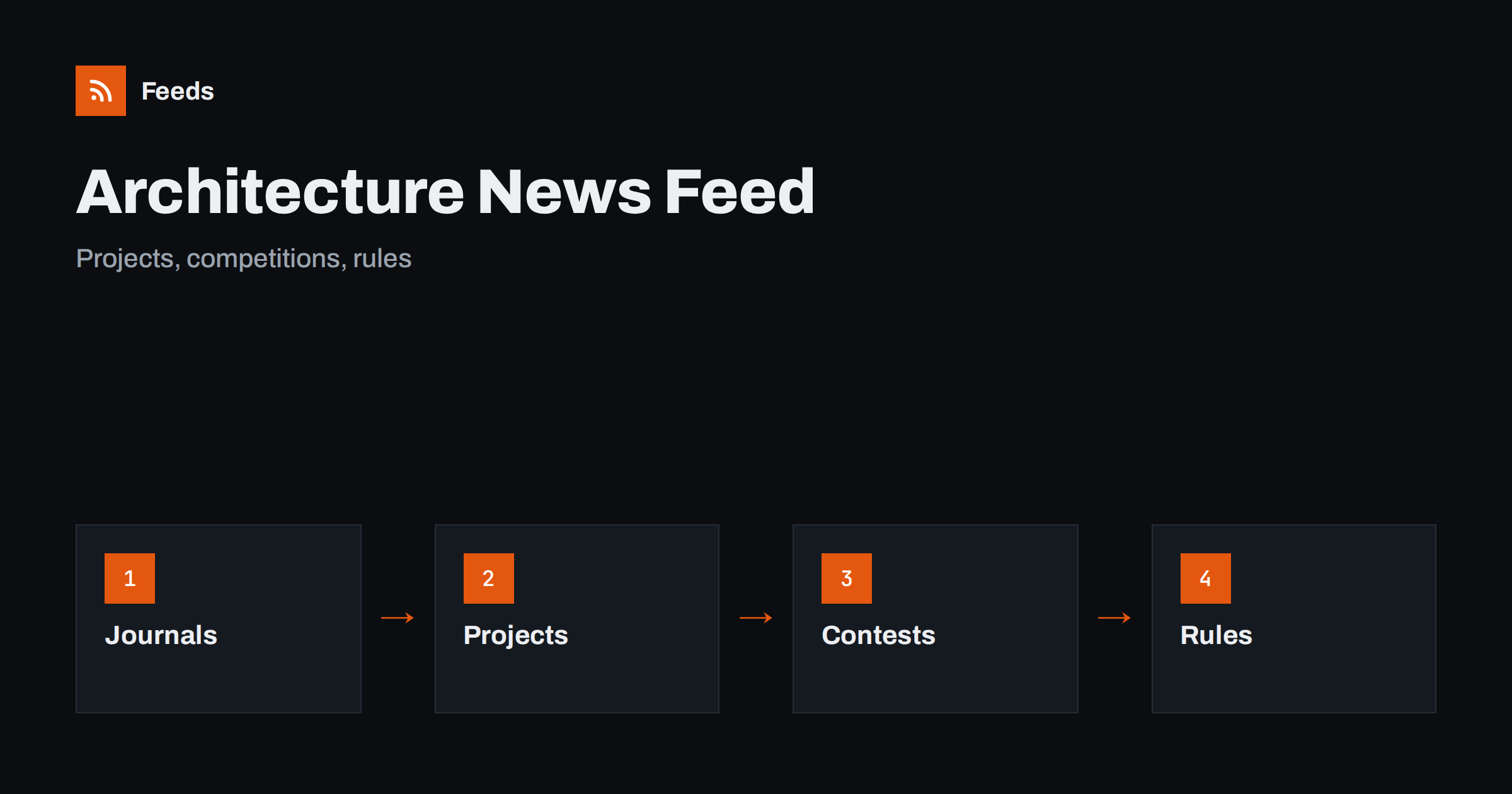
Short answer: Architecture and design news comes from journals and magazines, practices and studios, schools, competition organizers, planning authorities and standards bodies. RSS lets you collect them in one reader, filter by building type, region or topic and read items in the order they were published. Start with a few journals for criticism and ideas, add official pages for rules and deadlines, and open the original project or document before you quote a detail.
Why architecture news needs a reader
The field is large and visual. New buildings, competition results, material research, exhibitions, planning decisions and debates appear every day on dozens of sites, and many of them are galleries with little text. Social platforms show pictures but hide context, and a search finds the famous projects, not the small ones that may matter to you.
The readers have different aims. A student looks for precedents, a practitioner follows competitions and rules, a client follows trends and a journalist looks for stories. A feed reader gives each of them a quiet place to follow chosen sources. If the idea is new, what is an RSS feed explains it in plain words.
Journals, magazines and criticism
Start with a few publications that you trust. A good journal explains why a building works or fails, and it names the people who made it. Add one or two for your region, because local context matters, and one or two that cover materials and construction, because ideas are only useful when they can be built.
Do not follow too many image-led sites. They produce a large number of posts, and most are short. A small selection that you read carefully is more useful than a long list that you skim. RSS for designers: inspiration and trends describes a method for visual fields, and how to organize an RSS reader and avoid overload helps keep the list under control.
Practices, studios and schools
Many practices publish news about projects, awards and openings, and schools publish student work, lectures and exhibitions. These pages show what people are actually building and teaching, and they are a good source of case studies. Add the practices that inspire you and the schools in your area.
Many studio sites have no RSS link, only a page of news. How to create an RSS feed for a website without RSS shows how to build one from such a page, and find the RSS feed of any website: 7 reliable methods helps when a feed exists but is hard to find. Check the preview: it should show real news items, not menu entries.
Keep a note of why you follow each practice, such as materials, housing, adaptive reuse or public space. A short note helps you decide later whether a source is still worth reading.
Competitions, briefs and deadlines
Competitions are a main route to commissions and recognition, and they have dates. Organizers publish briefs, questions and answers, deadlines, jury lists and results, and a missed date costs a whole entry. Follow the pages of the organizers that you care about and the portals that list open competitions.
Put deadlines in your calendar as soon as you see them, and read the full brief before you decide. Prizes, rules on authorship and fees differ between competitions, and a short news item will not tell you all of it. Call for speakers alerts with RSS and grant and funding announcements with RSS show a similar routine for other calls.
Planning decisions, standards and regulations
Practice depends on rules: planning policies, building regulations, energy standards, accessibility requirements and heritage protection. They change, and the changes have dates. Official pages of ministries, local authorities and standards bodies are the reliable source, and a summary in the press may leave out the detail that applies to your project.
Follow the authorities of the places where you work, and watch for consultations, where you can comment before a rule is decided. Planning applications and permits with RSS and construction news and building rules with RSS describe how to set this up. Always note the date from which a rule applies, and keep the link to the official text in your notes.
Sustainability reporting and product rules also affect design. Sustainability and ESG reporting rules with RSS shows how to follow the related notices.
Language and place shape architecture. Many of the best projects are published first in the local language, in a regional journal or on a small practice site, and an English summary may appear weeks later or never. If you follow a region, add a few sources in the original language and let a translation tool help you read them. Check names, dates and figures in the original text before you quote them.
Materials, products and research
Designers and architects choose materials and products, and manufacturers publish technical data, case studies and new ranges. Follow a few makers whose products you use, and add research groups and universities that publish on materials, energy and construction methods. Treat manufacturer news as information, not as advice, and compare it with independent tests.
Keep a folder for technical updates. Product changes, recalls, discontinued ranges and revised data sheets can affect a project that is already specified, and an early notice gives time to change the detail. Product recall alerts with RSS shows how to follow such notices.
Exhibitions and events deserve a folder of their own. Biennales, festivals, lectures and open house days have dates and often limited places, and a feed of the organizers’ pages tells you about them early. Add the ones that you might visit, and put the dates in your calendar at once, because tickets for popular events go quickly. An event calendar RSS feed shows how to build a calendar from several sources.
Filter by building type, region and topic
A good architecture feed is narrow. If you design schools, you do not need every villa, and if you work in one country, you can drop competitions elsewhere. Use keyword filters to keep items that mention your building types, materials and places, and to drop the rest. Think of two lists of words, one to include and one to exclude, and review them every month.
Names are the difficult part. A building can be known by its client, its location or its architect, and a studio may have a short and a long name. Test your filters on ten recent items before you rely on them. Set up keyword alerts using RSS feed filters explains the method, and reduce noise in RSS alerts without missing anything helps when the list grows.
A routine that leaves time to draw
Do not let the reader replace the work. Read the competitions and rules folder once a week, the journals two or three times a week and the image-led feeds when you need inspiration. For each item you plan to use, open the original page and save it with a note. A short routine such as RSS triage: a fast daily routine for reading less keeps the list under control.
Once a month, review the sources. Remove feeds that stopped publishing, add the site you keep opening by hand and adjust the filters. If you work in a team, share one set of sources and keep personal folders for inspiration, as suggested in shared RSS reading lists for teams.
Credit the work of others properly. When you share a project or a picture in a presentation or a post, name the architect and the photographer, and link to the source. A reader makes it easy to find the original, and that habit protects both you and the people who made the work.
How RSS Feed Creator helps
RSS Feed Creator turns the news, project, competition and notice pages of journals, practices, schools, organizers and planning authorities into clean RSS feeds, even when the site has no feed of its own. It reads titles, images, summaries and dates, uses an existing feed when there is one, and shows a preview of the items before the feed is created. You can merge several sources into one feed (up to 10 sources), keep only the items that contain your keywords and have duplicates removed automatically, which suits a reading list for one building type, region or specialty. Feeds refresh every 3 hours on the free plan and every 30 minutes on paid plans. The free plan allows up to 20 items per feed, and the details are on the pricing page.
Related reading
- RSS for Designers: Follow Inspiration and Creative Trends
- Track Planning Applications and Building Permits with RSS
- How to Follow Construction News and Building Rules with RSS
The bottom line
RSS gives you an ordered view of architecture and design news. Start with a few journals, add practices, schools and competition organizers, follow official pages for rules and deadlines, filter by building type, region and topic, and credit the original sources. Review the list every month and keep time free for the work itself.
FAQ
Which sources should I follow first?
Begin with two or three journals, the planning authority of your area and one competition portal. Add practices and schools that inspire you later.
What if a studio site has no RSS feed?
A page-to-feed tool can read its list of news and build a feed. Check the preview to make sure it shows real items with titles and dates.
How do I avoid missing competition deadlines?
Follow the organizers’ pages, and put each deadline in your calendar as soon as you see it. Read the full brief before you decide.
How do I keep image-heavy feeds manageable?
Follow only a few of them, put them in a separate folder and read them when you need inspiration, not every day.
How often should I read the list?
Competitions and rules once a week, journals two or three times a week and image feeds when you need ideas.