 ENEnglish
 LTLietuviškai
 DEDeutsch
 FRFrançais
 RUРусский
 ESEspañol
 PLPolski
 ITItaliano
 UKУкраїнська
 CSČeština
 PTPortuguês
 JA日本語
JA日本語 LVLatviešu valoda
 ETEesti
 HUMagyar
 IDBahasa Indonesia
 TRTürkçe
 HIहिन्दी
 ELΕλληνικά
 ARالعربية
 THไทย
THไทย VITiếng Việt
 RORomână
 MSBahasa Melayu
 BNবাংলা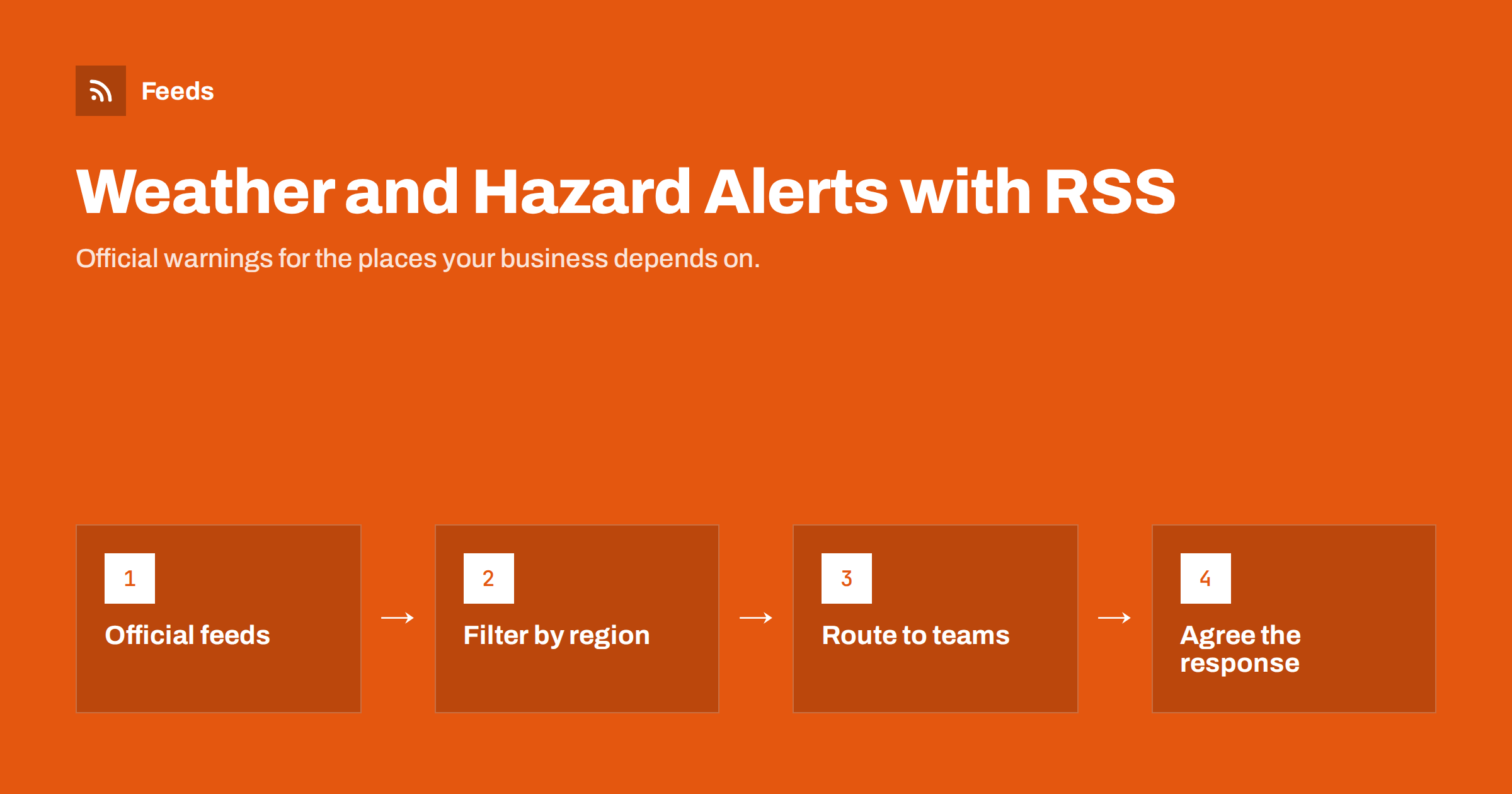
Short answer: Many official warning services publish their alerts as RSS or Atom feeds, including national weather services, European weather warnings through MeteoAlarm, earthquake feeds from the US Geological Survey and global disaster alerts from GDACS. Businesses can subscribe to the feeds for the regions where they operate, filter them by place and severity, and route them to a team channel or operations inbox. Feeds are an excellent planning and awareness tool, but they are not a replacement for official emergency warnings when lives are at risk.
Why businesses follow hazard alerts
Severe weather and natural hazards affect far more than safety. They close roads, delay shipments, cancel events, take down power and connectivity, and change what customers buy. Businesses that hear about a warning early can act while there is still time:
- Logistics and delivery companies reroute vehicles and warn customers about delays.
- Event organisers and venues prepare contingency plans for storms and heat.
- Retailers and e-commerce teams adjust stock, delivery promises and even advertising for weather-driven demand.
- Construction and field service firms reschedule outdoor work.
- IT and operations teams check backup power and remote working plans for offices in affected areas.
- Procurement and supply chain teams watch regions where important suppliers are located, which complements monitoring suppliers and partners for risk signals.
The common need is simple: know about relevant warnings in the places that matter to you, without watching several weather websites all day.
Official sources that offer feeds
Many public warning services publish machine-readable alerts, often in the Common Alerting Protocol (CAP) format and delivered as Atom or RSS feeds. A few widely used examples:
- European weather warnings. MeteoAlarm brings together warnings from national weather services across Europe and publishes feeds per country.
- United States weather alerts. The National Weather Service provides active alerts through its public web API, including an Atom feed of active alerts that can be filtered by area.
- Earthquakes. The US Geological Survey publishes earthquake feeds by magnitude and time period, covering events worldwide.
- Global disasters. The Global Disaster Alert and Coordination System (GDACS) publishes an RSS feed of alerts for earthquakes, tropical cyclones, floods, volcanoes and other major events worldwide.
- National and regional services. Many national meteorological, flood and civil protection agencies publish their own warnings pages, some with feeds and some without.
Formats and addresses change from time to time, so check each service’s own documentation when you set up a subscription, and look for a “feeds”, “RSS” or “data” link on its website.
When a warning page has no feed
Regional agencies, local authorities and utilities often publish warnings, flood notices or outage lists as ordinary web pages. These can be turned into feeds with a page-to-feed tool, as long as the page lists warnings as separate entries with titles and links. The general approach is explained in creating an RSS feed for a website without RSS.
Utility outage pages deserve special mention. Power, water and telecom providers frequently post planned and unplanned outages. For a business with sites in several areas, a feed of outage notices is as useful as a weather warning.
Filtering by region and severity
Raw hazard feeds are noisy: a national feed can contain dozens of minor warnings a day. Filters turn it into a short list of warnings that matter to you. The technique is explained in keyword alerts using RSS feed filters; for hazard feeds, combine two kinds of filters:
| Filter type | Examples | Purpose |
|---|---|---|
| Place names | Regions, provinces, counties, cities where you have sites or customers | Keep only relevant areas |
| Severity words | orange, red, severe, extreme, warning (not advisory) | Skip minor notices |
| Hazard types | storm, flood, snow, ice, heat, wildfire, wind | Separate streams per team |
| Magnitude or scale | Earthquake feeds pre-filtered by magnitude | Only significant events |
Use the terms the source actually uses. European warnings use colour levels, while US alerts use event types and terms such as warning, watch and advisory. Look at a week of items before finalising your filters, and test them against a past event you remember.
Routing alerts to the right people
An alert is only useful if it reaches someone who can act. Typical setups:
- An operations channel in your team chat that receives filtered warnings for all sites. The setup is covered in sending RSS updates to Slack and RSS updates in Microsoft Teams.
- Per-site streams for site managers, filtered by their location only.
- A merged global feed for supply chain teams, combining disaster alerts with warnings for supplier regions. Merging feeds into one keeps this manageable.
- A daily summary for management, instead of real-time alerts.
Agree in advance what each alert should trigger: a check of delivery routes, a message to customers, a decision about opening hours. Without an agreed response, alerts quickly become background noise.
Understand the limits
Feeds are pulled on a schedule, so there is always some delay between a warning being issued and it appearing in your channel. Filters can miss items worded in unexpected ways, and feed formats can change. That makes feed-based alerts well suited to business planning and awareness, but not to protecting lives in fast-moving emergencies.
- For personal safety, rely on official emergency alert systems, such as mobile emergency alerts, sirens, broadcast warnings and the authorities’ own apps.
- For critical operations, use feeds alongside a professional warning service or direct subscription from the authority, not instead of it.
- Always read the original warning before acting, because summaries in feeds can be shortened.
Keeping the setup healthy
- Review locations whenever you open or close a site, or gain an important customer or supplier region.
- Check feeds after major events. After a storm, confirm that the warnings you expected actually arrived.
- Watch for silent feeds. A warning feed that has been empty for months may simply be quiet, or may have moved. Check the source’s website occasionally. The ideas in monitoring status pages with RSS apply to warning services too.
- Tune noise. If people start ignoring the channel, tighten severity filters. The tips in reducing noise in RSS alerts help here.
Example: a small retail chain with five shops
Consider a retailer with five shops in two countries, a warehouse and an online store. A practical hazard alert setup might look like this:
- Sources. The national weather warning feeds for both countries, the regional flood authority’s warnings page turned into a feed, and the power distributor’s planned outage page for the warehouse area.
- Filters. Place names for the five shop towns and the warehouse district, combined with severity levels orange and red, plus the words flood, storm and outage.
- Delivery. One merged, filtered feed posted to the operations channel in the team chat, where the operations manager and shop managers all see it.
- Response. An agreed checklist: for a red warning, the affected shop manager confirms opening hours by midday; for a warehouse outage, the online team adjusts delivery promises on the website.
- Review. After each winter, the team checks which alerts led to action and which were noise, and adjusts the filters.
The whole setup takes an afternoon to build, costs little to run and replaces a habit of checking several websites whenever the sky looks dark.
How Feeds helps
Feeds lets you bring official warning feeds and warning pages without RSS into one clean stream. It uses a source’s existing feed when there is one, turns regional warning or outage pages into feeds, merges several sources into one feed, removes duplicates and keeps only items with your place names or hazard words. The result works in any RSS reader, chat integration or workflow tool, refreshes by itself, and on paid plans you are alerted if a page changes and a feed stops finding items. Refresh intervals per plan are on the pricing page; for time-critical safety warnings, always rely on official alert systems.
Related reading
- Set up website monitoring with RSS in 30 minutes: a starter plan
- How to auto-post an RSS feed to a Telegram channel
- Beyond Google Alerts: building source-based alerts with RSS
The bottom line
Weather and natural hazard warnings are published by official services, and many of them offer feeds. Subscribe to the sources that cover your regions, turn warning and outage pages without feeds into feeds, filter by place and severity, and route alerts to people who know what to do with them. Use this for planning and awareness, keep official emergency alert systems for safety, and review the setup after each major event.
FAQ
Can I get weather warnings as an RSS feed?
Yes, in many countries. MeteoAlarm publishes feeds of European weather warnings, the US National Weather Service offers an Atom feed of active alerts, and many national services publish their own feeds.
Is there an RSS feed for earthquakes?
The US Geological Survey publishes earthquake feeds by magnitude and time period, covering events worldwide. GDACS also publishes an RSS feed of major disaster alerts, including significant earthquakes.
How do I get only the warnings for my region?
Choose a regional feed where the source offers one, then filter by place names and severity words such as orange, red or warning. Test the filters on a week of real items.
Are RSS hazard alerts reliable enough for emergencies?
They are useful for planning and awareness, but feeds are checked on a schedule and can be delayed. For personal safety, rely on official emergency alert systems.
Where should business hazard alerts be delivered?
Usually to an operations channel in your team chat, with per-site streams for local managers and a daily summary for management. Agree in advance what action each alert should trigger.


