ENEnglish
 LTLietuviškai
 DEDeutsch
 FRFrançais
 RUРусский
 ESEspañol
 PLPolski
 ITItaliano
 UKУкраїнська
 CSČeština
 PTPortuguês
 JA日本語
JA日本語 LVLatviešu valoda
 ETEesti
 HUMagyar
 IDBahasa Indonesia
 TRTürkçe
 HIहिन्दी
 ELΕλληνικά
 ARالعربية
 THไทย
THไทย VITiếng Việt
 RORomână
 MSBahasa Melayu
 BNবাংলা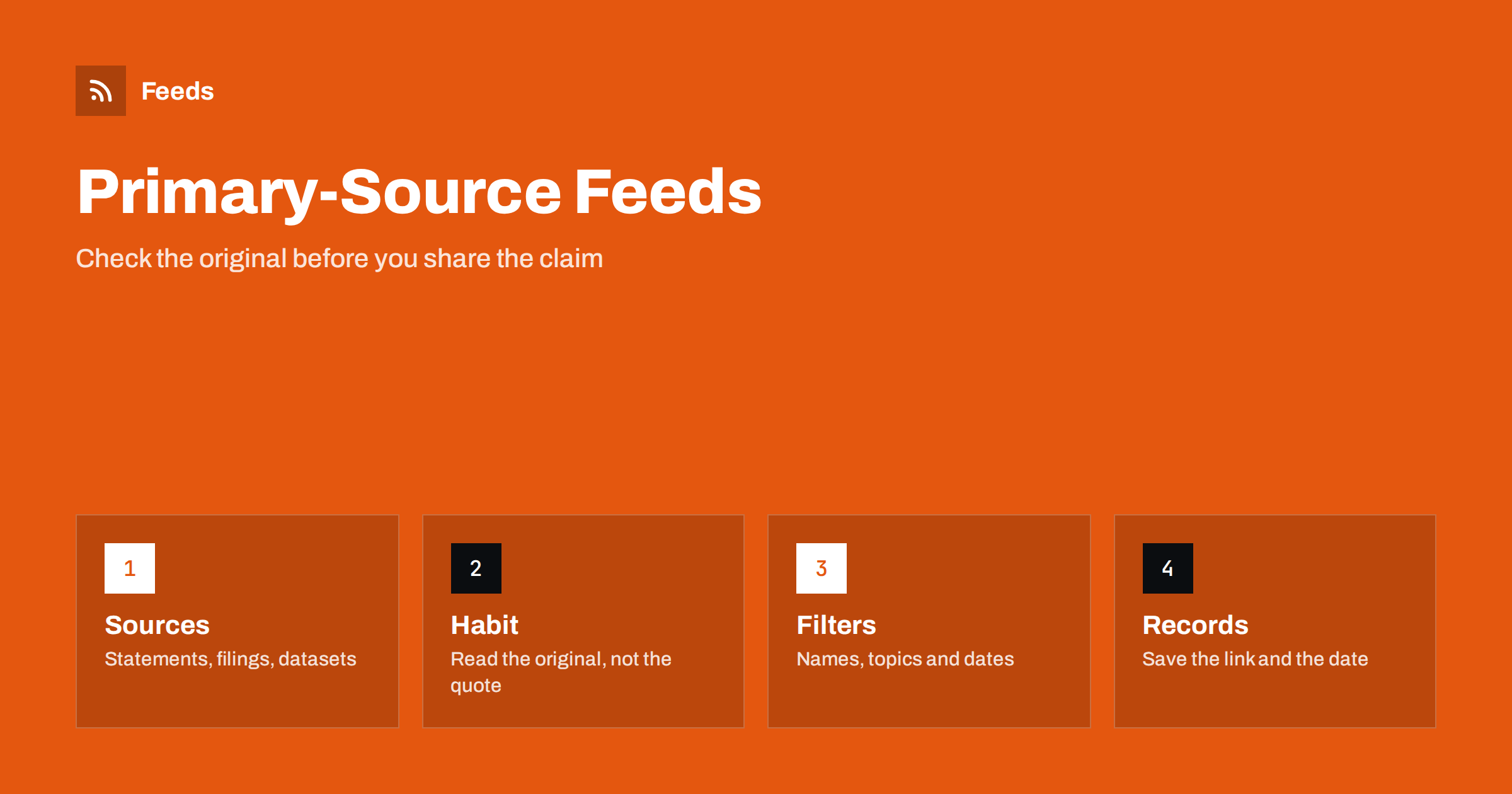
Short answer: Most false or misleading claims travel as screenshots, quotes and summaries, far from the document they came from. A simple defence is to follow primary sources directly: official statements, court and regulator notices, company filings, datasets and the original studies. RSS lets you collect those sources in one reader, so that when a claim appears you can check the original in minutes. A feed will not decide what is true, and it cannot replace judgement, but it gives you a calm, ordered way to see the source before the commentary on it.
Why primary sources matter
A claim passes through many hands before it reaches you. Someone reads a report, summarises it, someone else quotes the summary and a third person posts a cropped picture of the quote. Each step can drop a condition, change a number or lose the date. By the time you read it, the original may say something different, or may not say anything like it.
The cure is not to distrust everything, which is exhausting, but to make the original easy to reach. If you already follow the statements of your city council, the publications of a statistics office or the filings of a company you care about, you can check a claim against them quickly. Following sources directly also changes what you notice: you see announcements that never became headlines. For the wider idea of choosing your own sources over an algorithm, see RSS vs following on social media.
What counts as a primary source
A primary source is the place where the information was first published by the person or body that produced it. Typical examples are:
- Official statements and press pages of governments, agencies, companies and organisations, as in tracking government and regulator updates with RSS.
- Statistics and open data releases from national and international bodies. See alerts for new statistics and open data releases.
- Research papers and journals, which you can follow with academic journal alerts.
- Court decisions and legal notices, covered in tracking new court decisions with RSS.
- Company announcements and investor documents, see tracking investor relations announcements with RSS.
Secondary sources, such as news reports and explainers, are valuable for context but should point to the primary source. When an article does not link to the document it describes, that is a reason to look for the document yourself.
Build a small set of reference feeds
You do not need to follow everything. Think about the topics where you are most likely to meet claims, such as the area you write about, the town where you live, the industry you work in or the political issues you discuss. For each topic, choose three to five primary sources and put them in a folder in your reader. That small, stable set is your reference shelf.
Some sources offer feeds, and some do not. Many public pages, such as a list of decisions or a press office page, are plain lists without a feed. A page-to-feed tool can read the list and produce a feed from it; how page-to-feed tools find the articles on a web page explains how. Check the preview before you rely on it, because a feed that picks up menu links tells you nothing. Organise the folders so that they stay readable; organizing your RSS reader so it never overwhelms you has practical advice.
A routine for checking a claim
When you meet a claim that matters, a short routine helps. First, identify what exactly is being claimed: which number, which date, which body. Second, look for the original in your reference feeds, or search the site of the body that is supposed to have published it. Third, read the relevant part, not just the headline: definitions, footnotes and the date range. Fourth, compare it with the claim and note differences, such as a different period, a different group or a changed unit. Finally, record the link and the date you checked.
If you cannot find the original, say so rather than guessing. “I could not find a primary source for this” is a legitimate result. If you share the claim anyway, label it as unverified. Remember that official sources can be wrong or incomplete, too. A primary source tells you what was said, not that it is correct, so look for a second independent source when the stakes are high.
Use filters to focus, not to hide
When you merge several sources, a keyword filter can bring forward the items that match the topics and names you are watching. Use it to focus attention, not to remove everything else; an unfiltered folder is still worth a weekly glance. The technique is described in setting up keyword alerts using RSS feed filters, and the method for combining sources in merging multiple RSS feeds into one clean feed.
Be careful with names and numbers as keywords. A name can match unrelated people, and a number can match prices, dates and page counts. Prefer distinctive words, and widen the filter when you suspect you are missing items. If volume becomes a problem, see reducing noise in RSS alerts without missing anything.
Common traps to watch for
A few patterns appear again and again when a claim drifts away from its source. The period changes: a figure for one quarter becomes “this year”. The group changes: a result for one age band becomes “everyone”. The unit changes: a percentage becomes a count, or a share of a subset becomes a share of the whole. A quote is cut at the point where a condition begins. A chart loses its axis label or starts at a convenient number. An old document is presented as a new one, because the page shows no date or the date is the day it was last viewed.
Look for each of these when you compare a claim with its original. Check the date of publication and the date of the data, which are often different. Check whether a document has since been corrected or withdrawn, and whether a later version exists. A feed of the source helps with the last point, because corrections often appear as new items or changed notices that you would otherwise miss.
Keep records you can show
If you write, teach or edit, a record of what you checked is valuable. Keep a simple note for each claim: the statement, the source link, the date and time you read it, a short quote of the relevant passage and your conclusion. Pages change, move and disappear, so save a copy of important documents, as described in archiving RSS feed content and keeping your own copy, and consider saving a dated copy of the page where the rules allow it.
Use the records to correct yourself, too. If you shared something that turned out to be wrong, say so and link to the corrected source. That habit builds more trust than silence, and it makes you harder to fool the next time.
Limits and good manners
RSS is a delivery tool, not a verification tool. It cannot tell you whether a document is authentic, whether a statistic is well chosen or whether a quote is complete. Some pages are edited after publication without notice, and some sources publish different versions for different audiences. Treat each feed item as a pointer to something you still need to read.
Respect the sources you watch. Do not refresh pages more often than necessary, do not republish whole documents without checking the licence and do not reveal private data that a public page happens to expose. Using other websites’ content has legal limits that differ by country; see is it legal to create RSS feeds from other websites?.
How RSS Feed Creator helps
RSS Feed Creator turns the press page, decisions page or data release page of an agency, court or institution into a clean RSS feed, even when the site has no feed of its own. It reads titles, images, summaries and dates, uses an existing feed when there is one, and shows a preview of the items before the feed is created. You can merge several sources into one feed (up to 10 on paid plans), keep only the items that contain your keywords and have duplicates removed automatically, which suits a themed set of reference sources. Feeds refresh every 3 hours on the free plan and every 30 minutes on paid plans, and paid plans send an alert when a page changes and a feed stops finding items. The free plan allows up to 20 items per feed, and the details are on the pricing page.
Related reading
- How Journalists Can Build a Beat Monitoring Feed with RSS
- Media Monitoring with RSS: Track Brand Mentions in the News
- Beyond Google Alerts: Building Source-Based Alerts with RSS
The bottom line
Checking claims is easier when the originals are already on your shelf. Choose a few primary sources for the topics you care about, put them in a reader, read the original before you share the claim, and keep a short record of what you found. RSS will not make you right, but it will make it much easier to find out.
FAQ
Can RSS tell me whether a claim is true?
No. It delivers new items from the sources you choose. You still need to read the original, compare it with the claim and, for important matters, look for a second independent source.
What is a primary source?
The place where the information was first published by the person or body that produced it, such as an official statement, a dataset, a court decision, a company filing or the original study.
How many sources should I follow?
For each topic you meet claims about, three to five well-chosen primary sources are enough. A small, stable set is easier to read and to trust than a long list.
What if a source has no feed?
A page-to-feed tool can read the list of items on the page and build a feed. Check the preview so that it shows real items, not menu links.
What should I do if I cannot find the original?
Say that you could not find it, treat the claim as unverified and avoid sharing it as fact. If you must mention it, label it clearly.