 ENEnglish
 LTLietuviškai
 DEDeutsch
 FRFrançais
 RUРусский
 ESEspañol
 PLPolski
 ITItaliano
 UKУкраїнська
 CSČeština
 PTPortuguês
 JA日本語
JA日本語 LVLatviešu valoda
 ETEesti
 HUMagyar
 IDBahasa Indonesia
 TRTürkçe
 HIहिन्दी
 ELΕλληνικά
 ARالعربية
 THไทย
THไทย VITiếng Việt
 RORomână
 MSBahasa Melayu
 BNবাংলা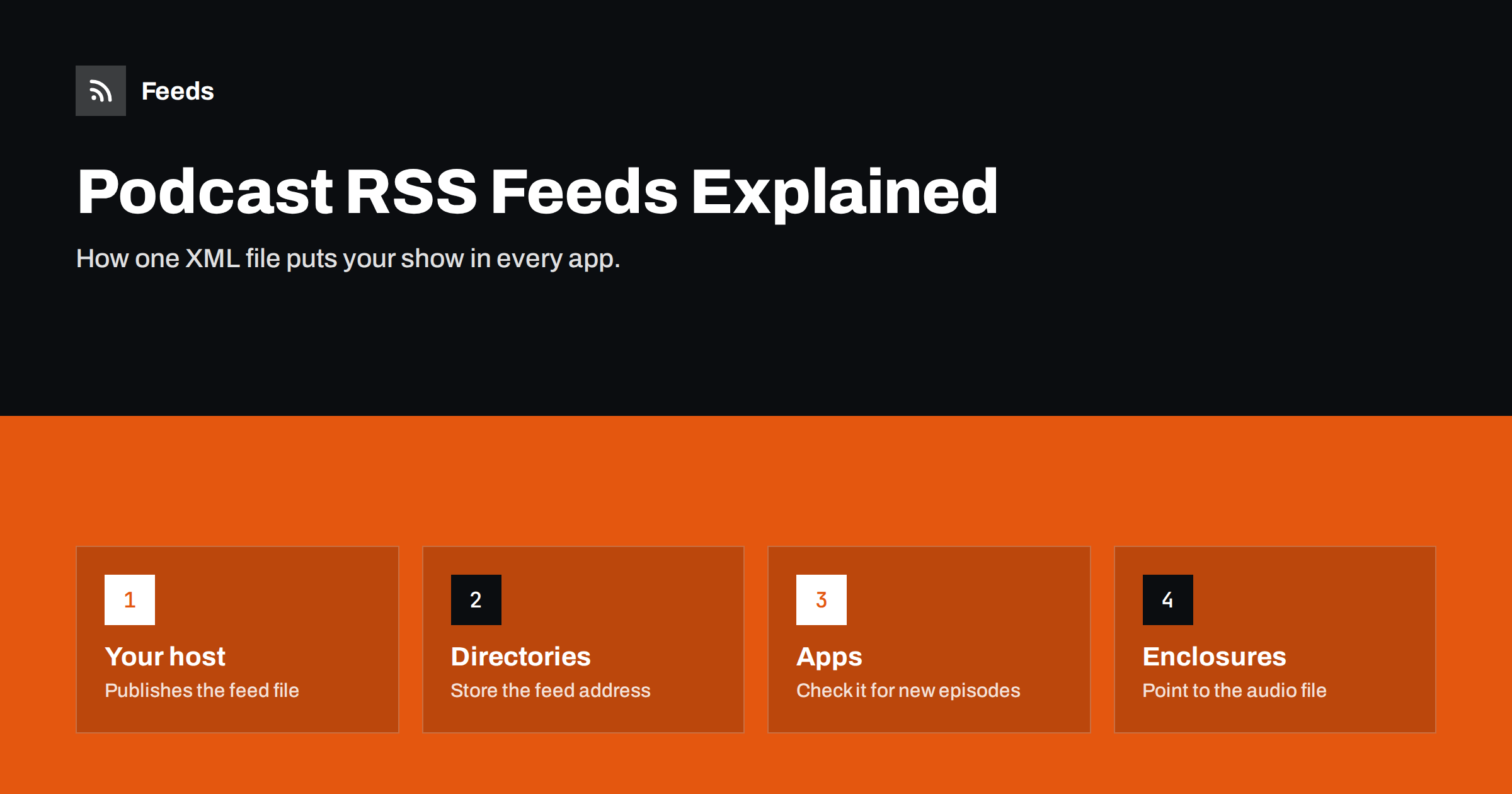
Short answer: A podcast is an RSS 2.0 feed in which every item carries an enclosure, a link to an audio or video file. Directories such as Apple Podcasts and Spotify store your feed address, and listening apps check that feed for new items and download the attached files. Your hosting provider usually generates the feed, but you still own it: its address, its identifiers and its metadata decide where your show appears and whether subscribers stay with you.
Podcasting is the one corner of the internet where RSS never went out of fashion. When you “submit a podcast to Spotify” or “list a show on Apple Podcasts”, what you actually hand over is a feed address. Everything else, from the artwork in the app to the episode order and the “explicit” label, is read from that file. Understanding it helps you avoid the classic podcasting disasters: duplicate episodes, lost subscribers after a host change, and shows rejected by directories.
What a podcast feed contains
A podcast feed is a normal RSS 2.0 file with a few additions. It has two levels, just like any feed.
Show-level information (inside the channel):
- Title, description and the show’s website link.
- Language, author or owner, and a contact email for directories.
- Artwork: a square image, which Apple requires to be between 1400×1400 and 3000×3000 pixels.
- Category and subcategory from the directory’s list.
- An explicit-content flag and the show type: episodic or serial.
Episode-level information (one item per episode):
- Title, description or show notes, and publication date.
- A permanent, unique
guid. - The
enclosure: the media file’s URL, its size in bytes and its MIME type, such asaudio/mpeg. - Optional duration, episode and season numbers, episode type (full, trailer, bonus) and per-episode artwork.
Much of this extra information comes from namespaces, which are extensions to RSS. The most important is Apple’s itunes: namespace, which almost every directory reads. The newer podcast: namespace from the Podcasting 2.0 project adds features such as transcripts, chapters and funding links.
How episodes travel from your host to a listener
- You upload an episode to your podcast host and fill in its title and notes.
- The host adds an item to your feed, with an enclosure pointing to the audio file on its storage or CDN.
- Directories re-read your feed on their own schedule, typically several times a day, and update your show page.
- Listening apps check the feed, either directly or through their own backend, and show the new episode to subscribers. Many apps download it automatically.
- Downloads are served by your host, which is why download statistics come from the host, not the directories.
Two consequences are worth noting. First, the directory does not store your audio; it stores your feed address and a copy of your metadata. Second, delays are normal: a new episode may appear in one app within minutes and in another after a few hours, depending on how often each service checks. Some hosts speed this up with WebSub or directory-specific notifications.
What the big directories require
Requirements change over time, so always check each directory’s current documentation, but the essentials have been stable for years:
| Requirement | Why it matters |
|---|---|
| Valid RSS 2.0 with the itunes namespace | Directories parse strictly; errors mean rejection |
| Square artwork within the size limits, JPEG or PNG | Shown in every app; wrong sizes are rejected |
| Show title, description, language and category | Used for search and browsing |
| At least one episode with a working enclosure | There must be something to play |
| Correct explicit flag | Content filtering and ratings |
| Owner email reachable | Some directories verify ownership by email |
| Media served over HTTPS with byte-range support | Apps need to seek and resume downloads |
Apple Podcasts has the most detailed rules and its checks are a good baseline. If your feed passes Apple’s validation in Podcasts Connect, it is very likely to work elsewhere.
The guid: the most important line nobody looks at
Each episode’s guid is how apps know whether they have already seen it. If the guid changes, apps treat the episode as new: subscribers get a duplicate download, and sometimes the whole back catalogue floods their queue. This happens most often when a show moves to a new host and the new host generates fresh identifiers.
- Never change an episode’s guid after publishing.
- When migrating, make sure the new host imports and keeps the existing guids. Reputable hosts do this by default.
- Editing an episode’s title, notes or even replacing the audio file should not change its guid.
Your feed address is your subscriber list
Podcasting has no central subscriber list. Each app simply remembers your feed URL. That makes the address precious:
- Use a stable address, ideally one on your own domain that forwards to your host, so you can switch hosts later without asking anyone to update anything.
- When moving hosts, the old feed must permanently redirect (HTTP 301) to the new one, and the old feed should include the
itunes:new-feed-urltag pointing to the new address. Keep the redirect in place for as long as possible, ideally permanently. - Do not delete an old feed while subscribers still use it. Apps that hit a dead feed simply stop updating, and listeners rarely notice until they wonder why the show “stopped”.
Show notes, chapters and transcripts
The episode description is more than a summary. It is what listeners see in the app and what directories search. A few practical tips:
- Put the most useful sentence first; many apps truncate the preview.
- Use simple HTML for links and lists; directories strip complex markup.
- Include links to resources, guests and your website with full absolute URLs.
- Consider transcripts and chapters. The
podcast:transcriptandpodcast:chapterstags let supporting apps show searchable text and jump points, which also improves accessibility.
Common podcast feed problems and fixes
- Episodes not showing in one app. Wait a few hours, then check whether that directory shows a feed error. Many directories have a “refresh feed” button in their creator dashboard.
- Artwork not updating. Apps cache images aggressively. Use a new file name for new artwork rather than overwriting the same URL.
- Wrong episode order. Check the publication dates and time zones, and whether the show type is set to serial when it should be episodic, or the other way round.
- Duplicate episodes. Almost always changed guids. Restore the originals if you can.
- Audio will not play or seek. The media server must support HTTPS and byte-range requests, and the enclosure length and type must be correct.
- Rejected submission. Run the feed through a validator and fix every error, not only the first.
A five-minute health check for your feed
You do not need to be technical to check your own feed. Once a quarter, or after any change of host or settings, run through this list:
- Open the feed address in a browser and confirm it loads over HTTPS without a login or error.
- Run it through a podcast validator, such as the one in Apple Podcasts Connect or a public podcast feed validator, and fix every error and warning you understand.
- Check the newest three episodes in two different listening apps: titles, artwork, order and playback.
- Play an episode and skip ahead. If seeking fails, the media server may not support byte-range requests.
- Confirm the owner email still reaches someone, because directories use it to verify ownership.
- Write down the feed address and where it is submitted, so a future host change does not become detective work.
This small routine catches most problems before listeners do, and it gives you a record of where your show lives.
Podcast feeds and the rest of your publishing
A podcast feed is also a data source. Many shows reuse it for a website episode list, a newsletter section or social posts announcing each episode. If you publish a podcast and a blog, you might want one combined stream of both for partners, or a stream that only includes episodes about a particular topic. Our tool, Feeds, can merge several feeds, including podcast feeds, into one and keep only items that contain your keywords, with duplicates removed. It does not host audio or replace your podcast host; it gives you an extra feed link that any reader or tool can use. Plans are on the pricing page.
Related reading
- What Is an RSS Feed? A Plain-English Guide for Site Owners
- RSS vs Atom: Which Feed Format Should Your Site Publish?
- How to Choose an RSS Reader: Features That Actually Matter
The bottom line
A podcast is an RSS feed with media attachments, and the feed is the real product that directories and apps rely on. Keep it valid, keep every episode’s guid permanent, keep the feed address stable and redirect it properly if you ever move. Get those basics right and your show appears reliably in every app, with no duplicates and no lost subscribers.
FAQ
Do I need my own RSS feed to start a podcast?
You need a feed, but you rarely write it yourself. Podcast hosting services generate and update the feed automatically when you upload episodes. You then submit that feed address to each directory.
Where do I find my podcast’s RSS feed URL?
Your podcast host shows it in the show settings or distribution section. If you only know the show’s page in a directory, many hosts also link the feed from the show’s website.
Why does a new episode appear in one app but not another?
Each directory and app checks feeds on its own schedule, so delays of a few hours are normal. If an episode is still missing after a day, check that directory’s dashboard for feed errors.
Can I change podcast hosts without losing subscribers?
Yes, if the old feed permanently redirects to the new one, includes the itunes:new-feed-url tag, and the new host keeps the original episode guids. Keep the redirect active for as long as you can.
Can a podcast feed be private?
Yes. Private feeds use unique, hard-to-guess URLs per listener, often with authentication, and are not submitted to public directories. Many hosts offer them for members-only or internal podcasts.


