 ENEnglish
 LTLietuviškai
 DEDeutsch
 FRFrançais
 RUРусский
 ESEspañol
 PLPolski
 ITItaliano
 UKУкраїнська
 CSČeština
 PTPortuguês
 JA日本語
JA日本語 LVLatviešu valoda
 ETEesti
 HUMagyar
 IDBahasa Indonesia
 TRTürkçe
 HIहिन्दी
 ELΕλληνικά
 ARالعربية
 THไทย
THไทย VITiếng Việt
 RORomână
 MSBahasa Melayu
 BNবাংলা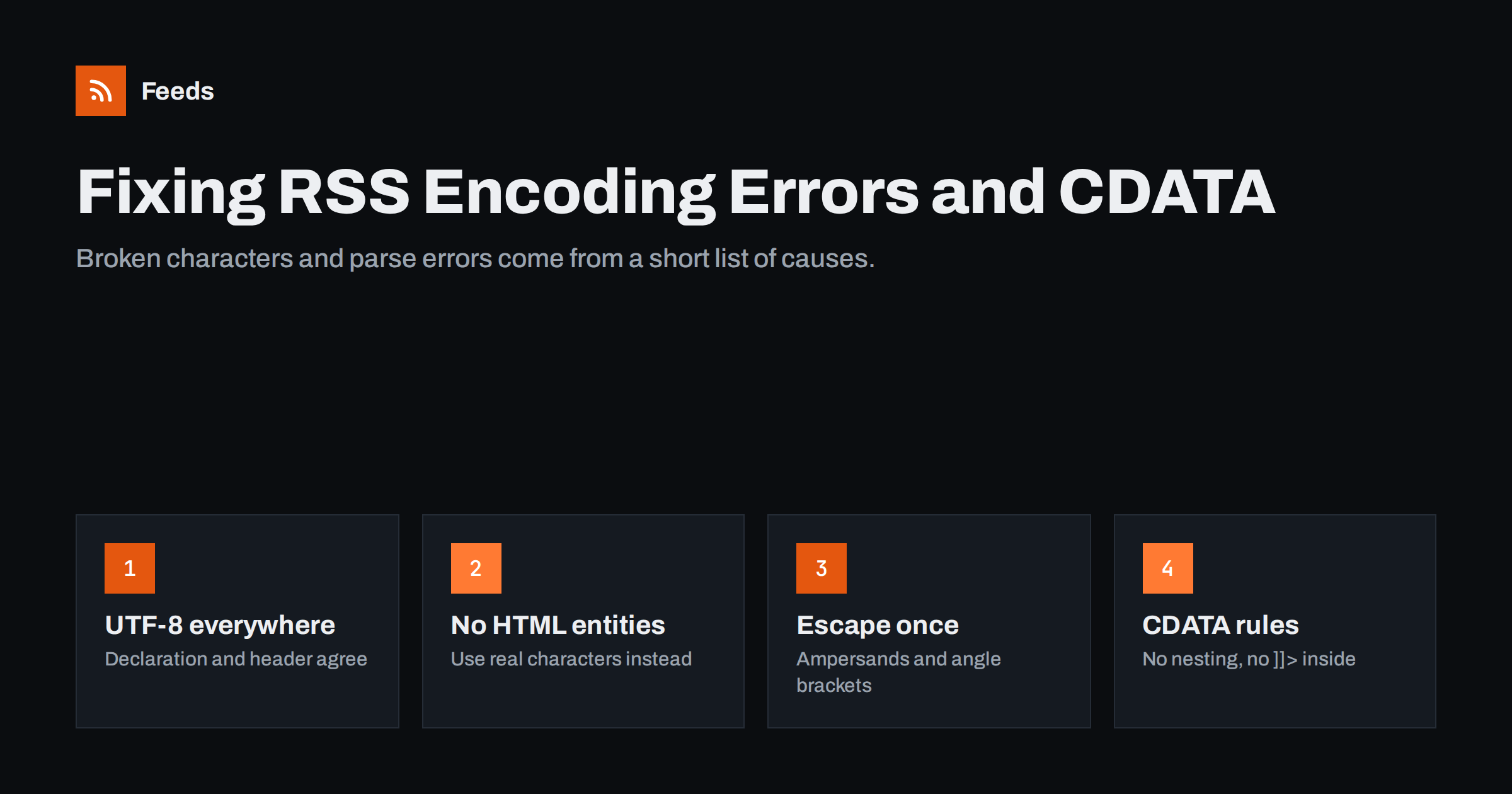
Short answer: Most feed encoding problems come from four causes: a mismatch between the declared encoding and the real bytes, HTML entities such as that XML does not know, unescaped ampersands and angle brackets, and misused CDATA sections. Serve the feed as UTF-8 in both the XML declaration and the HTTP header, use numeric character references instead of named HTML entities, escape or wrap HTML content properly, and remove stray whitespace or invisible control characters before the XML declaration. Then validate.
Why encoding problems break feeds
An RSS feed is an XML document, and XML is strict. A web browser will happily display a page with a stray ampersand or a character in the wrong encoding, but an XML parser is required to stop at the first well-formedness error. Depending on the reader, the result is anything from garbled characters in titles to a feed that cannot be loaded at all, or one that silently stops updating.
That strictness is why encoding errors are among the most common reasons feeds fail, alongside the problems covered in validating an RSS feed and fixing common errors. The good news is that the causes are few and the fixes are well understood.
Recognising the symptoms
Different mistakes produce recognisable symptoms. Matching what you see to the likely cause saves time:
| What you see | Likely cause |
|---|---|
| Characters like ’ or é instead of ’ or é | UTF-8 text read as Windows-1252 or ISO-8859-1 |
| Question marks or boxes instead of letters | Text converted to an encoding that cannot represent it |
| “Undefined entity” error | Named HTML entity such as or © in XML |
| “Not well-formed” or “invalid token” error | Unescaped & or <, or an invalid control character |
| “XML declaration allowed only at the start” | Whitespace, a blank line or output before <?xml |
| Literal & or <p> visible in readers | Content escaped twice |
Cause 1: encoding mismatches
Every feed declares its encoding in the XML declaration, for example <?xml version="1.0" encoding="UTF-8"?>. The server may also declare it in the HTTP Content-Type header, such as application/rss+xml; charset=utf-8. If the actual bytes do not match these declarations, readers decode the text incorrectly.
The classic example is the curly apostrophe. Stored in UTF-8, it takes three bytes. If a reader decodes those bytes as Windows-1252, it shows three odd characters instead: ’. The same happens with accented letters, currency symbols and any non-Latin script.
To fix it:
- Use UTF-8 everywhere. Database, application, templates, feed output and HTTP headers. It covers every language and is the default expectation of modern readers.
- Make the declarations agree. The XML declaration and the HTTP header should both say UTF-8. When they disagree, many tools trust the HTTP header, which may be wrong. The guide to serving an RSS feed correctly covers headers in detail.
- Fix the source, not the symptom. If text is already stored garbled in the database, for example after a migration, correcting the feed output will not help. Convert the stored data once, carefully, with a backup.
Multilingual sites are especially exposed to this, which is one reason the advice in RSS feeds for multilingual sites recommends checking each language’s feed separately.
Cause 2: HTML entities that XML does not know
HTML defines hundreds of named entities, such as , ©, — and é. XML defines only five: &, <, >, " and '. Any other named entity in the XML structure of a feed is an error.
This usually happens when HTML content is copied into a title or description without conversion. Fixes, in order of preference:
- Output the actual character in UTF-8, for example a real non-breaking space or em dash instead of the entity.
- Use a numeric character reference, which XML always understands:
 for a non-breaking space,—for an em dash. - Put HTML content inside a CDATA section, where entities are passed through as text for the reader to interpret as HTML.
Cause 3: unescaped special characters
In XML, the ampersand and the less-than sign are special. A title such as “Salt & Pepper” or a link with a query string like ?a=1&b=2 must be written as Salt & Pepper and ?a=1&b=2. The same applies to any < in text.
The opposite mistake is escaping twice. If content is escaped once when saved and again when the feed is generated, readers display & literally, or show HTML tags as text. The rule is simple: store content unescaped, and escape exactly once, at the moment the XML is written. Well-built feed libraries do this automatically, which is a good argument for using one rather than building XML with string concatenation.
Cause 4: CDATA sections used wrongly
A CDATA section, written as <![CDATA[ … ]]>, tells the parser to treat everything inside as plain text. It is a convenient way to include HTML in a description or content:encoded element without escaping every tag. It has a few rules that are easy to break:
- The closing sequence ]]> cannot appear inside. If your content contains it, for example in a code sample, split the section into two.
- CDATA sections cannot be nested. Wrapping content that already contains a CDATA section breaks the feed.
- CDATA does not fix encoding. The bytes inside must still be valid in the declared encoding.
- CDATA does not allow control characters. Invalid characters are invalid everywhere in the document.
Either escaping or CDATA is valid for HTML content; the important thing is to use one method consistently. The elements that typically carry HTML are described in the anatomy of an RSS 2.0 feed.
Other invisible troublemakers
- Whitespace before the XML declaration. Nothing may come before
<?xml. In PHP-based systems, a blank line at the end of a plugin or theme file can add output before the feed. WordPress users will find this and related issues in WordPress RSS feed not working. - Byte order marks. A UTF-8 byte order mark saved by some editors at the start of a template can cause the same error. Save files as UTF-8 without BOM.
- Control characters. Text pasted from word processors or PDFs sometimes contains invisible characters, such as vertical tabs or form feeds, that XML 1.0 does not allow. Strip them when content is saved or when the feed is generated.
- Truncated multi-byte characters. Cutting a summary at a fixed number of bytes can split a character in half. Truncate by characters, not bytes.
A troubleshooting routine
- Open the raw feed URL and note the exact error or the garbled text.
- Check the HTTP headers and the XML declaration: do both say UTF-8?
- Run the feed through a validator and go to the first reported line; later errors are often consequences of the first.
- Find the item that triggers the problem and look at its source content in the CMS.
- Fix the cause at the source or in the feed generator, then validate again.
- Check the feed in two readers, because some are more forgiving than others and may hide the problem.
Prevention: stop errors before they reach the feed
Fixing encoding errors one by one is tedious. A few habits prevent most of them:
- Generate feeds with a proper XML library or your CMS’s built-in feed functions, never by concatenating strings.
- Validate the feed automatically after deployments and plugin updates, not only when someone complains.
- Clean pasted text in the editor, for example with a “paste as plain text” option, so invisible characters never enter the database.
- Test with difficult content: an ampersand in a title, an emoji, a non-Latin script and a code sample.
Encoding when feeds are generated from pages
When a website has no feed and one is generated from its pages, the same rules apply on the generator’s side: page text must be decoded in the page’s real encoding and written out as clean UTF-8 XML. Feeds creates feeds from pages without RSS, with titles, images, summaries and dates, and shows a preview of the items before a feed is created, so you can see immediately whether titles and accented characters look right. It works with any RSS reader or tool, and you can try it on the free plan.
Related reading
- RSS feed best practices for publishers: a 24-point checklist
- RSS feed stopped updating? How to find out why
- Why your RSS feed looks like code, and how to style it
The bottom line
Feed encoding problems look mysterious but come from a short list of causes. Use UTF-8 from database to HTTP header, replace named HTML entities with real characters or numeric references, escape special characters exactly once, use CDATA consistently and correctly, and make sure nothing appears before the XML declaration. Validate after every change to templates, plugins or servers, and most encoding errors will never reach your subscribers.
FAQ
Why does my RSS feed show ’ instead of an apostrophe?
The feed contains UTF-8 text that is being decoded as Windows-1252 or ISO-8859-1. Make sure the text is stored in UTF-8 and that both the XML declaration and the HTTP Content-Type header declare UTF-8.
Why does my feed fail with an undefined entity error?
It contains a named HTML entity such as that XML does not define. Replace it with the actual character, a numeric reference such as  , or place the HTML content inside a CDATA section.
Should I use CDATA or escaping for HTML in RSS?
Both are valid. CDATA is easier to read and write, while escaping is more robust for content that might contain the ]]> sequence. Choose one method and use it consistently.
What causes the error “XML declaration allowed only at the start”?
Something is output before the XML declaration, usually whitespace, a blank line from a template or plugin file, or a byte order mark. Remove it so the feed starts exactly with <?xml.
How do I remove invisible characters that break my feed?
Strip control characters that XML 1.0 does not allow when content is saved or when the feed is generated. They typically come from text pasted from word processors or PDF files.


