ENEnglish
 LTLietuviškai
 DEDeutsch
 FRFrançais
 RUРусский
 ESEspañol
 PLPolski
 ITItaliano
 UKУкраїнська
 CSČeština
 PTPortuguês
 JA日本語
JA日本語 LVLatviešu valoda
 ETEesti
 HUMagyar
 IDBahasa Indonesia
 TRTürkçe
 HIहिन्दी
 ELΕλληνικά
 ARالعربية
 THไทย
THไทย VITiếng Việt
 RORomână
 MSBahasa Melayu
 BNবাংলা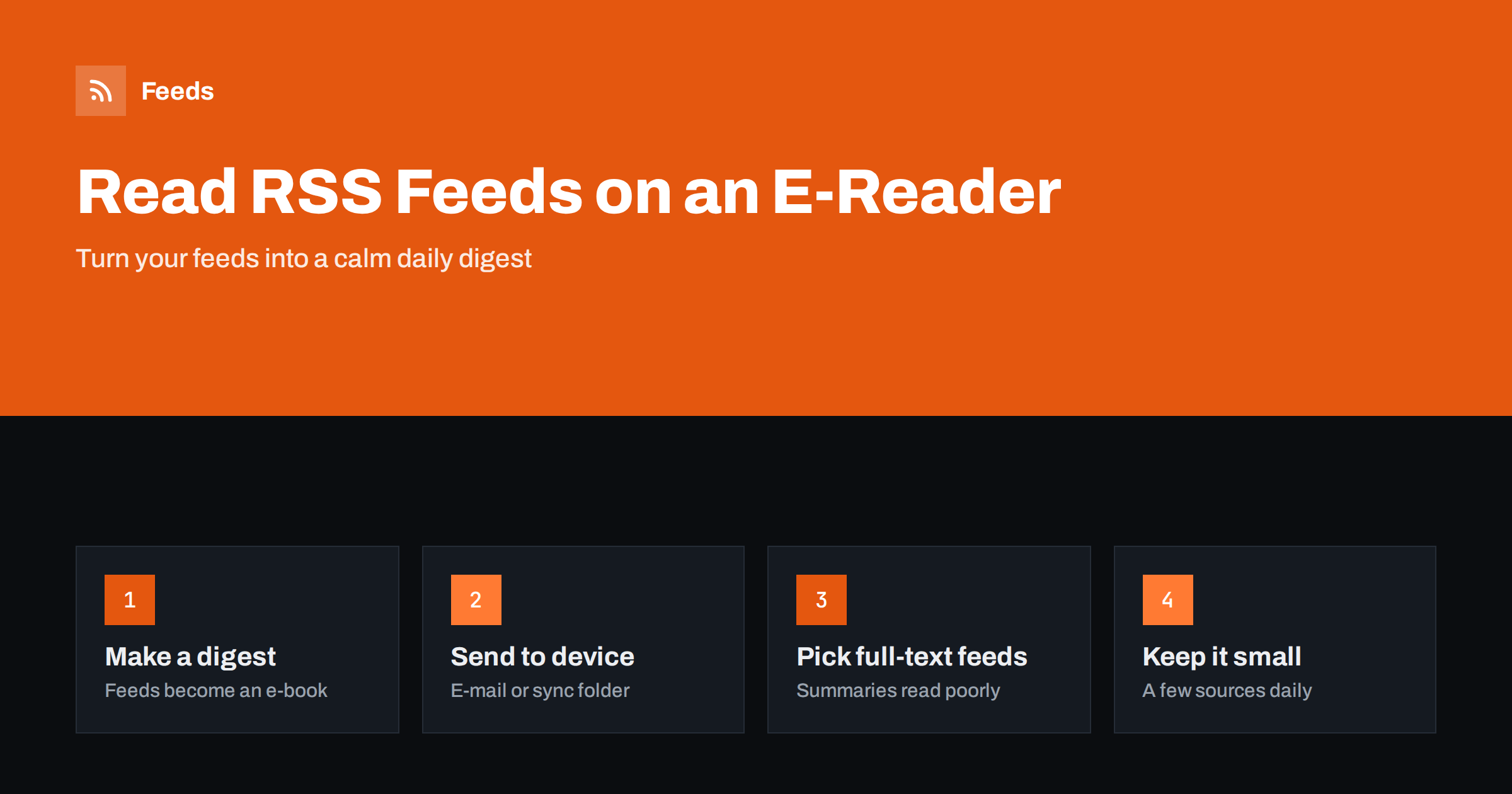
Short answer: The most reliable way to read RSS feeds on a Kindle or another e-reader is to turn them into an e-book digest. Tools such as Calibre can fetch your feeds on a schedule, build an EPUB or similar file with the latest articles and send it to your device, for example through the manufacturer’s send-to-device e-mail. Readers that run KOReader can download feeds directly. Full-text feeds work best, and a small set of sources makes a digest you will actually finish.
Why read feeds on an e-reader
E-readers are built for long, focused reading. The screen is easy on the eyes, there are no notifications and there is nothing else to tap. Many people who follow dozens of blogs and news sites find that reading them on a phone turns into skimming, while the same articles on an e-reader get read properly.
RSS is a good match for this because it delivers the articles themselves, not a social media feed around them. A digest of the day’s new articles from your favourite sources, delivered to your e-reader every morning, works like a personal newspaper: finite, calm and free of ads and recommendations.
The challenge is that most e-readers have no built-in feed reader. Their browsers are basic, and their stores sell books, not subscriptions to websites. The practical solution is to do the feed work on a computer or server and send the result to the device as a document.
That arrangement has a hidden benefit. Because the digest is built ahead of time, it is a fixed set of articles. When you reach the end, you are done, which is a very different experience from an endless timeline that always offers one more item.
The e-book digest approach
The idea is simple: a program collects new items from your feeds, formats them as an e-book with a table of contents and sends that file to your e-reader. You read the digest like any other book and delete it when you are done.
- Choose a small set of feeds you want to read in depth.
- Use a tool that fetches the feeds and converts the new items into an e-book file.
- Send the file to your device, by e-mail, cable or a synced folder.
- Schedule the process daily or weekly, so a fresh digest is waiting when you want it.
The advantage is that it works with almost any e-reader, because every device can open e-books. The trade-off is that the digest is a snapshot. Articles published after it was created wait for the next one, which for most long-form reading is exactly what you want.
Digests also travel well. Because the file is stored on the device, you can read it on a train, a plane or anywhere without a connection, and nothing changes while you read. Many people find a weekly digest for slower sources, such as essays and long analyses, and a daily one for news and industry updates a good combination.
Using Calibre to build digests
Calibre, the free and open-source e-book manager, is the best-known tool for this. Its news feature fetches content from feeds and turns it into an e-book. It includes many built-in recipes for well-known publications and lets you add your own feeds as a custom source.
- Add a custom news source with the feed URLs you want to include.
- Set how many articles per feed and how old they may be, so the digest stays manageable.
- Schedule the download, for example every morning, while Calibre is running.
- Configure Calibre to e-mail the result to your device or transfer it when the device is connected.
Calibre runs on your computer, so the computer must be on at the scheduled time. Some people run it on a small always-on machine at home for that reason. If a feed only contains summaries, Calibre’s recipes can sometimes fetch the full article, but results depend on the website, which is why full-text feeds give the most consistent digests.
Sending to Kindle and other devices
Amazon’s Send to Kindle service gives each Kindle an e-mail address. Documents sent to that address from an approved sender address appear in the library, and EPUB files are accepted and converted. This makes it a convenient final step for a digest: the tool builds the file and e-mails it, and the digest syncs to the Kindle over Wi-Fi.
- Kindle: add your sending address to the approved list in your Amazon account, then send EPUB or PDF files to the device’s address.
- Kobo, PocketBook and others: transfer files over USB, use the device’s cloud or sync features where available, or a synced folder supported by the device.
- Tablets with e-ink screens: many run Android and can install regular RSS reader apps directly.
Check your device’s current documentation, because supported formats and delivery options change over time. The principle stays the same: build a document from your feeds and use whatever channel your device offers for documents.
KOReader and direct feed downloads
KOReader is a free, open-source reading application that runs on several e-readers, including some Kindle, Kobo and PocketBook models, as well as Android devices. It includes a news downloader that fetches RSS and Atom feeds directly on the device and saves the articles as documents you can read offline.
This removes the need for a computer: you edit a list of feeds, connect to Wi-Fi, run the download and read. Installing KOReader on some devices requires steps that the manufacturer does not support, so read the project’s documentation for your model carefully before trying it. On devices where it installs normally, it is the most direct way to read feeds on e-ink.
KOReader’s downloader can also try to fetch full articles for summary-only feeds, with the same caveat as Calibre: some websites work better than others.
Choosing feeds that read well on e-ink
Not every feed makes a good e-reader digest. E-ink screens favour text, so the best sources are those that publish full articles with simple formatting.
| Feed type | On an e-reader |
|---|---|
| Full-text blogs and essays | Excellent, the main use case |
| Newsletters with web feeds | Very good, long-form text |
| Summary-only news feeds | Poor without full-text extraction |
| Image-heavy or video feeds | Poor, images look grey and videos do not play |
| High-volume news feeds | Overwhelming unless filtered |
For more on why some feeds include only summaries, see full text or summary in your RSS feed. Newsletters are often available as feeds as well; our guide on reading e-mail newsletters in your RSS reader explains how, and those feeds can go into the digest too.
Keeping the digest small and useful
The biggest risk with e-reader digests is size. A digest with two hundred articles is not a calm morning read, it is a backlog. Limit the number of sources and the number of items per source, and filter high-volume feeds by keywords before they reach the digest.
- Start with five to ten sources you genuinely want to read in full.
- Limit each source to a handful of items per digest.
- Merge related feeds and filter them, so only items on your topics remain.
- Remove a source if you skip it in three digests in a row.
Our guide on how to organise your RSS reader so it never overwhelms you applies here too: fewer, better sources beat a large collection you never finish. Combining feeds is covered in how to merge multiple RSS feeds into one clean feed.
How RSS Feed Creator helps
RSS Feed Creator (Feeds) turns websites without RSS, such as small blogs, columns or news sections, into clean feeds with titles, images, summaries and dates that digest tools can read, and uses a site’s existing feed when there is one. You can merge several sources into one feed, keep only items with your words or drop items you do not want, and duplicates are removed automatically, so your digest contains only what you care about. The feed refreshes on its own and works in any tool that reads RSS. You can create a feed on the free plan.
Related reading
- RSS reader vs read-later app: how to use both together
- How to build an automated daily news digest from feeds
- How to subscribe to RSS feeds: a beginner’s guide
The bottom line
E-readers have no real feed readers, but they are excellent for reading what feeds deliver. Build an e-book digest with a tool such as Calibre and send it to your device, or use KOReader’s news downloader where it runs. Choose full-text sources, keep the number of articles small and filter busy feeds, and your e-reader becomes a calm daily newspaper made from the sites you choose.
FAQ
Can a Kindle read RSS feeds directly?
Not with its standard software. The usual method is to build an e-book from your feeds on a computer or service and send it to the Kindle with Send to Kindle.
Which file format should a feed digest use?
EPUB is widely supported and accepted by Send to Kindle, and most other e-readers open it natively. PDF also works but does not reflow text as well on small screens.
Does Calibre have to run all the time?
Calibre must be running at the scheduled time to fetch feeds and send the digest. Many people leave it running on an always-on computer for that reason.
What is KOReader’s news downloader?
It is a feature of the open-source KOReader app that downloads RSS and Atom feeds directly on the device. It works on devices where KOReader can be installed.
Why do some articles in my digest show only a summary?
Because the feed contains only summaries. Use full-text feeds where possible, or let the digest tool try to fetch the full article, which works on some websites but not all.