ENEnglish
 LTLietuviškai
 DEDeutsch
 FRFrançais
 RUРусский
 ESEspañol
 PLPolski
 ITItaliano
 UKУкраїнська
 CSČeština
 PTPortuguês
 JA日本語
JA日本語 LVLatviešu valoda
 ETEesti
 HUMagyar
 IDBahasa Indonesia
 TRTürkçe
 HIहिन्दी
 ELΕλληνικά
 ARالعربية
 THไทย
THไทย VITiếng Việt
 RORomână
 MSBahasa Melayu
 BNবাংলা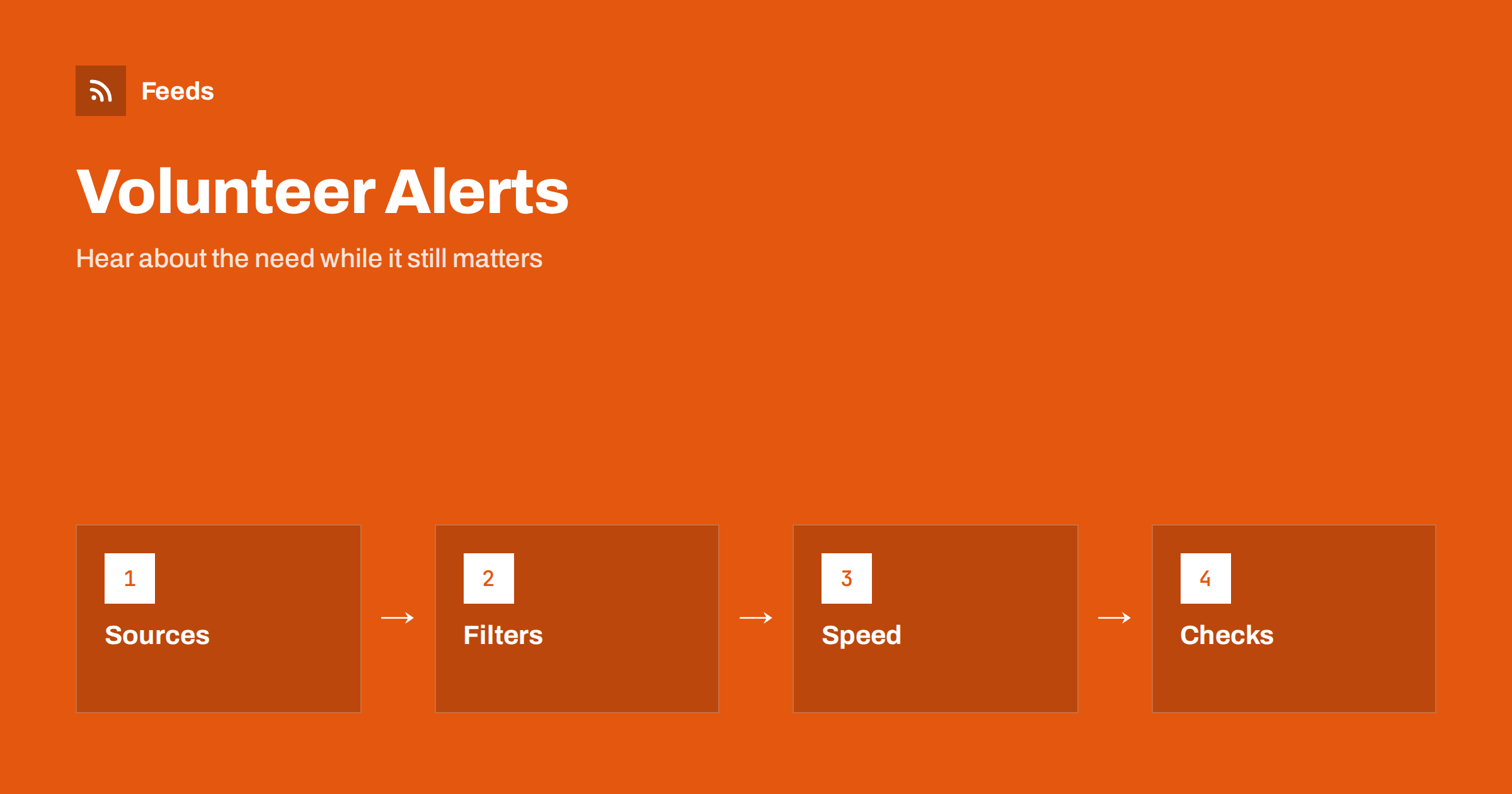
Short answer: Volunteering opportunities are announced in many places: charity websites, council pages, school newsletters, community noticeboards and event pages. Few of them offer an alert. An RSS feed lets you gather the pages you trust into one reader, filter them by place, skill and time, and have the matches sent to your phone or a group chat. It will not tell you whether a role suits you or whether an organisation is reliable, but it means you hear about a need while it is still open, which is often the difference between helping and reading about it afterwards.
Why opportunities are hard to catch
Volunteering needs are often short-lived. A food bank needs drivers for a weekend, a local clean-up needs hands on Saturday, a school fair needs stewards, a charity event needs marshals. The announcement appears on one page, sometimes only in a social post, and the roles fill quickly. Someone who would have helped never saw it, and the organiser concludes that nobody was interested.
The same problem affects coordinators, who want to reach volunteers but cannot predict which channel each person reads. Both sides benefit from a simple, open channel that anyone can subscribe to. Feeds are exactly that: a list of new items that you can read anywhere, with no account and no algorithm deciding what you see. For more on why feeds still matter, see RSS vs following on social media.
Which sources to follow
Pick sources that publish real, current needs and are run by organisations you are comfortable with. Good places to look include:
- Charities and community groups in your area or cause. Their news, events or “get involved” pages often list new roles.
- Local councils and public bodies that publish community notices, clean-up days and volunteer programmes. Compare how municipalities should publish RSS feeds, which explains why some councils offer feeds and others do not.
- Schools, libraries and sports clubs that need helpers for events and activities. See how parents and students can follow school news with RSS.
- Event pages of festivals, charity runs and fundraising days, which usually recruit volunteers a few weeks ahead. Turning event calendars into RSS feeds shows how to follow them.
- Volunteer matching pages that list roles by place and skill, if the platform offers a page you can read without logging in.
Choose a handful and watch how they behave for a few weeks. Some post daily and some only before big events. Remove the ones that never publish anything useful.
Making feeds from pages that have none
Small charities often run simple websites with a plain list of news or roles and no feed. A page-to-feed tool can read the list of items on such a page and create a feed with titles, summaries and dates. How tools find the items is explained in how page-to-feed tools find the articles on a web page. Always check the preview: it should show real role titles and dates, not buttons and menus.
If a page lists roles without dates, you will know that something changed but not how long it has been there. Open the page to check, and consider making a short note of when you last looked. Be respectful with refresh rates: charities often run small sites, and a feed that checks every few hours is enough.
Filter by place, skill and time
A national list of opportunities is mostly noise for one person. Use keywords to keep what is useful: the name of your town or district, skills such as “driver”, “first aid”, “translation”, “teaching”, “carpentry”, “social media”, and words about timing such as “weekend”, “evening” or “one-off”. If you can only help in the summer, add the months. The technique is explained in setting up keyword alerts using RSS feed filters.
Start broad and refine. If a charity uses “helper” and another uses “volunteer” or “steward”, include all three. When you merge several sources into one feed, you filter once and read one list, as described in merging multiple RSS feeds into one clean feed. Keep a separate feed for the cause you care most about, so that it does not drown among the rest.
Respond quickly, but check first
Because roles fill fast, route urgent matches to a place where you will see them, such as a phone notification or a group chat with friends or colleagues who volunteer together. The routes are described in RSS alerts as push notifications on your phone. A weekly digest is enough for long-term roles, but use something faster for the narrow set of needs you can actually answer at short notice.
Before you commit, check the organisation. Look for a clear description of the role, a named contact, a way to ask questions and, where the role involves children or vulnerable people, a statement about checks and safeguarding. If you cannot find a real organiser behind an announcement, do not give personal details. Confirm the date, the place, what is provided and what you need to bring. A feed is a pointer to an opportunity, not a recommendation.
For coordinators: publish a feed volunteers can follow
If you run a charity or a community group, make life easier for volunteers by publishing your needs on one page with a clear title, a date, a place and a contact. Add a feed for that page if your website platform supports it, and mention it in your newsletter and on your profile. Volunteers who follow the feed will see each new need without relying on a social platform. The principles in RSS feed best practices for publishers apply to small organisations just as well.
Remove filled roles promptly, or mark them as filled. Nothing discourages volunteers like arriving to find that a call closed a week ago. Keep descriptions short and concrete: the task, the time, the number of people needed and any skills or checks required.
Teams, companies and community groups
Volunteering is often organised in groups: a company that gives staff a day for charity, a student society, a faith community, a neighbourhood association. A shared feed makes this easier. One person sets up the sources and the filters, and the result goes to a shared channel where anyone can respond. The routes into chat tools are described in sending RSS feed updates to a Slack channel and getting RSS feed updates in Microsoft Teams channels.
Agree some simple rules for such a channel: who replies to the organiser, how people say that they have taken a role so that two people do not go to the same place, and who keeps the list of organisations the group has worked with. A short agreement at the start prevents confusion later, and it keeps the channel from turning into a list that nobody reads.
A routine that stays light
You do not need to spend long on this. Choose a time once a week to read your digest, open the two or three items that fit your time and skills and reply to one. Keep a short list of organisations you have helped, so that when they post again you can answer quickly. If you are part of a group, share the feed so that the reading is shared, and agree who answers which call. Review the sources every few months and replace those that have gone quiet.
Remember that volunteering is about people, not feeds. The best use of the tool is to reduce the chance that a need goes unseen, then step away from the screen.
How RSS Feed Creator helps
RSS Feed Creator turns the news page, events page or volunteer page of a charity, council or community group into a clean RSS feed, even when the site has no feed of its own. It reads titles, images, summaries and dates, uses an existing feed when there is one, and shows a preview of the items before the feed is created. You can merge several sources into one feed (up to 10 on paid plans), keep only the items that contain your keywords and have duplicates removed automatically, which suits a themed watch on volunteering in your area. Feeds refresh every 3 hours on the free plan and every 30 minutes on paid plans, and paid plans send an alert when a page changes and a feed stops finding items. The free plan allows up to 20 items per feed, and the details are on the pricing page.
Related reading
- Content Automation for Nonprofits and Community Groups
- Local News Monitoring: Follow Your Town’s Sources with RSS
- How to Reduce Noise in RSS Alerts Without Missing Anything
The bottom line
Following volunteer and charity opportunities with RSS means collecting a few trustworthy sources, filtering by place, skill and time, and sending the urgent matches somewhere you will see them quickly. Check each organisation and each role before you commit, and if you run a group yourself, publish your needs in a way people can follow. A little structure helps more needs meet the people who would have answered them.
FAQ
Where can I find volunteer opportunities with RSS?
Follow the news, events and “get involved” pages of local charities, councils, schools and clubs. Where a page has no feed, a page-to-feed tool can build one from the list of items on the page.
How do I avoid irrelevant national results?
Use keyword filters for your town, the skills you offer and the times you are free. Merge your sources first so that you filter once and read one list.
How fast should I respond to an alert?
Many short-term roles fill quickly, so send narrow, filtered matches to your phone. For long-term roles a weekly digest is enough.
How do I know an opportunity is genuine?
Look for a named organiser, a clear description of the role, a way to ask questions and, for work with children or vulnerable people, a statement about checks. Do not share personal details if you cannot confirm who is behind the call.
Can a charity publish a feed of its volunteer needs?
Yes. Keep needs on one page with a title, date, place and contact, add a feed if your website supports it and remove roles as soon as they are filled.