ENEnglish
 LTLietuviškai
 DEDeutsch
 FRFrançais
 RUРусский
 ESEspañol
 PLPolski
 ITItaliano
 UKУкраїнська
 CSČeština
 PTPortuguês
 JA日本語
JA日本語 LVLatviešu valoda
 ETEesti
 HUMagyar
 IDBahasa Indonesia
 TRTürkçe
 HIहिन्दी
 ELΕλληνικά
 ARالعربية
 THไทย
THไทย VITiếng Việt
 RORomână
 MSBahasa Melayu
 BNবাংলা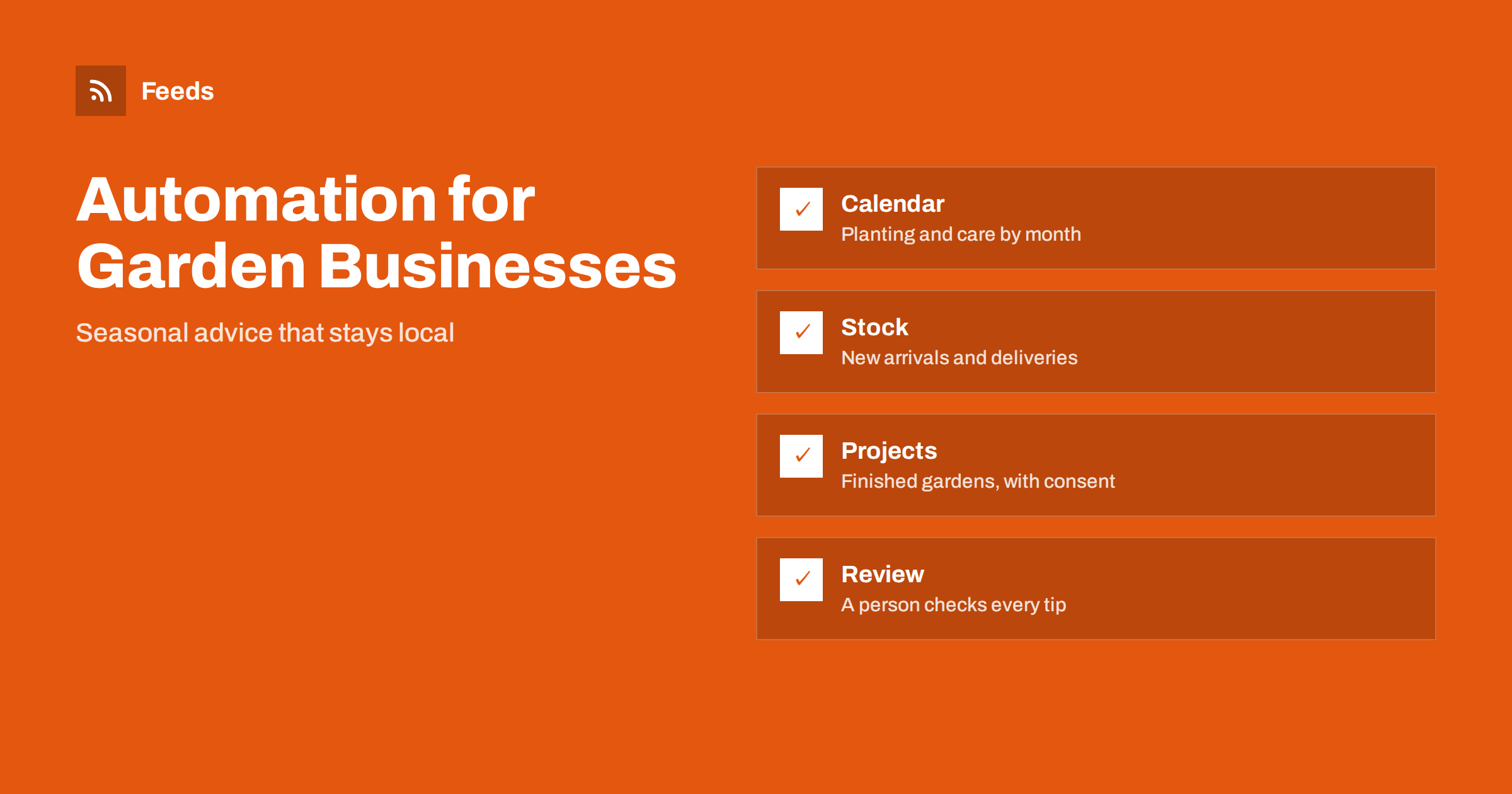
Short answer: Garden centres and landscaping companies have a built-in content calendar: the seasons. Content automation can turn that calendar into steady posts and web updates, such as planting reminders, care tips, new arrivals, event notices and finished projects, without someone writing everything from scratch each week. The rules that keep it useful are practical. Advice must fit the local climate and the time of year, a knowledgeable person checks every tip before it goes out, plants and products are never promised when they are not in stock, and customers’ gardens are shown only with their agreement.
The calendar does half the work
Few businesses have such a predictable rhythm. Early spring is for seed sowing and pruning, then comes planting out, lawn care, summer watering, autumn bulbs, leaf clearing, winter protection and ordering for the next year. Landscapers have their own cycle of enquiries in winter, design work in early spring, construction in the warm months and maintenance contracts around the year. Customers search for advice at exactly these moments.
Write down twelve months of repeating topics, with a small number of practical subjects for each, and plan one or two posts per month for each group. When the calendar exists, automation has something to publish. A simple method for turning a plan into a schedule is described in building a content calendar from feeds and automation, and a general plan for small firms is in content automation for local businesses.
Advice has to be local and correct
Gardening advice is easy to get wrong. A tip that suits one region can fail in another because of frost dates, soil, rainfall or wind. A post that says “plant now” in a cold spring may cost a customer their plants. Write advice for your own area, state the conditions that matter and use ranges instead of exact dates when the weather decides.
Do not copy general advice from foreign sources and republish it as your own. Have a staff member who actually grows plants check each post, and keep a short list of topics where advice depends on the product, such as pesticides, fertilisers and treatments. For those, follow the label and local rules, and never recommend a use that the label does not allow. Where weather changes the plan, short notices based on official forecasts help, as in weather and natural hazard alerts with RSS for businesses.
New arrivals and stock without disappointment
Garden centres sell living and seasonal goods, so stock changes fast. A post that announces a delivery of fruit trees or a rare variety brings customers in; a post about plants that sold out two days ago brings complaints. Link announcements to what is actually in the shop, and keep wording that does not promise availability, such as “just arrived, while stocks last”. If you have an online shop, the principles of honest stock are covered in publishing a new arrivals RSS feed for your online store and sharing new shop products on social media automatically.
For plants, name the variety, size, pot or root type and any restrictions that matter, for example that some plants cannot be sent to certain regions. For tools and materials such as compost, timber or paving, state the quantity and the unit. If a product is seasonal, say when it will be back.
Showing projects with consent
Before-and-after pictures of finished gardens are the best proof a landscaping firm can show, and also a privacy risk. A picture can reveal a home, a layout, a car, a child or a security weakness. Get written permission before you publish anything from a customer’s property, remove details that identify people or addresses and avoid exact locations. Prefer your own display garden or projects where the owner agreed to publicity.
Do not automate the publication of site photos taken by crews. A crew can upload them to a folder, but a manager chooses which pictures are allowed. Describe what was done in honest terms: the work, the materials and the time it took. Do not claim results that depend on years, such as a mature hedge, from a photograph taken the week after planting. The same discipline applies in content automation for trades and home service businesses.
Events, workshops and community
Many garden centres run workshops, plant sales, seed swaps and seasonal events, and landscaping firms may hold open gardens or talks. Events are ideal for automation because they have a date, a place and a clear action. Keep one master calendar, and let the website, newsletter and social posts follow it; the method is described in promoting upcoming events automatically from a calendar.
Check practical details before every event notice: the date, the time, any booking requirement, the cost and the weather plan for outdoor sessions. When an event is cancelled or moved, correct it first in the calendar and publish a short notice quickly. A stale post about an event that no longer exists is worse than silence.
Follow sources that affect your work
Garden businesses depend on information from outside: plant health and import rules, notices about pests and diseases, weather warnings, supplier announcements, local planning and tree preservation rules. Collect those sources into one reader instead of visiting them one by one. You can merge feeds and filter by words such as “pest”, “disease”, “import”, “recall” or the names of plants you sell, as in merging multiple RSS feeds into one clean feed.
For safety notices on products you sell, see tracking product recalls and safety notices with RSS. For planning rules that affect landscaping projects, tracking planning applications and building permits with RSS shows how to follow local notices. Use this reading to inform your own posts and to protect the business, not to repost material in bulk. If you share something, explain why it matters for local gardeners and link to the source.
Approval, tone and honesty
A garden business earns trust with calm, practical language. Avoid exaggerated claims such as “guaranteed to grow” or “pest-proof”, and do not promise results that depend on weather and care. Do not make health or environmental claims, for example about being “organic” or “wildlife friendly”, unless the product or practice meets a defined standard you can show.
Use a workflow with an approval step: a draft is created or scheduled, one named person with horticultural knowledge reads it and only then does it go out. The trade-offs are explained in full auto vs approval queue. Before anything goes live, apply the checks in the content automation checklist.
A simple weekly rhythm
A small business can run this in an hour or two a week. Monday: check the weather outlook and the calendar for the coming week. Wednesday: schedule one practical tip and one notice about stock or events. Friday: answer messages, update availability and add any finished project that has permission. Each season, review which posts people read and which questions customers keep asking, and use them for next year’s calendar.
Name who owns the schedule. In small businesses the most common reason automation fails is that nobody is responsible when the busy spring season arrives.
How RSS Feed Creator helps
RSS Feed Creator turns the news page, notice page or supplier announcement page of a plant health body, supplier or local authority into a clean RSS feed, even when the site has no feed of its own. It reads titles, images, summaries and dates, uses an existing feed when there is one, and shows a preview of the items before the feed is created. You can merge several sources into one feed (up to 10 on paid plans), keep only the items that contain your keywords and have duplicates removed automatically, which suits a themed watch on plant health and supplier news. Feeds refresh every 3 hours on the free plan and every 30 minutes on paid plans, and paid plans send an alert when a page changes and a feed stops finding items. The free plan allows up to 20 items per feed, and the details are on the pricing page.
Related reading
- Content Automation for Farms and Local Food Producers
- Product Feeds for Garden, DIY and Hardware Stores
- Local News Monitoring: Follow Your Town’s Sources with RSS
The bottom line
For a garden centre or landscaping company, content automation works when it follows the seasons, keeps advice local and checked, ties announcements to real stock and shows projects only with permission. Automate the schedule and the collecting, leave the judgement to a person who knows plants, and the business keeps a steady voice through the busiest months.
FAQ
What should a garden centre post about?
Seasonal planting and care tips for the local climate, new arrivals while stocks last, events and workshops and, with permission, finished projects. Practical posts earn more trust than general claims.
Can I use gardening advice from other websites?
Use it as background only. Advice depends on region, climate and product labels, so have a knowledgeable person write or check every post for your area.
How do I avoid announcing plants I do not have?
Tie announcements to actual stock, use wording such as “while stocks last” and update or delete the post when an item sells out.
Can I show customers’ gardens?
Only with written permission. Remove details that identify people or addresses and let a manager approve each picture instead of automating site photos.
Which outside sources are worth following?
Plant health and import notices, weather warnings, supplier announcements, product safety notices and local planning rules. Merge them into one reader and filter by your keywords.