 ENEnglish
 LTLietuviškai
 DEDeutsch
 FRFrançais
 RUРусский
 ESEspañol
 PLPolski
 ITItaliano
 UKУкраїнська
 CSČeština
 PTPortuguês
 JA日本語
JA日本語 LVLatviešu valoda
 ETEesti
 HUMagyar
 IDBahasa Indonesia
 TRTürkçe
 HIहिन्दी
 ELΕλληνικά
 ARالعربية
 THไทย
THไทย VITiếng Việt
 RORomână
 MSBahasa Melayu
 BNবাংলা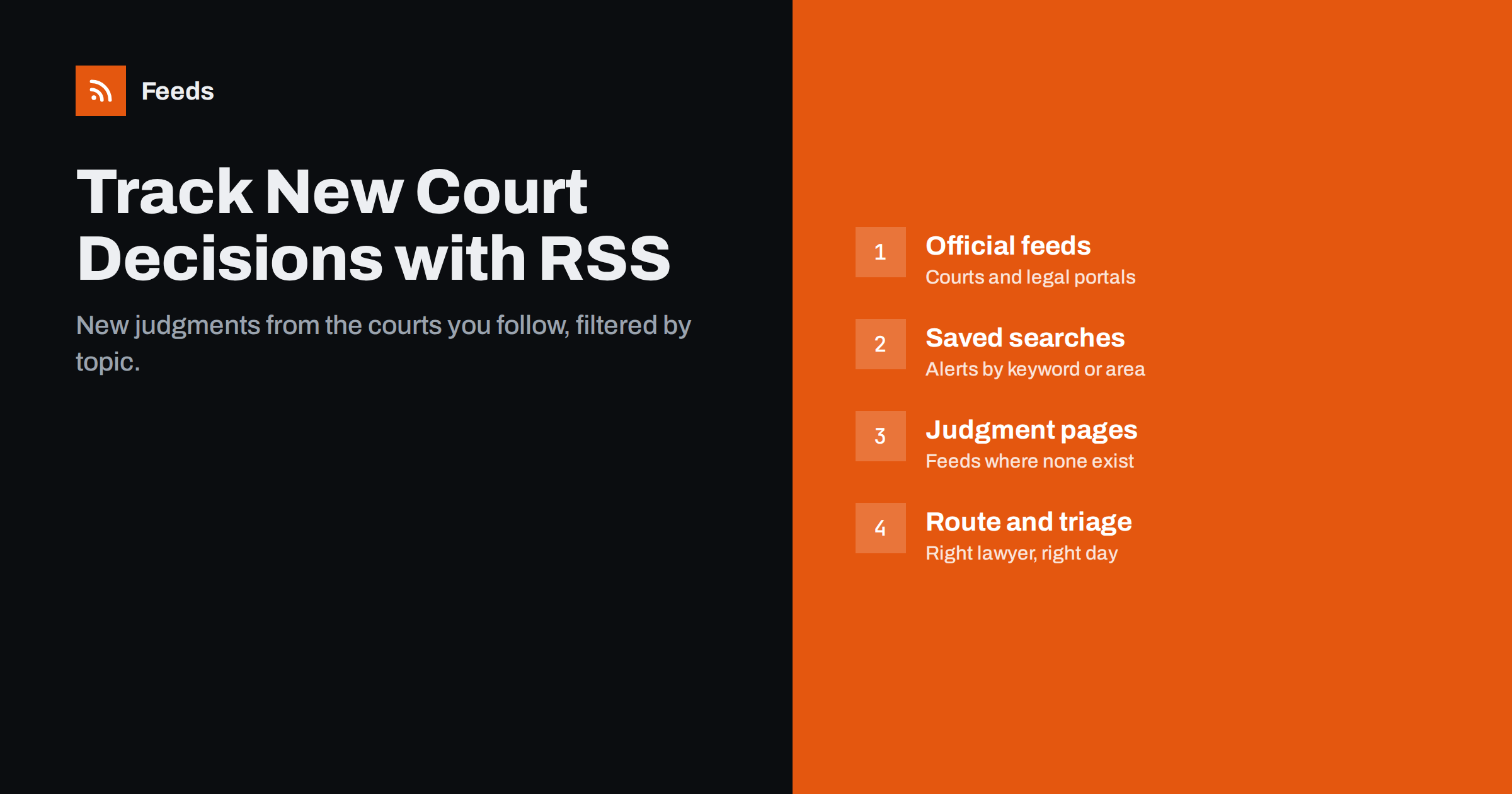
Short answer: many courts and official legal portals publish new decisions on “latest judgments” pages, and some offer RSS feeds or saved-search alerts. Collect those feeds, create feeds from judgment pages that have none, merge them by practice area and filter by keywords such as statute names, legal concepts or client sectors. Route each filtered stream to the lawyers who need it, in a reader, email or team channel. RSS will not replace a commercial legal database, but it is a fast, low-cost way to hear about new decisions from the sources that matter to your practice.
Why lawyers monitor new decisions
Case law changes the practical meaning of rules long before statutes are amended. A new appellate decision on a contract clause, a data protection fine confirmed by a court, or a ruling on employment classification can affect advice given to clients the same week. Lawyers, in-house counsel, compliance officers, legal journalists and academics all need to know quickly when something relevant is decided.
The usual tools are commercial legal databases with alert functions, and they remain essential for research. But they are not always the fastest source, they may not cover every court or tribunal, and licences are often limited to certain users. Feeds from the courts themselves complement them: they are free, quick and can be shared with a whole team. Legal monitoring is closely related to tracking regulators, covered in how to track government and regulator updates with RSS.
Where new decisions are published
Sources differ by country and court system, but the same types appear almost everywhere:
- Court websites with pages for recent judgments, press releases on important decisions and hearing calendars.
- Official case law portals run by the state, which collect decisions from many courts, sometimes with search and alert features.
- Official journals and legal databases of international bodies. For EU law, for example, the EUR-Lex portal publishes case law alongside legislation and offers alert and RSS options.
- Docket systems. In the United States, many federal courts provide RSS feeds of docket activity through their electronic filing systems, which lets you follow new entries in cases.
- Tribunals and specialised bodies, such as employment tribunals, competition authorities or data protection authorities, which often publish decisions on their own news pages.
- Law firm and academic blogs, which comment on decisions and often publish RSS.
Start by listing the courts and bodies whose decisions matter to your practice areas, then check what each one offers. A simple spreadsheet with the source, its URL, the type of alert available and the practice group that needs it becomes the backbone of the whole setup. It also makes it easy to explain to new colleagues what the firm monitors and why.
Do not forget the courts’ own press pages. For high-profile or precedent-setting cases, many courts publish a press release on the day of the decision, often before the full text appears in databases. Following those pages is one of the fastest ways to learn about important rulings.
Step 1: find native feeds and saved-search alerts
For each source, look for:
- an RSS or Atom icon on the recent decisions or news page;
- a “subscribe” or “alerts” option, sometimes offering RSS alongside email;
- a search function whose results can be saved as a feed;
- an autodiscovery link in the page source, which your reader may detect automatically.
Saved searches are especially useful: a search for a statute reference, a legal term or a court chamber, sorted by date, becomes a precise alert. When a portal offers email alerts but not RSS, route the emails into a dedicated folder or an email-to-feed service so they sit alongside your other streams.
Step 2: create feeds from judgment pages without RSS
Many courts publish a list of recent decisions but no feed. If the list is a public page with a title, date and link for each decision, it can be turned into a feed with a page-to-feed tool. Each decision then appears as an item with its case name or number, date and link to the judgment.
- Use the page that lists decisions newest first, not a search form.
- Check the preview: each item should link to the decision page or document, not to a generic page.
- Where decisions are published as PDF files only, the feed will announce the new file; the method is described in getting alerts when a website publishes new reports or PDFs.
Court websites are often redesigned or migrated, so keep a list of the pages you follow and check them if a feed goes quiet for an unusually long time.
Step 3: filter by practice area
A busy court can publish dozens of decisions a week, and most will be irrelevant to any one lawyer. Filters turn a general feed into a practice-area stream:
| Filter type | Examples | Watch out for |
|---|---|---|
| Statute or article reference | “Article 82 GDPR”, “Section 230” | Different citation styles in titles and summaries |
| Legal concept | “non-compete”, “force majeure”, “unfair dismissal” | Synonyms and translations |
| Sector or party type | “insurer”, “airline”, “platform” | Anonymised party names |
| Court chamber or division | Commercial, employment, tax | Often visible only on the decision page |
| Exclusions | “procedural order”, “costs” | Excluding too much |
Feed items usually contain only the title and a short summary, so filters work on limited text. Start broad, see what arrives for a few weeks, then tighten. The general technique is explained in setting up keyword alerts with RSS filters.
Step 4: route streams to the right people
Once you have filtered streams, deliver them where lawyers already work:
- A team channel per practice group, where new decisions appear and someone claims each relevant one; see getting RSS updates in Microsoft Teams for one common setup.
- A reader folder for knowledge lawyers or professional support staff who triage everything.
- A weekly email digest for partners who want an overview rather than every item.
Agree on a simple triage rule: who reads each stream, how quickly, and how important decisions are escalated. Without it, a shared channel easily becomes a place where everyone assumes someone else has read the item.
From alerts to knowledge and client updates
Monitoring is the first step; the value comes from what the firm does next. Relevant decisions can feed an internal knowledge base, prompt a client alert or become a blog article. Automation helps with the collection, but legal analysis must stay human. Never publish automatically generated summaries of judgments to clients or the public without review: a wrong reading of a decision can do real harm.
Knowledge management teams can also use the streams to keep precedent collections current. When every relevant decision arrives in one place, it takes little extra effort to tag it, link it to internal memos and note whether it confirms or changes the firm’s standard advice. Over a year, this builds a record of developments that is far easier to search than scattered emails.
A realistic workflow is: the feed brings in new decisions, a lawyer marks relevant ones, a short internal note is written, and selected decisions become client alerts after partner review.
Limits to keep in mind
- Coverage. Not every court publishes every decision online, and some publish with a delay.
- Anonymisation. Party names are often removed, so filtering by client name rarely works.
- Language. International monitoring may need filters in several languages.
- Authority. Always read and cite the official version of a decision, not the feed summary.
- Terms of use. Court websites usually allow reading and linking; check terms before copying content elsewhere.
How Feeds helps
Feeds turns public pages that list new decisions into clean RSS by detecting the list of items and reading titles, summaries and dates, and it uses a court’s own feed when one exists. You can merge several courts and portals into one feed per practice area, keep only items with or without your keywords, and duplicates are removed automatically. The feed refreshes on its own, works in any reader, email or team chat integration, and paid plans send an alert if a feed stops finding items after a court redesigns its website. Create a feed from a judgments page and check the preview.
Related reading
- How to Follow Academic Journals and Research with RSS Alerts
- How to Reduce Noise in RSS Alerts Without Missing Anything
- Beyond Google Alerts: Building Source-Based Alerts with RSS
The bottom line
Courts and legal portals publish new decisions every day, and RSS is a simple way to hear about the relevant ones quickly. Use native feeds and saved-search alerts where they exist, create feeds from judgment pages where they do not, merge and filter by practice area, route streams to the right lawyers, and keep analysis and client communication in human hands.
FAQ
Do courts publish RSS feeds of new decisions?
Some do, and some official legal portals offer RSS or saved-search alerts. Many courts only publish a list of recent decisions on a web page, which can be turned into a feed.
Can RSS replace a commercial legal database?
No. Databases provide full-text search, citators and editorial analysis. RSS complements them as a fast, free way to learn about new decisions from the sources you care about.
How can I filter decisions by practice area?
Use keyword filters on statute references, legal concepts, sectors or court divisions, and merge several sources into one stream per practice area. Refine the filters after a few weeks.
Can I filter decisions by client name?
Usually not reliably, because many courts anonymise party names. Filtering by legal topic, statute or sector works better.
Should new decisions be summarised automatically for clients?
No. Automation can collect and route decisions, but analysis and client communication should always be written or reviewed by a lawyer.


