ENEnglish
 LTLietuviškai
 DEDeutsch
 FRFrançais
 RUРусский
 ESEspañol
 PLPolski
 ITItaliano
 UKУкраїнська
 CSČeština
 PTPortuguês
 JA日本語
 LVLatviešu valoda
 ETEesti
 HUMagyar
 IDBahasa Indonesia
 TRTürkçe
 HIहिन्दी
 ELΕλληνικά
 ARالعربية
 THไทย
 VITiếng Việt
 RORomână
 MSBahasa Melayu
 BNবাংলা
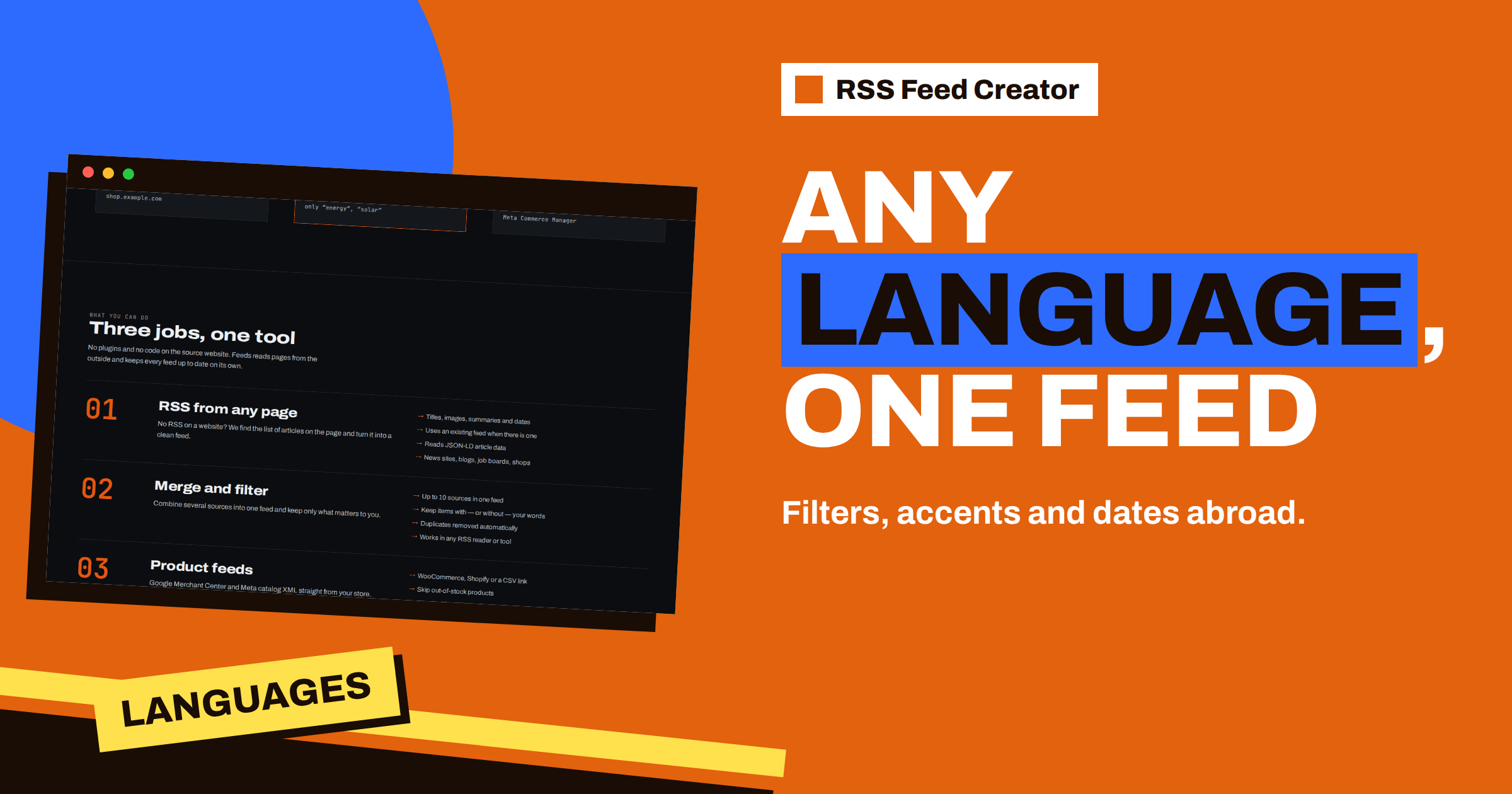
Short answer: RSS Feed Creator works with pages in any language that uses normal Unicode text: titles, summaries and product names keep their letters, and keyword filters ignore capital letters in every alphabet. Three details deserve attention. Filters match exactly, so accents count and word stems are your friend. The tool asks sites for English first, so choose the address of the language version you want. And dates written in words in another language may not be understood, so a feed item can appear without a date. This guide explains each point with examples.
Letters and characters: no problem
Titles, summaries and product names are read as Unicode text and written back to the feed in UTF-8. Lithuanian, Polish, German, French, Greek, Cyrillic, Turkish and other alphabets pass through unchanged.
Titles are cleaned the same way for every language: tags are removed, character codes are turned into letters and extra spaces are collapsed. The length limits count characters, not bytes, so a title in a language with many accents is not cut earlier than an English one. In a product feed, the title limit of 150 characters is measured in characters as well. The title template described in product title templates: brand, category and clean titles works with any language, because the text around the placeholders is copied as typed.
Keyword filters in other alphabets
The two keyword boxes, “Only items containing” and “Skip items containing”, ignore capital letters. That works in other alphabets too: a word typed in lower case matches the same word in capitals, whether it is Latin, Greek or Cyrillic. You can write all your words in lower case and not think about it.
What the filters do not ignore is accents. A search for “skoda” will not find “Škoda”, and “uber” will not find “über”. If a name is spelled both ways on the websites you follow, add both spellings to the box, separated by a comma. The same goes for the letter forms that some languages treat as equal, such as “ß” and “ss”. This is a small rule that explains most cases of “my filter should have matched”.
Word stems: the secret of inflected languages
In languages where words change their endings, such as Lithuanian, Latvian, Polish, Russian or Finnish, one idea appears in many forms. The filters look for your text inside the title and summary, as a piece of text, so you do not need every form. A stem catches them all.
| Γλώσσα | Word in the box | Also matches |
|---|---|---|
| Lithuanian | naujien | naujienos, naujienų, naujienas |
| Polish | wiadomo | wiadomość, wiadomości |
| German | nachhaltig | nachhaltige, nachhaltiger, Nachhaltigkeit |
| Russian | новост | новости, новостей, новость |
The table also shows the limits. A stem must be exact in its letters, so an accent change inside the stem breaks the match, and two forms with different stems need two entries. For short stems, check the preview, because a short piece of text can match inside unrelated words. The general behaviour is explained in when a site already has RSS: use it, merge it, filter it.
Language versions of the same site
Many sites offer several languages. Some keep each language at its own address, such as a folder for each language, and some switch by the browser’s language setting. RSS Feed Creator sends a request header that prefers English and accepts other languages after it. For a site that chooses its language by that header, you may therefore get the English version.
The simple remedy is to paste the address of the version you want. Open the site, choose your language in its menu and copy the address from the address bar, including the language folder. If the site is multilingual, you may create one feed for each language, or merge the language versions on a paid plan. Language switchers on the page are ignored by the tool on purpose, so they do not turn into a list of “items”, as covered in how RSS Feed Creator finds items on pages without RSS.
Dates in other languages
Dates deserve the most care. A date is understood when it is machine-readable: a time element with a date in the standard format, a publication date in article data or a date in a feed. Those are the same in every language. A date that is only written for people, such as “16 November 2026” in English or the same date written with a local month name, may or may not be read. English month names and standard numeric formats usually work; local month names usually do not.
When a date cannot be read, the item is listed without one, and nothing else is affected. In a single-source feed, that has no visible effect, because the items keep the order of the page. In a merged feed, items without a date move to the end of the list, as explained in why items appear in that order in RSS Feed Creator. The preview shows the dates that were found, so you can see the situation before you create the feed.
A worked example in Lithuanian
Suppose you follow the news page of a regional business association whose site is in Lithuanian, and you want items about taxes and support programmes. You paste the address of the news section, and the preview shows titles with all the special letters intact. In “Only items containing” you write “mokesč, param, subsidij”. The first stem catches “mokesčiai”, “mokesčių” and “mokesčio”; the second catches “parama”, “paramos” and “paramą”; the third catches “subsidija”, “subsidijos” and “subsidijų”.
After “Save and update”, the list of latest items shows what remains. You notice that “param” also matched an unrelated item about “parametrai”, technical parameters, so you replace it by three longer entries: “parama, paramos, paramą”. The whole tuning took a few minutes, and the feed now follows the topics in the original language, without translation and without any special setting. The same procedure works for every language with inflected words, and it is the quickest way to learn how specific a stem has to be.
If you merge such a source with sources in other languages on a paid plan, the filters apply to the whole merged list. Words from different languages can sit side by side in the same box, separated by commas, so an English and a Lithuanian stem can work together in one feed.
Short texts and pictures follow the same rules in every language. The summary is the cleaned and shortened description, as explained in short texts in your feed: where item summaries come from. Pictures are taken from the item, and a picture does not depend on the language of the text. What differs between languages is mainly what you type into the filter boxes, and a few minutes of testing with the list of latest items is the best guide.
Product feeds in other languages and currencies
Product feeds are language-neutral in structure: the XML field names stay in the Google product format, and the text inside them is whatever your store provides. Currency is detected from the store, and the fallback currency is a three-letter code that you can set, as in currency in your product feed: codes, fallback and multi-country. For a shop that sells in several languages, a separate feed for each language address can be created from each address, and each feed has its own title template.
Mixed-language sources and posting
If you send a feed to social networks with PostRSS, remember that the text of each item stays in the language of its source. A feed that merges English and local-language sources will carry both, and the posts will follow. That can be exactly what an international audience wants, or a source of confusion, so decide on purpose. One simple pattern is a separate feed for each language, each connected to the profile that serves that language.
It is also worth thinking about what readers see. A reader or channel that shows titles will display each in its own language, and a keyword filter written in one language will not catch items in another. If you want one stream with several languages, put the stems of all the languages in the same box, and check the list of latest items for balance. If one language dominates, the sources can be split into two feeds instead.
A short checklist for foreign-language feeds
- Choose the address of the language version you want to follow.
- Read the preview: are the letters correct, and are the dates present?
- Write filter words as stems, and add the accented and the plain spelling when both are used.
- Keep skip words equally specific, so that they do not remove good items by accident.
- Look at the list of latest items after saving, and adjust.
The tool itself is not tied to a language, and the limits are the same for every site: 20 items per feed on the free plan and 100 on paid plans, as shown on the pricing page.
Related reading
- How to Monitor Foreign-Language Websites and Markets with RSS
- Keyword Filters in RSS Feed Creator: Keep Only What Matters
- RSS Feed Creator Preview: Check Every Item Before You Create
The bottom line
Other languages work out of the box: letters are kept and filters ignore capitals. Remember the three details: accents must match, stems save work, and the language version is chosen by the address you paste. Look at the preview for dates, and expect an item without a date when a page writes it in a local format.
FAQ
Do keyword filters ignore capital letters in other alphabets?
Yes. Capital letters do not matter in Latin, Greek or Cyrillic text.
Do accents matter in filters?
Yes. “Škoda” and “Skoda” are different, so add both spellings if both appear.
Which language version of a site will I get?
Paste the address of the version you want. The tool prefers English for sites that choose by the language setting.
Why does an item have no date?
The page may write the date in a local format that cannot be read. The item is still listed without it.