 ENEnglish
 LTLietuviškai
 DEDeutsch
 FRFrançais
 RUРусский
 ESEspañol
 PLPolski
 ITItaliano
 UKУкраїнська
 CSČeština
 PTPortuguês
 JA日本語
JA日本語 LVLatviešu valoda
 ETEesti
 HUMagyar
 IDBahasa Indonesia
 TRTürkçe
 HIहिन्दी
 ELΕλληνικά
 ARالعربية
 THไทย
THไทย VITiếng Việt
 RORomână
 MSBahasa Melayu
 BNবাংলা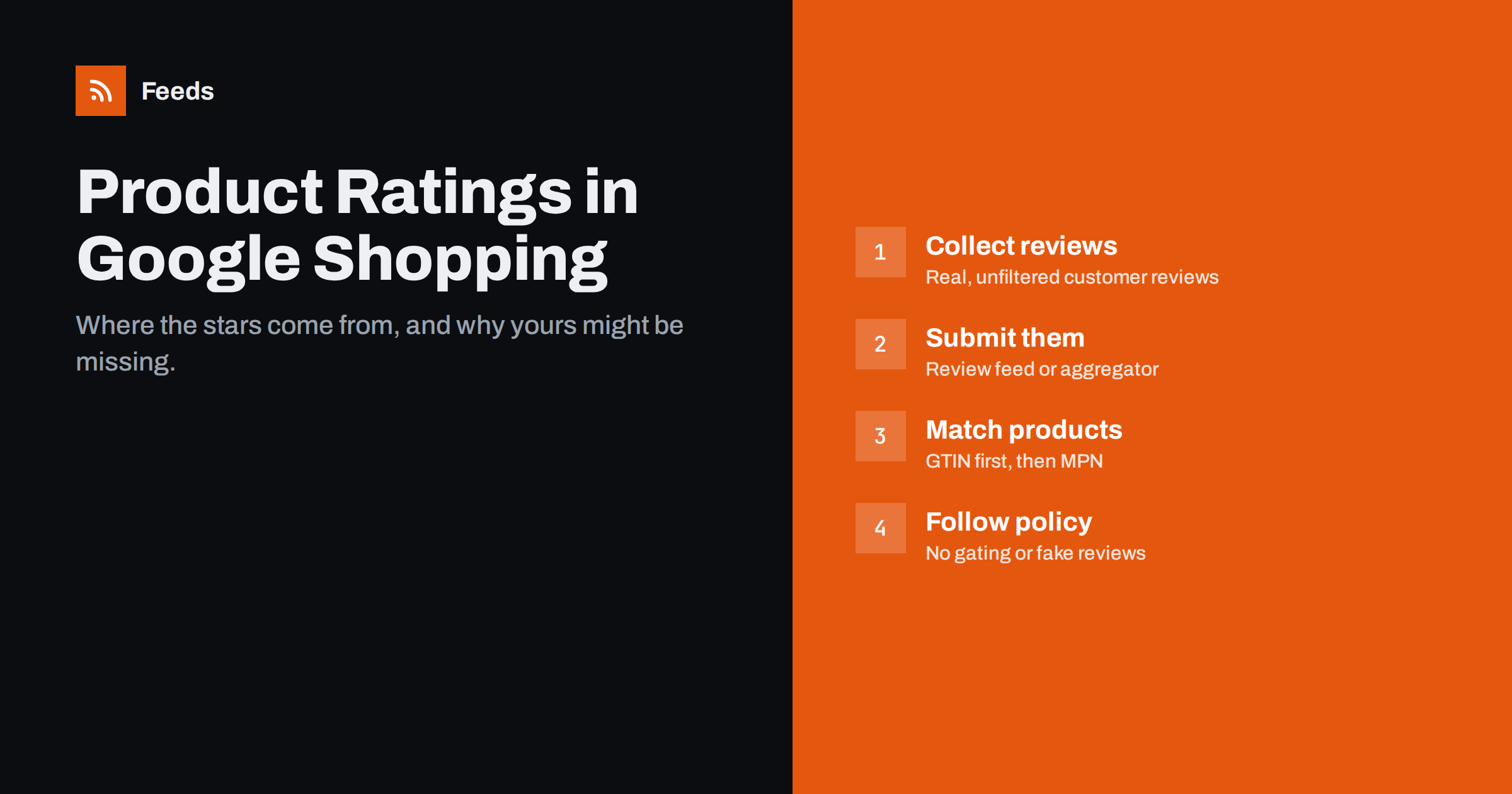
Short answer: The star ratings next to products in Google Shopping ads and free listings are product ratings, built from reviews of that specific product. They come from reviews you submit through a product reviews feed in Merchant Center, from an approved third-party review platform that sends them for you, or from other sources Google aggregates. To show them, you need enough genuine reviews, correct product identifiers such as GTINs so reviews can be matched to products, and review collection that follows Google’s policies. Seller ratings, which rate your store as a whole, are a separate programme.
Product ratings vs seller ratings
Two kinds of stars can appear around shopping results, and they are often confused.
| Product ratings | Seller ratings | |
|---|---|---|
| What is rated | A specific product | Your store or business |
| Where reviews come from | Product reviews from your site, review platforms and other sources | Store reviews from review platforms and customer surveys |
| Shared across sellers? | Often yes: reviews of the same product may be combined from several sources | No, specific to your business |
| Matched by | Product identifiers such as GTIN | Your domain and business |
Because product ratings are about the product, not the shop, reviews of the same GTIN may be combined across retailers. That means a well-known branded product can show stars even for a new store, while a store’s own-brand products depend entirely on reviews the store collects itself.
Where product rating data comes from
There are three main routes for your reviews to reach Google:
- A review platform. Many review services are approved to send product reviews on their clients’ behalf. If you already use one, check whether it offers syndication to Google and enable it.
- A product reviews feed. If you collect reviews yourself, for example with your e-commerce platform’s built-in reviews, you can submit them in Merchant Center as a structured reviews feed following Google’s schema, and update it regularly.
- Other sources. Google may also aggregate reviews for products from other retailers and sources, which is why some products show stars you did not submit.
Participation requires enabling product ratings in Merchant Center, and there is a minimum number of reviews across your catalog before ratings are shown. Check the current requirements for your country, as the programme’s details and eligibility change over time.
Why identifiers decide whether stars appear
A review is only useful if it can be connected to the right product. Google matches reviews to products in your feed using identifiers, and the quality of those identifiers largely decides whether stars appear.
- GTIN is the most reliable match. The same GTIN in your reviews feed and your product feed links them unambiguously, and allows reviews from other sources to be combined.
- MPN plus brand works when there is no GTIN, but is less reliable.
- SKU or your own item ID can match reviews from your own store to your own products, but cannot be combined with reviews from elsewhere.
Missing or wrong GTINs are the most common reason ratings do not appear. If your feed omits GTINs for branded products, or uses GTINs from the wrong variant, reviews will not match. Our guide to GTIN, MPN and brand identifiers explains how to fix this.
Variants add a subtlety. Reviews of a T-shirt are usually about the product, not about the medium blue size. Many review systems attach reviews to the parent product, and Google can apply them across variants when the product group is clear. Consistent use of item_group_id helps; see how item_group_id works.
Review policies you must follow
Review programmes are strict about how reviews are collected, because stars influence buying decisions. Typical rules include:
- No review gating. You cannot ask only happy customers for reviews, or filter out negative reviews before submitting.
- No fake or self-written reviews. Reviews must come from genuine customers, not from staff, the manufacturer’s marketing team or paid writers.
- No incentives that bias reviews. Rewards given only for positive reviews are not allowed; disclosed incentives for any honest review are treated differently depending on the rules in force.
- No spam, offensive content or personal data in review text.
- Reviews of the product, not of delivery, customer service or the store.
Beyond platform rules, consumer protection laws in many countries prohibit fake reviews and require businesses to explain how reviews are collected and checked. Treat honest reviews as an asset worth protecting: a few negative reviews among many positive ones make a rating more credible, not less.
How to collect more genuine product reviews
- Ask every customer after delivery, not just the ones you expect to be happy. Timing matters: ask when the customer has had time to use the product.
- Make it easy. A short form, a star rating and optional text, reachable from the email in one tap.
- Ask about the product specifically, so reviews are useful for product ratings rather than about delivery.
- Reply to negative reviews on your site where your platform allows it. It shows prospective buyers that you listen.
- Focus on key products. For own-brand products without reviews from elsewhere, concentrate your requests on the best sellers first.
Setting up your own product reviews feed
If you collect reviews in your own store rather than through a review platform, the reviews feed is how they reach Google. The general process looks like this:
- Check eligibility and enable product ratings in Merchant Center for your target country.
- Export reviews in the required format. The reviews feed is an XML file following Google’s published schema. Each review includes a reviewer name or an anonymous marker, the review date, the rating, the text and the product it belongs to, identified by GTIN, MPN and brand, or SKU.
- Include all published reviews, not only recent or positive ones. The feed should reflect what customers see on your product pages.
- Host the file and schedule fetching, or upload it, so new reviews are added regularly.
- Check processing reports. Merchant Center shows how many reviews were accepted, how many matched products and which were rejected, with reasons.
Many e-commerce platforms and review extensions can generate this file for you. If yours cannot, a developer can build the export from your review data. Whichever route you choose, test with a small file first and check the matching rate before relying on it. A low matching rate almost always points back to identifiers in the product feed.
Reviews on your product pages and in search
Product ratings in Shopping are separate from review stars in regular search results, which come from structured data on your product pages. If you mark up reviews and aggregate ratings on product pages, keep that data consistent with what you submit for product ratings. Our guide to product structured data vs product feeds explains how the two relate.
Stars in Shopping results can affect how many people click a listing. Whether they improve results for your store depends on your products and competitors, so treat them as one factor among many rather than a guaranteed improvement. If you run Performance Max campaigns, see what really matters in your feed for Performance Max.
Why your stars are not showing: a checklist
- Product ratings are not enabled in Merchant Center, or your country is not supported.
- You have fewer reviews than the minimum required.
- GTINs are missing, invalid or inconsistent between the reviews feed and the product feed.
- The reviews feed has errors or has not been updated recently.
- Your review platform is not set up to syndicate reviews to Google.
- Reviews were rejected for policy reasons, such as gating or suspicious patterns.
- The product itself is disapproved or not eligible to show.
Merchant Center reports on reviews feed processing and matching. Start there, fix identifier problems first, and allow some time after changes before expecting stars to appear.
Where Feeds fits
Product ratings depend on a clean product feed as much as on reviews, because identifiers and product groups decide matching. Feeds creates Google product XML feeds straight from WooCommerce, Shopify or a CSV link, with IDs, titles, links, images, prices, availability and brands, refreshed automatically. It does not collect reviews or produce a reviews feed; that comes from your review system. See the pricing page for product feed plans.
Related reading
- Product Feed Health Metrics: What to Monitor Every Week
- Google Shopping Free Listings: How Small Stores Get Started
- 12 Product Feed Mistakes That Quietly Cost You Sales
The bottom line
Stars in Google Shopping come from product reviews matched to your products. Enable product ratings, send reviews through an approved review platform or a product reviews feed, reach the minimum number of reviews, and make sure GTINs and product groups are correct in both feeds. Collect reviews from all customers without gating, follow review policies, and check Merchant Center’s reports when stars fail to appear.
FAQ
How do I get review stars in Google Shopping?
Enable product ratings in Merchant Center, then submit product reviews through an approved review platform or a product reviews feed. You also need enough reviews and correct product identifiers.
What is the difference between product ratings and seller ratings?
Product ratings rate a specific product and can combine reviews from several sources. Seller ratings rate your store as a business and come from store reviews.
Why are my product reviews not matched to my products?
Usually because GTINs are missing, invalid or inconsistent between the reviews feed and the product feed. Fix the identifiers first, then check the reviews feed for errors.
Can I submit only positive reviews?
No. Filtering out negative reviews or asking only satisfied customers is review gating, which review programmes and many consumer protection laws prohibit.
Do products from new stores show star ratings?
Branded products may show stars from reviews collected elsewhere when GTINs match. Own-brand products depend on reviews the store collects itself.


