ENEnglish
 LTLietuviškai
 DEDeutsch
 FRFrançais
 RUРусский
 ESEspañol
 PLPolski
 ITItaliano
 UKУкраїнська
 CSČeština
 PTPortuguês
 JA日本語
 LVLatviešu valoda
 ETEesti
 HUMagyar
 IDBahasa Indonesia
 TRTürkçe
 HIहिन्दी
 ELΕλληνικά
 ARالعربية
 THไทย
 VITiếng Việt
 RORomână
 MSBahasa Melayu
 BNবাংলা
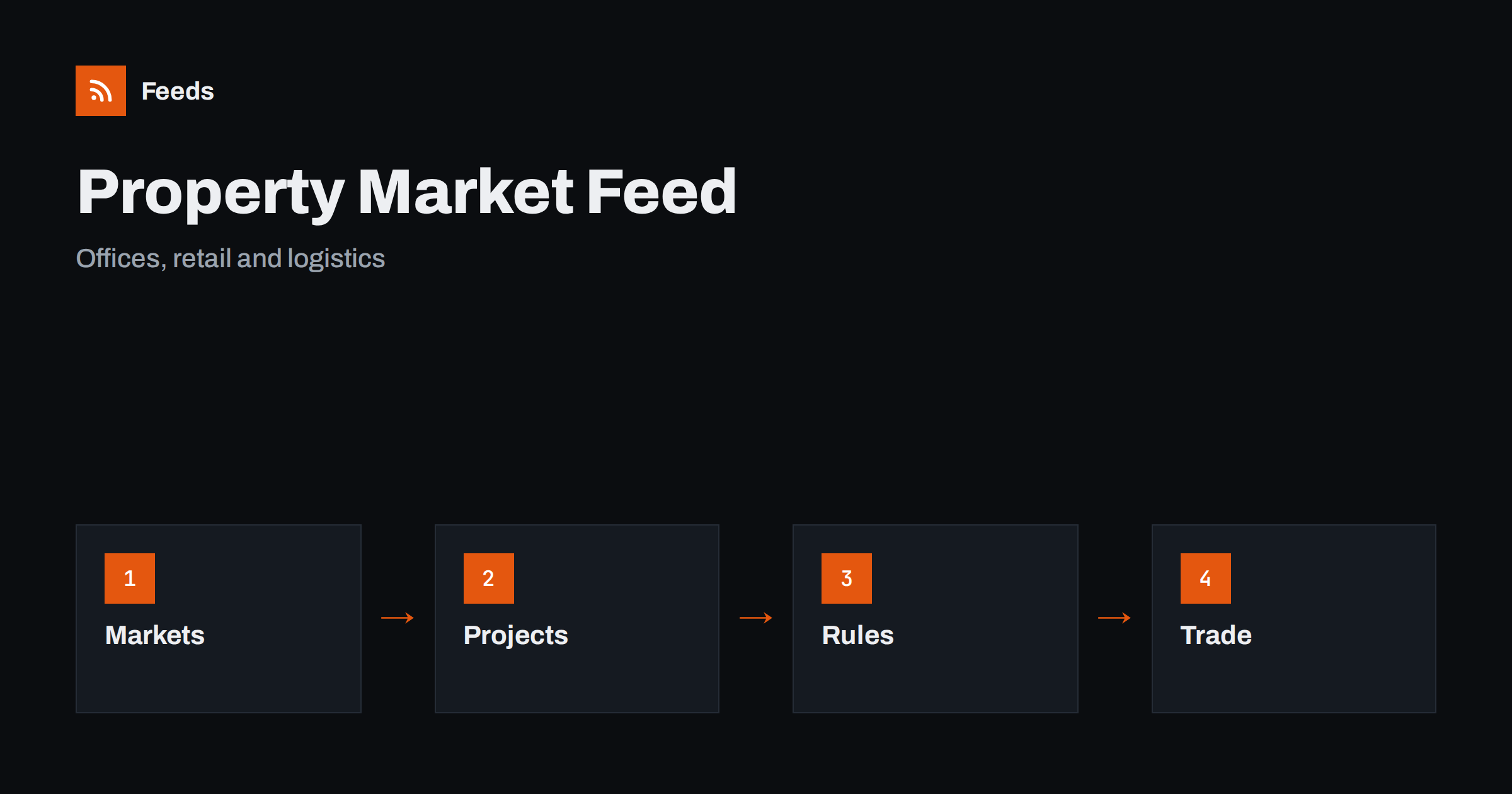
Short answer: Commercial property news comes from developers, landlords, agents, planning authorities, statistics offices, lenders and a specialist trade press. RSS lets you collect the sources that matter to your market in one reader, filter them by city, sector or company and read them in order of publication. Start with official and company sources for facts, add trade publications for analysis, and always open the original document before you use a figure in a decision.
The slow pace adds to the difficulty. A project can take years from planning to opening, and the news about it appears in many small pieces. A feed helps you follow the thread: you see the application, the decision, the financing, the construction start and the first lettings in order, and you can look back at the history of a site when you need it. Without a feed, these pieces are easy to lose.
Why commercial property news is hard to follow
The sector includes offices, shops, warehouses, hotels, student housing, data centers and mixed-use schemes, each with its own cycle. News arrives as a planning decision, a lease signing, a sale, a financing deal, a market report or a change in a tax rule. These items appear on council pages, company newsrooms, agent websites and trade sites, and they rarely come together in one place.
The readers are varied. An investor follows transactions and yields, an agent watches new lettings and competitors, a tenant looks at availability and rents, a contractor tracks new projects, and a local resident or journalist follows what is planned nearby. If the idea of a feed is new to you, what is an RSS feed explains it in plain words.
Start with planning and public sources
Public bodies publish early signals. Planning authorities publish applications, decisions and consultations for new buildings and changes of use, and these often appear months before a project is announced by a developer. Statistics offices publish construction, rents, vacancy and economic data, and central banks and regulators publish lending and financial stability notes that affect the market.
Make a short list: the planning authorities for the cities you follow, the statistics office and the main regulator. The method for planning notices is explained in planning applications and permits with RSS, and for tax and rule changes in tracking government and regulator updates with RSS. For tenders linked to public property, monitoring public tenders with RSS adds another view.
Company, investor and agent sources
Developers, landlords, funds and listed property companies publish announcements about projects, acquisitions, leases and results. Agents and consultants publish market reports, quarterly summaries and research notes. These sources are valuable for facts, but they are also marketing, so read them with that in mind and look for numbers you can check elsewhere.
Listed companies publish regulatory announcements that can be followed, as explained in following investor relations announcements with RSS. For competitors and partners, monitoring suppliers and partners with RSS shows how to keep an eye on the newsrooms and notice pages that matter to your business.
Listings and availability
Listings of available space are a different kind of news. Agents publish new lettings and sales on their websites, and some portals offer feeds or saved searches. For markets that matter to you, a feed of new listings is a good way to see how supply changes and what rents or prices are asked, even when you are not looking for a space right now.
Property listings can be turned into a stream of alerts, as described in property listings RSS alerts. Listings are advertised prices, not transaction prices, so keep a note of the difference when you compare. If a site has no feed, a page-to-feed tool can read its list of properties, as described in how to create an RSS feed for a website without RSS.
Add trade press for context
Primary sources tell you what happened. Trade publications explain why it matters: what a large letting means for a district, how interest rates change yields or why a retail scheme is being redeveloped. Add a few well-known titles and a couple of specialist blogs for your sector and region, such as logistics, offices or retail parks.
Keep the balance in mind. If commentary makes up most of your reader, you will read forecasts about facts you have not seen. A useful rule is to keep at least as many primary sources as commentary sources, and to open the primary source whenever an article quotes one. The habit is described in fact-checking with RSS: follow primary sources, not screenshots.
Filter by city, sector and company
A good property feed is narrow. If you work in logistics in one region, you do not need hotel news from another continent. Keyword filters help: keep items that mention your cities, sectors, streets and company names, and drop the rest. Think about two lists of words, one to include and one to exclude, and review them every month.
| Interest | Include words | Exclude words |
|---|---|---|
| Development | Planning, permit, scheme, construction | Residential, interior |
| Transactions | Acquisition, sale, lease, tenant | Job, webinar |
| Market | Vacancy, rent, yield, take-up | Sponsored, advertorial |
Place names need care: districts have several spellings, and streets repeat across cities. Test your filters with ten recent items before you rely on them. Set up keyword alerts using RSS feed filters explains the method, and reduce noise in RSS alerts without missing anything helps when the list grows.
Maps and addresses are useful companions to a feed. When an item names a site, write down the address or the parcel reference, so that later items about the same location can be matched. If you cover many sites, a simple sheet with the address, the status, the last update and the link to the source turns the stream of items into a project list that other people can use.
Dates, deadlines and consultations
Planning and policy items come with dates. A consultation has a closing day, a decision has an appeal period and a tax change has an effective date. Note these dates when you open the item and set a reminder before them. A late comment is as good as no comment, and a missed deadline cannot be fixed.
Keep notices in a separate folder from general news, and read that folder more often. If several people in your organization care about the same area, a shared list as described in shared RSS reading lists for teams helps everybody to see the same facts and avoids duplicate work.
Be careful with forecasts and rankings. Market reports often compare cities, districts or sectors, and the method and the date decide whether numbers can be compared. Note who published a report, which period it covers and whether it uses asking or achieved rents, and avoid mixing numbers from different reports in the same chart without saying so.
A weekly routine that stays short
Do not read property news all day. Check the notices folder once or twice a week, and read the general folder in a fixed slot. During each reading, open the primary source behind every item you plan to use, mark the rest as read and move on. A short routine such as RSS triage: a fast daily routine for reading less keeps the list under control.
Once a month, review the sources. Remove feeds that stopped publishing, add the sites you keep opening by hand and adjust the filters. Keep a log of useful deals and projects with the date and the source link, so that you can build a market picture over time.
How RSS Feed Creator helps
RSS Feed Creator turns the news, notice or listing pages of planning authorities, developers, agents and statistics offices into clean RSS feeds, even when the site has no feed of its own. It reads titles, images, summaries and dates, uses an existing feed when there is one, and shows a preview of the items before the feed is created. You can merge several sources into one feed (up to 10 with the PostRSS add-on), keep only the items that contain your keywords and have duplicates removed automatically, which suits a reading list for one city or sector. Feeds refresh every 3 hours on the free plan and every 30 minutes on paid plans, and the PostRSS add-on sends an alert when a page changes and a feed stops finding items. The free plan allows up to 20 items per feed, and the details are on the pricing page.
Related reading
- Track Planning Applications and Building Permits with RSS
- How to Get RSS Alerts for New Property and Rental Listings
- How to Track Investor Relations Announcements with RSS
The bottom line
RSS gives you a calm, ordered view of commercial property news. Start with planning and public sources, add company and agent news for facts, use trade publications for context, filter by city, sector and company and note the dates of consultations and decisions. Open the original source before you act on an item, and review the list every month.
FAQ
Which sources should I follow first?
Begin with the planning authorities of your cities, the statistics office and the companies you follow. Add trade publications later for context.
What if a site has no RSS feed?
A page-to-feed tool can read the list of announcements or properties on its page and build a feed. Check the preview to make sure it shows real items with titles and dates.
Can I rely on listing prices?
Listings show asking prices and rents. Use them to watch supply and trends, but do not treat them as transaction values.
How do I avoid a flood of items?
Use keyword filters for your cities, sectors and companies, and keep planning notices in a separate folder from general news.
How often should I read the list?
Planning and policy notices once or twice a week, and general news in one fixed slot per week.