ENEnglish
 LTLietuviškai
 DEDeutsch
 FRFrançais
 RUРусский
 ESEspañol
 PLPolski
 ITItaliano
 UKУкраїнська
 CSČeština
 PTPortuguês
 JA日本語
JA日本語 LVLatviešu valoda
 ETEesti
 HUMagyar
 IDBahasa Indonesia
 TRTürkçe
 HIहिन्दी
 ELΕλληνικά
 ARالعربية
 THไทย
THไทย VITiếng Việt
 RORomână
 MSBahasa Melayu
 BNবাংলা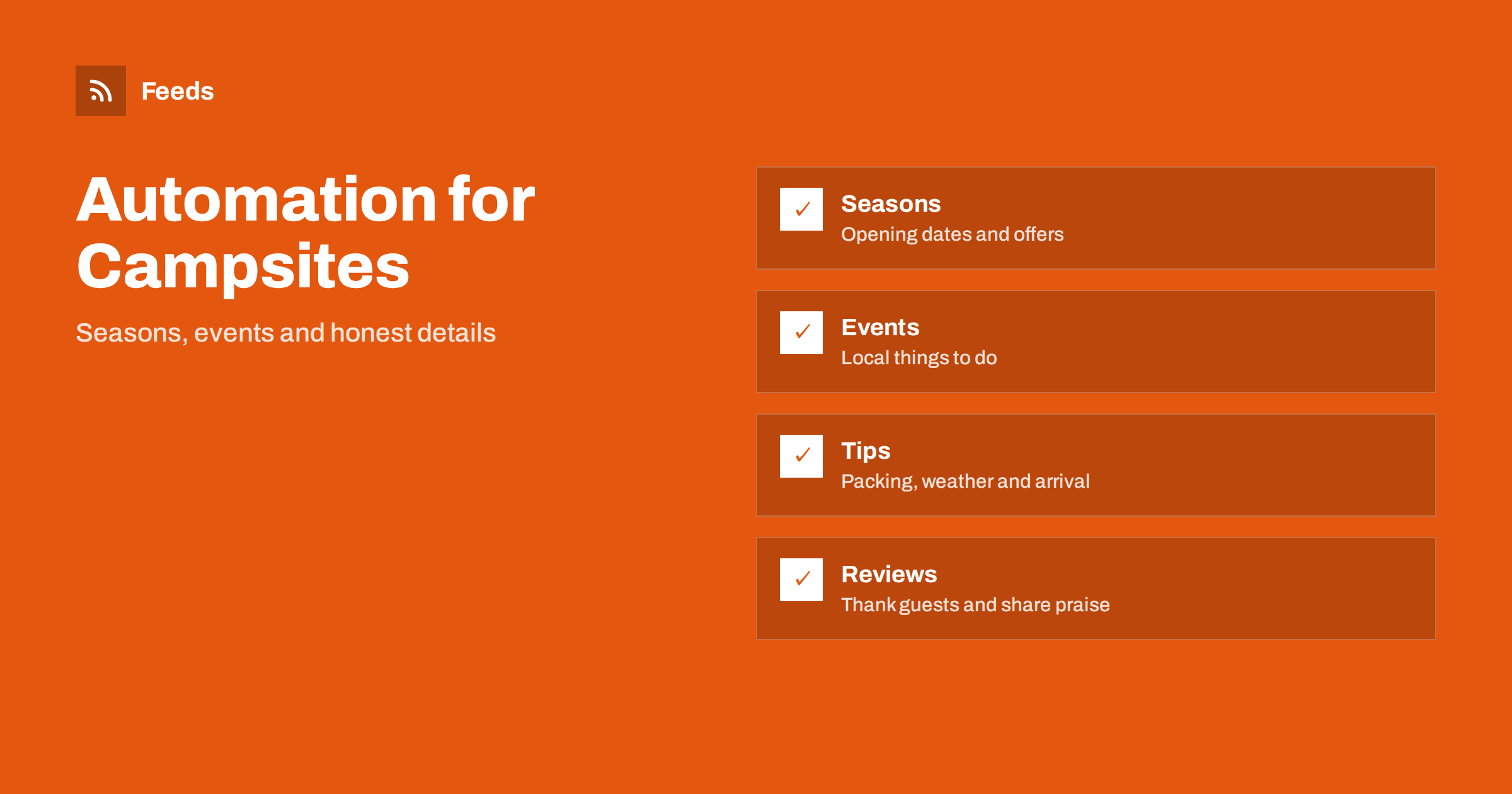
Short answer: Campsites, holiday parks and guesthouses live on seasons, weather and word of mouth, and many are run by a few people who have little time to post. Content automation helps by turning a few reliable sources, such as your calendar, your offers, local event pages and your own photos, into scheduled posts. Keep every detail about dates, prices and facilities accurate, review each post before it goes out and write weather or safety messages by hand.
What a small stay business needs to publish
Guests choose a place to stay by looking at photos, reading reviews and checking what is nearby. They want to know when you are open, what the pitches or rooms are like, what is included and how far the beach, the trail or the town is. Many small operators update their website once a year and go quiet on social channels during the busy months, because there is no time between check-ins.
Useful content includes opening dates, availability reminders, seasonal offers, tips for arriving and packing, local events and walks, behind-the-scenes photos, guest stories and hiring posts for the season. The general approach is described in content automation for hotels, restaurants and tourism and content automation for local businesses, and this article adapts it to campsites, holiday parks and guesthouses.
Plan around the season
Your year has a shape: opening, early bookings, the peak, the shoulder months and the closed period. Plan content for each stage. Before opening, share the opening date, what has been improved and how to book. During the peak, show life on site and local things to do. In the shoulder months, promote quieter stays and midweek offers. When you close, thank the guests and tell them when bookings open again.
Prepare the posts for each stage in batches and schedule them. Building a content calendar from feeds and automation explains how to do this without a heavy tool. A calendar also makes it easy to check that dates and prices in posts match the website before they go out.
Keep dates, prices and facilities accurate
The fastest way to lose trust is a post that promises something you cannot deliver: a facility that is closed for repairs, a price that has changed or a date that is already full. Store the facts that appear in posts in one place, such as a short sheet with opening dates, price ranges, check-in times and rules about pets, fires and quiet hours. Update it first when something changes, and then update posts.
Do not automate availability claims unless the data comes directly from your booking system and a person checks the result. If you cannot guarantee that a post is current, link to the booking page instead of quoting figures. A simple approval step, described in full auto vs approval queue, prevents most mistakes.
Local events, walks and things to do
Guests value a host who knows the area. Follow the event pages of the nearest town, the tourist office, local markets, museums and nature parks, and share what is on during the stay. A feed built from those pages gives you a steady supply of ideas without searching each week. Turning event calendars into RSS feeds and local news monitoring with RSS explain the setup.
Check each event before you share it: dates move, markets are cancelled and trails close. Add your own touch, such as a one-line tip on parking or the best time to go. A weekly “what’s on” post is easy to prepare and useful to guests who are already on site.
Practical tips that reduce questions
A lot of guest messages ask the same things: how to find the place, what time check-in starts, whether bedding is included, where to buy food and what to do if it rains. Turn these answers into short posts and pinned items, and repeat them before the season. Fewer questions mean more time for guests.
Evergreen tips can be reshared on a schedule if each one is reviewed once a year and dated. A careful approach to repeating content is described in resharing evergreen content automatically without spamming. Include safety information that is relevant to your site, such as rules about fires and rubbish, and write it in friendly, clear language.
Photos are your strongest asset. Keep a folder of real images from each season, with permission from anyone who appears in them, and schedule a mix of landscapes, facilities and small details. Avoid stock images that do not show your place, because guests notice the difference on arrival. A caption that says where and when a photo was taken adds trust.
Weather, closures and urgent notices
Do not use automated posts for weather warnings, closures, safety issues or anything that affects guests who are on site or arriving. Write those messages by hand, publish them where guests will look first and pause scheduled promotions while the problem lasts, as described in when to pause automated posting: a crisis and holiday plan.
It helps to follow official weather and hazard pages for your area, so that you know early and can contact guests directly. Weather and natural hazard alerts with RSS shows how to set that up. Use the alerts for your own decisions and messages, not as automatic public posts.
Reviews, guests and reputation
Reviews are the biggest driver of bookings for small stays. Thank guests who leave good reviews, answer criticism calmly and fix what is fixable. Share praise only with the permission of the reviewer and in line with the rules of the review platform. A monthly post that quotes a recent guest comment is easy to prepare by hand and more believable than an automated one.
Keep an eye on what is said about you online. A feed of mentions and reviews helps you answer fast, and building a reputation early-warning feed explains how. Add UTM tags to your links so that you can see which posts bring visits to the booking page, as described in tracking traffic from automated posts.
Hiring seasonal staff and documenting the system
Many sites hire for the season, and hiring posts reach local people best on social channels. Prepare a template with the role, dates, accommodation if offered and a way to apply, as in sharing job openings automatically on social media. Write down your rules so that a seasonal helper can run the system: which sources feed the posts, who approves them, what is never posted and who updates dates before the season.
Documenting your content automations explains how to keep such notes short. Review the list twice a year, remove accounts nobody uses and check that every approver still works with you.
Keep the system simple enough to run in the busiest week. Three or four scheduled posts per week, a clear owner for approvals and one place for photos are better than a complicated setup that nobody maintains. If you take a break between seasons, pause the schedule instead of letting old posts repeat, and check the content again before you restart.
Think also about privacy. Do not post photos of guests, children or number plates without permission, avoid naming guests in public replies and keep booking details out of comments. A short written rule for the team prevents mistakes when several people share the account, and it protects the trust that makes guests come back.
How RSS Feed Creator helps
RSS Feed Creator turns the public news, events or notice pages of tourist offices, towns, parks and local organizations into clean RSS feeds, even when those sites have no feed of their own. It reads titles, images, summaries and dates, uses an existing feed when there is one, and shows a preview of the items before the feed is created. You can merge several sources into one feed (up to 10 with the PostRSS add-on), keep only the items that contain your keywords and have duplicates removed automatically, which suits a feed of local events and area news. Feeds refresh every 3 hours on the free plan and every 30 minutes on paid plans, and the PostRSS add-on sends an alert when a page changes and a feed stops finding items. The free plan allows up to 20 items per feed, and the details are on the pricing page.
Related reading
- Content Automation for Hotels, Restaurants and Tourism
- How to Turn Event Calendars into RSS Feeds You Can Follow
- Weather and Natural Hazard Alerts with RSS for Businesses
The bottom line
Campsites, holiday parks and guesthouses can automate the routine parts of publishing: seasonal reminders, local event tips, practical advice and hiring posts. Keep every date, price and facility accurate, use an approval step and write weather and safety messages by hand. Automation should save time during the busy months without costing the honesty that guests value.
FAQ
What should a small stay business automate first?
Start with seasonal reminders and a weekly local events post, because they repeat every year and are easy to prepare ahead. Add tips and hiring posts after that.
Can I post availability automatically?
Only when the data comes from your booking system and a person checks it. Otherwise link to the booking page instead of quoting figures that may be out of date.
How do I find local events to share?
Follow the event pages of the nearest town, the tourist office and local venues, turn them into a feed and check each event before you share it.
Can automation handle weather warnings?
No. Write urgent messages by hand, contact guests directly and pause scheduled promotions while the problem lasts.
How do I keep posts from feeling generic?
Use your own photos and short local tips, review drafts in a queue and avoid stock images that do not show your place.