ENEnglish
 LTLietuviškai
 DEDeutsch
 FRFrançais
 RUРусский
 ESEspañol
 PLPolski
 ITItaliano
 UKУкраїнська
 CSČeština
 PTPortuguês
 JA日本語
JA日本語 LVLatviešu valoda
 ETEesti
 HUMagyar
 IDBahasa Indonesia
 TRTürkçe
 HIहिन्दी
 ELΕλληνικά
 ARالعربية
 THไทย
THไทย VITiếng Việt
 RORomână
 MSBahasa Melayu
 BNবাংলা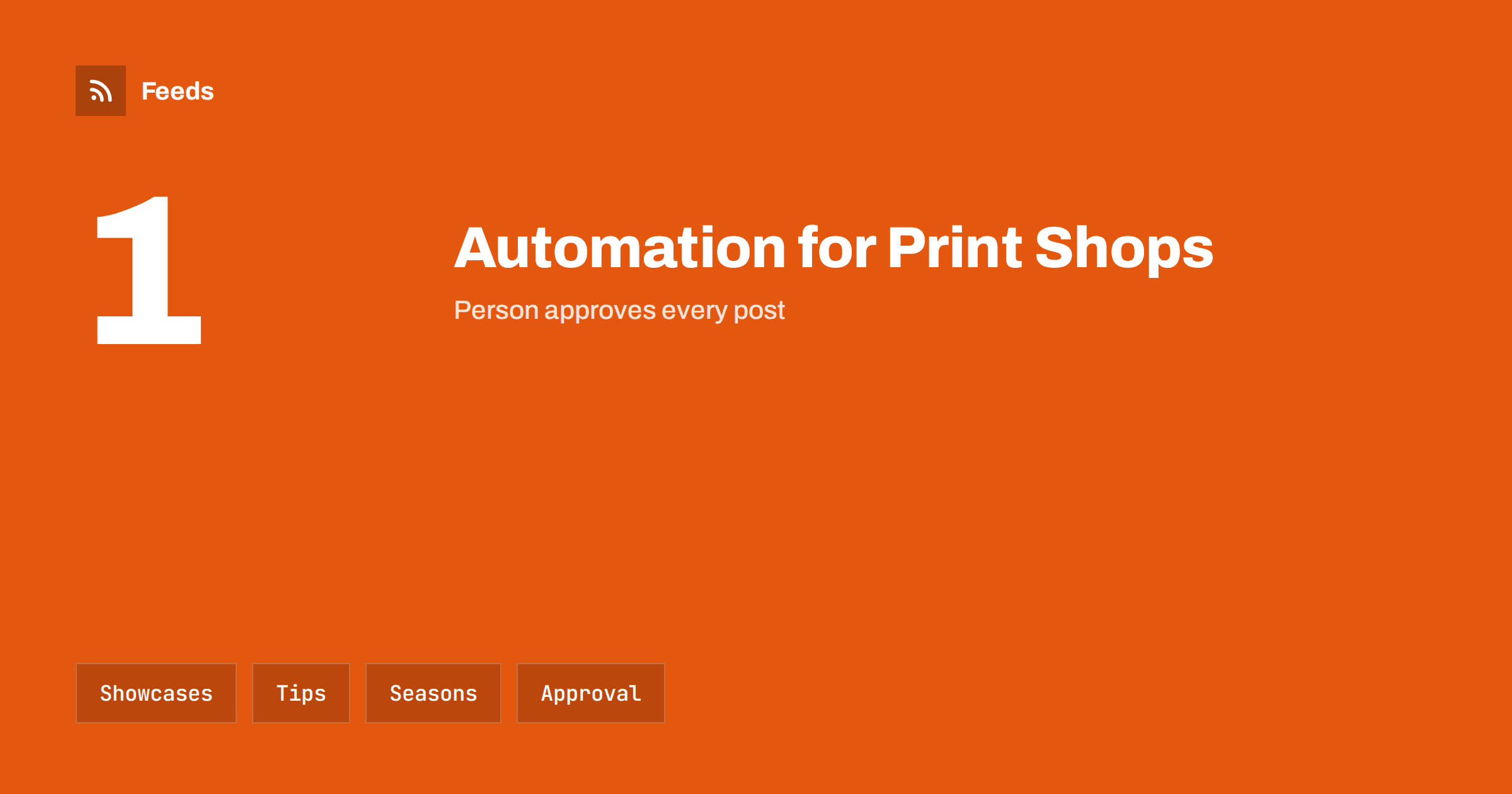
Short answer: Printing shops and sign makers produce visual work all day, yet their own marketing is often the first thing to slip when orders pile up. Content automation helps by turning what you already make and know, such as finished projects, file preparation tips, seasonal deadlines and lead times, into a steady stream of posts and web updates. The sensible limits are the same as in any craft business: a person approves each post, clients and their artwork stay private unless they agree, and every promise about price, speed and quality is one the workshop can keep.
A business full of content, and short of time
A print shop sees a constant flow of products: business cards, flyers, banners, vehicle graphics, shop signs, packaging, trade-fair stands, T-shirts, menus. Each of them is a small story with a customer, a purpose and a result. The shop also knows things that its customers do not: how to prepare a file, why a colour looks different on screen, which materials survive the weather, how long a job really takes.
That knowledge answers the questions that arrive by phone and email every day. Publishing the answers once and reusing them saves time. The aim of automation is to take the repetitive work out: collecting material, scheduling posts, reusing one article in several channels. A general plan for small service firms is in content automation for local businesses, and the show-and-tell side is close to content automation for photographers and creative studios.
Project showcases that respect clients
Finished work is the best advertising a print shop has, and also the easiest place to make mistakes. A photo of a shop sign shows a business name, a location and perhaps a phone number. A photo of printed material may show prices, personal names or unreleased products. A design may be the intellectual property of the client or their agency.
Before you publish anything, get the client’s permission, in writing, for the specific item and the channels. Ask whether they want to be named. Remove personal data, blur anything sensitive and do not show unreleased products. If the client came through an agency, ask the agency as well. Keep the permissions in a folder, so that you can answer a question months later. Do not use automation to publish crew photos directly; let someone choose and check each image, as in content automation for trades and home service businesses.
Teach what customers need to know
The most useful and durable posts are practical guides. Examples: how to prepare a file for print, what bleed and safe margins mean, why a logo needs a vector version, how to choose between paper types, what the difference is between a digital and an offset run, how to measure for a sign, which materials suit outdoor use, how to check a proof. Each guide can become a page on your site, then a short post, then a line in a newsletter.
Write for the customer, not for another printer. Use plain language, add a photograph or a simple diagram and finish with what the reader should do next, for example “send us the file and we will check it before printing”. Such guides reduce mistakes in the files you receive, which saves you time at the press. They are also a good way to be found by people searching for help.
Plan around deadlines and seasons
Print demand is full of deadlines: trade fairs, school and university starts, shop openings, holiday campaigns, elections, sports seasons, local festivals. Customers who order late need more rush work, and rush work is stressful for everyone. Publishing a simple calendar of recommended order dates, such as “order calendars by early autumn” or “send banner files two weeks before your event”, moves orders earlier.
A feed of your own articles can drive scheduled posts around these dates, and you can follow event calendars in your region to learn what is coming; see turning event calendars into RSS feeds you can follow. For a method of planning posts over a year, see building a content calendar from feeds and automation. Keep each date promise realistic and check capacity before you advertise a fast turnaround.
Follow supplier and industry news
Printers depend on suppliers: paper, ink, vinyl, substrates, machines. Price changes, shortages, new materials and safety notices affect quotes and deadlines. A reader with the news pages of your main suppliers and trade bodies saves visits to many websites, and can warn you about a change before it appears on an invoice. See monitoring suppliers and partners for early risk signals.
Environmental and safety rules also matter, for example for materials used in food packaging or for outdoor advertising permits. Follow the bodies that publish them for your market, as described in tracking government and regulator updates with RSS. Use the information to keep your own advice accurate, and do not turn it into legal advice for customers.
Honest lead times, prices and quality
Customers judge a print shop by whether the finished product matches what was promised. Be careful in automated posts with statements such as “same-day printing”, “lowest prices” or “perfect colour match”. Colour depends on the material, the file and the equipment, and a promise of an exact match is a promise you may not keep. State what is usual, say what depends on the file and list exceptions plainly.
If you publish prices, make sure they are current and say what they include. A price list that was correct last year and is still online is a source of arguments. Review price pages and promises every few months, and take out offers that have ended. The checks in the content automation checklist help to catch these problems before they go live.
Quotes, enquiries and the first reply
Much of a print shop’s marketing succeeds or fails at the first reply to an enquiry. A customer asks for a quote on a banner or a run of leaflets and expects an answer quickly. Prepare short, clear answers to the usual questions: sizes and materials available, what you need to start, how proofing works, how long a standard job takes and what delivery or collection looks like. A page with these answers can be linked from every automated post, so that interested readers find what they need without waiting.
Make the contact route simple and visible. One form or one email address that is watched daily is better than five channels that nobody checks. If your site offers online ordering, keep the product list and prices in line with what the workshop can really produce, and remove items that you no longer stock. The tidy, current page is the part of your marketing that customers will remember.
Approval and a light routine
A print shop needs a workflow with a human at the end. A draft is prepared or scheduled, a named person checks the text, the images and the permissions, and only then does it go out. The trade-offs between full automation and an approval step are discussed in full auto vs approval queue. For a small workshop, one fixed hour a week is enough: look at the feed of supplier and trade news, choose one showcase that has permission, schedule one practical tip and check that prices and lead times are still right.
Write down who does each step and what happens when that person is away. Automation does not remove responsibility; it only makes it easier to meet, if the routine has an owner.
How RSS Feed Creator helps
RSS Feed Creator turns the news page, price-change page or announcement page of a paper merchant, material supplier or trade association into a clean RSS feed, even when the site has no feed of its own. It reads titles, images, summaries and dates, uses an existing feed when there is one, and shows a preview of the items before the feed is created. You can merge several sources into one feed (up to 10 on paid plans), keep only the items that contain your keywords and have duplicates removed automatically, which suits a themed watch on suppliers and trade news. Feeds refresh every 3 hours on the free plan and every 30 minutes on paid plans, and paid plans send an alert when a page changes and a feed stops finding items. The free plan allows up to 20 items per feed, and the details are on the pricing page.
Related reading
- Content Automation for Manufacturers and Industrial B2B Brands
- Content Automation for Event Organizers and Venues
- Securing Content Automation: Accounts, Tokens and Access
The bottom line
For printing shops and sign makers, automation is a way to publish the knowledge and the finished work that already exist in the workshop. Ask clients before you show their projects, teach customers how to prepare files, plan around real deadlines and keep promises about price and speed honest. With a person approving every post, a small team can stay visible without losing time at the press.
FAQ
Can I post photos of customers’ signs and printed work?
Only with the client’s written permission for the specific item and channel. Remove personal data and unreleased information, and ask agencies as well when they commissioned the work.
What do customers want to learn from a print shop?
How to prepare files, what bleed and margins mean, how to choose paper and materials, how to check a proof and how long a job takes. Practical guides reduce errors and attract searches.
How can I reduce last-minute rush orders?
Publish recommended order dates around events and seasons, and schedule reminders before them. Keep promises about turnaround realistic and check capacity before advertising speed.
Which news should a print shop follow?
Supplier price changes and shortages, new materials, trade body announcements and rules that affect your products. Merge the sources into one reader and filter by the materials you use.
Is full automation advisable?
Rarely. Use an approval step so that one named person checks text, images and permissions before each post goes out.