 ENEnglish
 LTLietuviškai
 DEDeutsch
 FRFrançais
 RUРусский
 ESEspañol
 PLPolski
 ITItaliano
 UKУкраїнська
 CSČeština
 PTPortuguês
 JA日本語
JA日本語 LVLatviešu valoda
 ETEesti
 HUMagyar
 IDBahasa Indonesia
 TRTürkçe
 HIहिन्दी
 ELΕλληνικά
 ARالعربية
 THไทย
THไทย VITiếng Việt
 RORomână
 MSBahasa Melayu
 BNবাংলা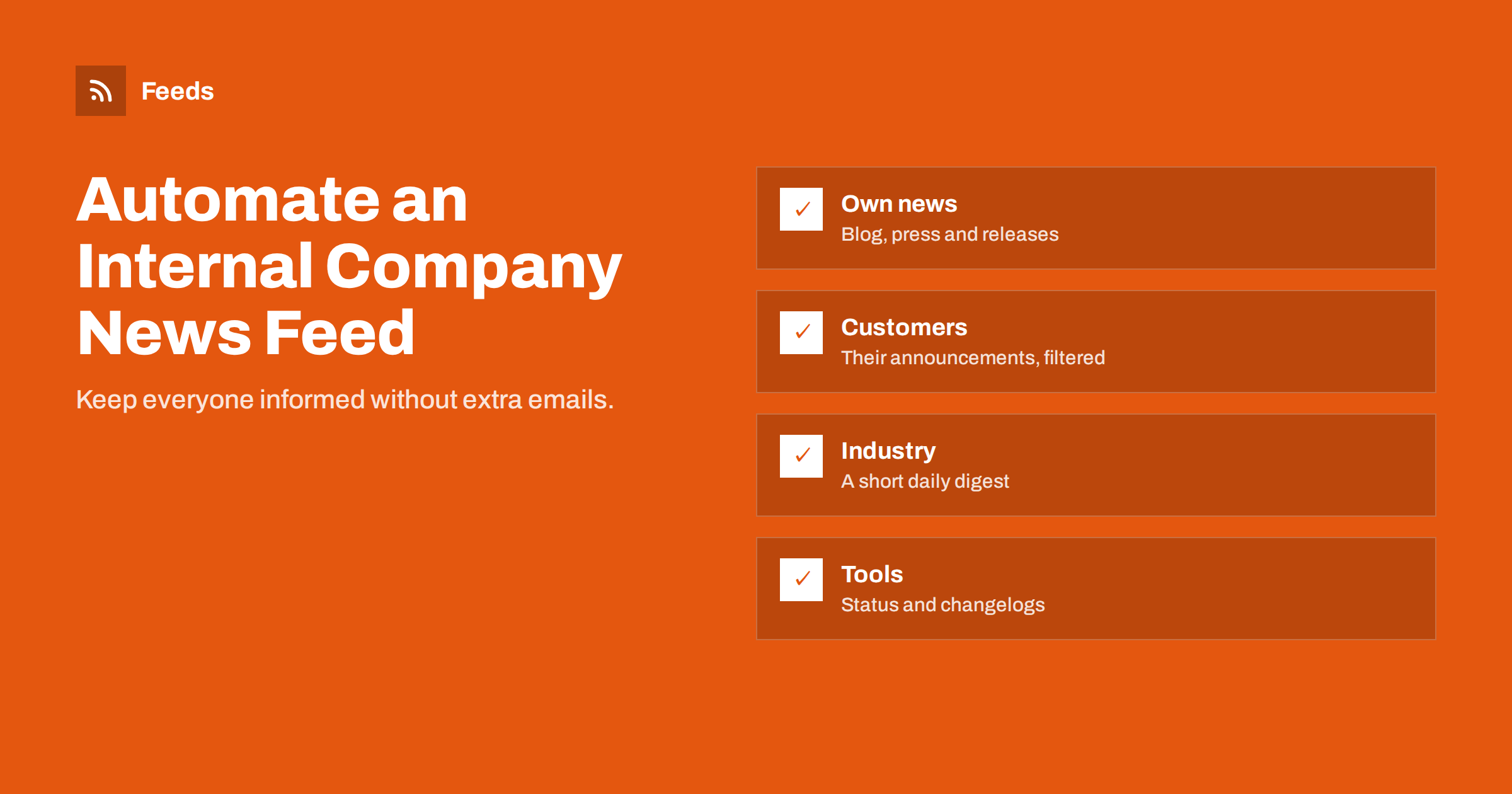
Short answer: An automated internal news feed collects updates relevant to employees from several sources, such as your own blog and press releases, customers’ and partners’ announcements, industry news and the status pages or changelogs of tools you rely on, and delivers them to a chat channel, intranet page or email digest. Use feeds as the input, filter and merge them so each stream stays relevant, deliver busy streams as daily digests, and give each stream an owner who reviews it regularly.
The problem an internal news feed solves
In most companies, information that everyone should know is scattered. Marketing publishes a new case study, but sales hears about it weeks later. A key customer announces an expansion, but the account manager learns about it from the customer in a meeting. A software vendor changes a feature the support team depends on, and nobody notices until tickets start arriving.
The usual fix is more internal emails, which people ignore. A better fix is a small set of automated streams that bring the right information to the right people in the places they already look, without anyone having to remember to forward it.
For remote and hybrid teams, this matters even more, and it matters at every size, from a ten-person agency to a company with several hundred employees. Without office conversations, a lot of informal news sharing simply stops, and people lose context about what the company and its customers are doing.
Four streams worth automating
1. Company news
New blog articles, press releases, case studies, product updates and job openings from your own website. Colleagues can share them in their networks, sales can use them in conversations, and new employees get a sense of what the company publishes.
2. Customer and partner news
Announcements from your most important customers and partners: expansions, leadership changes, product launches, funding. Account managers and leadership benefit most. Many companies publish these on newsroom pages, sometimes without RSS.
3. Industry news
A filtered selection from trade publications, regulators and associations. Everyone benefits from knowing the big changes in the market, but only if the stream is short enough to read.
4. Tool and vendor updates
Status pages, changelogs and release notes of the software your teams depend on. Support, IT and operations teams learn about outages and feature changes early.
Choosing where to deliver
| Destination | Good for | Watch out for |
|---|---|---|
| Chat channels (Slack, Teams, Discord) | Fast awareness, discussion in threads | Noise if every item is a message |
| Email digest | People who prefer email, leadership summaries | Adds to inbox load; keep it short |
| Intranet page or dashboard | Reference, onboarding, big screens in offices | People must visit it |
| Feed reader | Individuals who want everything | Not everyone uses one |
Choose based on habits, not on technology. If your leadership team lives in email and never opens chat, a short email digest will reach them far better than a perfectly configured channel. If developers ignore email but watch chat all day, tool updates belong in chat.
Many companies combine them: important company news in a general channel, customer news in a sales channel, industry news as a morning digest and tool updates in an IT channel.
Building the streams step by step
- List the sources for each stream. For company news, your own feeds. For customers, their newsroom pages. For industry, a focused set of publications. For tools, their status and changelog pages.
- Get feeds for each source. Many have RSS; for those that do not, create a feed from the page that lists their news.
- Merge sources per stream, so each stream becomes one feed with duplicates removed.
- Filter broad sources by keywords that matter to your company: product categories, customer names, regions, technologies.
- Connect each stream to its destination through the chat tool’s feed features, an automation platform or an email platform’s RSS campaign.
- Choose the rhythm: instant for tool outages and important company news, daily digests for industry and customer news.
- Announce it internally, explaining what each channel contains and how to suggest sources.
Example: a 40-person software company
Picture a software company with forty employees across sales, support, development and marketing, working mostly remotely in a chat tool.
- #company-news receives every new blog article, case study and job opening from the company’s own site, as individual posts. Around five items a week. Colleagues often reshare them on their own profiles.
- #customer-news receives a daily digest from the newsroom pages of the twenty-five largest customers, merged into one feed. Most days there are one to three items. Account managers read it every morning.
- #industry-digest receives one message each weekday at 8:30 with up to eight items from trade media and two regulators, filtered by a list of about thirty keywords.
- #vendor-status receives instant posts from the status pages of the hosting provider, payment provider and email service, plus weekly changelog summaries of the main development tools.
Setup took a day, mostly spent choosing sources and keywords. Maintenance is perhaps an hour a month, spread across four owners. The effect is that fewer internal emails are sent to “keep everyone posted”, and people hear about important customer and vendor events on the day they happen.
Using the feed for onboarding
An often overlooked benefit is onboarding. New employees can scroll back through the company news and customer channels to understand what the company has published, who its customers are and what is happening in the market. An intranet page that shows the latest items from each stream gives newcomers a quick, current overview, which static onboarding documents rarely provide. Point new hires to these channels in their first week, and ask them after a month which streams helped most; their fresh view is useful feedback for the owners.
Keeping it relevant
An internal news feed fails the same way as any feed channel: it gets noisy, people mute it and it becomes invisible. To keep it alive:
- Short streams beat complete ones. Five relevant items a day are read; fifty are ignored.
- One purpose per channel. Mixing customer news with vendor outages confuses everyone.
- No notifications by default for digest channels; people check them when they choose.
- Ask for feedback twice a year: what is useful, what is noise, what is missing?
- Prune sources that never produce anything people react to.
Ownership and governance
Each stream needs an owner, often from the team that benefits most: marketing for company news, sales operations for customer news, a subject expert for industry news and IT for tool updates. The owner adjusts filters, adds and removes sources and checks now and then that the stream still delivers.
Document the streams in one place: sources, filters, destinations and owner. When an owner changes role, hand over the documentation along with the responsibility. Connections tied to one person’s account should be moved to a shared or service account, so the streams do not stop when someone leaves.
Be thoughtful about sensitive sources, too. Internal streams sometimes include material about customers or competitors. Keep such channels restricted to the people who need them, and follow any policies your company has on monitoring and sharing third-party information.
How Feeds helps
The hardest part of an internal news feed is usually the sources: customer newsrooms, association pages and vendor status or changelog pages often have no RSS. Feeds creates RSS feeds from any page that lists items, uses the existing feed where there is one, merges several sources into one feed, keeps or drops items by keyword and removes duplicates automatically. Feeds refresh on their own, and paid plans alert you when a page changes and a feed stops finding items. Each stream then becomes a single feed link you can plug into a chat tool, an email platform or an intranet widget. See the pricing page for plans.
Related reading
- How to Send RSS Feed Updates to a Slack Channel
- How to Get RSS Feed Updates in Microsoft Teams Channels
- How to Build an Automated Daily News Digest from Feeds
- Media Monitoring with RSS: Track Brand Mentions in the News
The bottom line
An automated internal news feed keeps everyone informed without extra emails or manual forwarding. Build a few focused streams, company news, customer news, industry news and tool updates, from feeds; merge and filter them; deliver busy streams as digests; and give each stream an owner. Short, relevant streams in the places people already work are what make internal news actually get read.
FAQ
What should an internal company news feed include?
Typically your own published content, announcements from key customers and partners, a filtered selection of industry news and updates from tools your teams depend on. Each works best as its own stream.
Where should internal news be delivered?
Wherever people already work, usually chat channels for quick updates and email or intranet digests for summaries. Many companies combine several destinations.
How do I stop an internal news channel from becoming noise?
Keep one purpose per channel, filter sources tightly, use daily digests for busy streams, turn off notifications by default and prune sources nobody uses.
Can I follow customer news pages that have no RSS?
Yes. A feed can be created from the page where the customer lists its news, then merged with other sources and delivered to your sales channel.
Who should own the internal news streams?
The team that benefits most from each stream, such as sales operations for customer news or IT for tool updates, with documentation so ownership can be handed over.
How much time does an internal news feed take to maintain?
Once set up, typically an hour or two a month across all streams, mainly for adjusting filters, adding or removing sources and checking that each stream still delivers.


