 ENEnglish
 LTLietuviškai
 DEDeutsch
 FRFrançais
 RUРусский
 ESEspañol
 PLPolski
 ITItaliano
 UKУкраїнська
 CSČeština
 PTPortuguês
 JA日本語
JA日本語 LVLatviešu valoda
 ETEesti
 HUMagyar
 IDBahasa Indonesia
 TRTürkçe
 HIहिन्दी
 ELΕλληνικά
 ARالعربية
 THไทย
THไทย VITiếng Việt
 RORomână
 MSBahasa Melayu
 BNবাংলা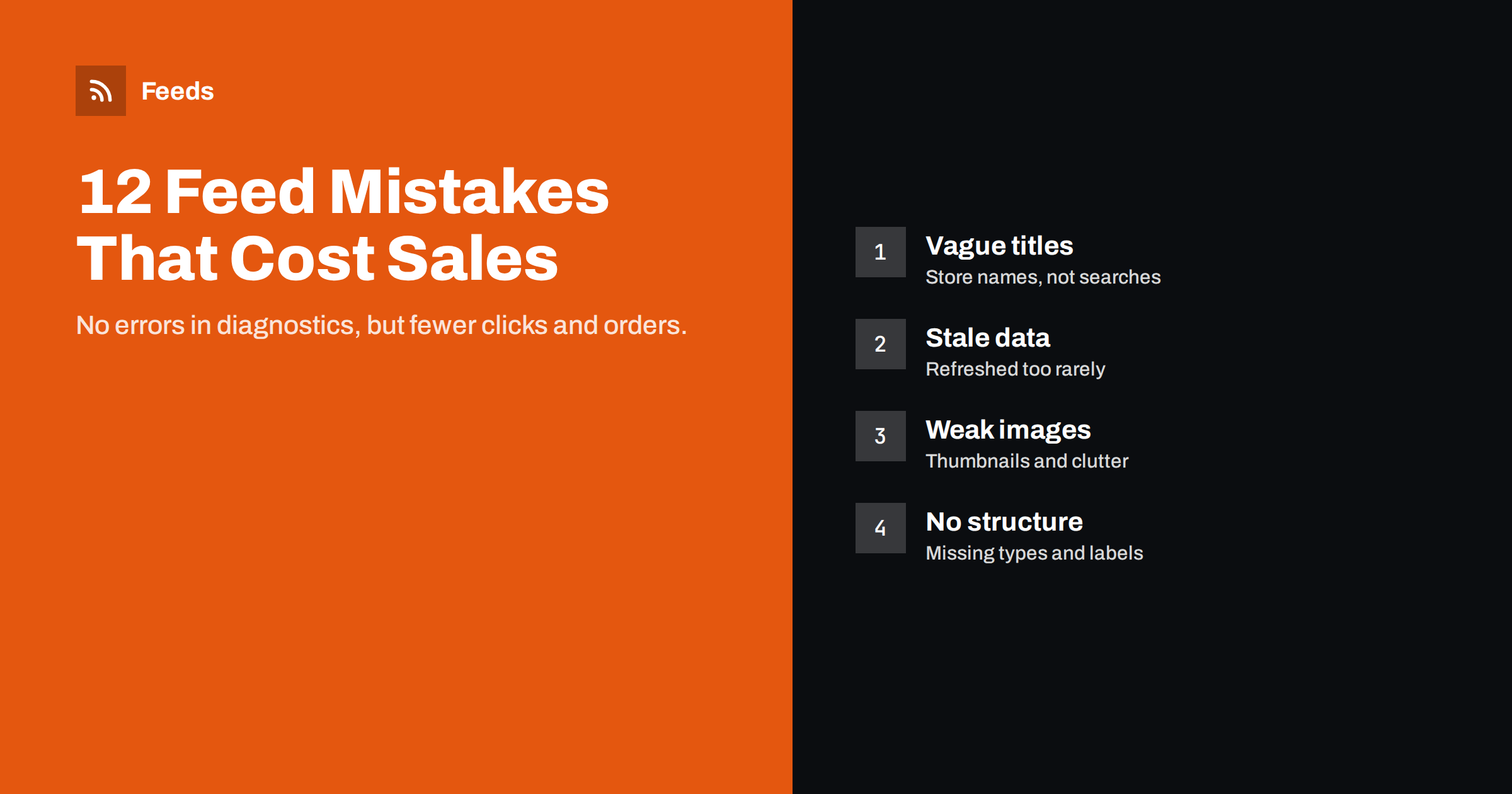
Short answer: The most expensive product feed mistakes are often the ones that do not show up as errors: titles that use internal product names instead of search terms, feeds refreshed too rarely, thumbnail-sized or cluttered images, missing identifiers, advertising sold-out or unprofitable products, and feeds without product_type or custom labels to structure campaigns. Each one is legal and approved, yet each reduces clicks, conversions or return on ad spend. Fixing them is usually a matter of rules, not manual work.
Why “no errors” is not the same as “good”
Merchant Center diagnostics and Meta’s catalog issues tell you what breaks the rules. They do not tell you what makes products less competitive. A feed can be fully approved, with zero warnings, and still perform poorly because titles do not match searches, images do not stand out or budget goes to the wrong products.
These quiet mistakes are easy to live with for months because nothing alerts you. The symptoms are indirect: fewer impressions than expected, click rates below competitors, or campaigns that spend without clear returns. The fixes, in contrast, are often simple once you know where to look.
The twelve mistakes below are grouped by where they hurt: matching, attractiveness, accuracy and control.
Mistakes that hurt matching
1. Titles built from internal or creative product names. “The Weekender” or “Model 4B” means something in your store and nothing in a search box. Titles should lead with product type and key attributes shoppers search for, such as “Leather Weekender Bag, Brown, 40 L”.
2. Missing variant attributes in titles. When all sizes and colors share one title, a search for a specific color finds a generic listing. Add the variant attributes to each variant’s title.
3. Missing or wrong identifiers. Without GTINs and brand, platforms have a harder time matching branded products to specific searches. Setting identifier_exists to no to silence warnings on products that do have barcodes hides a real handicap.
4. Descriptions full of boilerplate. A description that starts with the store’s story or shipping terms wastes the space that could describe materials, dimensions, use cases and compatibility, all of which help matching.
Matching mistakes are the hardest to notice because their cost is invisible: you never see the searches your products did not appear for. The search terms report in your campaigns is the best window into this. If shoppers find your products through vague or unrelated queries, but rarely through the specific terms that describe them, the titles are usually the reason.
Mistakes that hurt attractiveness
5. Thumbnail images. Feeds that use a theme’s thumbnail size instead of the original image produce small, soft pictures that look worse in results grids. The fix is one mapping change.
6. Cluttered or inconsistent images. Busy backgrounds, several products in one photo, or images with badges make listings harder to read at a glance. Clean images on neutral backgrounds usually stand out more in a grid.
7. Ignoring shipping and returns information. Incomplete shipping settings mean listings cannot show attractive annotations like free delivery or free returns. Competitors with complete settings look better side by side.
Attractiveness mistakes hurt click-through rate, which in paid campaigns also affects how much each click costs. Improving images and annotations can therefore improve both traffic and efficiency.
Mistakes that hurt accuracy
8. Refreshing the feed too rarely. A feed generated once a day, or once a week, lags behind prices and stock. Between refreshes, ads can show outdated prices or sold-out items. Refresh at least daily, and more often if stock moves quickly.
9. Advertising sold-out products. Even correctly marked out-of-stock items are fine, but items that are sold out on the site and still in stock in the feed waste clicks and frustrate shoppers. Exclude or mark sold-out variants by rule.
10. Prices that differ subtly from the page. Rounding differences, sale timing and currency conversions can create small gaps that do not always trigger disapprovals but erode trust when shoppers notice a different price after clicking.
Accuracy mistakes often grow over time. A feed that was accurate at launch drifts as the store changes, which is why automatic generation from live data matters more than any one-time cleanup.
A simple habit catches most accuracy problems early: once a week, click on three of your own listings, preferably top sellers, and check that the price, stock and variant on the page match what the listing promised. It takes two minutes and shows you exactly what shoppers experience.
Mistakes that hurt control
11. No product_type or an inconsistent one. Without a clean category path, you cannot easily split campaigns or reports by your own categories. Everything is lumped together, and budget follows the platform’s choices rather than yours.
12. No custom labels. Margin, best sellers, seasonality and clearance status are the dimensions that should shape spending, but without labels campaigns cannot see them. Low-margin products can absorb budget that high-margin products would have used better.
Control mistakes do not reduce clicks directly. They reduce your ability to steer spending, which over months usually shows up as a lower return on ad spend than the catalog could achieve.
How to measure the impact of fixes
Because these mistakes do not appear as errors, their fixes do not appear as cleared errors either. You need to measure performance instead. The most reliable approach is a before-and-after comparison on a defined group of products, with a similar group left unchanged as a reference.
- For matching fixes such as titles and identifiers, watch impressions first. More relevant titles usually show up as more impressions for the changed products.
- For attractiveness fixes such as images and shipping annotations, watch click-through rate on comparable impressions.
- For accuracy fixes such as refresh frequency and exclusions, watch conversion rate and the share of clicks landing on sold-out items.
- For control fixes such as labels, watch return on ad spend by label group over several weeks.
Allow enough time. Platforms need to fetch and process the new data, and campaigns with automated bidding need time to adjust. Two to four weeks is a reasonable minimum for most changes, and longer for small catalogs with little traffic. Avoid changing several things at once in the same product group, or you will not know which change made the difference.
A quick audit to find these mistakes
| Mistake | How to spot it | Typical fix |
|---|---|---|
| Vague titles | Read 20 titles out of context | Title formula per category |
| Missing identifiers | Filter feed for empty GTIN and brand | Import supplier data into the store |
| Thumbnail images | Open five image URLs, check dimensions | Map the original image size |
| Stale data | Compare feed timestamp with last store change | Increase refresh frequency |
| Sold-out items advertised | Check availability of top-spending products | Exclusion or availability rule |
| No structure | Look for empty product_type and labels | Map categories, add label rules |
This audit takes an hour or two for most stores. It is worth repeating every few months, because catalogs change and new products often arrive without the care the original catalog received.
Fix with rules, not by hand
The common thread in all twelve mistakes is that they affect many products at once. Fixing them product by product is slow and does not last, because every new product repeats the problem. Rules fix them for the whole catalog, including products you add next month:
- a title rule per category that combines brand, type and attributes;
- a mapping that always uses the full-size image;
- an exclusion rule for sold-out or discontinued items;
- a mapping from store categories to product_type;
- label rules based on price, category or sales data.
Rules also document themselves. A title rule written down as “brand, product type, material, color, size” tells the next person exactly how titles are built, which hand-edited titles never do.
Start with the rule that affects the most products or the most spend. One good rule often outperforms dozens of manual edits.
How Feeds helps
Feeds applies rules when it builds a product feed from WooCommerce, Shopify or a CSV link: it can skip out-of-stock products, rewrite titles and adjust prices, and the feed refreshes automatically, so data stays close to the store. You see a preview with titles and images before the feed is created, which makes vague titles and poor images easy to spot. See the pricing page for plans.
Related reading
- Product Feed Title Optimization: Formulas That Work
- Custom Labels in Product Feeds: A Practical Guide
- Product Feed Image Requirements for Google and Meta
The bottom line
An approved feed is the starting line, not the finish. Titles that match searches, real identifiers, full-size clean images, frequent refreshes, excluded sold-out items and a clear product_type and label structure turn an acceptable feed into a competitive one. Audit for these quiet mistakes every few months and fix them with rules.
FAQ
My feed has no errors. Why is performance poor?
Diagnostics only report rule violations. Weak titles, small images, stale data and missing structure are allowed but reduce clicks and control.
Which mistake should I fix first?
Usually titles and stale data, because they affect matching and accuracy across the whole catalog. Then images and structure.
How often should I audit my product feed?
Every few months, and after major changes such as a new theme, a platform migration or a large product import.
Are custom labels worth the effort for a small store?
Even two labels, such as best sellers and margin band, give useful control over spending and are quick to set up with rules.
Can I fix these mistakes without changing my store?
Many can be fixed with feed rules, such as titles and exclusions. Missing data like GTINs is better fixed in the store so every channel benefits.


