ENEnglish
 LTLietuviškai
 DEDeutsch
 FRFrançais
 RUРусский
 ESEspañol
 PLPolski
 ITItaliano
 UKУкраїнська
 CSČeština
 PTPortuguês
 JA日本語
JA日本語 LVLatviešu valoda
 ETEesti
 HUMagyar
 IDBahasa Indonesia
 TRTürkçe
 HIहिन्दी
 ELΕλληνικά
 ARالعربية
 THไทย
THไทย VITiếng Việt
 RORomână
 MSBahasa Melayu
 BNবাংলা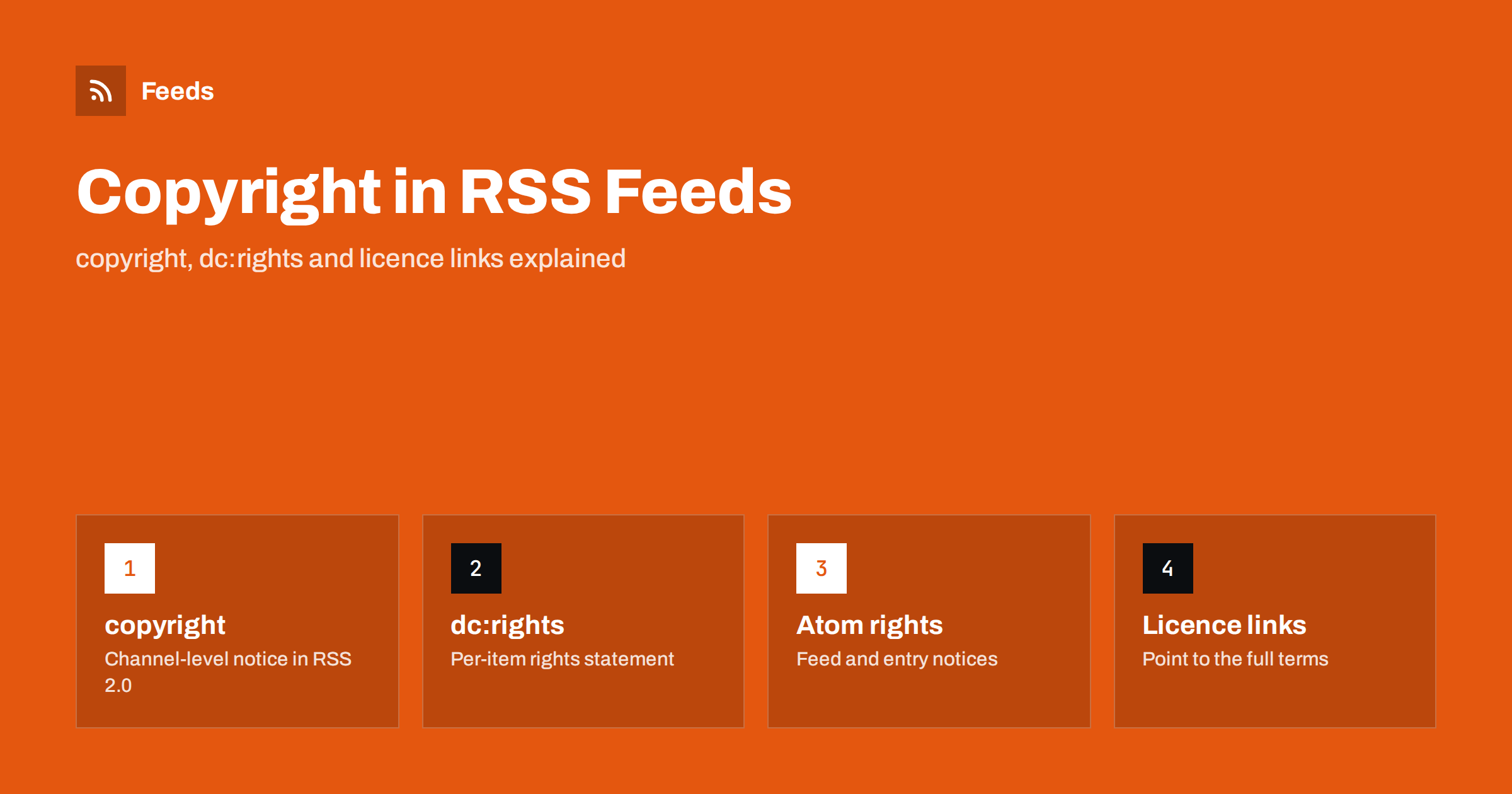
Short answer: RSS 2.0 has one built-in place for a rights notice, the copyright element in the channel. For anything more specific you add a namespace element such as dc:rights on each item, and Atom has its own rights element and a licence link relation. These fields tell readers, aggregators and republishers what you claim and what you allow. They do not create legal protection by themselves and cannot stop copying, but they make your intentions clear, and clarity is what a licence is for.
Why put rights information in a feed
A feed travels. It is fetched by readers, copied by aggregators, mixed into other feeds, turned into emails and posted to social media. Along the way the surrounding page, with its footer, terms link and licence badge, is left behind. The feed may be the only place where a downstream user ever sees anything about you. If the feed carries no notice, the reader has to guess what is allowed.
A short rights statement in the feed does three useful things. It identifies the owner, so credit and contact are possible. It states the terms, whether that is “all rights reserved”, a Creative Commons licence or a specific permission to quote. And it gives evidence of intent if a dispute ever arises. It is cheap to add once and it travels with every copy. If you republish others’ content, or are considering using feeds from other sites, also read is it legal to create RSS feeds from other websites.
The copyright element in RSS 2.0
The RSS 2.0 specification defines an optional copyright element in the channel, described as a copyright notice for the content of the channel. A typical value is <copyright>Copyright 2026 Example Ltd. All rights reserved.</copyright>. It is plain text, one per channel, and it applies to the feed as a whole.
Some practical points: write the year the content was first published or the current range, name the legal owner rather than a brand nickname if they differ, and keep the text short, since readers that display it show it in a small line. Update the year when the template changes, or let the template build it from the current date. Many CMS platforms fill the element from a site setting, so check where yours comes from. Where the element sits among the others is shown in the anatomy of an RSS 2.0 feed.
Item-level rights with dc:rights
RSS 2.0 has no copyright element inside an item. If different items have different owners or licences, such as guest posts, syndicated articles or items with a photographer’s credit, use Dublin Core. The element dc:rights holds a rights statement for a single resource, and it can sit in the channel or in each item. It requires the Dublin Core namespace declared on the root element, xmlns:dc="http://purl.org/dc/elements/1.1/", as explained in RSS namespaces explained.
A common pattern is to give the channel a general copyright and only add a dc:rights to items that differ. That keeps the file small and avoids contradictions. Be aware that readers support the item-level element unevenly: many ignore it, so treat it as machine-readable documentation, not as something every user will see.
Rights in Atom: rights and the licence link
Atom handles this more cleanly. Both a feed and an entry can contain a rights element, and an entry’s value overrides the feed’s for that entry. The element can contain plain text or HTML, which means a licence statement can include a link.
Atom also defines a link relation for licences. A link such as <link rel="license" href="https://creativecommons.org/licenses/by/4.0/"/> points to the full terms from the feed or from a single entry. The same relation can be used in an RSS feed through the Atom namespace, in the same way as the self link that validators recommend for RSS feeds. The differences between the two formats are summarised in RSS vs Atom.
Creative Commons and similar licences
If you want others to reuse your content on stated terms, a standard licence is better than a custom sentence. Creative Commons licences are the best known: they have short names, such as attribution or attribution with no commercial use, and each has a stable address with human-readable and legal text. Putting the licence address in the feed, as a licence link in Atom or as a statement with the address in the copyright or dc:rights text in RSS, lets anyone find out what is allowed without hunting through the site.
There is also a Creative Commons module for RSS that adds a licence element in its own namespace. It exists and some tools read it, but it is far less supported than the simple text notice with a link, so use it only if you know a consumer needs it. Whatever you choose, make sure the licence you state is the one you really offer, that it matches what the website says and that you have the right to licence the material in the first place.
What a rights notice does not do
It is worth being clear about the limits. A notice in a feed is a statement, not a technical barrier. A scraper that wants your content will take it with or without the line, and the line does not block copying, as the options in how to stop scrapers republishing your feed content explain. Copyright in most countries exists automatically when a work is created, with or without a notice, so the notice neither creates the right nor removes it. And a notice that says “all rights reserved” does not prevent the quotation and linking that the law and normal practice allow.
The notice also says nothing about content that you do not own. If a feed contains images from a stock library, quotes from other authors or text from a guest contributor, the channel-level line cannot grant rights you do not have. For legal questions about your specific situation, ask a qualified adviser.
Images, enclosures and full text
Feed items often carry more than text. A featured image, a podcast file or an attached document may have a different owner or licence from the article text. Where it matters, say so near the file, in the item text or in a credit line, and consider whether a summary with a link back is a better choice than full text. The trade-off between the two is explained in full text or summary. Publishing less in the feed is the most effective way to control reuse, because what is not in the file cannot be copied from it.
Keeping notices current
Rights information goes stale in quiet ways. The year in the line is last year’s, the company has changed its name, the site switched from one licence to another but old feed items still carry the previous text, or a template update dropped the element altogether. Add a line to your regular feed review: open the source of the feed, find the rights line, and compare it with the footer and the terms page. If you change a licence, decide whether the change applies only to new content or to everything, and say so on the terms page, because people who reused your earlier content under the old terms may rely on them.
A short checklist to finish:
- Add one
copyrightelement to the channel with the year and the owner. - Use
dc:rightsor Atomrightsonly on items that differ. - Link to a standard licence if you permit reuse.
- Make the feed, the website and the terms say the same thing.
- Validate the feed after adding namespaces.
How RSS Feed Creator helps
RSS Feed Creator turns the article list of a web page into a standard RSS feed with titles, images, summaries and dates, and it uses the site’s existing feed when the page already has one. It reads public pages from the outside, like a visitor, so check the terms of any site whose content you follow, and use feeds for reading, monitoring and linking back to the source. You can merge several sources into one feed (up to 10 on paid plans) and keep only the items that contain your keywords. Feeds refresh every 3 hours on the free plan and every 30 minutes on paid plans, and the free plan allows up to 20 items per feed. The details are on the pricing page.
Related reading
- Content Syndication With RSS: A Practical Guide for Publishers
- RSS Feed Best Practices for Publishers: A 24-Point Checklist
- Media RSS Explained: Images, Video and Thumbnails in Feeds
The bottom line
State your rights where your content travels. Use the channel copyright element for the general notice, dc:rights or Atom rights for exceptions, a link to a standard licence if you allow reuse, and keep all of it consistent with your site. A notice documents intent but does not enforce it, so decide separately how much you publish in the feed.
FAQ
Is the copyright element required in an RSS feed?
No. It is an optional channel element in RSS 2.0. It is good practice to include it, because the feed may be the only place a downstream user sees your terms.
Can an RSS item have its own copyright notice?
Not in RSS 2.0 itself. Use dc:rights from the Dublin Core namespace on the item, or use Atom, where an entry can have its own rights element that overrides the feed.
Does a copyright line in my feed stop people copying it?
No. It states your claim and your terms but does not block anyone technically. To limit reuse, publish summaries instead of full text and monitor for copies.
How do I add a Creative Commons licence to a feed?
Include the licence name and its address in the copyright or rights text, or add an Atom licence link that points to the licence page. Make sure the website states the same licence.
Do readers display the copyright information?
Some do, usually in a small line, and many ignore it. Treat it as documentation that travels with the file rather than as something every reader will see.