 ENEnglish
 LTLietuviškai
 DEDeutsch
 FRFrançais
 RUРусский
 ESEspañol
 PLPolski
 ITItaliano
 UKУкраїнська
 CSČeština
 PTPortuguês
 JA日本語
JA日本語 LVLatviešu valoda
 ETEesti
 HUMagyar
 IDBahasa Indonesia
 TRTürkçe
 HIहिन्दी
 ELΕλληνικά
 ARالعربية
 THไทย
THไทย VITiếng Việt
 RORomână
 MSBahasa Melayu
 BNবাংলা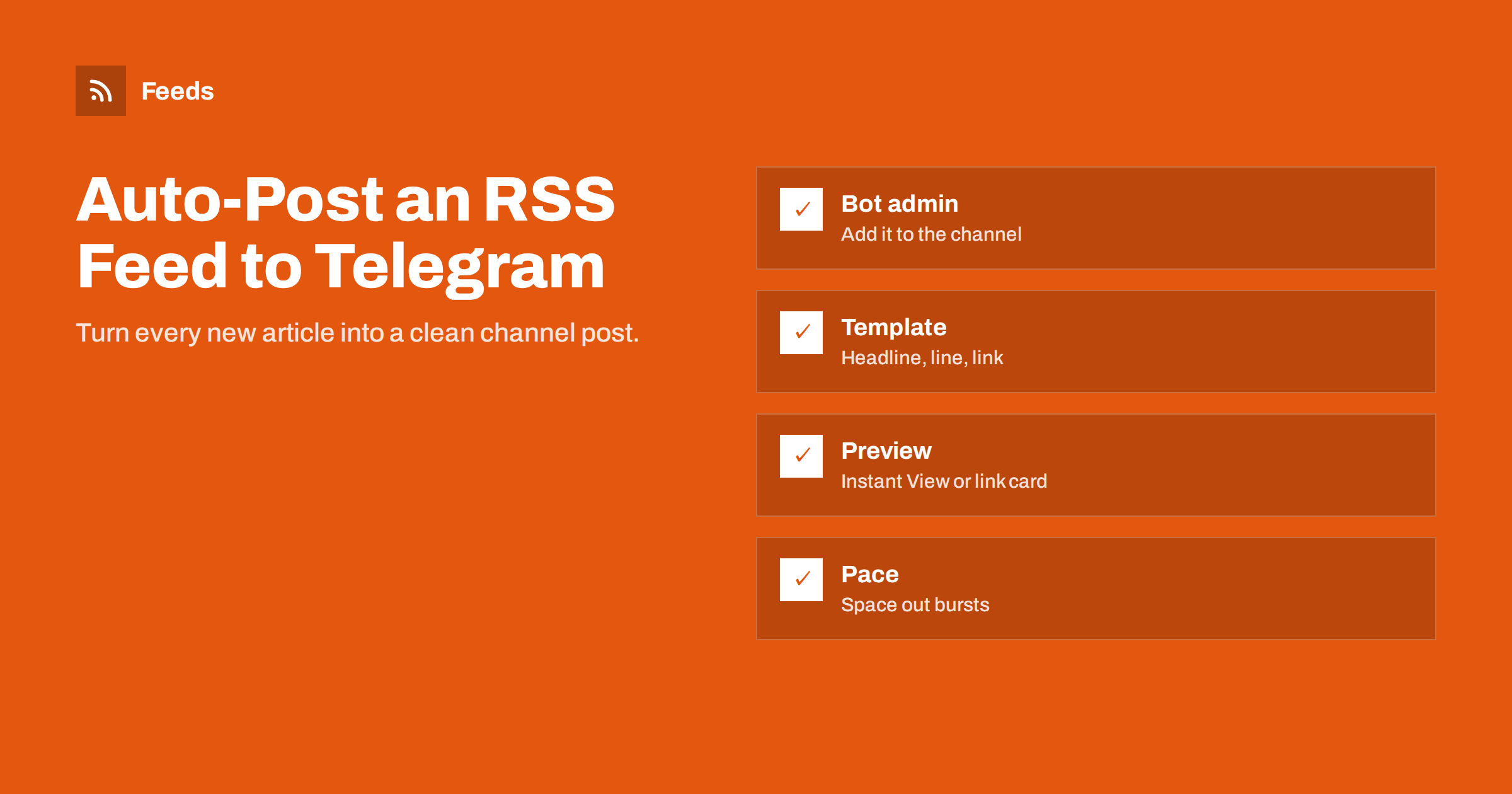
Short answer: To auto-post an RSS feed to a Telegram channel, you need something that watches the feed and a bot that is an administrator of the channel with permission to post. You can use a ready-made RSS bot, a social posting tool that supports Telegram, an automation platform with a Telegram action, or your own script calling the Telegram Bot API. Use a short template with the headline, one line of context and the link, and space out posts when you publish many items at once.
Why Telegram channels suit feed-based publishing
Telegram channels are one-way broadcast channels: the owner posts, subscribers read. That makes them a natural fit for automated publishing. Unlike on many social networks, posts in a channel are delivered to subscribers in order, and followers who join a channel usually do so precisely because they want the updates.
News sites, blogs, online shops announcing new arrivals, job boards, communities and local organisations all use Telegram channels this way. In several countries Telegram is a major channel for news consumption, so a channel can be a meaningful source of readers, not just a nice extra.
Channels also have practical advantages for publishers: there is no limit on the number of subscribers, posts can be forwarded easily to private chats and groups, and each post shows a view counter, which gives a rough sense of reach without extra analytics. A discussion group can be linked to the channel if you want comments under posts, while the channel itself stays clean.
Because subscribers receive every post, discipline matters more than on networks where an algorithm hides some posts. A channel that floods subscribers with low-value items gets muted or left quickly. Automation should therefore be paired with filters and sensible pacing.
What you need
- A Telegram channel that you own or administer, public or private.
- A bot. Bots are created through Telegram’s official @BotFather, which gives you a token. If you use a ready-made RSS bot or a posting service, it brings its own bot.
- The bot added as a channel administrator with the right to post messages. Bots cannot post to channels unless they are admins.
- A working RSS feed with titles, links and ideally images and summaries.
- A decision on what to post: every item, or only items that match certain topics.
Keep the bot token secret. Anyone with it can control the bot and post to every channel where it is an admin. If a token leaks, revoke it in @BotFather and create a new one.
Option 1: a ready-made RSS bot
Several public bots specialise in forwarding RSS feeds to chats and channels. You add the bot to your channel as an admin, then send it the feed URL with its commands. Setup takes minutes.
Pros: free or cheap, no accounts elsewhere, very quick.
Cons: limited formatting control, unknown check intervals, and you rely on a third party’s bot with posting rights to your channel. Some public bots have shut down with little warning over the years. Use them for hobby or low-stakes channels, and prefer your own bot or a reputable service for a business channel.
Option 2: a social posting tool or automation platform
Dedicated RSS-to-social tools often support Telegram alongside Facebook, LinkedIn and X. You add the feed once and choose Telegram as one destination, with its own template. This is the most practical option if you already post the same feed to several networks.
General automation platforms such as Zapier, Make and n8n offer Telegram actions too. The workflow is: new RSS item, optional filter, then “send message” to your channel through your own bot. You get full control over the text and can add logic, such as different templates for different categories.
Pros: reliable, flexible, one place for all networks.
Cons: a subscription cost, and on task-based platforms the cost grows with the number of items.
Option 3: your own script with the Bot API
Developers can use the Telegram Bot API directly. A script run on a schedule reads the feed, keeps a record of posted item IDs and calls sendMessage (or sendPhoto for items with images) with the channel’s username or ID as the chat ID. The API supports HTML or Markdown formatting, and options such as disabling notifications for less important posts.
This option is free apart from hosting and gives complete control. The costs are maintenance and reliability: the posted-items record must survive restarts, errors must be handled, and Telegram’s rate limits must be respected when many items arrive at once. Telegram’s Bot API documentation lists current methods and limits.
Formatting posts that work on Telegram
Telegram readers scroll through many channels on a phone. Posts that are short and clear win.
- Headline in bold, then one or two lines explaining why the item matters, then the link. Long excerpts are rarely read.
- Link previews. Telegram generates a preview card from the page’s Open Graph tags. Make sure your pages have a good
og:imageandog:title. Some sites also qualify for Telegram’s Instant View, which opens articles in a fast in-app reader. - Photos with captions can look more attractive than link previews for visual content such as products or real estate, but captions have a length limit, so keep them short.
- Hashtags sparingly. One or two category tags help subscribers search the channel; a string of them looks like spam.
- Silent posts for minor items, so subscribers are not notified for everything.
- UTM parameters on links, such as
utm_source=telegram&utm_medium=social, to see channel traffic in analytics.
Pacing and filtering
If your site publishes in bursts, for example ten news items within an hour, posting them all at once pushes each other off the screen and irritates subscribers. Good tools let you set a minimum gap between posts or a maximum per hour. If yours does not, consider a digest post that lists several items in one message.
Filters matter just as much. A site feed often contains items that do not suit the channel: internal announcements, job ads, sponsored content. Use category feeds where the site offers them, or keyword filters to include or exclude items. For channels built from several sources, merge them into one feed with duplicates removed, so the same story does not appear twice.
Also think about timing. If your audience is in one time zone, posts at 3 a.m. are wasted. Some tools can hold items until morning; otherwise, a scheduled digest solves it.
Building a channel from sites without RSS
Many good Telegram channels aggregate news from several sources: local government announcements, a sports club’s news page, a set of industry sites. Often some of these have no feed.
Feeds turns any page that lists articles into an RSS feed with titles, images, summaries and dates, and uses the site’s own feed where one exists. You can merge several sources into one feed, keep only items with your keywords, and duplicates are removed automatically. You preview the items before anything is created, and the feed refreshes itself afterwards. The feed link then goes into your Telegram bot, posting tool or automation platform like any other feed. The free plan covers one website; see pricing for more feeds and merged sources.
Troubleshooting
- Nothing posts: check that the bot is still an admin of the channel with posting rights, and that the feed shows new items.
- “Chat not found” errors: use the channel’s
@usernamefor public channels or its numeric ID for private ones. - No preview image: the page lacks Open Graph tags, or the image is blocked or too small.
- Old items reposted: the feed changed GUIDs or links, or the tool lost its posted-items record.
- Some posts missing during bursts: rate limits were hit; add delays between messages.
Related reading
- How to Automate Social Media Posts from an RSS Feed
- How to Post RSS Feed Items to Discord Automatically
- How to Stop Duplicate Posts in Automated Content Workflows
- How to Track Traffic from Automated Posts with UTM Tags
The bottom line
Telegram channels are one of the best destinations for feed-based publishing because subscribers receive every post. That also means quality and pacing matter. Use a bot that is a channel admin, choose a ready-made bot, a posting tool or your own script according to how much control you need, keep posts short with good previews, filter the feed and space out bursts.
FAQ
Can a bot post to my Telegram channel without being an admin?
No. Bots must be added as channel administrators with permission to post messages before they can publish anything to a channel.
Is it free to auto-post RSS to Telegram?
Creating a bot and using the Bot API is free. Costs come from the tool you use to watch the feed, such as a paid posting service, an automation platform or the server for your own script.
How do I get images in automated Telegram posts?
Either let Telegram build a link preview from your page’s Open Graph image, or send the feed’s image with sendPhoto and put the headline and link in the caption.
Can I post only some items from a feed to Telegram?
Yes. Use a category feed, keyword filters in your posting tool, or a filtered feed that only contains the items you want in the channel.
Why are my automated Telegram posts appearing twice?
Usually the feed changed item IDs or links, or the posting tool lost track of what it already posted. Keep links stable and restart workflows with the option to skip existing items.
Should automated posts notify subscribers?
For important items, yes. For minor or frequent items, sending them silently respects subscribers and reduces the chance that they mute the channel.


