 ENEnglish
 LTLietuviškai
 DEDeutsch
 FRFrançais
 RUРусский
 ESEspañol
 PLPolski
 ITItaliano
 UKУкраїнська
 CSČeština
 PTPortuguês
 JA日本語
JA日本語 LVLatviešu valoda
 ETEesti
 HUMagyar
 IDBahasa Indonesia
 TRTürkçe
 HIहिन्दी
 ELΕλληνικά
 ARالعربية
 THไทย
THไทย VITiếng Việt
 RORomână
 MSBahasa Melayu
 BNবাংলা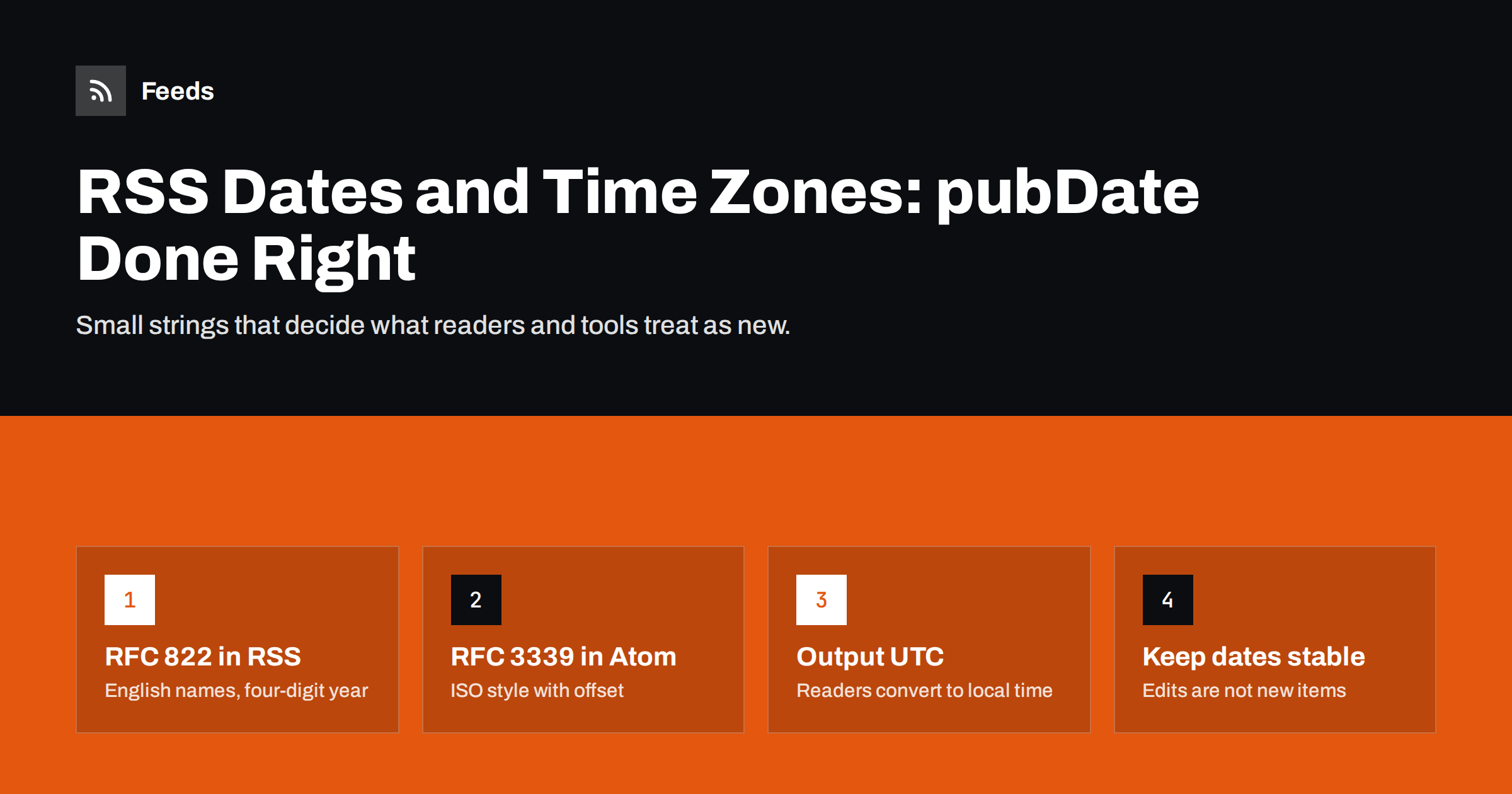
Short answer: In RSS 2.0, each item’s pubDate must use the RFC 822 date format with English day and month names and an explicit time zone, for example Thu, 01 Oct 2026 07:29:00 +0000. Atom and JSON Feed use the ISO-style RFC 3339 format instead, such as 2026-10-01T07:29:00Z. Always include the correct offset, keep the original publication date stable, and never let an edit or a server time zone change move old items back to the top.
Why dates in feeds matter more than they look
A feed item’s date seems like a detail, but many tools depend on it. RSS readers sort items by date and use it to decide what counts as new. Automation tools often compare dates with the time of their last check to decide which items to post. Search and aggregation services use dates to judge freshness. Podcast apps order episodes by them.
When a date is missing, malformed or in the wrong time zone, the symptoms are confusing: posts appear hours in the future, old articles reappear as new, a scheduled social post goes out late, or episodes are listed in the wrong order. Most of these problems trace back to a handful of avoidable mistakes.
The RSS 2.0 pubDate format
The RSS 2.0 specification says that dates follow the format defined in RFC 822, with the common allowance of a four-digit year. A correct value looks like this:
<pubDate>Thu, 01 Oct 2026 07:29:00 +0000</pubDate>
The parts are:
- Day of the week (optional in the standard, but almost always included):
Mon,Tue,Wed,Thu,Fri,Sat,Sun. - Day of the month, usually two digits.
- Month as a three-letter English abbreviation:
JantoDec. - Year with four digits.
- Time as hours, minutes and seconds in 24-hour format.
- Time zone, best written as a numeric offset such as
+0000,+0300or-0500. The format also allowsGMTand a few US zone names, but numeric offsets are unambiguous.
The same format applies to the channel-level lastBuildDate and pubDate. For a full tour of the other elements, see the anatomy of an RSS 2.0 feed.
Atom and JSON Feed dates
Atom uses a different and stricter format based on RFC 3339, which is a profile of ISO 8601: 2026-10-01T07:29:00Z or 2026-10-01T10:29:00+03:00. Atom also separates two ideas that RSS mixes together:
<published>: when the entry was first published. Optional, but useful.<updated>: when the entry last changed in a meaningful way. Required.
JSON Feed follows the same RFC 3339 style with date_published and date_modified. If you are choosing between formats, RSS versus Atom and JSON Feed versus RSS compare them in more depth. Whatever the format, the rule is the same: a clear, machine-readable timestamp with an explicit offset.
Format comparison at a glance
| Format | Element | Example | Time zone |
|---|---|---|---|
| RSS 2.0 | pubDate, lastBuildDate | Thu, 01 Oct 2026 07:29:00 +0000 | Numeric offset or GMT |
| Atom | published, updated | 2026-10-01T07:29:00Z | Z or +hh:mm offset |
| JSON Feed | date_published, date_modified | 2026-10-01T07:29:00+00:00 | Z or +hh:mm offset |
| Web page (JSON-LD) | datePublished, dateModified | 2026-10-01T07:29:00+00:00 | Offset recommended |
Time zones: the most common source of trouble
A timestamp without a correct offset is a guess. Readers and tools then interpret it as UTC or as their own local time, and the item appears shifted by several hours. Typical causes:
- Server time zone differs from the site’s time zone. The CMS stores 09:00 local time, the server runs in UTC, and the feed prints 09:00 with a
+0000offset. The item looks three hours newer or older than it is. - No offset at all. Some custom feed code prints a date without a zone. Different readers interpret it differently.
- Daylight saving time. Hard-coded offsets such as
+0200are wrong for half the year in many countries. Let the date library compute the offset for each timestamp. - Future dates. A wrong offset can push an item into the future. Some readers hide future items or keep them pinned at the top until that time arrives.
The safest approach is to store all timestamps in UTC internally and output them in UTC with +0000 or Z. Readers convert to each user’s local time anyway, so there is no benefit in publishing local times.
A five-minute test catches most time zone problems:
- Publish a test post, or note the exact time a real post went live.
- Open the raw feed and find that item’s date.
- Convert the date to your local time, taking the offset into account.
- Compare it with the time shown in your CMS. They should match to the minute.
- Repeat the check after the next daylight saving change, because that is when hard-coded offsets break.
If you use a CMS such as WordPress, set the site’s time zone as a city rather than a fixed UTC offset in the general settings, so daylight saving is handled automatically.
Published versus updated: keep the original date stable
RSS 2.0 has only one item date, pubDate, and it means publication. A frequent mistake is to fill it with the last-modified date. Then every time an editor fixes a typo, the item jumps back to the top of readers and automation tools may treat it as new content.
Use these rules:
- Set
pubDateonce, at first publication, and do not change it for minor edits. - If you republish something as genuinely new content, give it a new date and consider whether it deserves a new item altogether.
- In Atom, update
<updated>only for meaningful changes, and keep<published>fixed. - Keep the item’s GUID stable regardless of dates. Readers use the identifier, not the date, to recognise items they have already shown; the details are in RSS GUIDs and duplicate items.
Other date mistakes and how to spot them
- Localised names. Day and month names must be in English. A feed generated in a site’s own language, such as
Jeu, 01 OctorDo, 01 Okt, is invalid, and some readers reject the date entirely. - ISO dates in RSS. Writing
2026-10-01T07:29:00ZinsidepubDateis common. Many readers accept it, but it is not valid RSS and validators will flag it. - Two-digit years. Technically allowed by the old standard, but a source of ambiguity. Use four digits.
- Missing dates. Dates are optional in RSS, but without them readers fall back on the time they first saw the item, which scrambles the order after a reader is reset.
- Dates in the title only. Some generated feeds put the date in the title text instead of the date element, which tools cannot use.
The quickest way to find these problems is to run the feed through a validator; the guide to validating an RSS feed and fixing common errors shows which tools to use and how to read their warnings.
Dates when a feed is generated from a web page
When a site has no feed and one is created from its pages, dates are harder. Many pages show relative dates such as “3 days ago”, dates in local languages, or no date at all on list pages. Good page-to-feed tools look for machine-readable dates first, such as the datePublished property in JSON-LD article data or the datetime attribute on a <time> element, before falling back on visible text. That is one reason structured data helps, as explained in how JSON-LD helps turn pages into feeds.
If you publish a website and want others to follow it reliably, marking up dates with <time datetime="…"> and JSON-LD costs little and improves every tool that reads your pages.
How Feeds handles dates
Feeds turns pages without RSS into clean feeds with titles, images, summaries and dates. It uses a site’s existing feed when there is one and reads JSON-LD article data where a page provides it, so machine-readable dates are used when they exist. Before a feed is created you see a preview of the items found, which is the moment to check that the dates look right. You can create a feed from any page on the free plan.
Related reading
- RSS feed best practices for publishers: a 24-point checklist
- WordPress RSS feed not working? Common problems and fixes
- RSS feed stopped updating? How to find out why
The bottom line
Feed dates are small strings with big consequences. Use the RFC 822 format with English names and a numeric offset in RSS, RFC 3339 in Atom and JSON Feed, and output everything in UTC. Keep the original publication date stable, reserve updated dates for meaningful changes, and validate your feed after any change to your CMS, server or time zone settings.
FAQ
What date format does RSS pubDate use?
RSS 2.0 uses the RFC 822 format with a four-digit year, for example Thu, 01 Oct 2026 07:29:00 +0000. Day and month names must be English abbreviations, and a numeric time zone offset is the safest choice.
Can I use ISO 8601 dates in an RSS feed?
Not validly in RSS 2.0 pubDate, although many readers tolerate it. ISO-style RFC 3339 dates are correct in Atom and JSON Feed. If you prefer ISO dates, consider publishing Atom.
Why do my feed items show the wrong time in RSS readers?
Usually the time zone offset is missing or wrong, often because the server’s time zone differs from the site’s. Output timestamps in UTC with a +0000 offset and let readers convert to local time.
Should pubDate change when I update an article?
No. pubDate should stay the original publication date. Changing it makes old items jump back to the top of readers and can trigger automation tools to repost them.
Is pubDate required in RSS?
It is optional in the specification, but you should always include it. Without it, readers and automation tools fall back on the time they first saw an item, which makes ordering unreliable.


