ENEnglish
 LTLietuviškai
 DEDeutsch
 FRFrançais
 RUРусский
 ESEspañol
 PLPolski
 ITItaliano
 UKУкраїнська
 CSČeština
 PTPortuguês
 JA日本語
 LVLatviešu valoda
 ETEesti
 HUMagyar
 IDBahasa Indonesia
 TRTürkçe
 HIहिन्दी
 ELΕλληνικά
 ARالعربية
 THไทย
 VITiếng Việt
 RORomână
 MSBahasa Melayu
 BNবাংলা
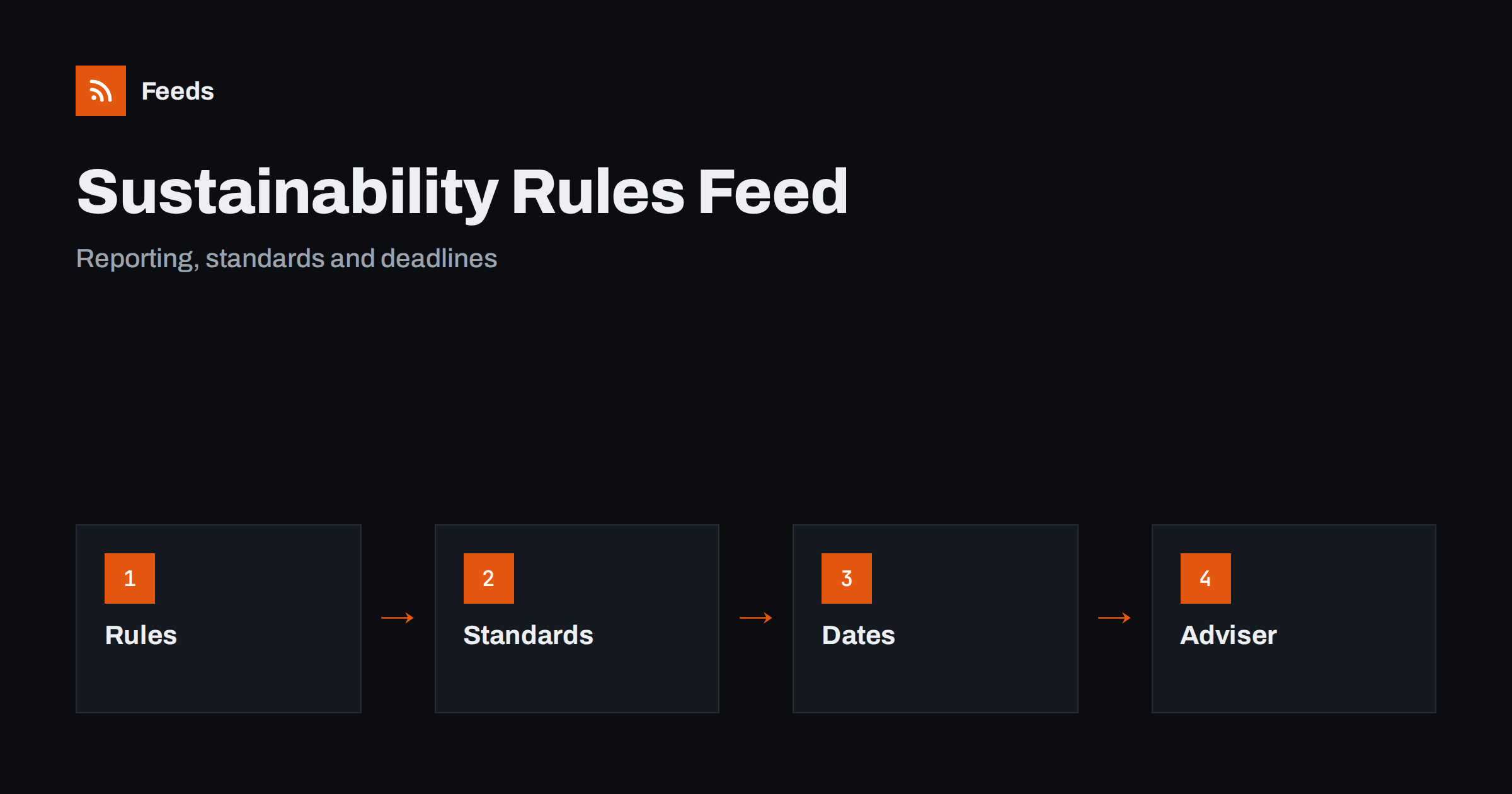
Short answer: Sustainability and ESG reporting rules come from several levels: legislators, regulators, standards bodies and sometimes customers and lenders. They change often and are published on many different pages. RSS lets you collect those official pages in one reader, keep only the topics that apply to your size, sector and countries and see new items soon after they appear. Use the feed as an early signal, read the official text for scope and deadlines and confirm what applies to you with a qualified adviser.
Why this area is hard to follow
Sustainability reporting is a mix of law, standards and voluntary frameworks. Legislators set requirements for certain companies, regulators publish guidance and technical rules, standards bodies maintain reporting frameworks, and industry groups publish expectations. Large customers and lenders add their own questionnaires. Many of these rules have thresholds by company size, phase-in dates and exemptions, and they differ between countries.
A small or medium business may not be directly covered by a rule but still receive requests from customers who are. A larger company may need to follow several frameworks at once. In both cases, missing an update can mean unclear data requests or a late start on a project that takes months. A calm reading list of primary sources helps you notice changes while there is still time to act.
Decide what applies to you
Start with the facts about your business: the countries you operate in, your size, your sector, whether you are listed, whether you are part of a group and who your biggest customers and lenders are. Note which reporting topics are likely to matter: emissions, energy, waste, supply chain, workforce, governance and product information.
Then list the types of source you need: the ministry and regulator for your country, the body that oversees corporate reporting, the standards bodies you use, the industry association and the authorities of the main markets you sell to. If you are a supplier, add the supplier pages of major customers, which often explain what data they request. This article gives a method for following, not advice on what applies to you, so confirm that with an expert.
Find official sources and feeds
Look at the news, consultation and guidance pages of each source. Many publish RSS or Atom feeds, and some offer separate feeds for consultations, final rules and guidance. Standards bodies often publish news on exposure drafts, new standards and updates to existing frameworks. Where a page has no feed, you can build one from its list of items.
Choose a page that lists items in date order and avoid a home page with a changing layout. The methods are explained in how to find the RSS feed of any website and getting alerts when a website publishes new reports or PDFs, which is useful because rules and guidance are often published as documents. For a wider view of official updates, tracking government and regulator updates with RSS covers the method in detail.
Consultations and drafts versus final rules
Rules go through stages: a proposal, a consultation, a final text, a transition period and enforcement. A news item may describe any of these, and the headline often does not say which. When you read an item, find the stage first. A consultation draft can change, a final text sets obligations and an enforcement notice shows how a rule is applied.
Consultations are also a chance to contribute. If a proposal would affect your business, note the deadline for comments and discuss whether to respond directly or through an association. Keep a list of open consultations in your log, with dates, so that you do not miss a closing date.
Filter by topic, size and sector
Merge the sources into one list and add keyword filters. Words such as “reporting”, “disclosure”, “emissions”, “taxonomy”, “due diligence”, “supply chain”, “assurance”, “threshold” and the names of the frameworks you use keep the relevant items. Be careful with broad words: “sustainable” or “green” appear in many unrelated items, so combine them with a reporting or regulatory term. The mechanics are explained in merging multiple RSS feeds into one clean feed and RSS keyword alerts.
Review the filter after two weeks. If you missed an update, look at how it was written. Official titles are often formal and use the name of a directive or a standard instead of a plain topic. Widen the filter first, then narrow it by excluding items about topics that do not apply to you.
Read an update like a professional
When an item looks relevant, find the official text and check four things. First, what exactly changes: a requirement, a definition, a threshold or a deadline. Second, who it applies to: by size, sector, listing status or country. Third, when it takes effect and whether there is a phase-in. Fourth, what you would need to do, such as collect data, change a process, hire help or ask suppliers for information.
Keep facts apart from interpretation. Articles and consultants often summarise, and sometimes the summary goes further than the text. When a change might affect your obligations, ask your adviser, auditor or association, and write down the answer and the date. Do not publish claims about your own sustainability performance without evidence, because marketing claims are also regulated.
Customer and lender requests deserve a place in the routine as well. Even when a rule does not apply to you directly, large customers may ask for data that follows a framework. A short folder with your standard answers, updated when rules or your data change, saves time when a questionnaire arrives. The feed tells you when a framework changes, and the folder tells you what to update.
A routine for small teams
Most businesses do not need alerts every day. Read the filtered list once or twice a week, copy items that need action into your task list and archive the rest. Share relevant items with colleagues through a Slack channel or Microsoft Teams, and agree who decides what to do. Use phone alerts only for items with short deadlines.
Keep a short log with the date, the source, a one-line summary, the stage of the rule, the link and the action. After a few months it shows which sources matter and which rules are moving towards final text. Review the sources twice a year and remove those that bring only noise.
Limits and cautions
A feed shows what a source has published and how often it refreshes. It does not tell you whether a rule applies to your business, and some updates arrive first in a letter, a customer request or a meeting. The official text and your adviser remain the source of truth, and national implementations can differ.
Check dates and web addresses before you act on a story or pass it on. When you share news with colleagues or customers, link to the official page instead of copying the text, so that they see the latest version.
Remember that this topic is also a communication task. Customers, employees and investors want to know what you are doing, and honest, specific information is better than broad claims. If you publish updates about your own progress, base them on data you can document, use the same definitions each time and explain what changed. A reading list about the rules helps you describe your plans in terms that match what authorities and standards bodies expect.
Keep in mind that rules can be delayed, simplified or replaced, and a news item may describe a proposal that never becomes final. Track the status of important items over time, and update your plans when a date moves. A short note in your log for each major rule, with the current stage and the next expected step, is enough to keep the whole team on the same page.
How RSS Feed Creator helps
RSS Feed Creator turns the news, consultation or guidance page of a regulator, standards body or association into a clean RSS feed, even when the site has no feed of its own. It reads titles, images, summaries and dates, uses an existing feed when there is one, and shows a preview of the items before the feed is created. You can merge several sources into one feed (up to 10 with the PostRSS add-on), keep only the items that contain your keywords and have duplicates removed automatically, which suits a reading list for your countries and topics. Feeds refresh every 3 hours on the free plan and every 30 minutes on paid plans, and the PostRSS add-on sends an alert when a page changes and a feed stops finding items. The free plan allows up to 20 items per feed, and the details are on the pricing page.
Related reading
- How to Track Government and Regulator Updates with RSS
- How to Follow Climate and Environment News and Reports with RSS
- How to Get Alerts When a Website Publishes New Reports or PDFs
The bottom line
Following sustainability and ESG reporting rules with RSS means deciding what could apply to you, collecting official sources in one reader, filtering by topic and reading scope, stage and dates carefully. Keep a short log, track consultation deadlines and confirm obligations with an adviser. A small, well-filtered list gives you time to prepare instead of reacting at the last minute.
FAQ
Which sources should I follow first?
Start with the regulator and ministry for your country, the body that oversees corporate reporting and the standards bodies whose frameworks you use or are asked about.
What if a regulator page has no RSS feed?
A page-to-feed tool can read the list of news or documents on the page and build a feed from it. Check the preview to confirm that it shows real items with titles and dates.
Can a feed tell me whether a rule applies to my business?
No. It shows what was published. Read the official text and confirm scope and deadlines with a qualified adviser.
How do I tell a draft from a final rule?
Find the stage in the official text: proposal, consultation, final rule, transition or enforcement. The headline may not say which.
How often should I read the list?
Once or twice a week is enough for most businesses. Use phone alerts only for items with short deadlines.