ENEnglish
 LTLietuviškai
 DEDeutsch
 FRFrançais
 RUРусский
 ESEspañol
 PLPolski
 ITItaliano
 UKУкраїнська
 CSČeština
 PTPortuguês
 JA日本語
JA日本語 LVLatviešu valoda
 ETEesti
 HUMagyar
 IDBahasa Indonesia
 TRTürkçe
 HIहिन्दी
 ELΕλληνικά
 ARالعربية
 THไทย
THไทย VITiếng Việt
 RORomână
 MSBahasa Melayu
 BNবাংলা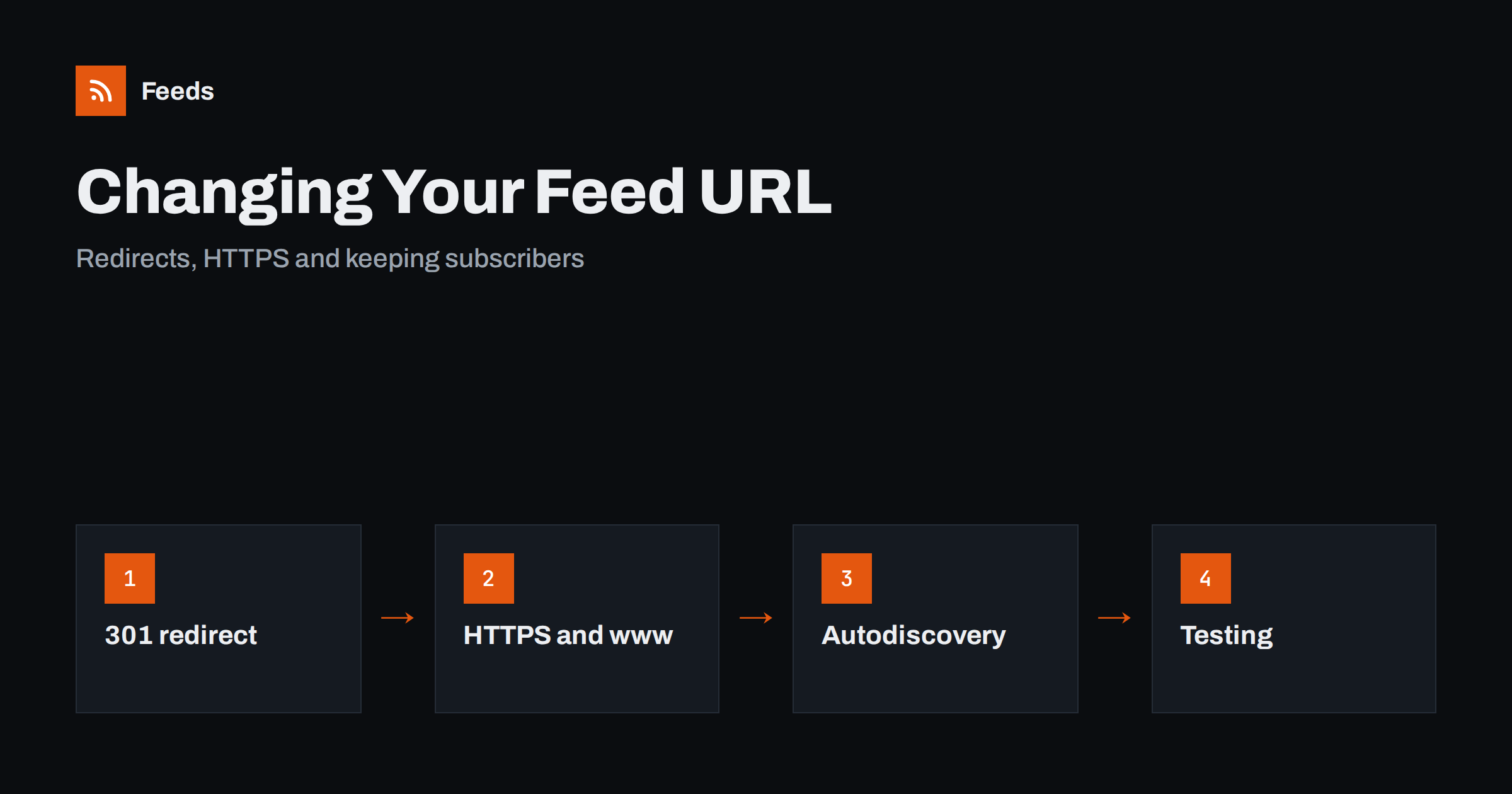
Short answer: To change a feed address without losing readers, serve a permanent redirect (HTTP 301) from the old address to the new one, keep that redirect in place for as long as you can, update every place that mentions the old address, and test it with a tool that shows headers. Readers that follow redirects will switch automatically; the ones that do not will keep fetching the old address, which is why the redirect must stay. Never replace the old feed with an error page or an empty file.
Why feed addresses change
Few publishers choose a new feed address for fun. It usually happens as a side effect of something else: a move from HTTP to HTTPS, a switch between www and the bare domain, a new domain after a rebrand, a change of CMS, a different permalink structure, or a switch from a third-party feed service to the site’s own. Each of those can leave the old feed address returning a not-found page, while subscribers’ readers keep asking for it patiently every hour.
A feed is a subscription, and the address is the subscription. Unlike a web page, which people find again through search, a feed address lives inside thousands of readers and apps that you cannot reach. If it breaks, readers do not complain; they quietly stop showing your posts, and you notice only when the numbers fall. The wider case for protecting it is made in moving or redesigning a website without breaking your RSS feed, and this guide concentrates on the address itself.
Choose one final address first
Before configuring anything, decide what the final address will be and write it down in full: the protocol, the host name with or without www, the path and any trailing slash. Many redirect problems come from not agreeing on this. A feed can be reached at half a dozen addresses that differ only in these small details, and each one is a separate subscription as far as a reader is concerned.
The usual advice is to use HTTPS, to use the same host name as the rest of the site, to keep the path short and permanent and to avoid anything that depends on a session or a changing parameter. Once chosen, make every other form redirect to that single address, and make sure the feed itself declares it as its own address, as the self link recommended by validators does.
Use a permanent redirect
The correct way to move a feed is a server-level redirect with the status code 301, which means “moved permanently”. A 308 is the equivalent that also preserves the request method and is fine for feeds. A temporary redirect (302 or 307) tells the reader that the move is not permanent, so well-behaved readers keep using the old address and follow the redirect every time. That works but defeats the purpose.
Avoid the common alternatives. Do not return a normal page that says “we have moved”, because a reader cannot read it and will simply show an error. Do not redirect the old feed to the home page of the new site: a reader asked for XML and received HTML. Redirect the feed to the feed. And do not chain redirects: if the old address goes to an intermediate address, which then goes to a third, some readers give up after a few hops, and each hop adds delay. Point the old address directly to the final one.
HTTP to HTTPS and www to non-www
The move from HTTP to HTTPS is the most common change, and it brings one extra problem: mixed content. A feed served over HTTPS that contains http:// links to images, enclosures or articles may trigger warnings in some readers, and images may not load. After the move, check the whole feed, not only the address. The item links, image addresses, enclosure URLs and the channel link should all use the final form. Hard-coded old addresses are common in templates and in old posts that store absolute addresses in their content. Relative addresses inside item content are a related trap: they only work when the reader knows the base address, so convert them to absolute ones in the final form.
The same applies to the choice between www and the bare domain. Redirect the one you do not use to the one you do, for the feed as well as for the pages, and do it in the same step so that there are not two redirects in a row.
Item GUIDs: do not change them
When a feed moves, the identifiers of its items must stay the same. Each item has a GUID, and readers use it to decide whether they have already seen an item. If the GUIDs change, because the template builds them from the link and the link changed from HTTP to HTTPS, every old article looks new, and subscribers are flooded with dozens of duplicates. Keep the GUID values exactly as they were, even if the links now use a different form. If a GUID is marked as a permalink, the question gets harder, so read RSS GUIDs explained before touching the template.
Update everything that mentions the old address
A redirect protects subscribers you cannot reach, but you can fix everything you control directly. Make a list and work through it:
- The autodiscovery link tag in the head of every page, which tells readers and browsers where the feed is (RSS autodiscovery).
- The self link inside the feed and any hub links.
- Visible subscribe buttons and the feeds page of the site (promoting your RSS feed).
- Social profiles, newsletter footers and email signatures that mention the feed.
- Automations that read or post from the feed, such as social posting tools and newsletter services. These hold the old address and may or may not follow a redirect.
- Your own OPML files and reader subscriptions.
Automations are the place most likely to break silently. A tool that follows redirects will keep working; one that does not will stop with an error that nobody sees. Check each one by hand after the change.
Test it properly
A browser hides redirects, so use a tool that shows headers. With a command-line client, request the old address and look at the first line of the response and the location header: you want a 301 and the final address, followed by a 200 and an XML content type on the final address. Then check the other forms, with and without www, with HTTP and HTTPS, with and without the trailing slash. Finally, run the final feed through a validator, which will catch broken XML and missing namespaces; see how to validate an RSS feed.
Also try one or two real readers with the old address and confirm that the feed loads. If you run caching or a content delivery network, test after the cache is warm and after it is cleared, because a cached response from before the change can serve the old behaviour for hours. The caching side is explained in how to serve an RSS feed correctly.
Monitor and keep the redirect
After the move, watch the server logs. Requests for the old address should fall over days and weeks as readers follow the redirect, but a long tail remains, made of readers that never update. That tail is the reason to keep the redirect: months, ideally years, and in many cases permanently, since it costs almost nothing. Remove it only when the logs show truly negligible traffic, and then return 410 (gone) for the old address rather than leaving it to behave strangely.
A look at the subscriber and request numbers a month after the change shows whether anything went wrong; the approach is described in how to measure RSS feed subscribers and readership. For podcasts, the rules differ, because directories have their own mechanism for announcing a new address, covered in how to move a podcast feed without losing subscribers.
How RSS Feed Creator helps
RSS Feed Creator turns the article list of a web page into a standard RSS feed with titles, images, summaries and dates, and it uses the site’s existing feed when the page already has one. It reads pages from the outside, so you do not need access to the source website, and you see a preview of the items before the feed is created. You can merge several sources into one feed (up to 10 on paid plans), keep only the items that contain your keywords and have duplicates removed automatically, which is useful when you follow sites that have changed their feed addresses. Feeds refresh every 3 hours on the free plan and every 30 minutes on paid plans, and paid plans send an alert when a page changes and a feed stops finding items. The details are on the pricing page.
Related reading
- RSS Feed Stopped Updating? How to Find Out Why
- How to Monitor Your Own RSS Feed: Uptime and Freshness Checks
- RSS Feed Best Practices for Publishers: A 24-Point Checklist
The bottom line
Treat a feed address as a promise. Pick one final form, redirect every old form to it with a single 301, keep the GUIDs unchanged, fix mixed content, update autodiscovery and every tool that reads the feed, test the headers and leave the redirect in place for as long as you can. Subscribers then barely notice that anything moved.
KKK
Which redirect should I use when I change my feed URL?
A permanent redirect, status 301 (or 308), straight from the old address to the final feed address. Avoid temporary redirects, redirect chains and redirecting the feed to a web page.
How long should I keep the old feed redirect?
As long as you can, ideally permanently. Some readers never update the address, and the redirect costs almost nothing. Remove it only when logs show negligible traffic and then return 410.
Will readers update the subscription automatically?
Many follow a permanent redirect and update their stored address, but behaviour varies. Some only follow the redirect on each fetch and keep the old address. That is why the redirect must stay in place.
Why did old posts show up as new after I moved to HTTPS?
Most likely the item GUIDs changed because they were built from the links. Keep the original GUID values unchanged when the address or protocol changes, so that readers recognise the items they already have.
How do I check that my redirect works?
Request the old address with a tool that shows response headers, and confirm a 301 with the final address in the location header, followed by a 200 and an XML content type. Test every variant, including HTTP, www and trailing slash.