ENEnglish
 LTLietuviškai
 DEDeutsch
 FRFrançais
 RUРусский
 ESEspañol
 PLPolski
 ITItaliano
 UKУкраїнська
 CSČeština
 PTPortuguês
 JA日本語
JA日本語 LVLatviešu valoda
 ETEesti
 HUMagyar
 IDBahasa Indonesia
 TRTürkçe
 HIहिन्दी
 ELΕλληνικά
 ARالعربية
 THไทย
THไทย VITiếng Việt
 RORomână
 MSBahasa Melayu
 BNবাংলা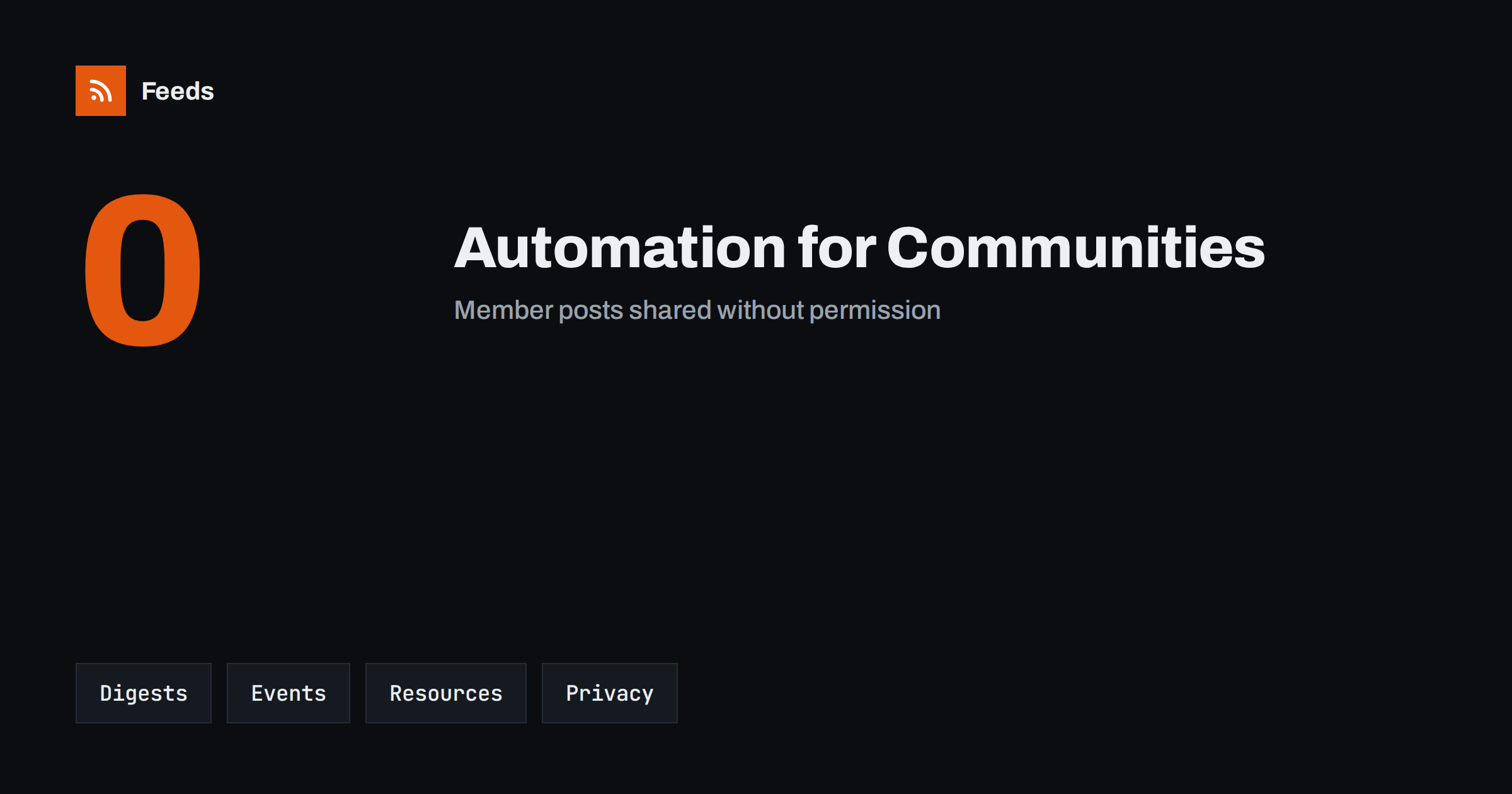
Short answer: A membership site or online community lives on regular, useful communication: new resources, event reminders, a weekly digest and a clear welcome for newcomers. Automation can collect the public parts of that content from feeds and pages, schedule posts, assemble a digest for review and keep the cadence steady while you focus on the members. It should never publish private discussions, member names or paid material to public channels without clear permission, and a person should approve anything that speaks for the community.
What a community needs to publish regularly
Communities fail quietly when communication stops. Members stop hearing about new material, events are forgotten and newcomers do not know where to start. The core content is simple: announcements of new resources, reminders about events and deadlines, a digest of what happened this week, a welcome message and occasional highlights from members who agreed to be featured. Most of it follows a pattern and can be prepared in advance.
It helps to separate three audiences. Members need depth and timing. Prospective members need proof that the community is active and useful. Search engines and social channels need public pages and short posts that point to the community. Automation can serve all three, but each needs different rules. The general approach for a small team is in building a content automation stack for a small business.
Draw a hard line between public and private
Before you automate anything, decide what is public. Public content might include announcements, event listings, public blog posts, a changelog or a list of new resources with short descriptions. Private content includes discussion threads, member profiles, paid lessons, downloads and anything shared on the understanding that it stays inside the group.
Write the rule down and apply it in every tool. An automation should read only from the public feed or page, never from a private area, and it should never post a member’s words, photo or name outside the community without their explicit permission. If you are not sure whether something is public, treat it as private. This one rule protects trust, which is the most valuable asset a community has, and it is described further in securing content automation: accounts, tokens and access.
Turn new resources into announcements
When a site publishes a new lesson, template, recording or article, it usually appears on a page that lists the latest items. If that page has an RSS feed, you can use it as the trigger for an announcement. If it has no feed, a page-to-feed tool can read the list and create one. The new item can then go into a draft for the newsletter, a post for the public blog or a message to a social channel that links to the public description.
Do not announce locked content as if everyone can open it. Say clearly that it is for members and where to join. The feed should include the title, a short public summary and a link to the public page. The setup is explained in automating a weekly link roundup and turning an RSS feed into an automatic email newsletter.
Build a weekly digest members actually read
A weekly digest is one of the most effective community messages. It collects the best new resources, upcoming events, a few highlights and one clear call to action. Automation can assemble the raw material: new items from your own feed, upcoming dates from the events page and a few external articles chosen from sources you follow. A person then selects, edits and adds a short comment.
Keep the digest short and consistent. Members value a predictable format more than a long one. Put the most important item first, give each item a single sentence and always link to the full page. If you include articles from other sites, add a short line of your own about why they matter. The principles of good curation are in how to automate content curation without losing quality.
Events, reminders and replays
Events keep a community alive, and they generate a repeating set of messages: announcement, reminder, last call, starting now and replay. If the event calendar is published on a page or as a feed, an automation can prepare these posts from the same data, so dates and times stay correct. Copying a time by hand into five different places is how mistakes happen.
Always include the time zone, since members are often spread across several. Check that the link in each message opens the right event. For recorded sessions, share the replay only with those who are allowed to see it. The approach is covered in how to promote upcoming events automatically from a calendar.
Welcome and onboarding content
New members decide quickly whether a community is for them. A short welcome sequence that explains where to start, how to introduce yourself, which resources are most useful and how to ask for help reduces the number of members who join and never return. Most of the text is written once, and the automation sends it at the right time, for example on joining, after three days and after two weeks.
Review these messages regularly. Links break, names change and a message that mentions a feature you removed creates confusion. A short checklist of what each message promises and where it points keeps the sequence honest. Do not promise results or access that you cannot deliver, and do not use language that suggests personal attention when the message is automated.
Moderation, consent and approval
Automation can help moderators by flagging new posts that contain certain keywords, but it should not make final decisions about people. A moderator should review reports, and a person should decide on bans, removals and replies to sensitive topics. If you feature a member’s contribution, ask first, record the answer and give a simple way to withdraw.
For anything that goes out under the community’s name, keep an approval step, at least at the start. The trade-offs are explained in full auto vs approval queue. Brand-damaging mistakes, such as a post at the wrong time or an outdated announcement, are much easier to prevent with a short review than to repair afterwards. In case of a crisis or a holiday, see when to pause automated posting.
Measure what the community needs
Choose a few simple measures: how many members open the digest, how many attend events, how many new members return in the first month and how many questions get an answer within a day. Compare them before and after you introduce automation. If the numbers do not improve, adjust the content, not just the schedule. The goal is not more messages but fewer missed ones.
Ask members directly, too. A short survey every few months tells you whether the digest is useful, whether there are too many reminders and which topics they want. Methods for judging results are in how to measure whether content automation is worth it. Automation is worth keeping when members feel more informed and the team feels less rushed.
How RSS Feed Creator helps
RSS Feed Creator turns the public news, resources or events page of a community, a partner or an industry body into a clean RSS feed, even when the site has no feed of its own. It reads titles, images, summaries and dates, uses an existing feed when there is one, and shows a preview of the items before the feed is created. You can merge several sources into one feed (up to 10 with the PostRSS add-on), keep only the items that contain your keywords and have duplicates removed automatically, which suits a digest of public updates. Feeds refresh every 3 hours on the free plan and every 30 minutes on paid plans, and the PostRSS add-on sends an alert when a page changes and a feed stops finding items. The free plan allows up to 20 items per feed, and the details are on the pricing page.
Related reading
- Content Automation for Nonprofits and Community Groups
- Content Automation for Online Course Creators and Educators
- Content Automation for Creators, Podcasters and Writers
The bottom line
Automation helps a membership site or community keep a steady rhythm of announcements, digests, event messages and welcome content. Keep the line between public and private clear, let a person approve anything that speaks for the group and measure whether members feel better informed. The result is a community that communicates reliably without turning into a stream of generic messages.
KKK
What should a community never automate?
Replies to sensitive topics, moderation decisions and any publishing of private posts, member names or paid material. Keep a person in charge of those, and automate only the public, repeatable parts.
Can I share member posts on social media automatically?
Only with the member’s clear permission for each use. Ask first, record the answer and offer a way to withdraw. If you are unsure whether something is public, treat it as private.
How often should a community send a digest?
Weekly works for most active communities and monthly for slower ones. Consistency matters more than frequency, so choose a rhythm you can keep and tell members what to expect.
Do I need an RSS feed for my own site?
It helps. A feed of public posts and resources can trigger announcements and digests. If your site has no feed, a page-to-feed tool can create one from the public list of items.
How do I avoid sounding like a robot?
Write templates in your own voice, add a personal line to each digest and review automated messages before they go out. Do not pretend that an automated message is personal.