ENEnglish
 LTLietuviškai
 DEDeutsch
 FRFrançais
 RUРусский
 ESEspañol
 PLPolski
 ITItaliano
 UKУкраїнська
 CSČeština
 PTPortuguês
 JA日本語
JA日本語 LVLatviešu valoda
 ETEesti
 HUMagyar
 IDBahasa Indonesia
 TRTürkçe
 HIहिन्दी
 ELΕλληνικά
 ARالعربية
 THไทย
THไทย VITiếng Việt
 RORomână
 MSBahasa Melayu
 BNবাংলা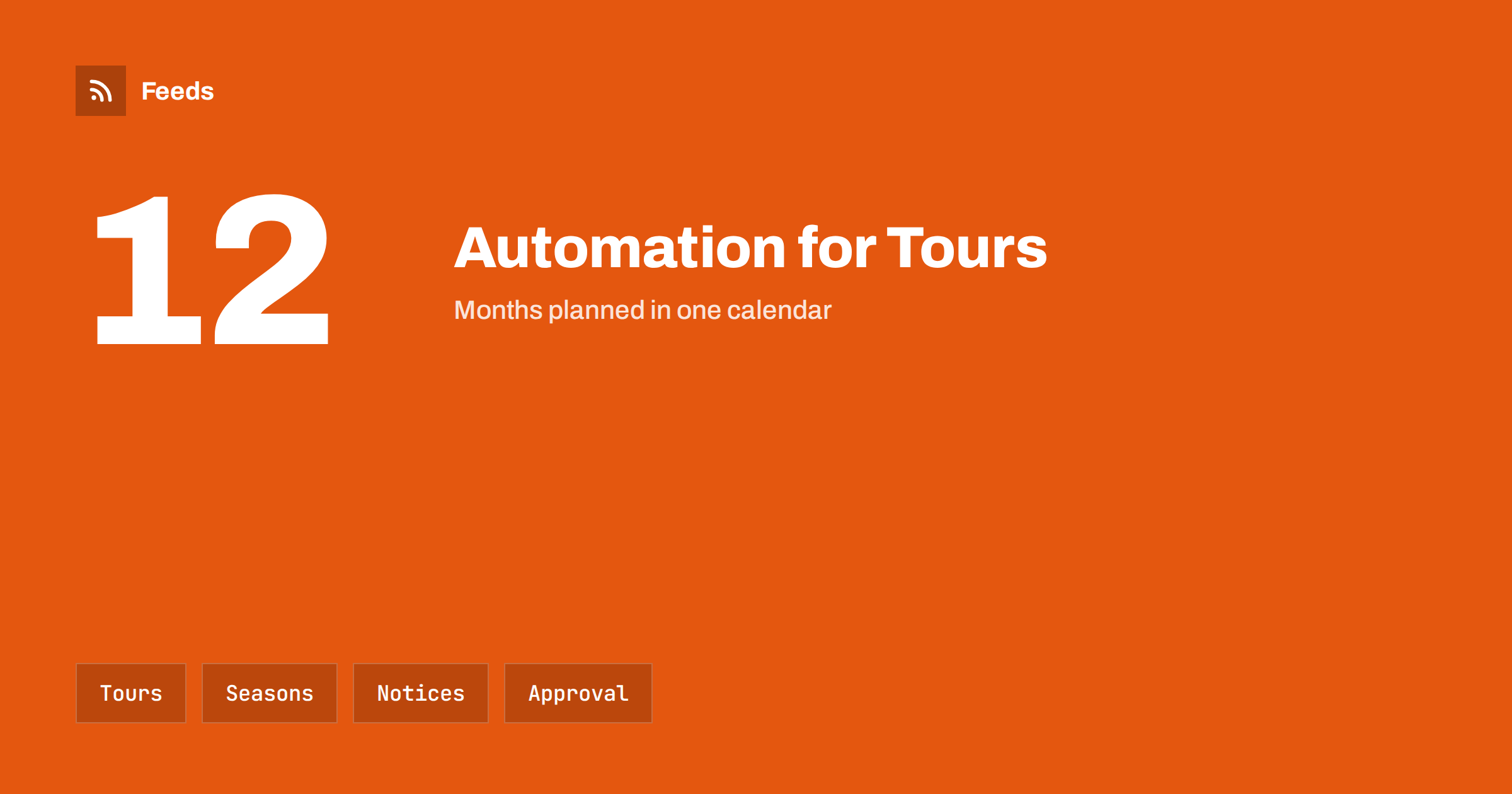
Short answer: Tour operators and local guides sell experiences that depend on dates, weather, seasons and local conditions, so their content must be accurate and timely. Content automation helps by turning a few reliable sources, such as your tour calendar, your booking page and local event listings, into scheduled posts and updates. Keep a person in charge of prices, availability, safety information and changes, because outdated information leads to unhappy guests and cancellations.
What tour businesses need to publish
Travellers plan far ahead and decide late. They look for tour descriptions, dates, prices, meeting points, languages, accessibility information and honest reviews, and they compare many options within minutes. Between the busy periods, guides spend their days on tours and have no time for posts, so profiles go quiet exactly when people are planning.
Useful content includes tour highlights, seasonal suggestions, behind-the-scenes stories, local events, practical tips and notices about changes. The overview in content automation for hotels, restaurants and tourism describes the general approach, and this article adapts it to tours and guiding.
Plan a calendar around seasons and tours
Start with a yearly calendar of your tours, the seasons and the local events that bring visitors. Mark when each tour runs, when bookings open, the last booking date and any pauses for weather or holidays. Then plan three kinds of posts for each season: an early announcement, a reminder with availability and a short message close to the date.
Scheduling ahead is covered in building a content calendar from feeds and automation, and it works well for a small team that is often away from a screen. Prepare posts for the peak weeks in the quiet months, and keep a few spare evergreen posts for days when a tour overruns.
Write the template once, and keep it short. A good tour post names the experience, says who it is for, gives one concrete detail that only you can offer and ends with a booking link. Variations for different seasons, such as summer evenings or winter walks, keep the feed from repeating itself. Keep a short list of facts that never change, such as the meeting point and the duration, and one that changes often, such as availability, so that the second list is checked every time.
Turn tour listings into posts
If your website or booking system lists tours with a title, description, photo and link, those entries can feed your posts. A feed of new or updated tours gives the title, a picture and a link, and an automation can turn each into a draft post with a short template. The approach is shown in sharing new shop products on social media automatically, and it works for tours and experiences as well as for products.
Do not post every change automatically. Use an approval step to check the date, the price, the language, the group size and the availability. A post for a tour that is fully booked or cancelled harms trust, and a wrong price creates disputes. Keep the booking link current and test it before each season.
Weather, closures and changes
Outdoor and cultural tours depend on conditions that change: weather, strikes, road works, museum closures, local festivals and transport disruptions. Follow the official sources for your area, such as weather services, transport operators and municipalities, and decide in advance how you will react. Weather and natural hazard alerts with RSS, road works and traffic disruption alerts and travel advisories and airline notices show how to set this up.
When a tour changes, write that message by hand and send it to booked guests directly, then update the website and the social profiles. Pause scheduled promotions that no longer apply, as described in when to pause automated posting: a crisis and holiday plan. Honest, quick communication is a strong sign of professionalism.
Think about visitors who plan from far away. Many of them read in another language, so keep sentences short, avoid local slang and give times and prices clearly. If you publish in several languages, have each version checked by a native speaker, because a poor translation reduces trust. A simple glossary of place names and tour terms keeps the versions consistent. The wider approach is described in automating multilingual content distribution with feeds.
Local events and partners
Guides depend on the places they show: museums, restaurants, shops, galleries and other guides. A feed of their news and events pages helps you keep tours accurate and gives you content to share. Turning event calendars into RSS feeds and local news monitoring with RSS explain how to follow what happens in your area.
Check each fact with the venue before you publish it, and ask permission before you mention a partner’s offer. Share posts from partners when it helps your guests, and keep the tone helpful rather than promotional. Visitors value tips on opening hours, tickets and queues more than slogans.
Photos, captions and honest descriptions
Travel is sold through pictures, but guests are disappointed by images that do not match the experience. Use photos from your own tours, with permission from any people who appear, and show the real group size, the real route and the usual weather. Write captions with the tour name, the date or season, the duration, the language and a call to action, and add one personal sentence about why you love the place.
Describe difficulty, accessibility and what is included or excluded plainly. Avoid claims you cannot support, such as “guaranteed sunshine” or “the best tour in the city”. Set rules for banned words, hashtags and a delay before posting, as described in brand safety for automated posting.
Reviews, safety and privacy
Reviews matter a great deal in travel. Ask guests to review after the tour, respond politely and personally and never automate replies to complaints. Share positive reviews with the author’s permission. A feed or an alert can show when your business is mentioned elsewhere, as described in building a reputation early-warning feed for your brand.
Safety information belongs on the booking page and in the confirmation, not only in posts. Be careful with guest privacy: do not post photos of children, names or itineraries without clear consent, and do not share the exact location of a private group in real time. Keep access to your accounts limited, as explained in securing content automation accounts.
Plan for the quiet months as well as the peaks. Winter, shoulder seasons and unusual weather weeks are good times to write guides, prepare photos and update descriptions. Share evergreen posts about places and traditions, and avoid long silences, which make a business look closed even when it is open. Many guests book months ahead, so a quiet period for tours can still be a busy period for planning.
Measure and adjust
After each season, review what worked: which posts led to bookings, which questions guests asked and which tours attracted attention. Add UTM tags to links so that visits from posts are visible in your analytics, as explained in tracking traffic from automated posts. Write down what you would change, such as an earlier announcement or clearer meeting-point instructions, and keep your rules in a one-page checklist, as in documenting your content automations.
How RSS Feed Creator helps
RSS Feed Creator turns the public news, events or notices pages of venues, municipalities, transport operators and tourism boards into clean RSS feeds, even when those sites have no feed of their own. It reads titles, images, summaries and dates, uses an existing feed when there is one, and shows a preview of the items before the feed is created. You can merge several sources into one feed (up to 10 with the PostRSS add-on), keep only the items that contain your keywords and have duplicates removed automatically, which suits a feed of local events and travel notices. Feeds refresh every 3 hours on the free plan and every 30 minutes on paid plans, and the PostRSS add-on sends an alert when a page changes and a feed stops finding items. The free plan allows up to 20 items per feed, and the details are on the pricing page.
Related reading
- Content Automation for Hotels, Restaurants and Tourism
- Content Automation for Car Rental and Travel Agencies
- How to Follow Travel Advisories and Airline Notices with RSS
The bottom line
Tour operators and local guides can automate the routine parts of publishing: a seasonal calendar, posts for tour listings, local event notices and evergreen tips. Keep an approval step for dates, prices and availability, write change messages by hand and review the results after each season. Automation should free time for the guests and the places that make the business worth visiting.
KKK
What should a tour business automate first?
Start with the seasonal calendar and reminders for booking deadlines, because they repeat every year. Add posts for tour listings and local events after that.
Should every tour change be posted automatically?
No. Use an approval step to check the date, price and availability, and write change messages by hand for booked guests.
How do I handle bad weather or closures?
Follow official weather and venue sources, decide your rules in advance, pause promotions that no longer apply and tell booked guests directly.
Can I show guests in my photos?
Only with their permission, and take special care with children. Avoid posting private group locations in real time.
How do I keep posts from sounding robotic?
Use short templates with your own photos and wording, review drafts in a queue and mix tour posts, local tips and stories.